
步骤1:点击 “销售 & 预约” 。
步骤2:点击 ”SALE TICKET(销售优惠票)” 。
步骤3:点击 “NEW(新建)” 。
步骤4:设置一个客户名然后选择一个客户。
Step 5: Click “employee(员工)” .
Step 6: Select an employee and click “SET(设定)“.
步骤7: Enter the serial number coupon name and select it .
步骤8: Make sure enter the correct “Serial Number(序列号)” .
步骤 9:点击“➕”添加。
Step 10: Click “ADD & CLOSE(添加并关闭)” .
步骤11: Click the item .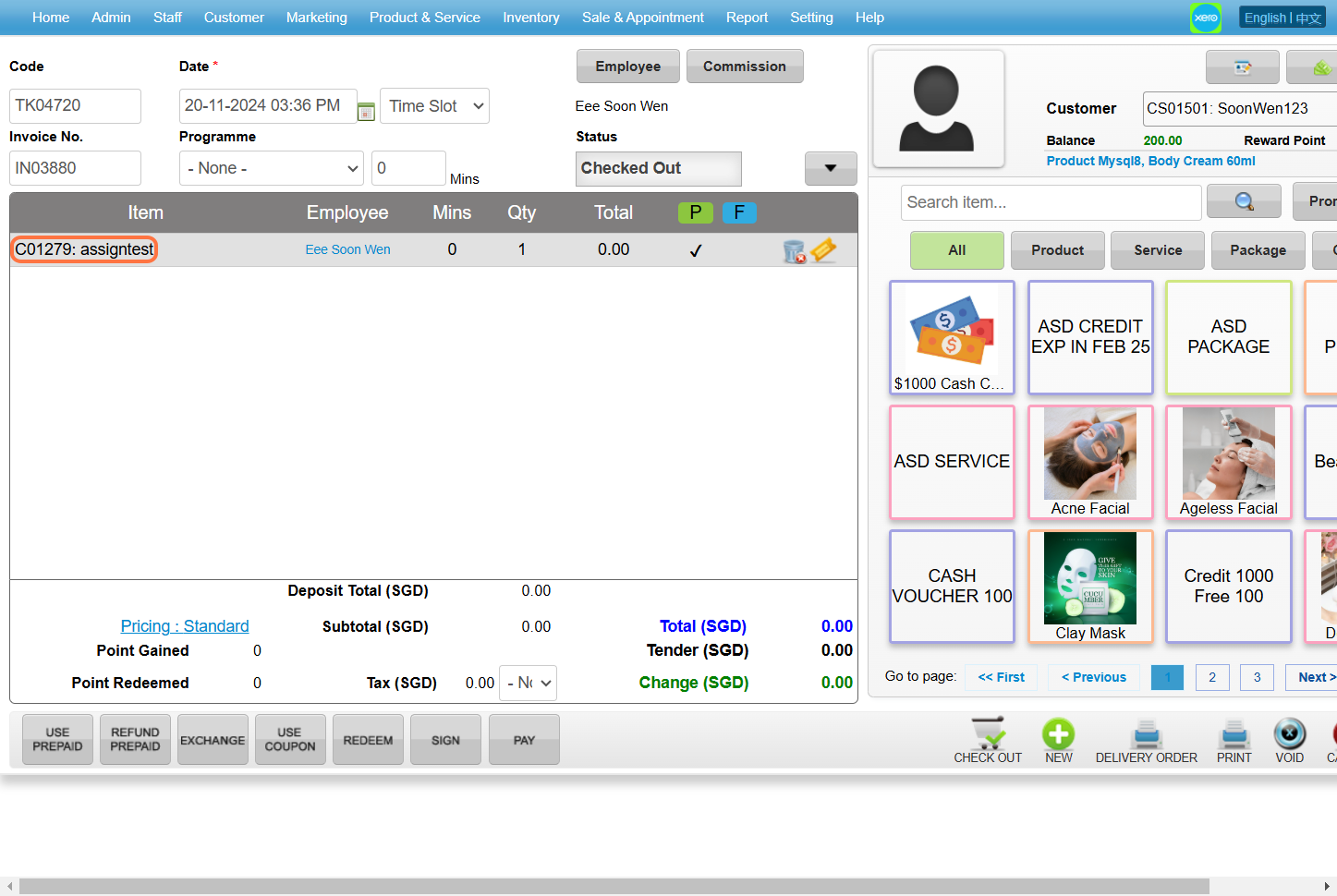
Step 12: Select “Prepaid(预付)” .
[!] If the prepaid option is not ticked, tick it.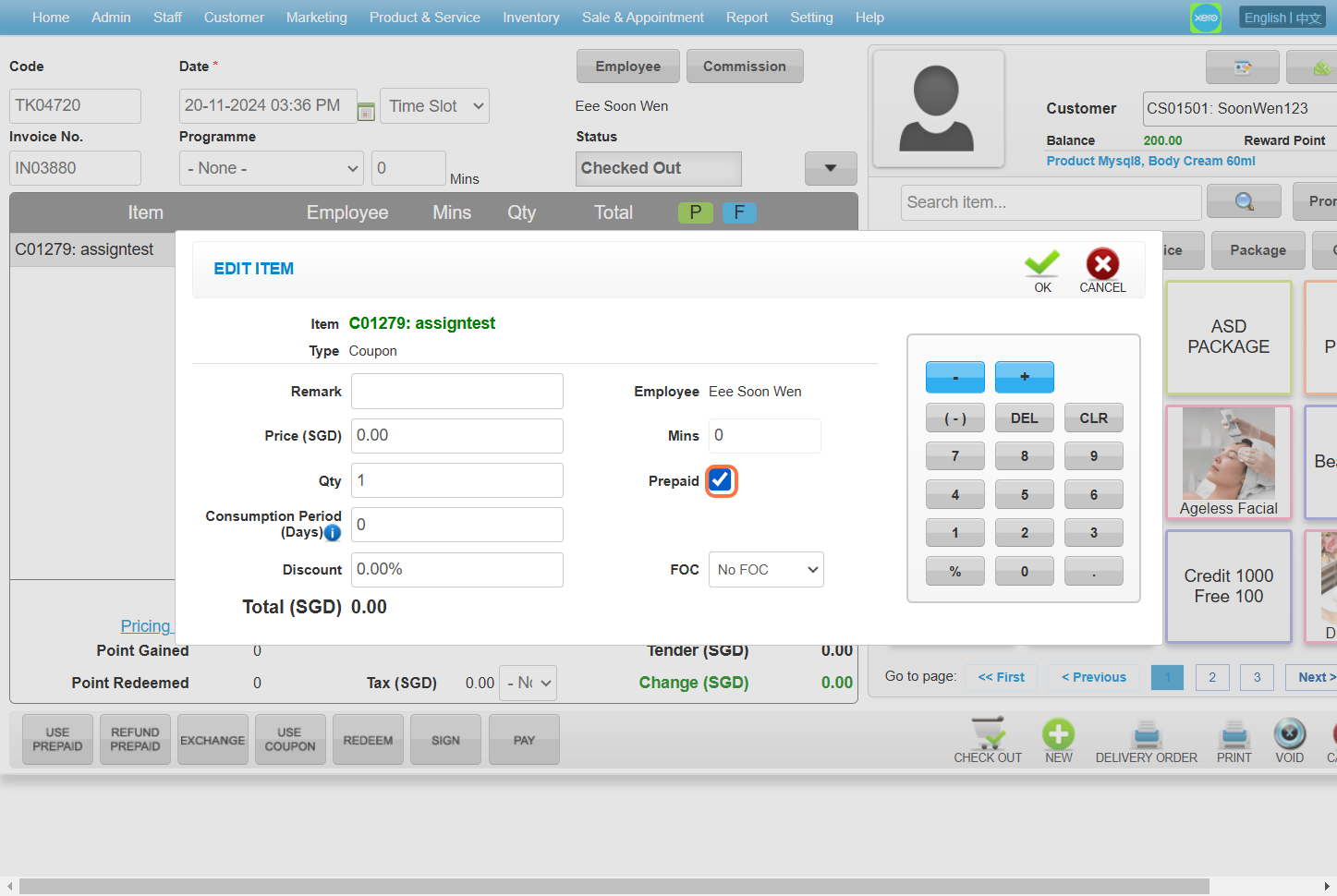
Step 13: Click “OK” .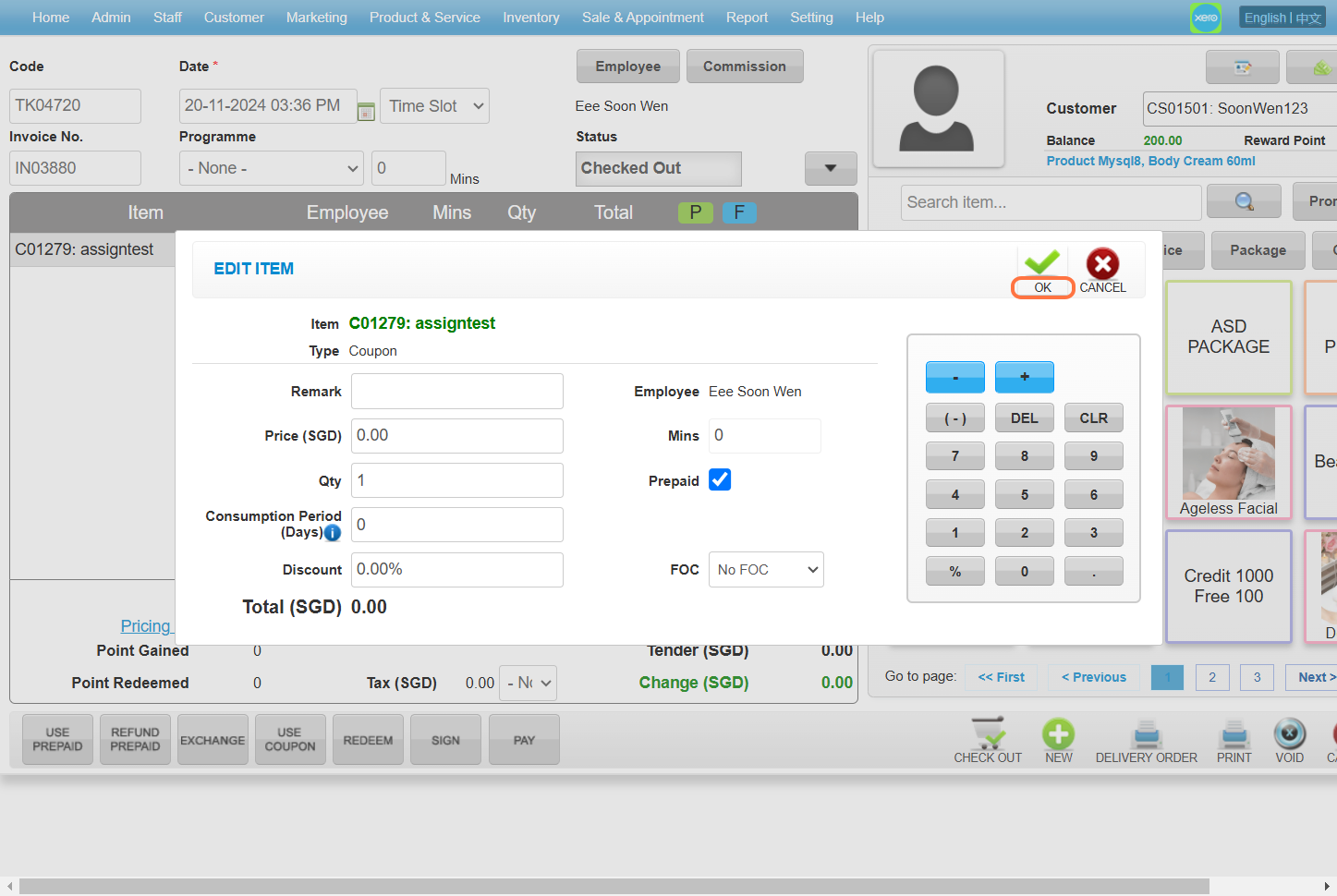
Step 14: Click “CHECK OUT(结账)” .
最后更新:2024年11月