
1. Click on “PRODUCT & SERVICE”。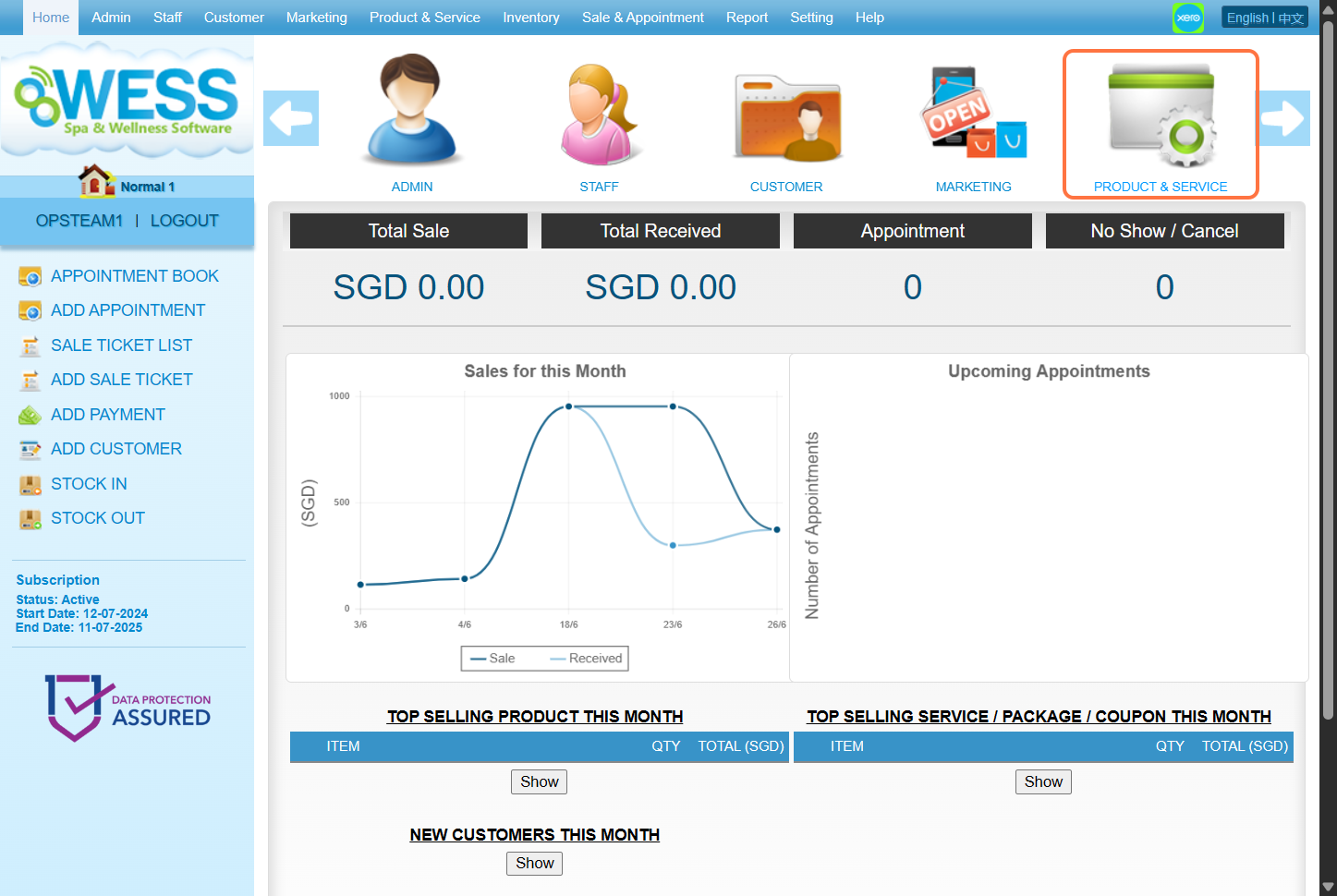
2. Click on “COUPON”。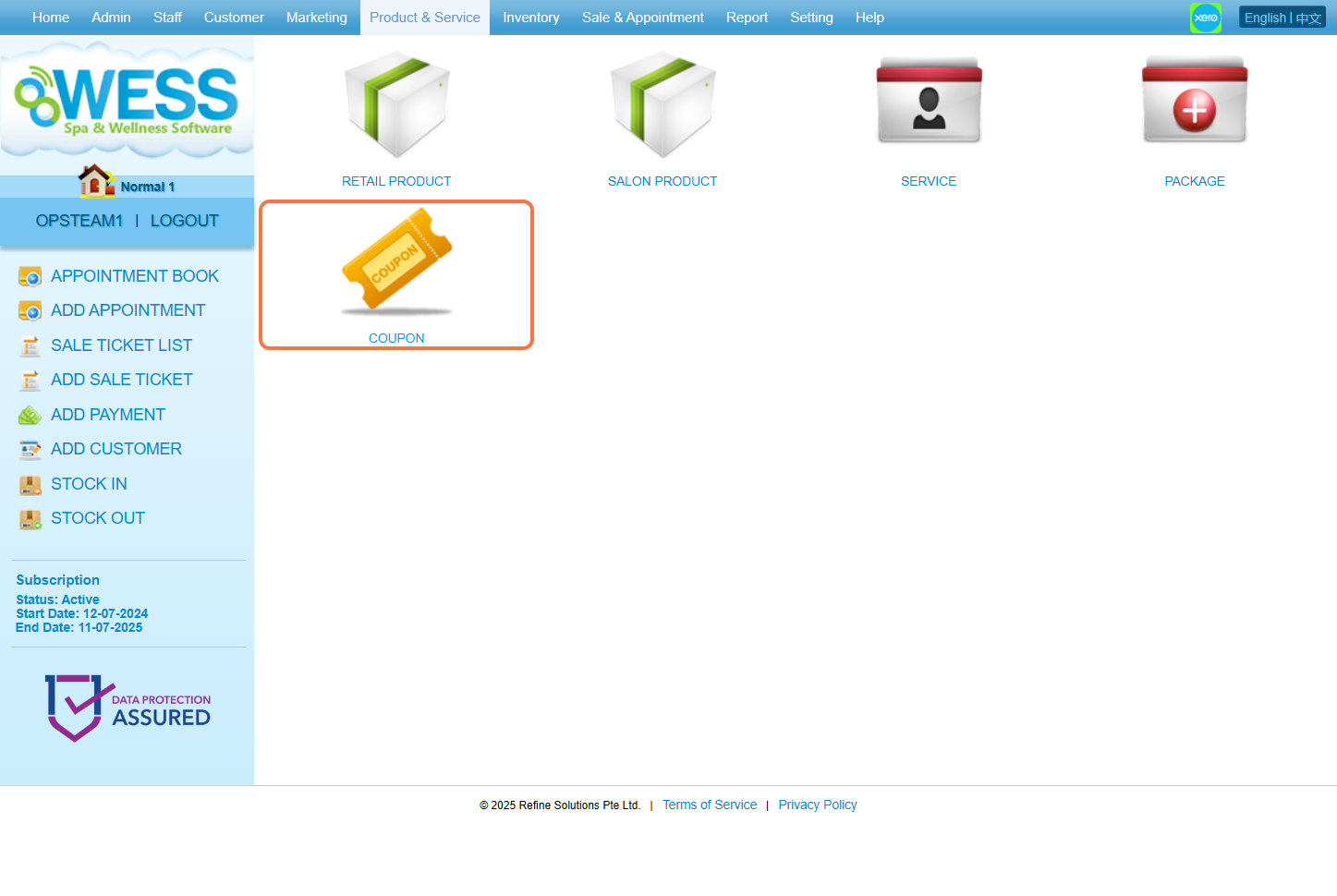
3. Click on “NEW”。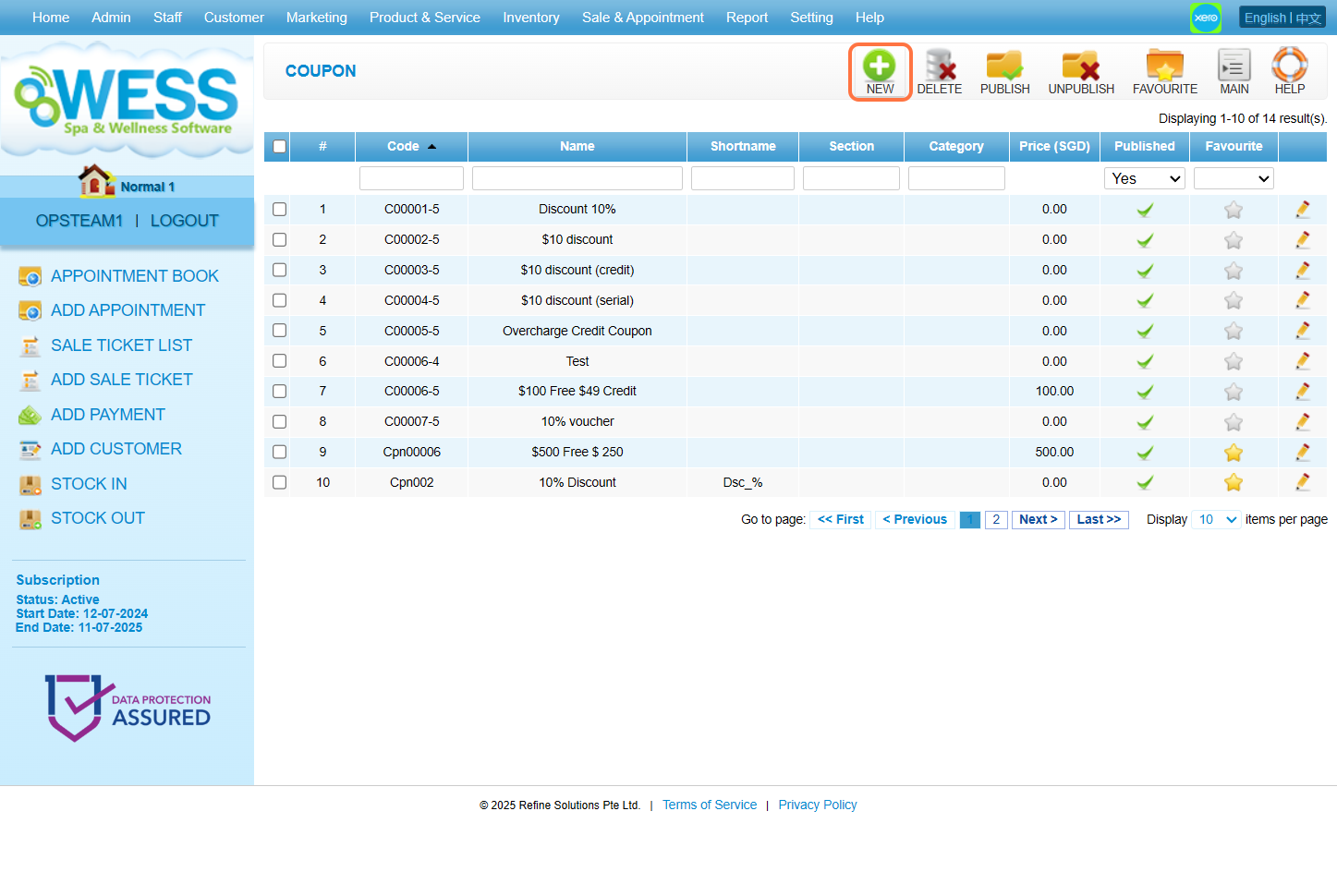
4. Fill in 固本详情。 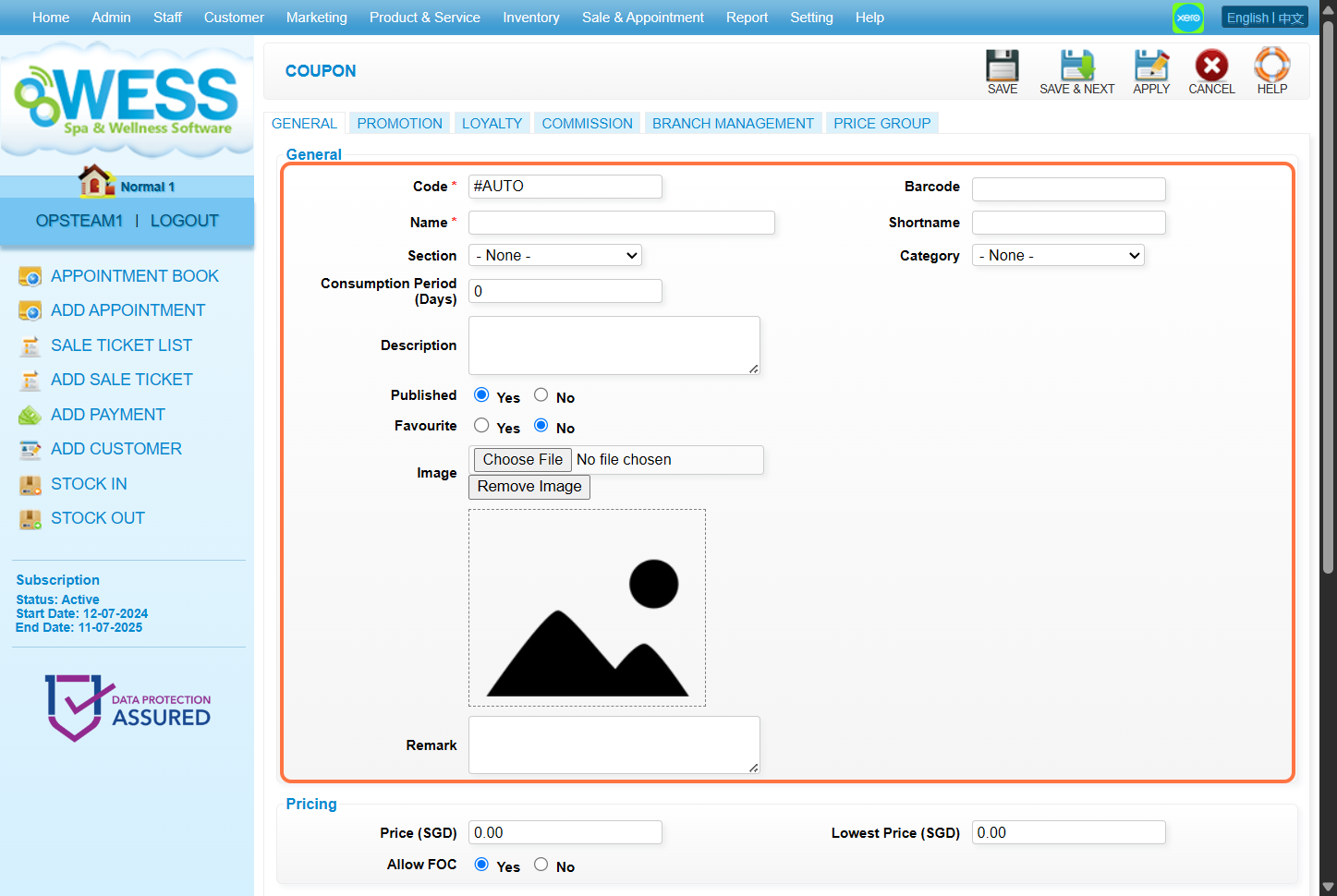
5. Fill in the “Price(价钱)” 填充框以所需价格。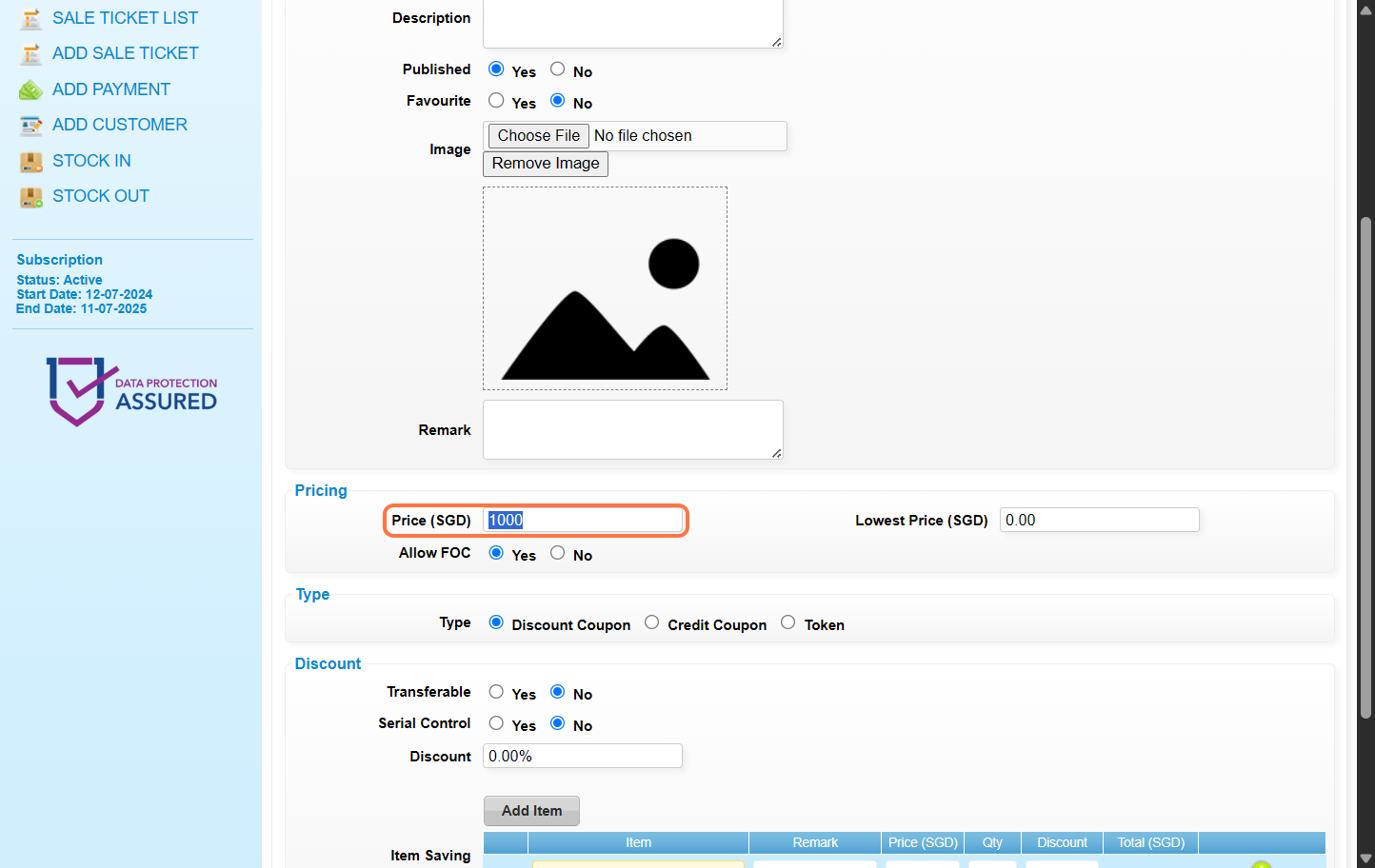
6. Select Credit Coupon.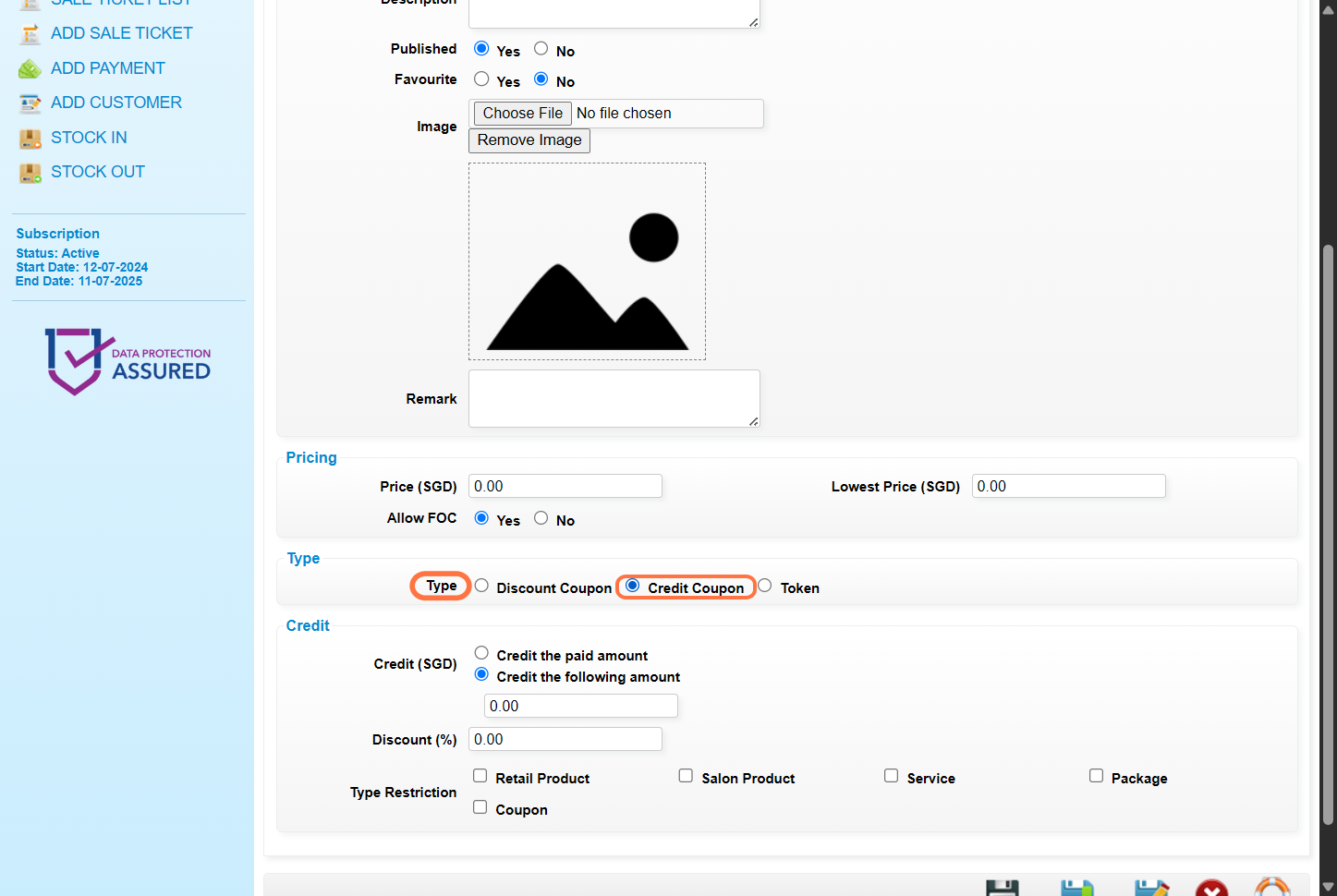
7. Select 记入已付金额 – 客户将会 得到与卖价相同的点数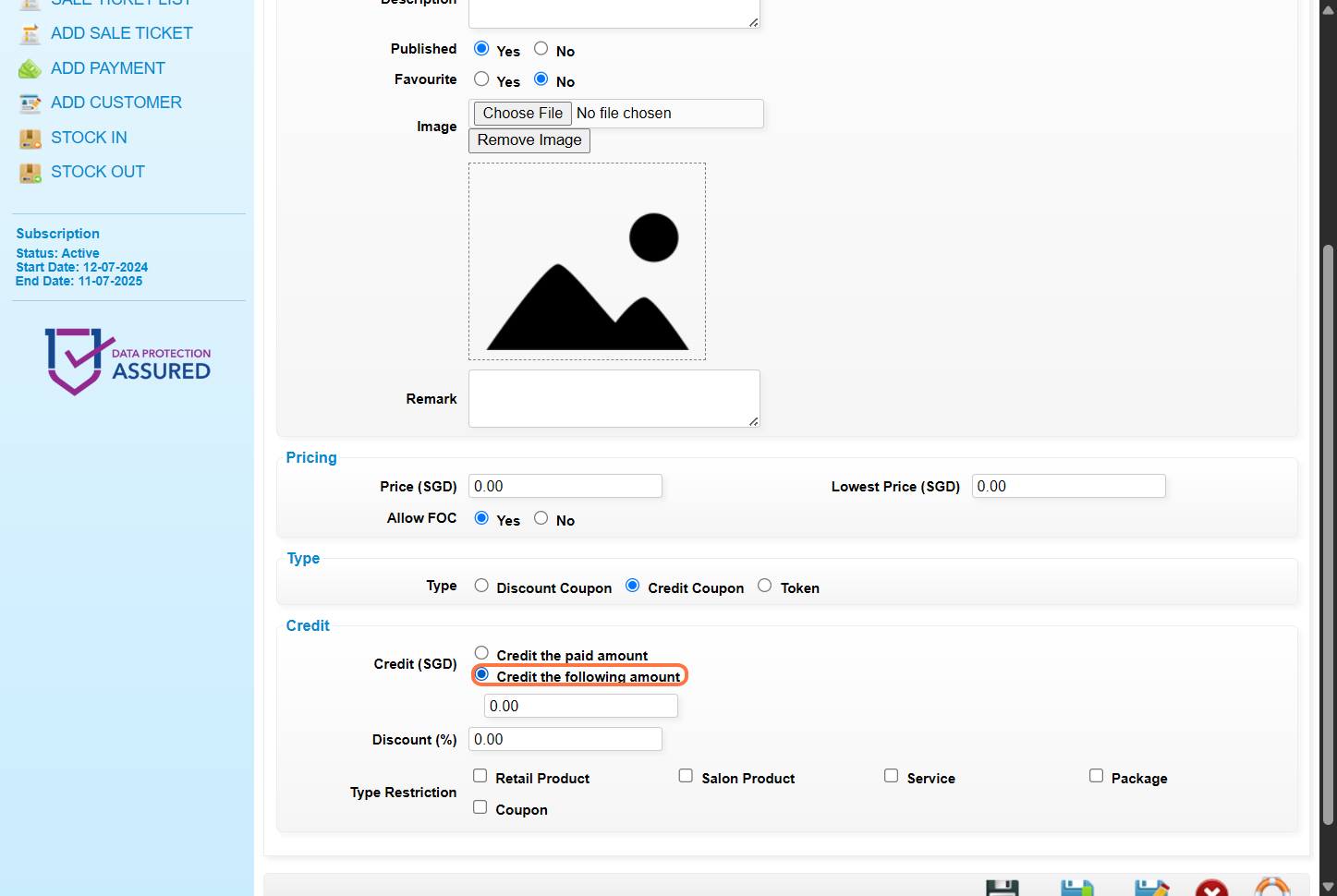
8. Step 8: Enter the credit number.
For example: Said credit coupon has 1000 points with the price being 1000 SGD, and the customer can get an extra 200 points after using the coupon. Then enter the total amount of points in this field: 1200 points.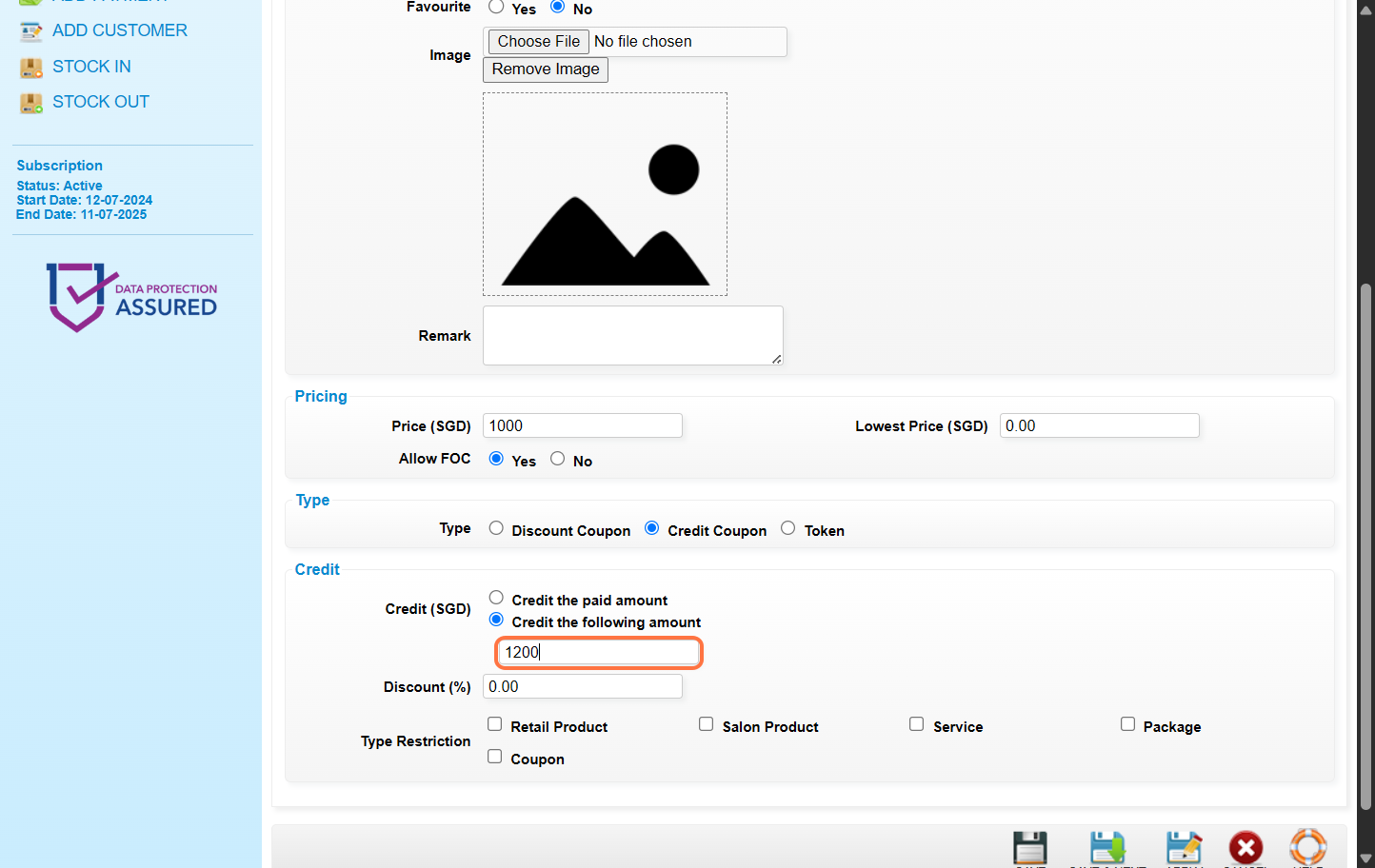
9. [Optional] Enter the 折扣金额 或 折扣百分比。例子:10 or 10%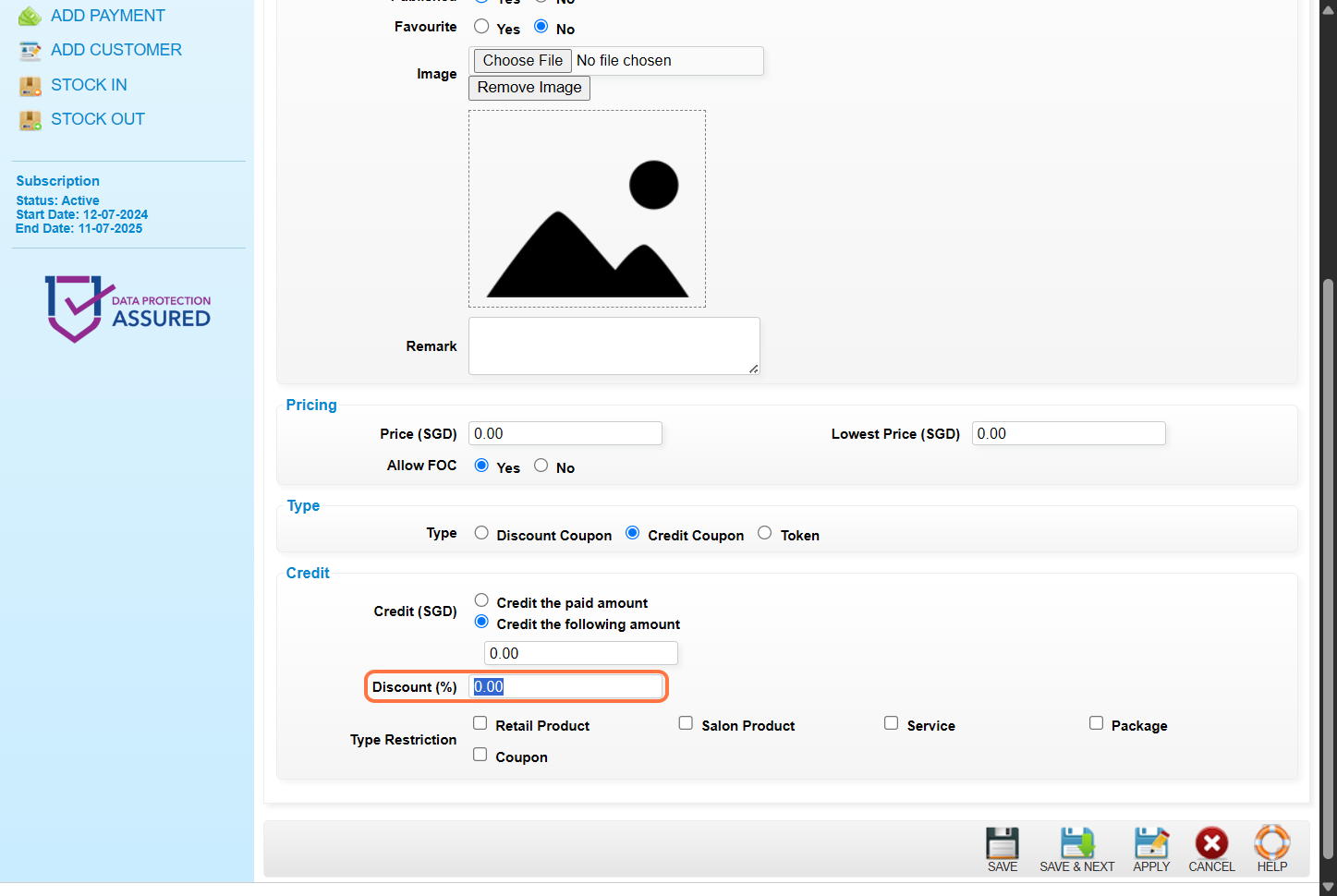
10. [Optional] Select the 点数可兑换的 · 项目种类。如果要 无限制的兑换, 请勿 选择任何物品种类。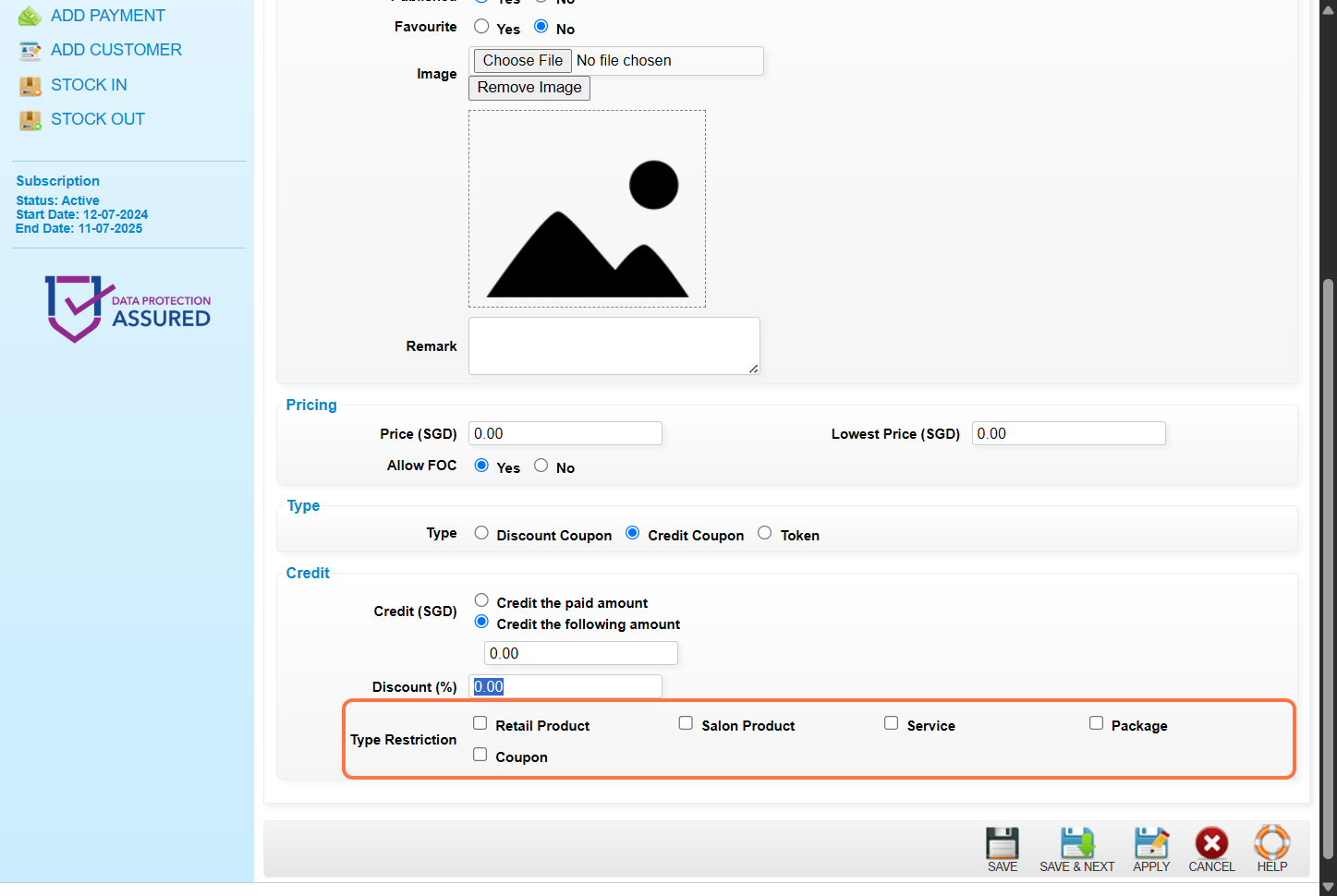
11. Click on “”SAVE””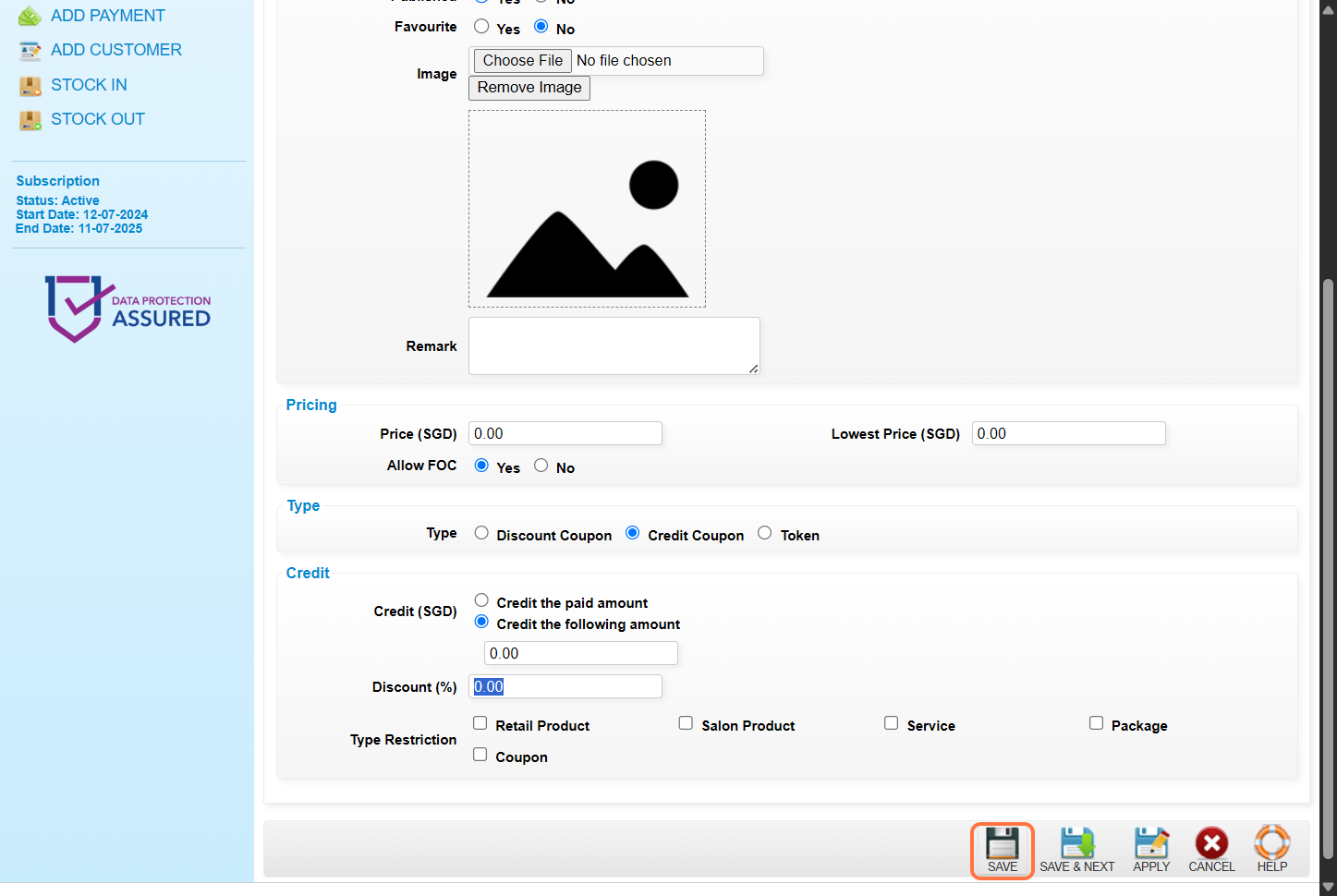
12. Make sure the 记录 已 保存. 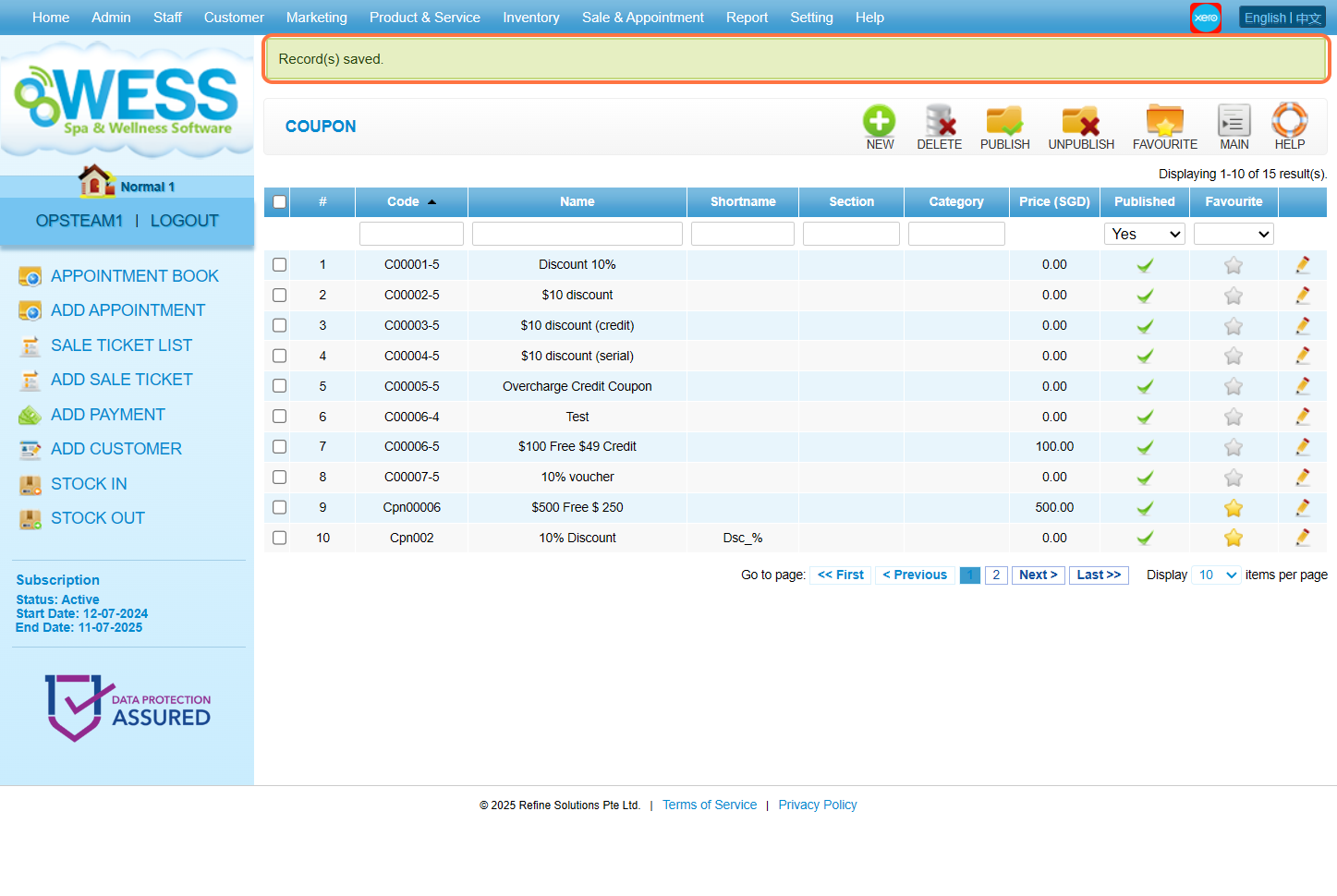
最后更新:2025年6月