
1. Click on “PRODUCT & SERVICE”。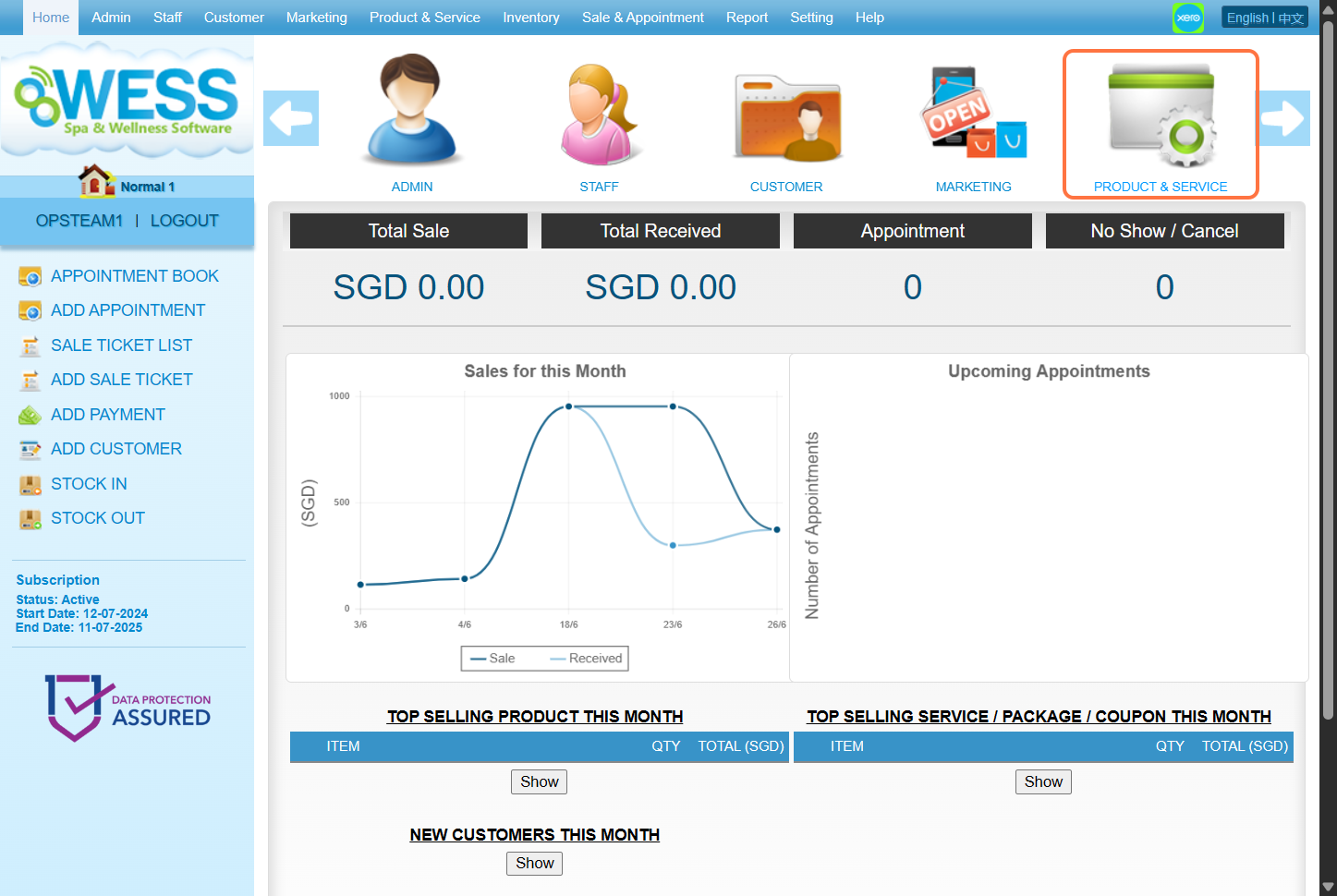
2. Click on “COUPON”。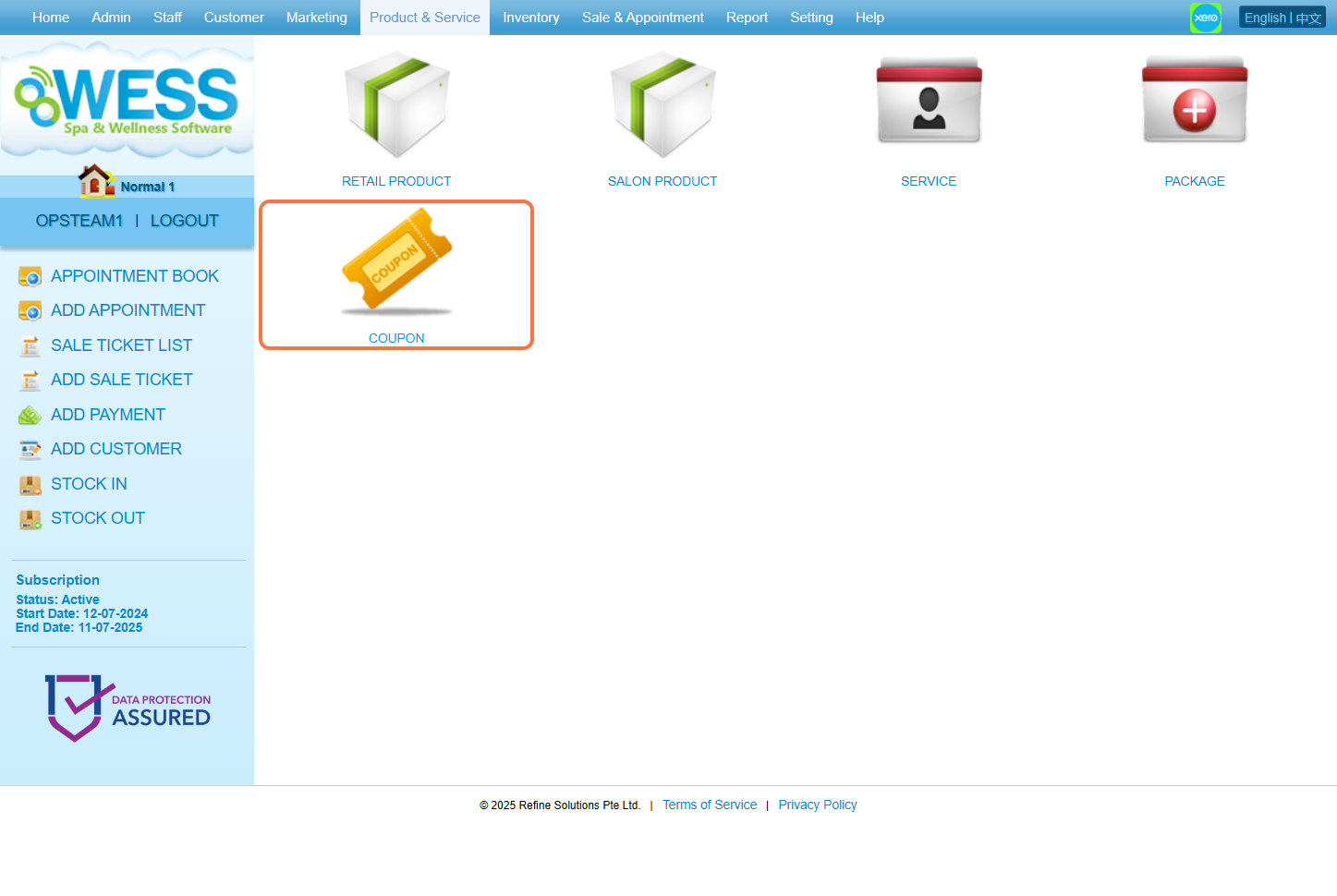
3. Click on “NEW”。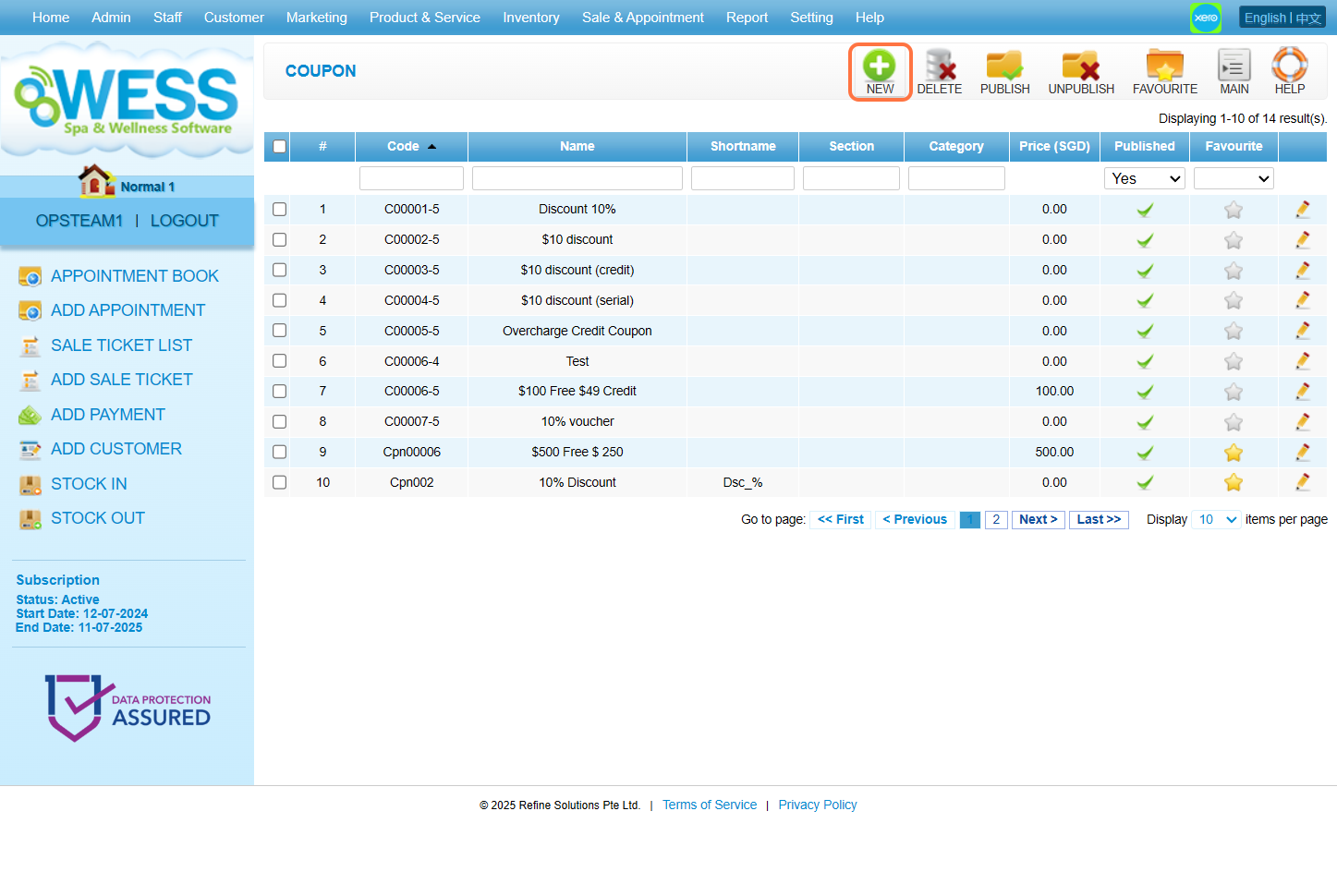
4. Fill in 固本详情。 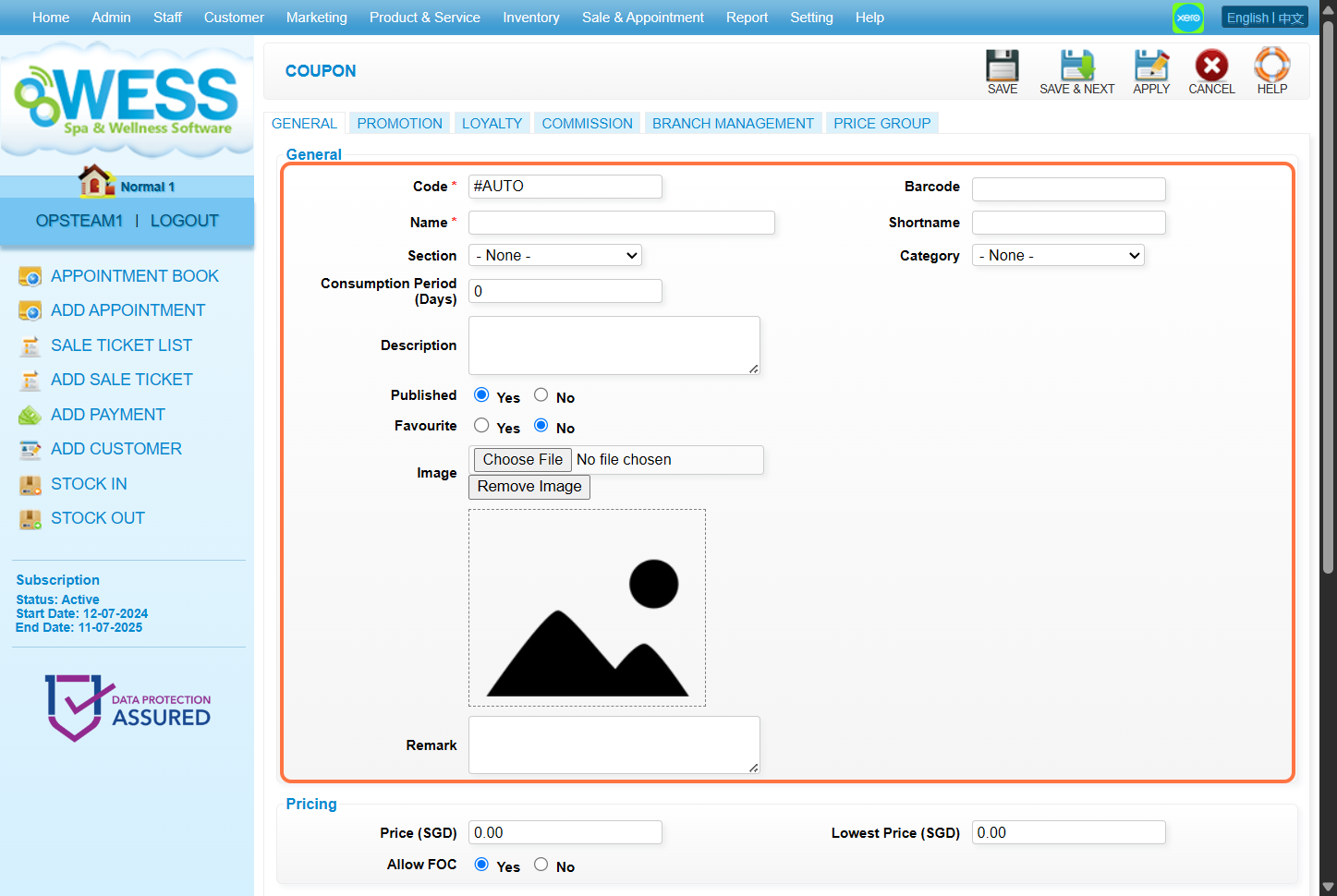
5. Fill in the “Price(价钱)” 填充框以所需价格。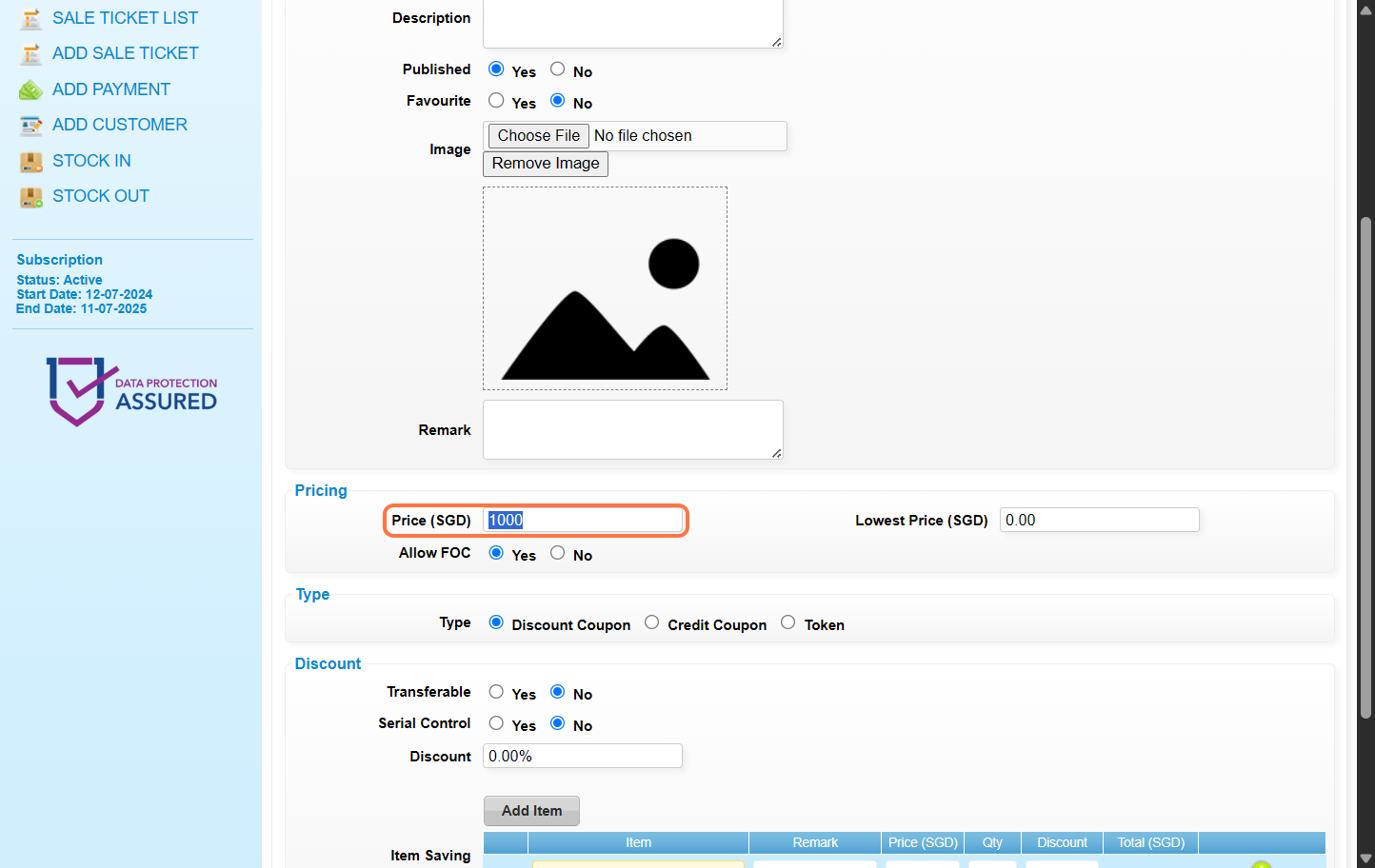
6. Select Credit Coupon.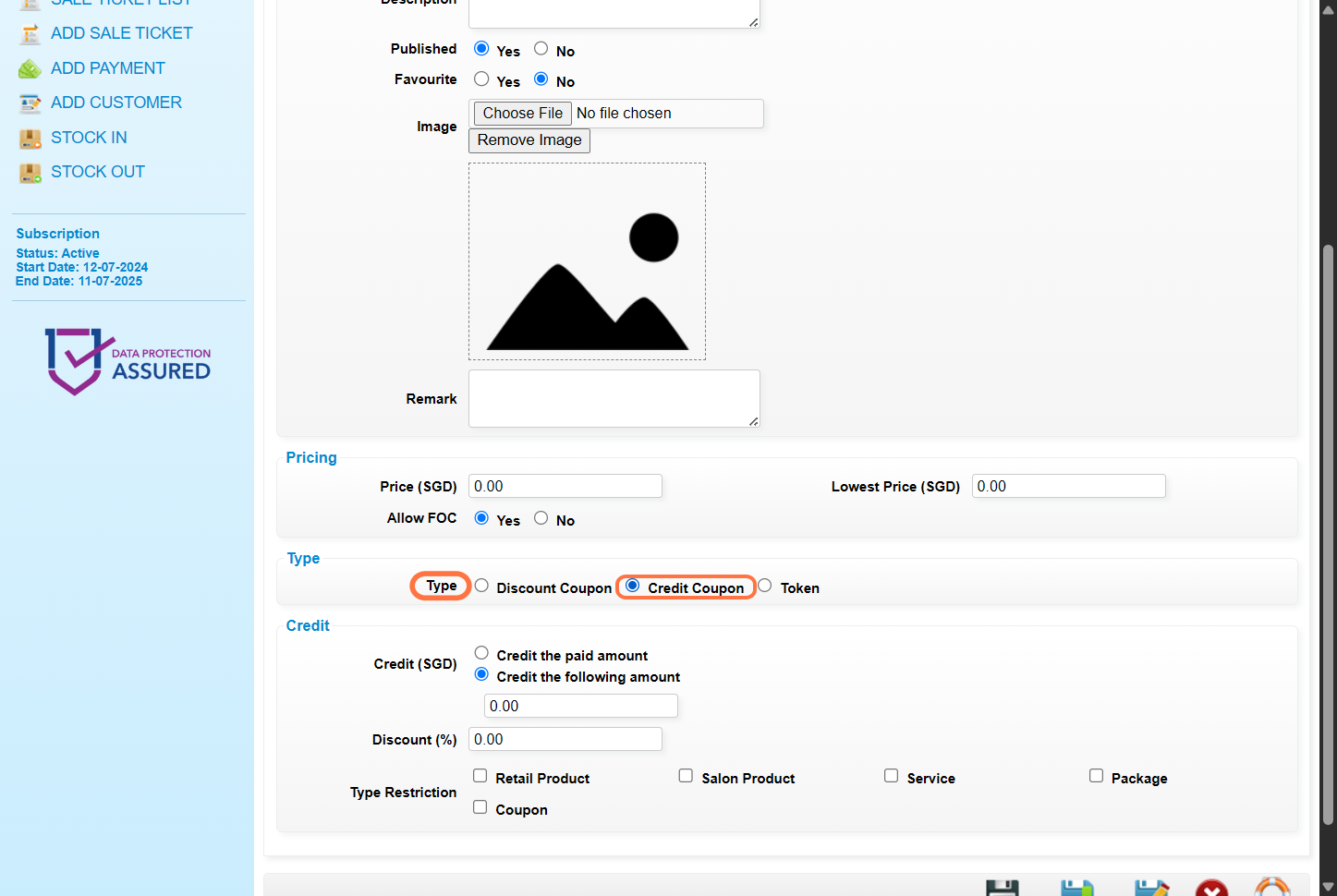
7. Select 记入已付金额 – 客户将会 得到与卖价相同的点数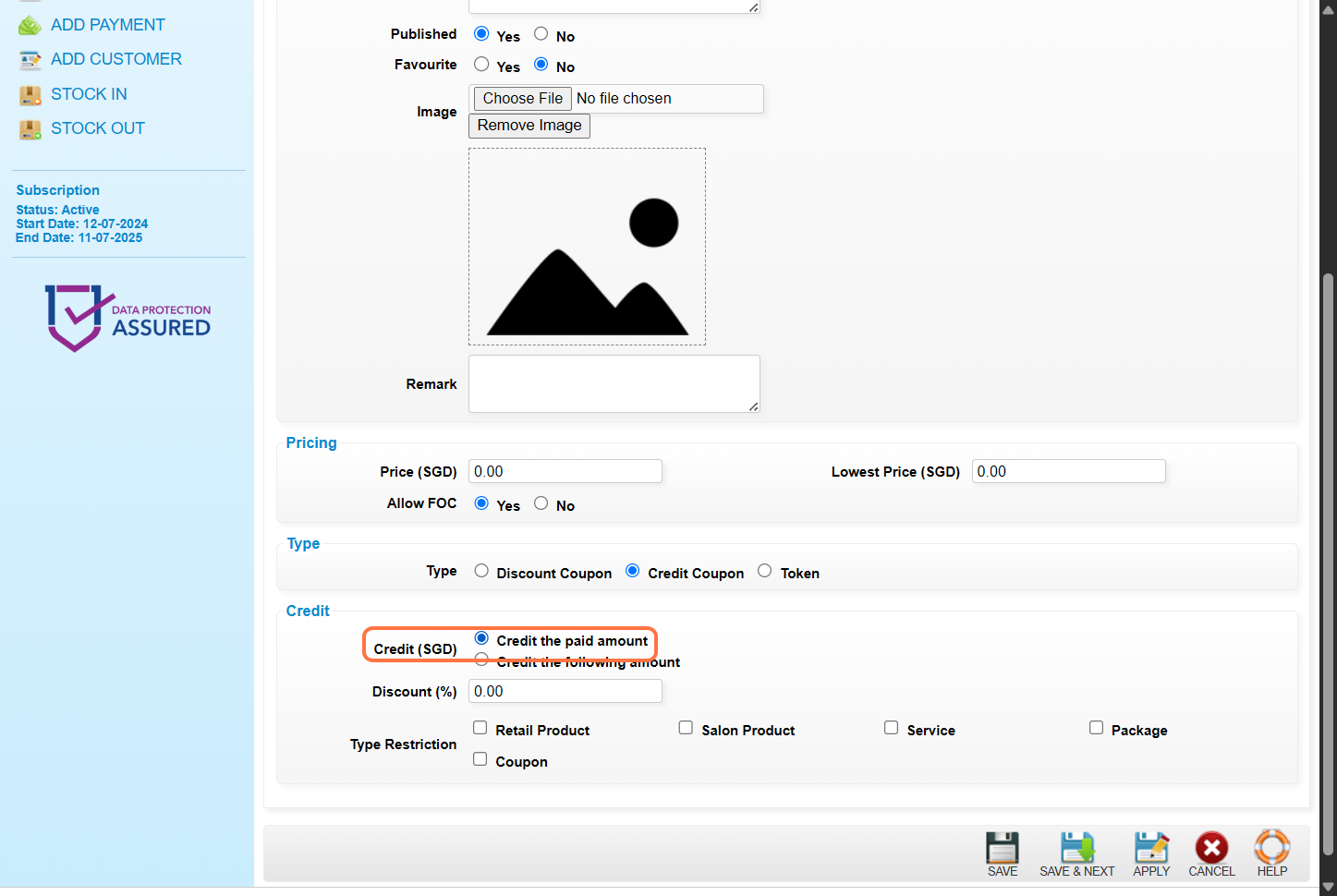
8. [Optional] Enter the 折扣金额 或 折扣百分比。例子:10 or 10%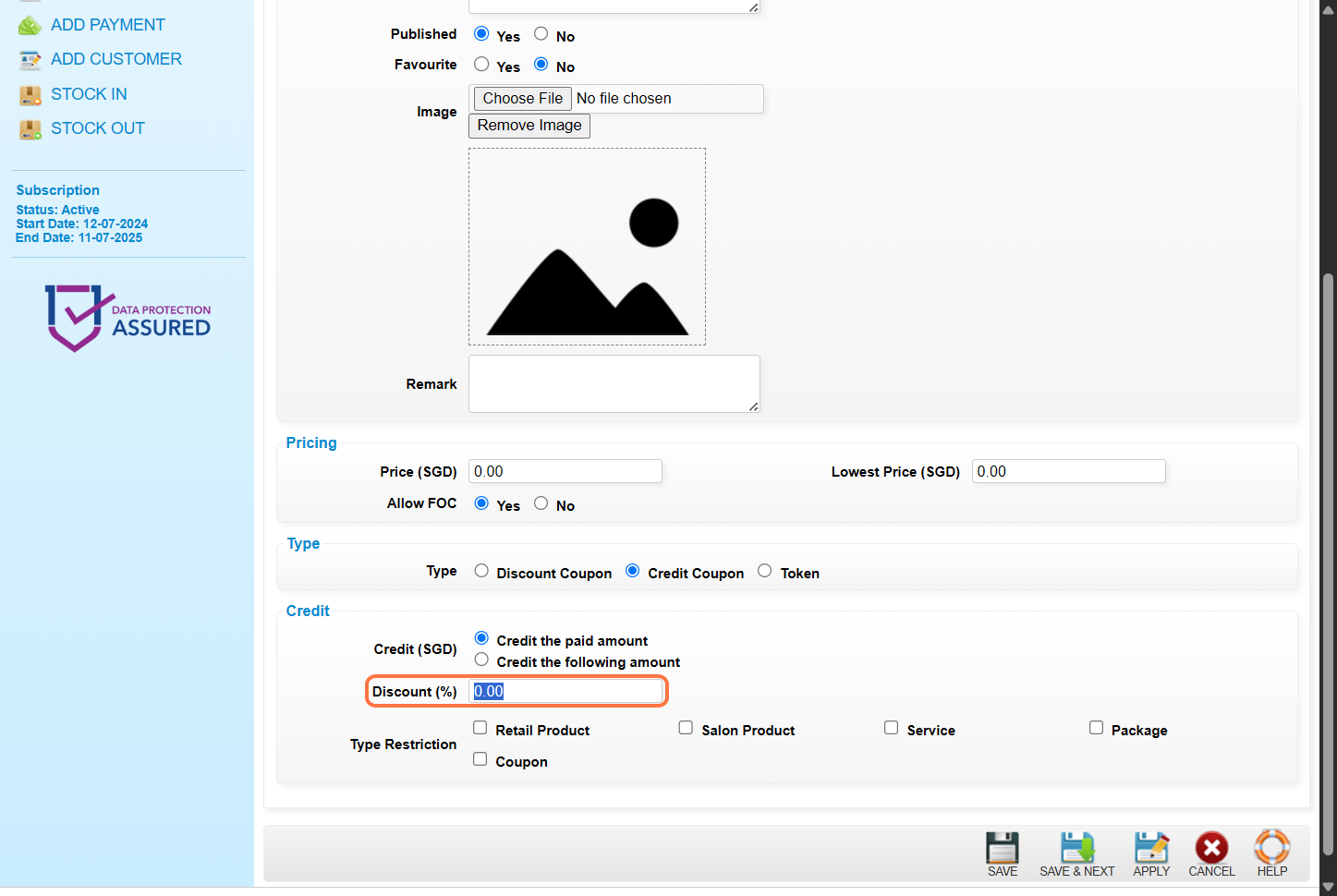
9. [Optional] Select the 点数可兑换的 · 项目种类。如果要 无限制的兑换, 请勿 选择任何物品种类。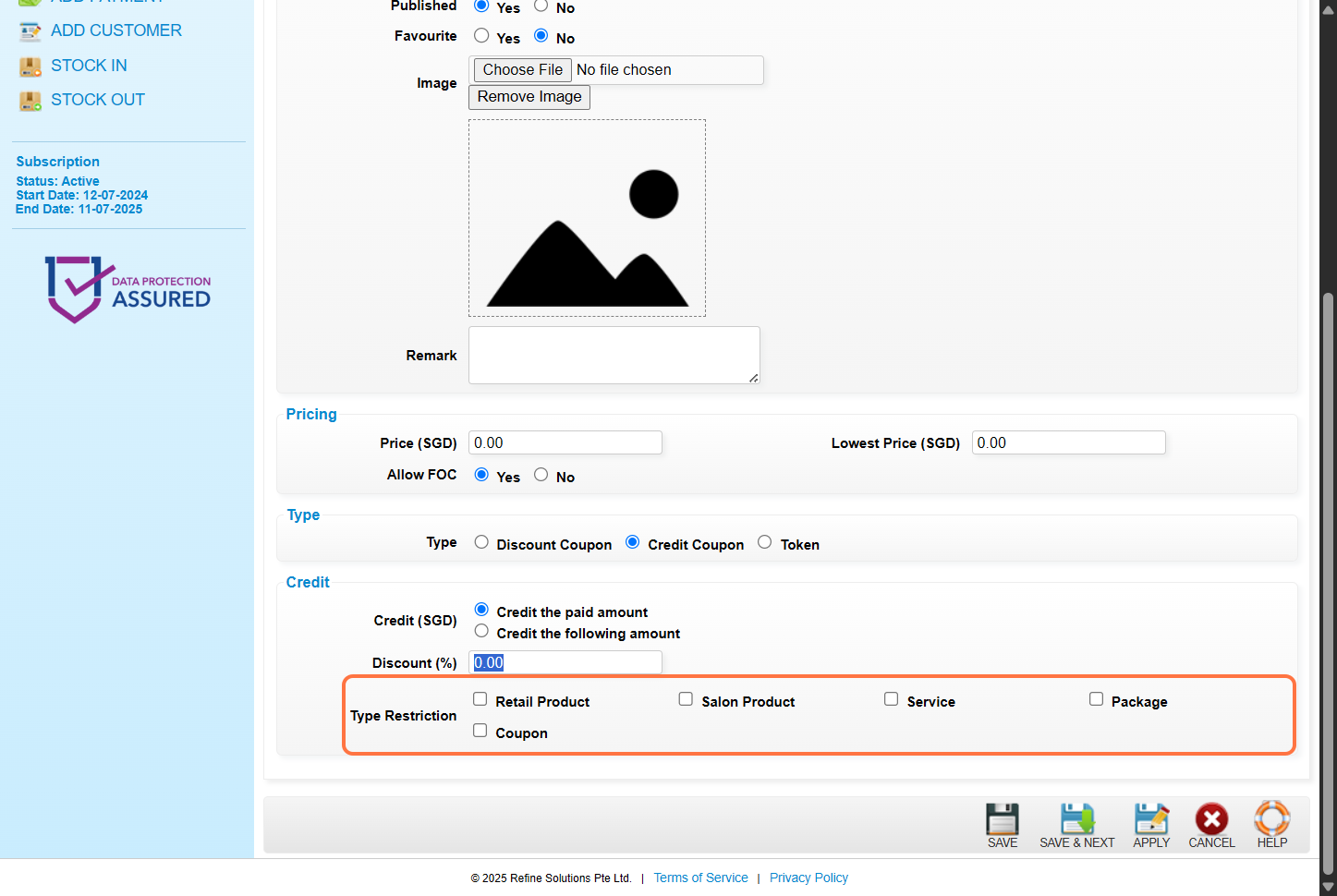
10. Click on “”SAVE””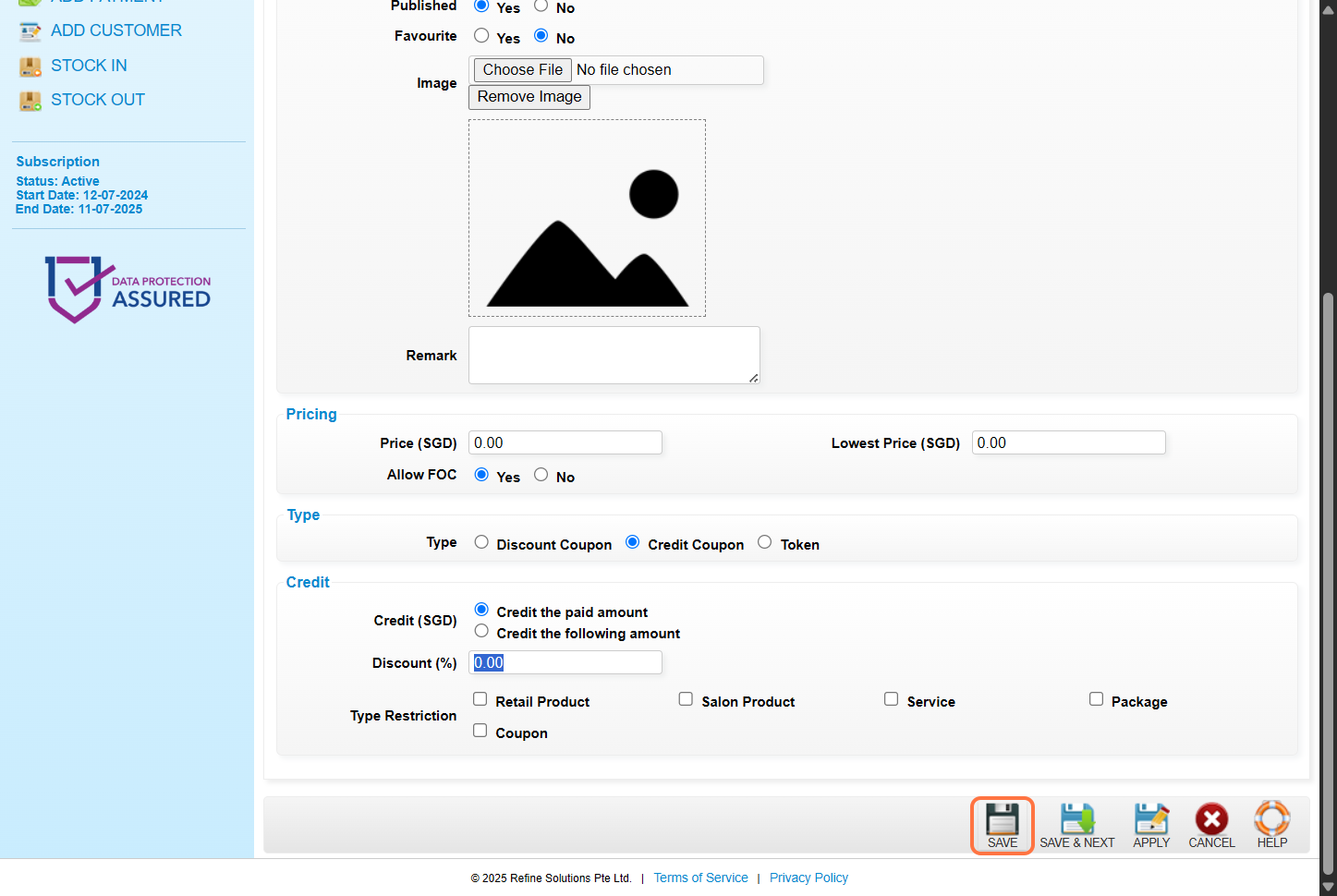
11. Make sure the 记录 已 保存. 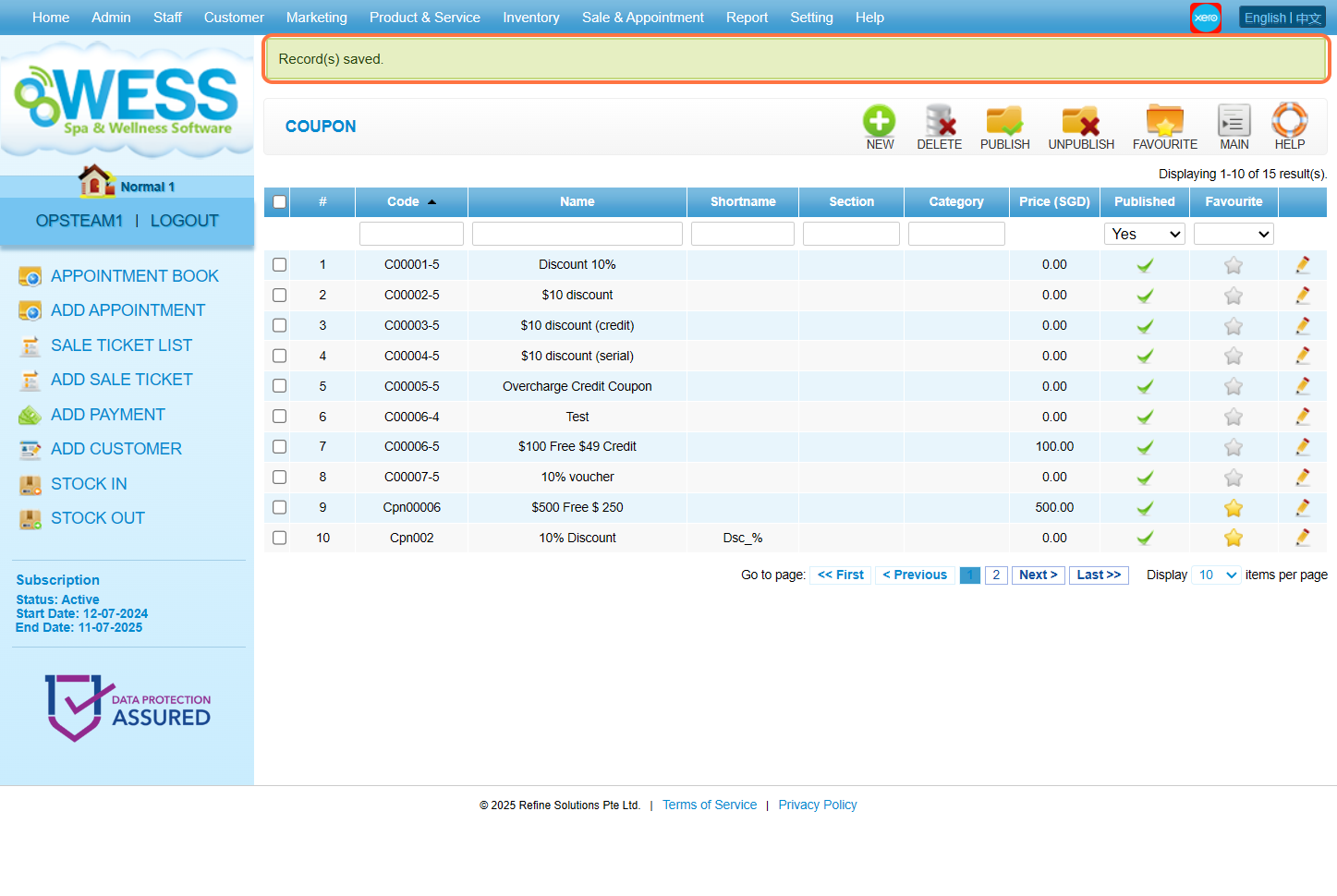
最后更新:2025年6月