
Step 1: Click “SALE & APPOINTMENT”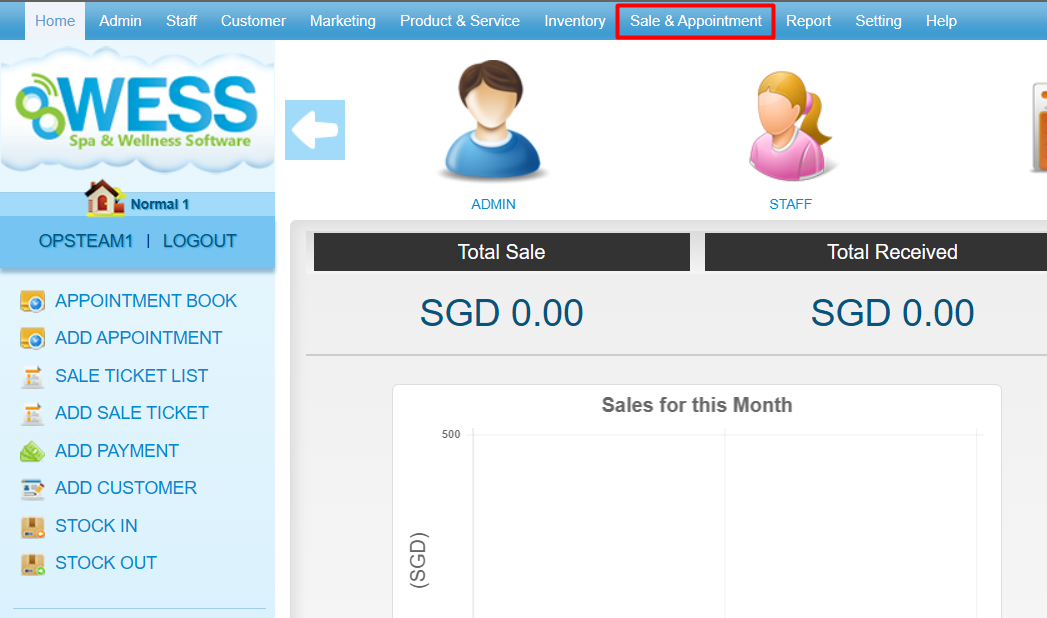
Step 2: Click “PETTY CASH”
Step 3: Click “NEW”
Step 4: Fill in petty cash details
Step 4: Click “SAVE”
Last update: August 2025
Step 1: Click “SALE & APPOINTMENT”
Step 2: Click “PETTY CASH”
Step 3: Click “NEW”
Step 4: Fill in petty cash details
Step 4: Click “SAVE”
Last update: August 2025