
Step 1: Click “SALE & APPOINTMENT”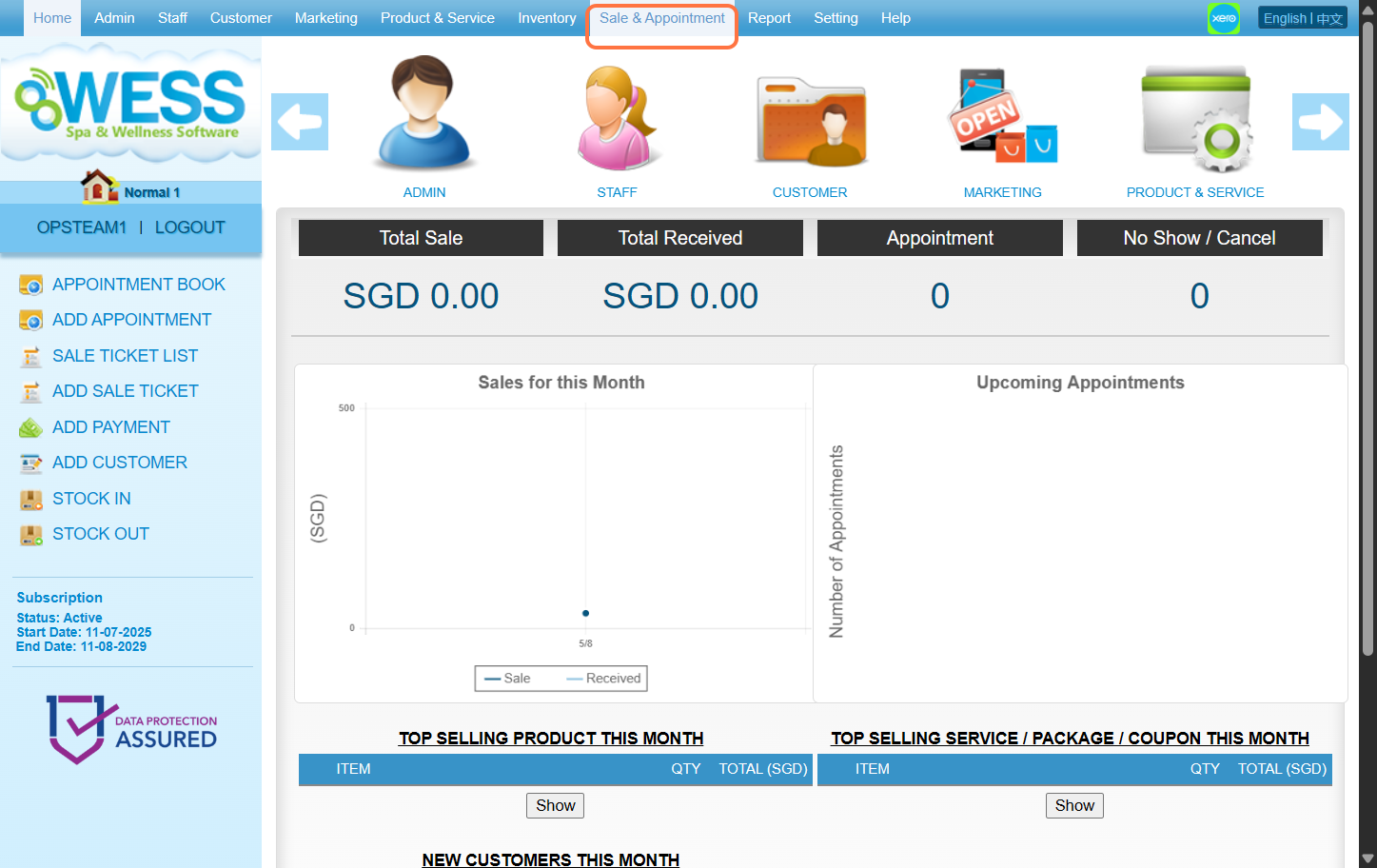
Step 2: Click “CUSTOMER OPENING BALANCE”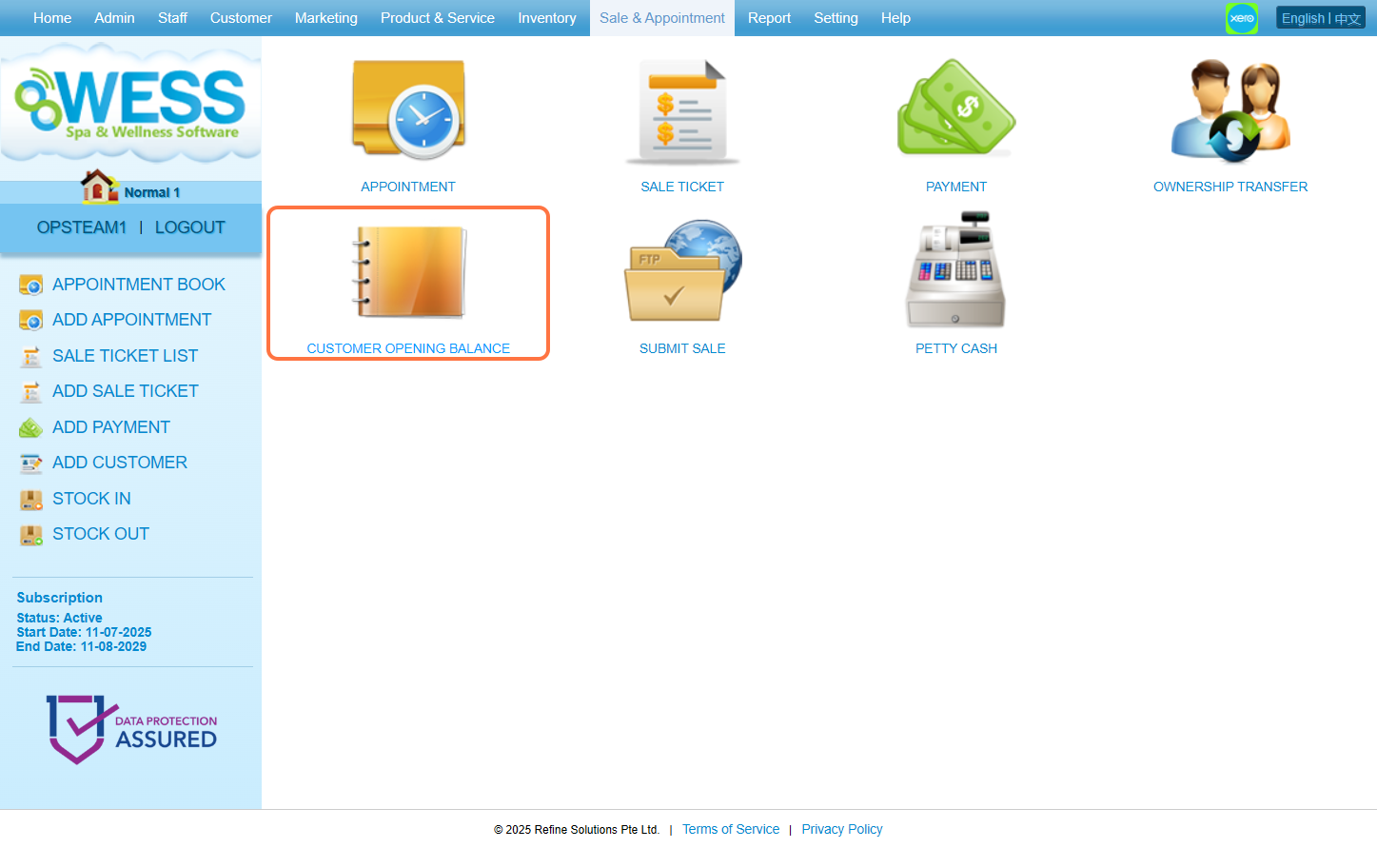
Step 3: Click “NEW”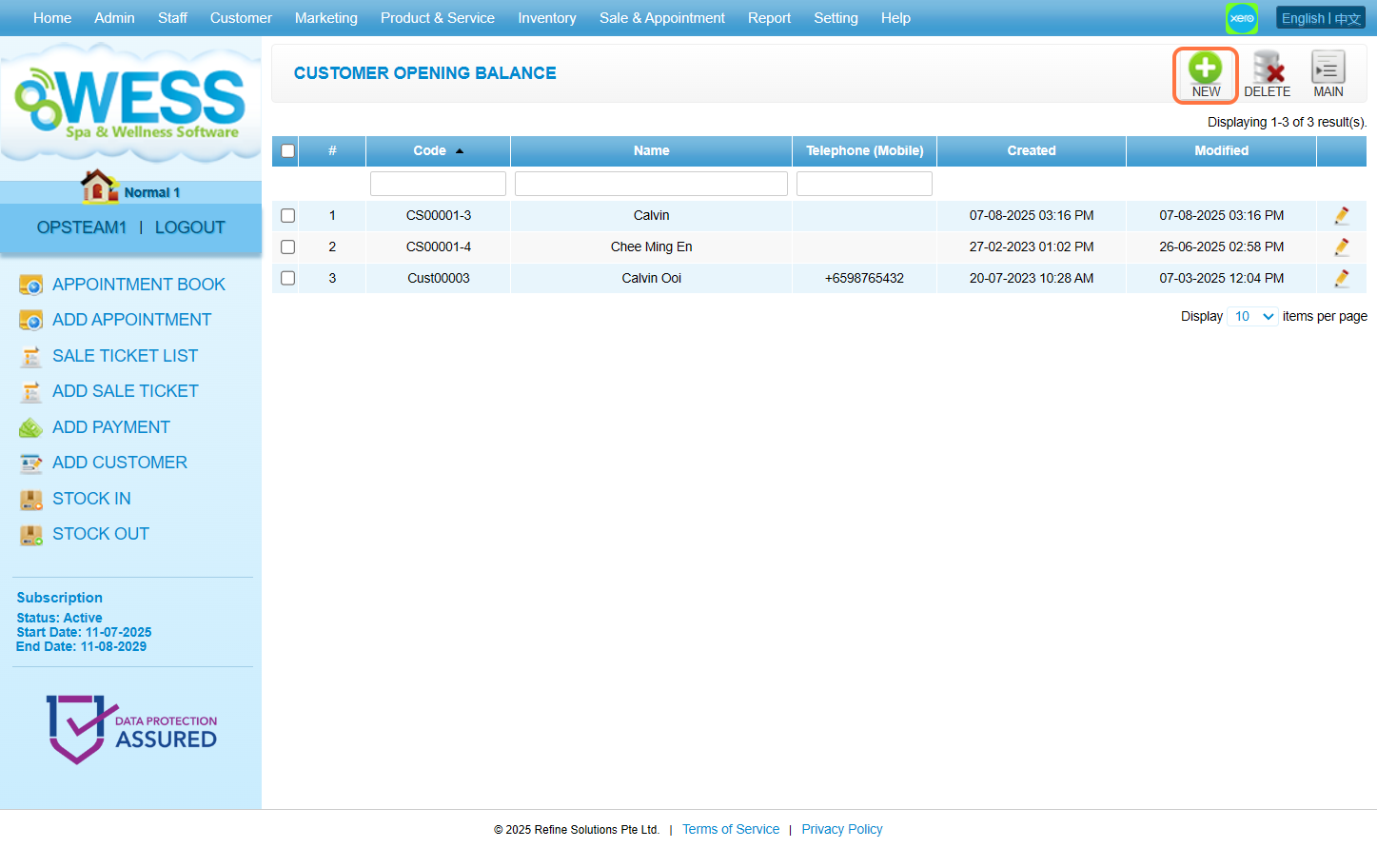
Step 4: Enter the customer name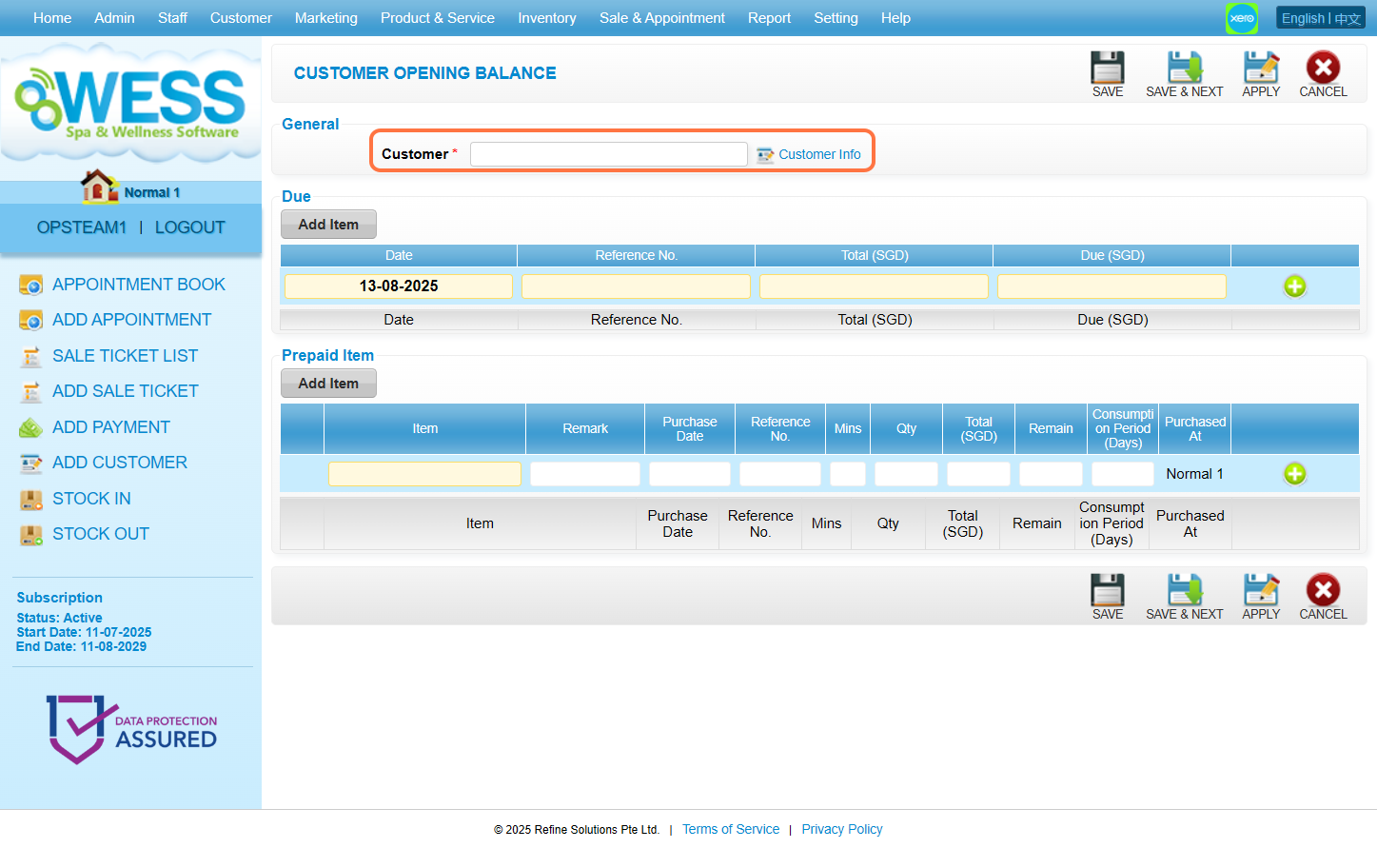
Step 5: Fill in the cash amount that customer owe the salon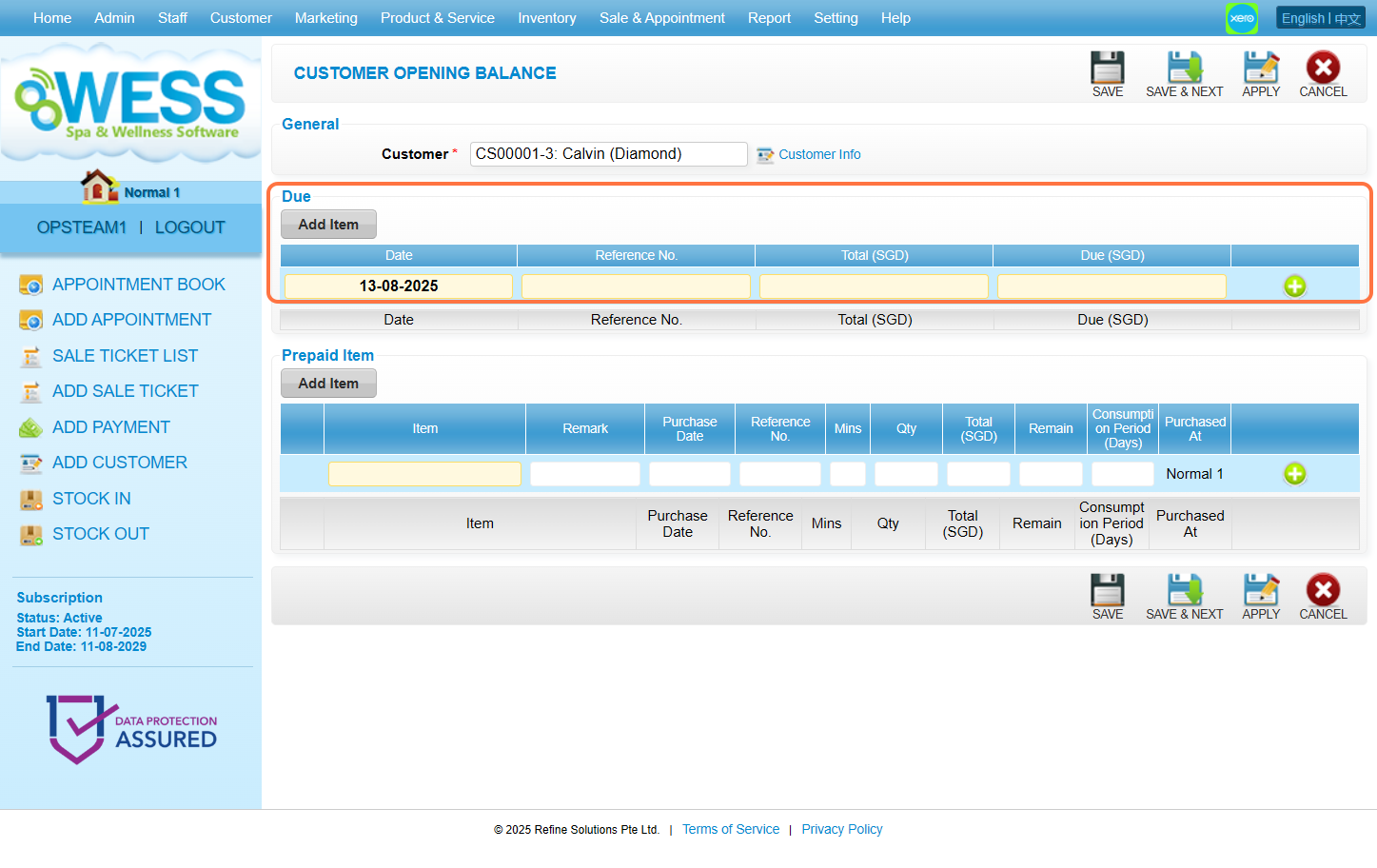
Step 6: Fill in the remaining package session from customer (eg: Retail & Salon Products, Services, Coupons). 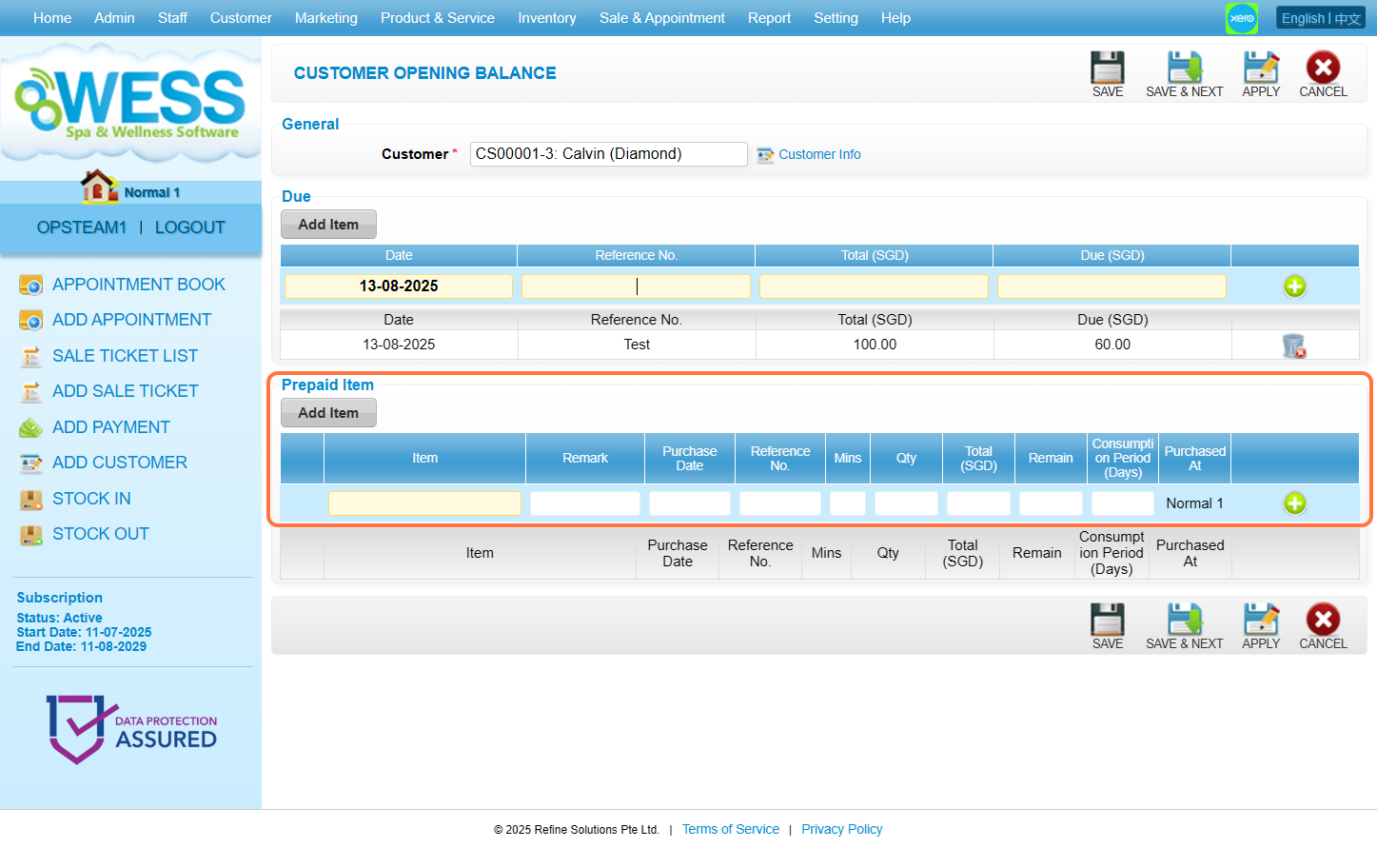
Step 7: Click “SAVE”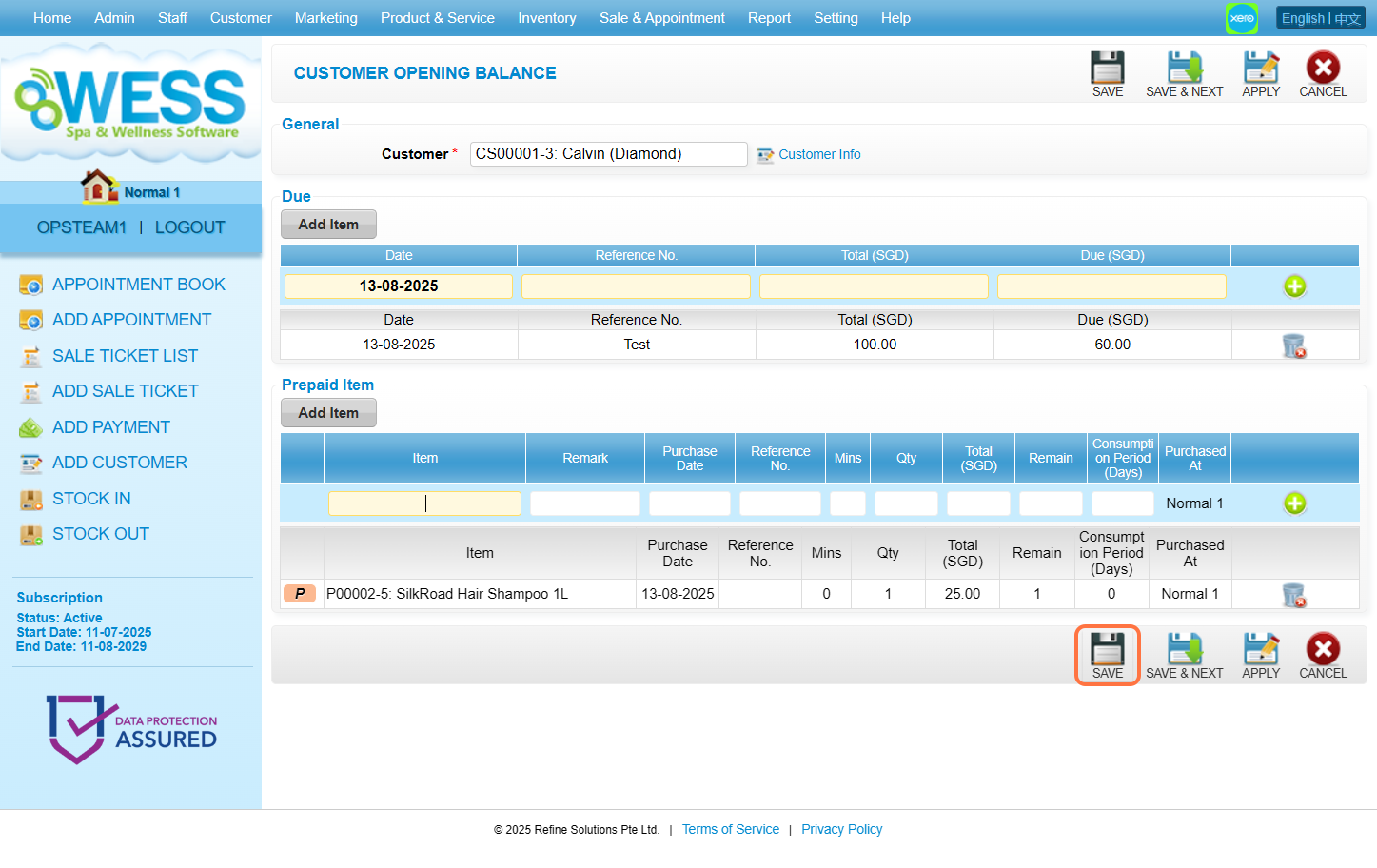
Last update: August 2025