
Step 1: Click “SALE & APPOINTMENT”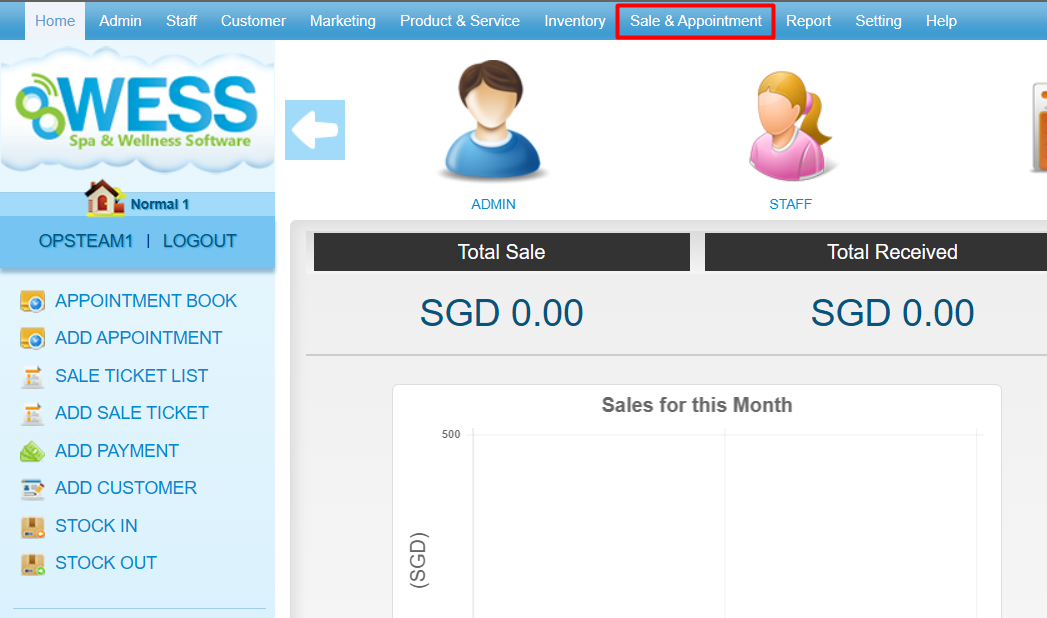
Step 2: Click “OWNERSHIP TRANSFER”
Step 3: Click “NEW”
Step 4: Enter the customer name
Step 5: Click “TRANSFER PREPAID”
Step 6: Tick and enter the quantity that want to transfer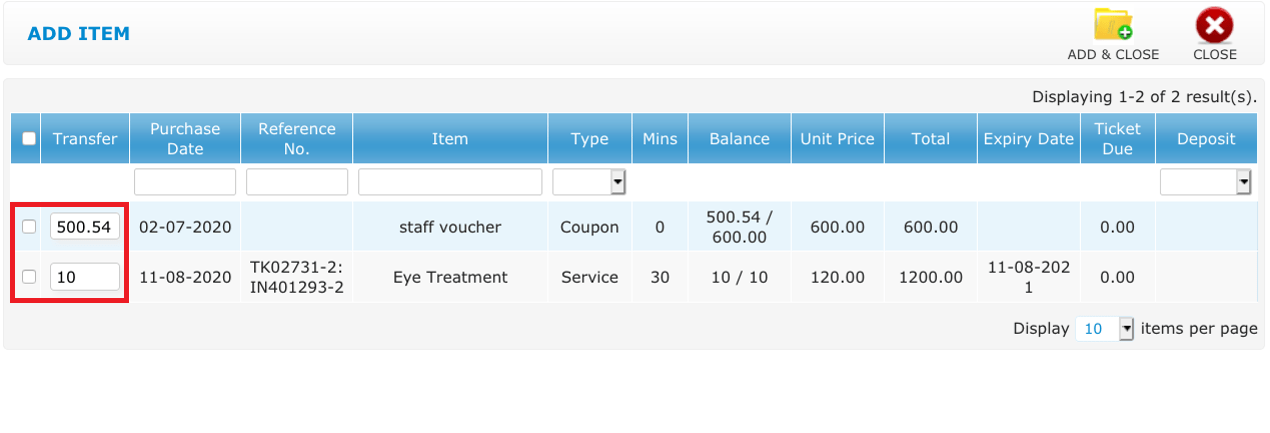
Step 7: Click “ADD & CLOSE”
Step 8: Click “SAVE”
Last update: August 2025