
Step 1: Click “SALE & APPOINTMENT”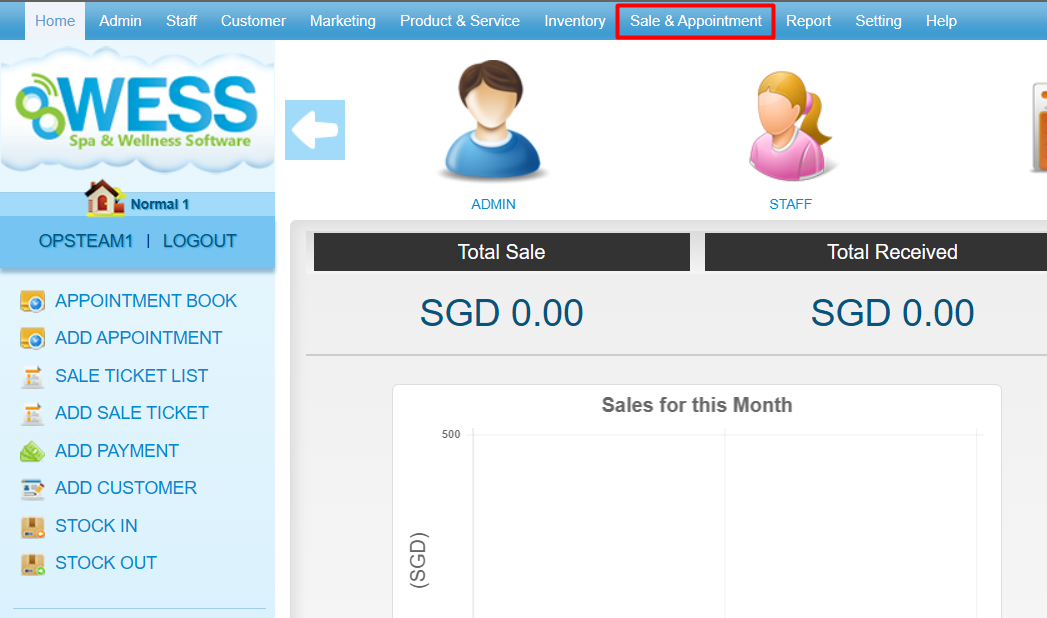
Step 2: Click “PAYMENT”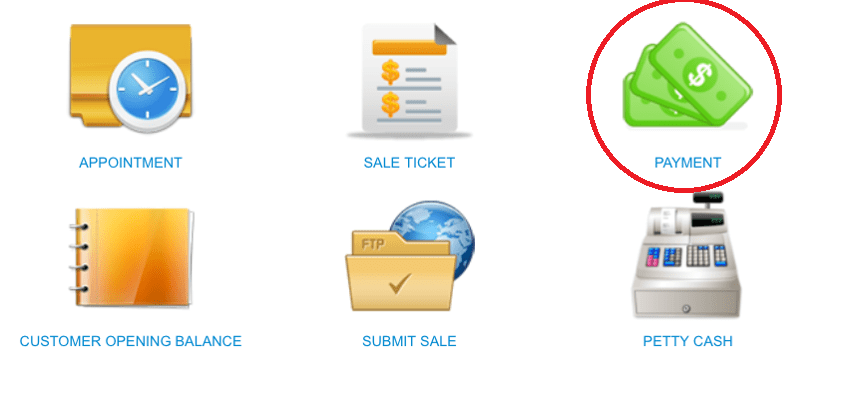
Step 3: Select the payment record
Step 4: Click “EDIT”
Step 5: You can make the changes if needed
Step 6: Click “PAY + RECEIPT”
Last update: August 2025
Step 1: Click “SALE & APPOINTMENT”
Step 2: Click “PAYMENT”
Step 3: Select the payment record
Step 4: Click “EDIT”
Step 5: You can make the changes if needed
Step 6: Click “PAY + RECEIPT”
Last update: August 2025