
Step 1: Click “INVENTORY”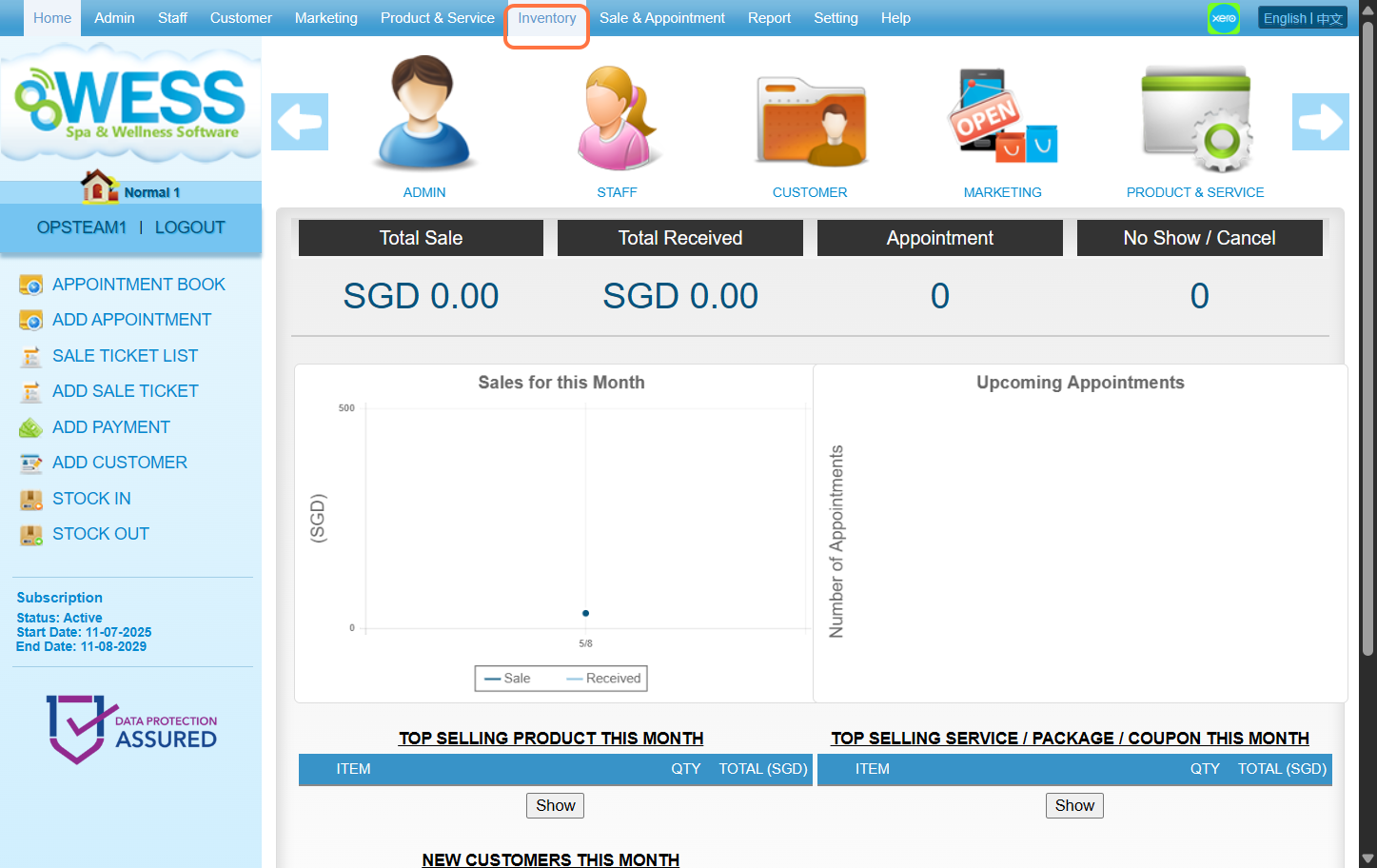
Step 2: Click “STOCK TAKE”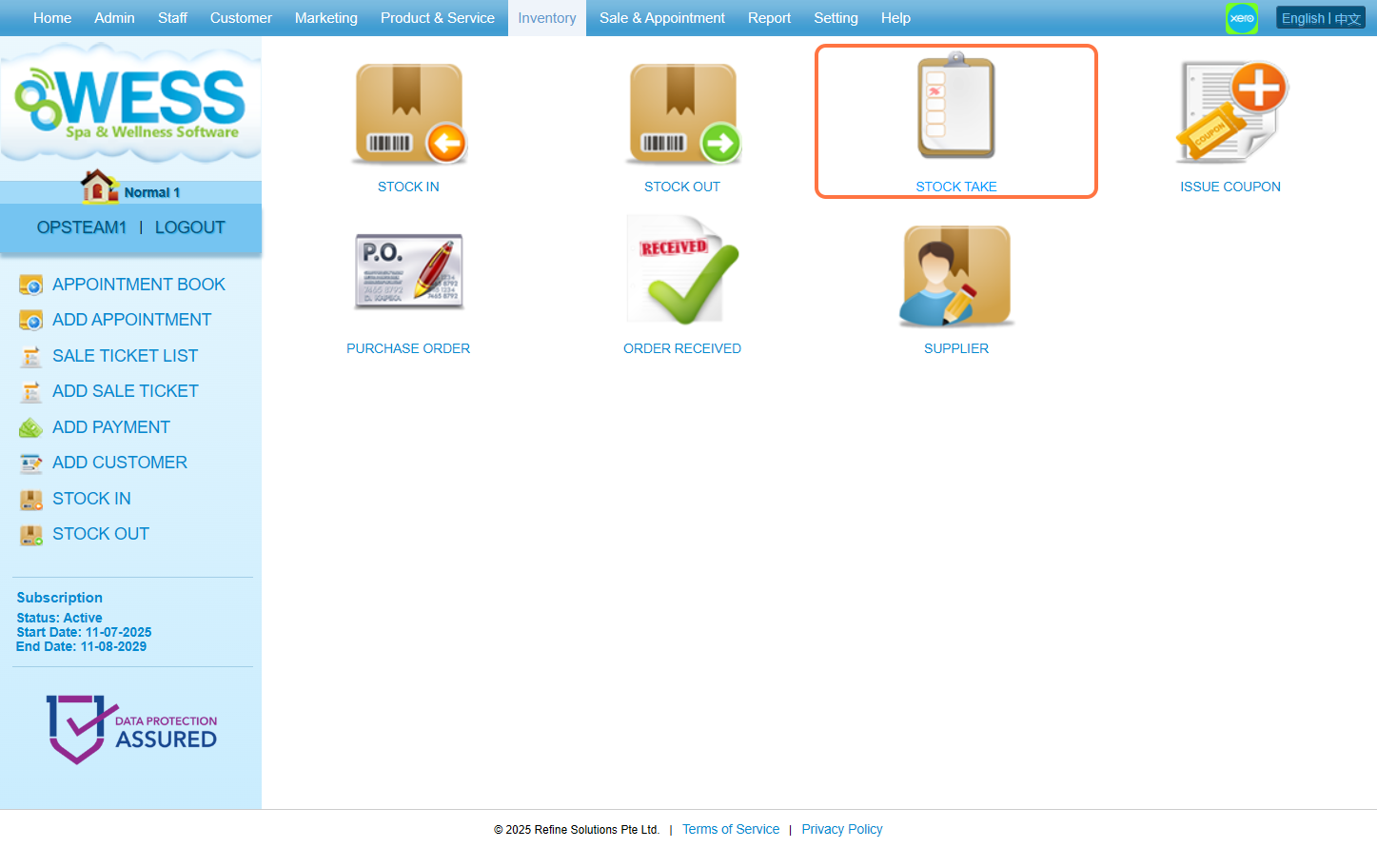
Step 3: Click “NEW”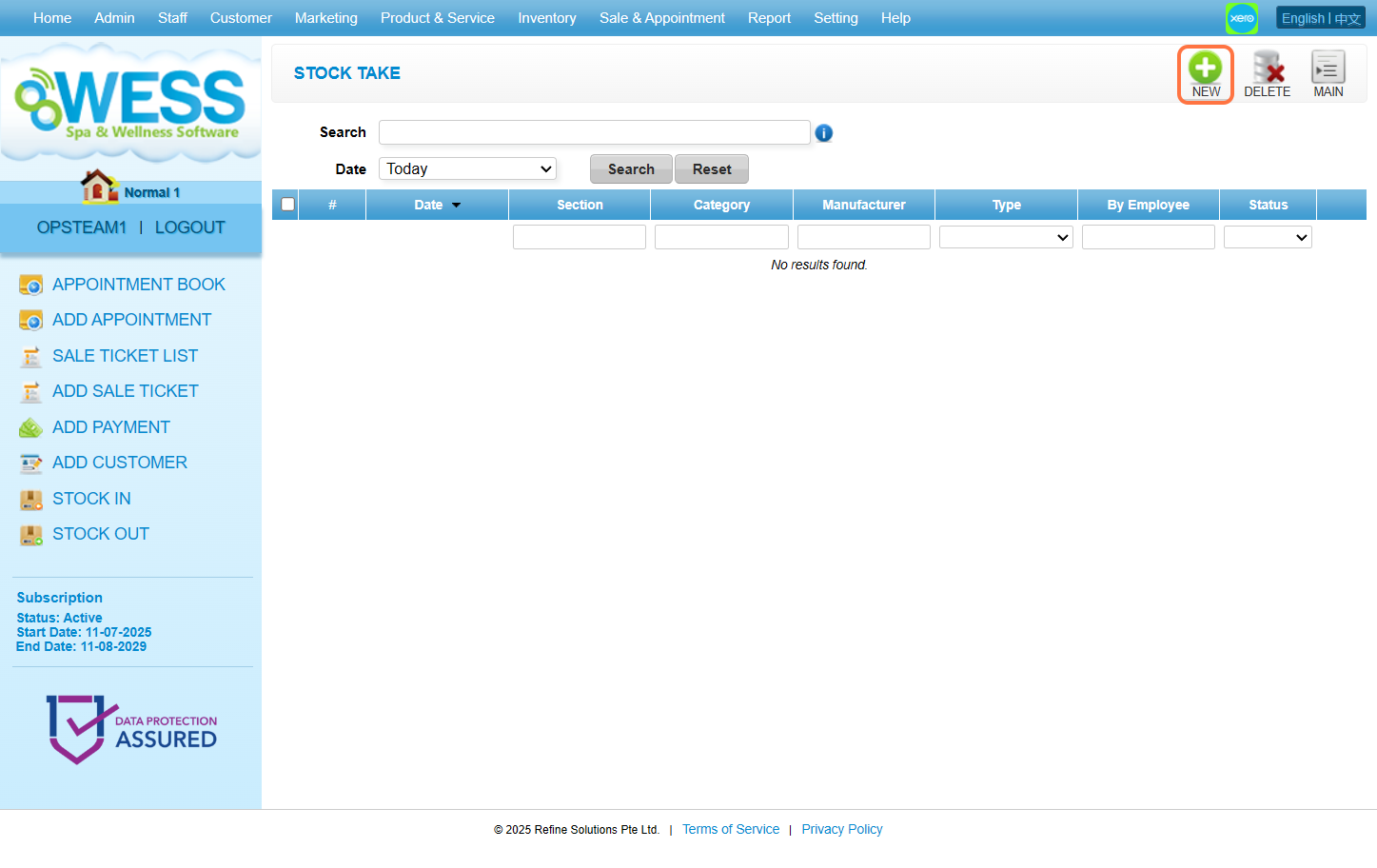
Step 4: Click “GENERATE”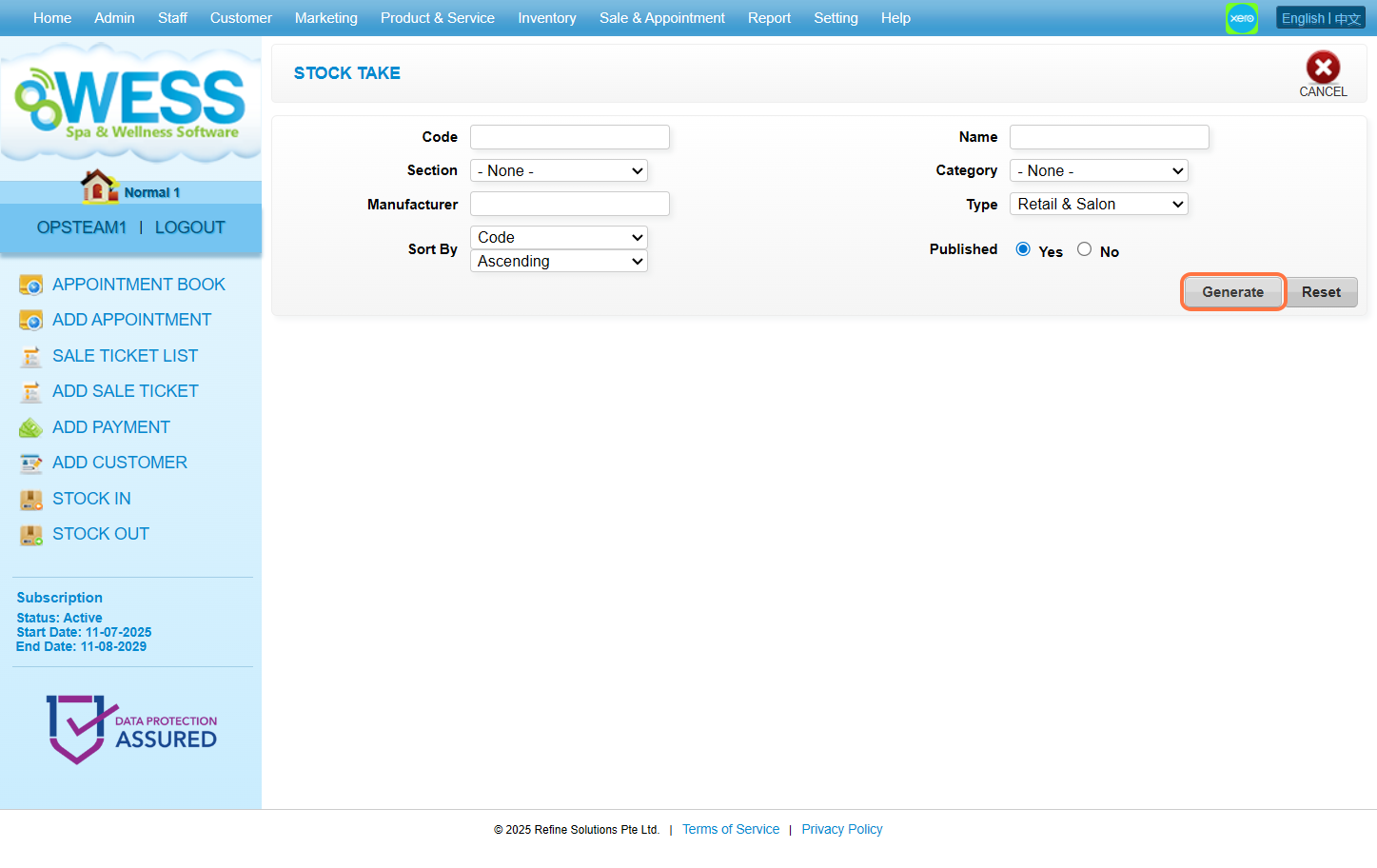
Step 5: Click and select the employee you want to choose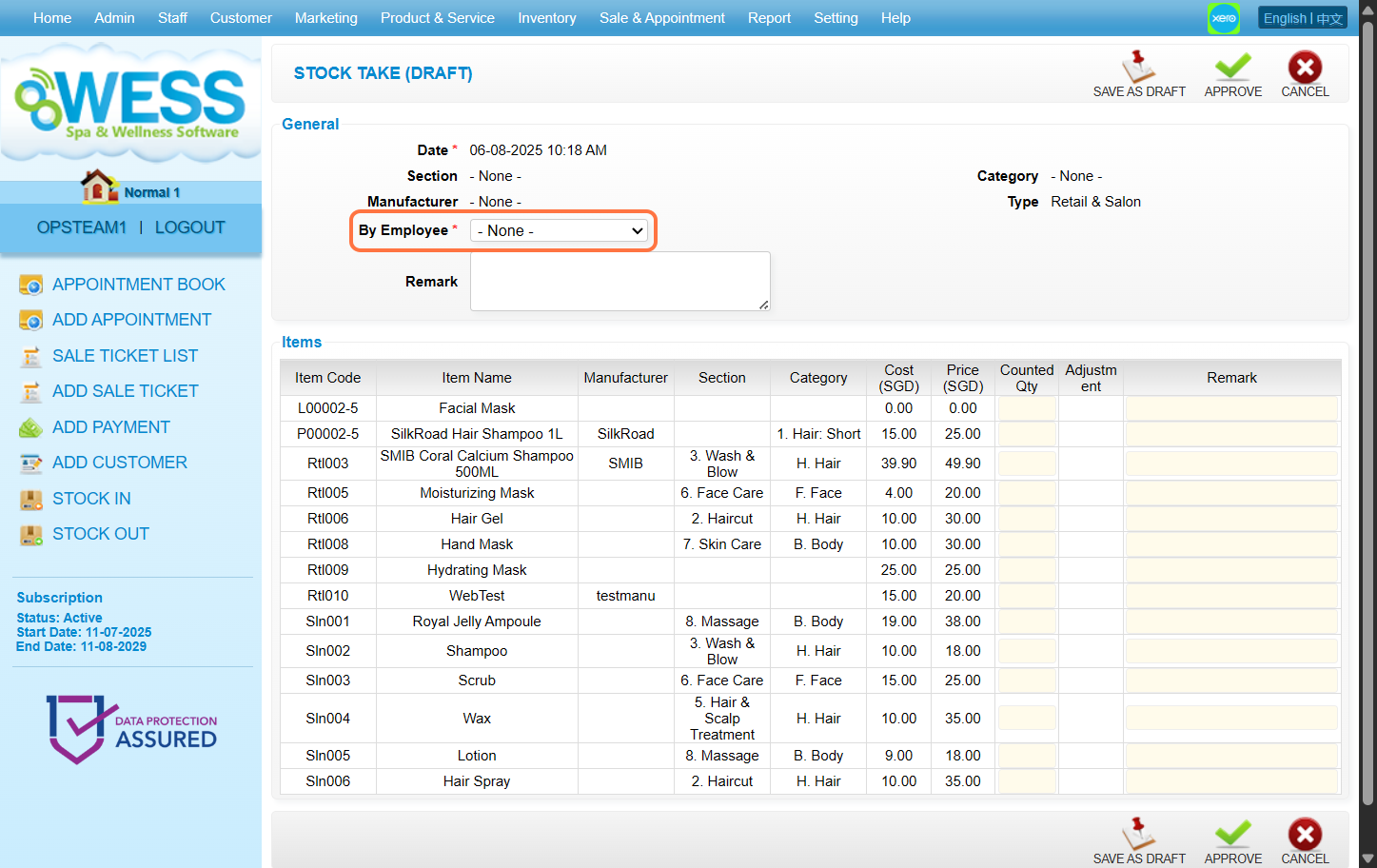
Step 6: You can count the stock quantity and fill in remark to record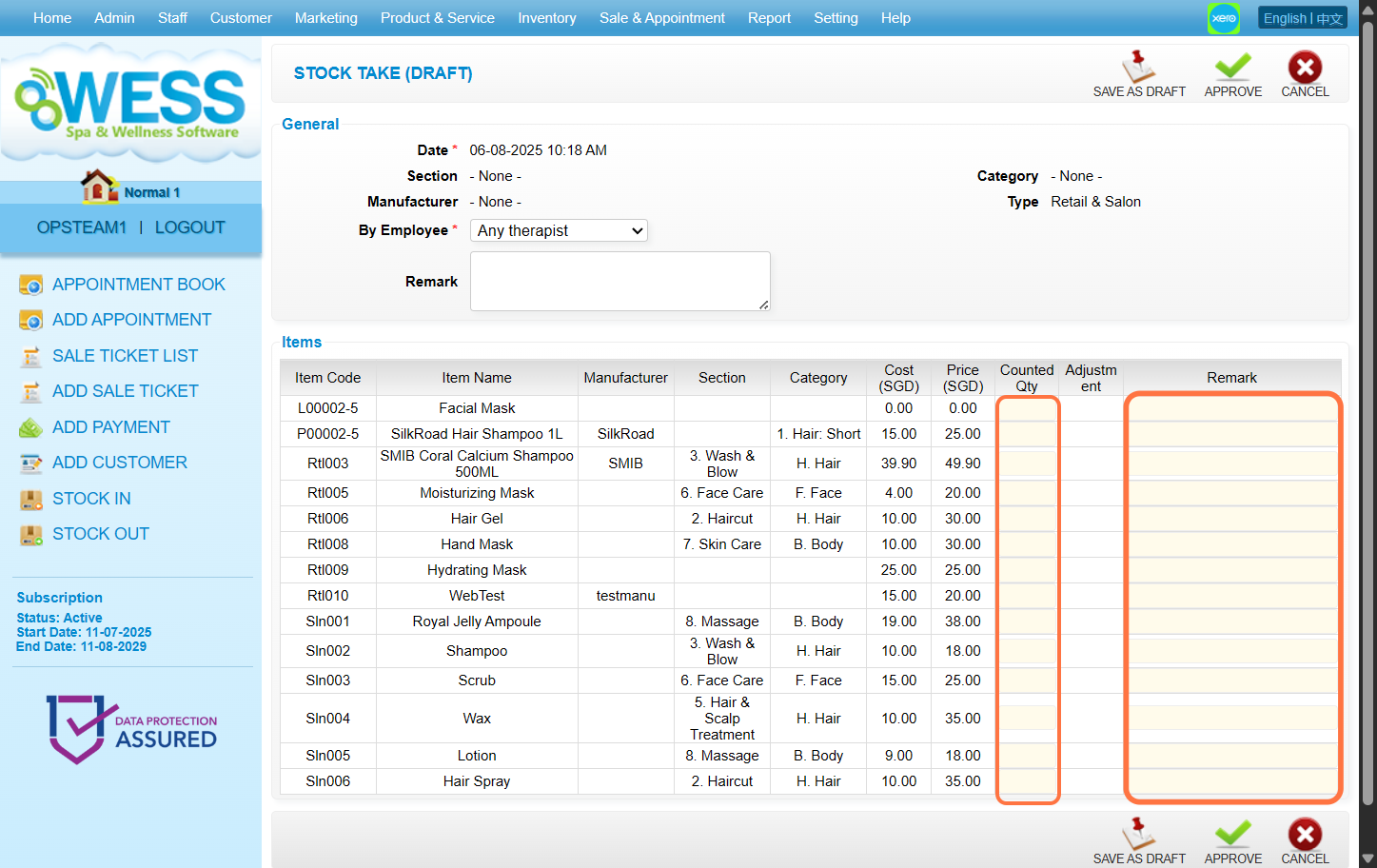
Step 7: Click “APPROVE”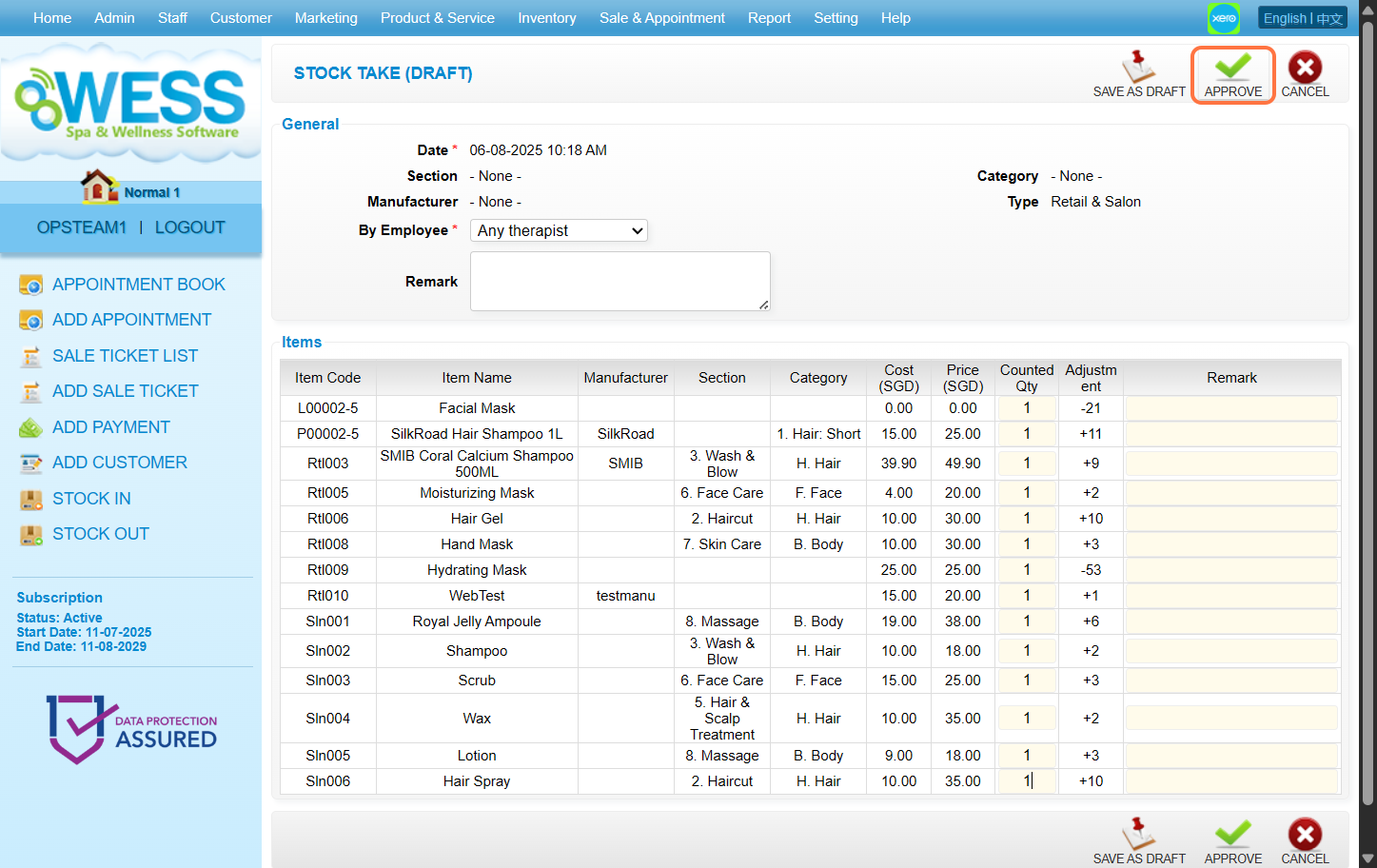
Last update: August 2025