
Step 1: Click “PRODUCT & SERVICE” .
Step 2: Click “COUPON” .
Step 3: Click “NEW” .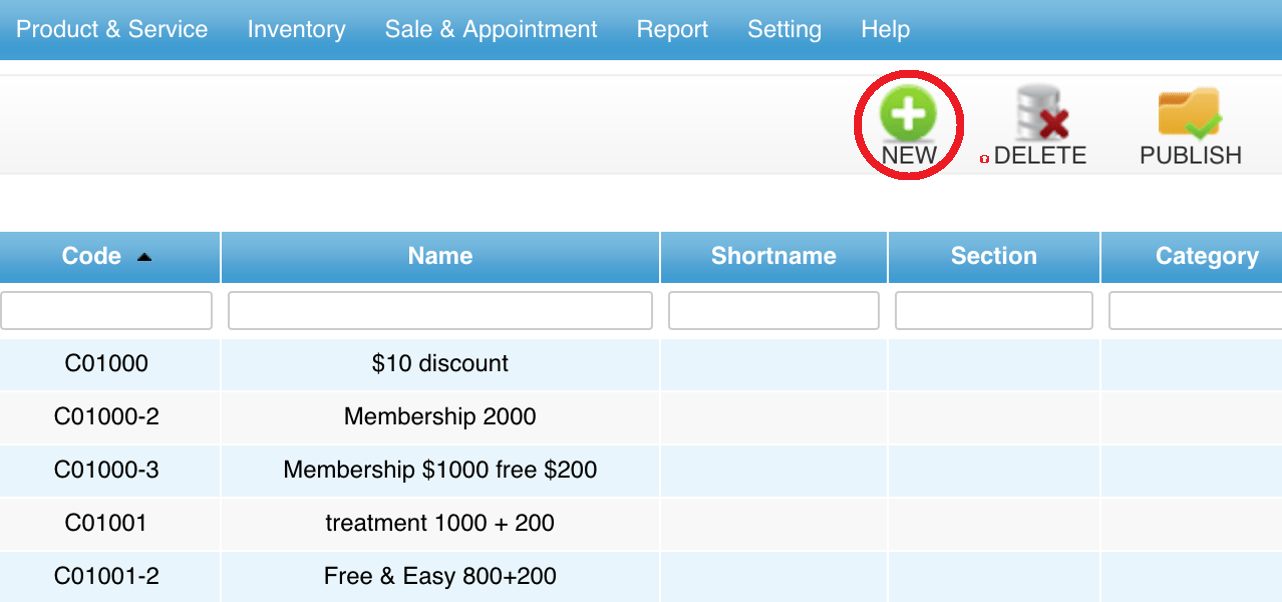
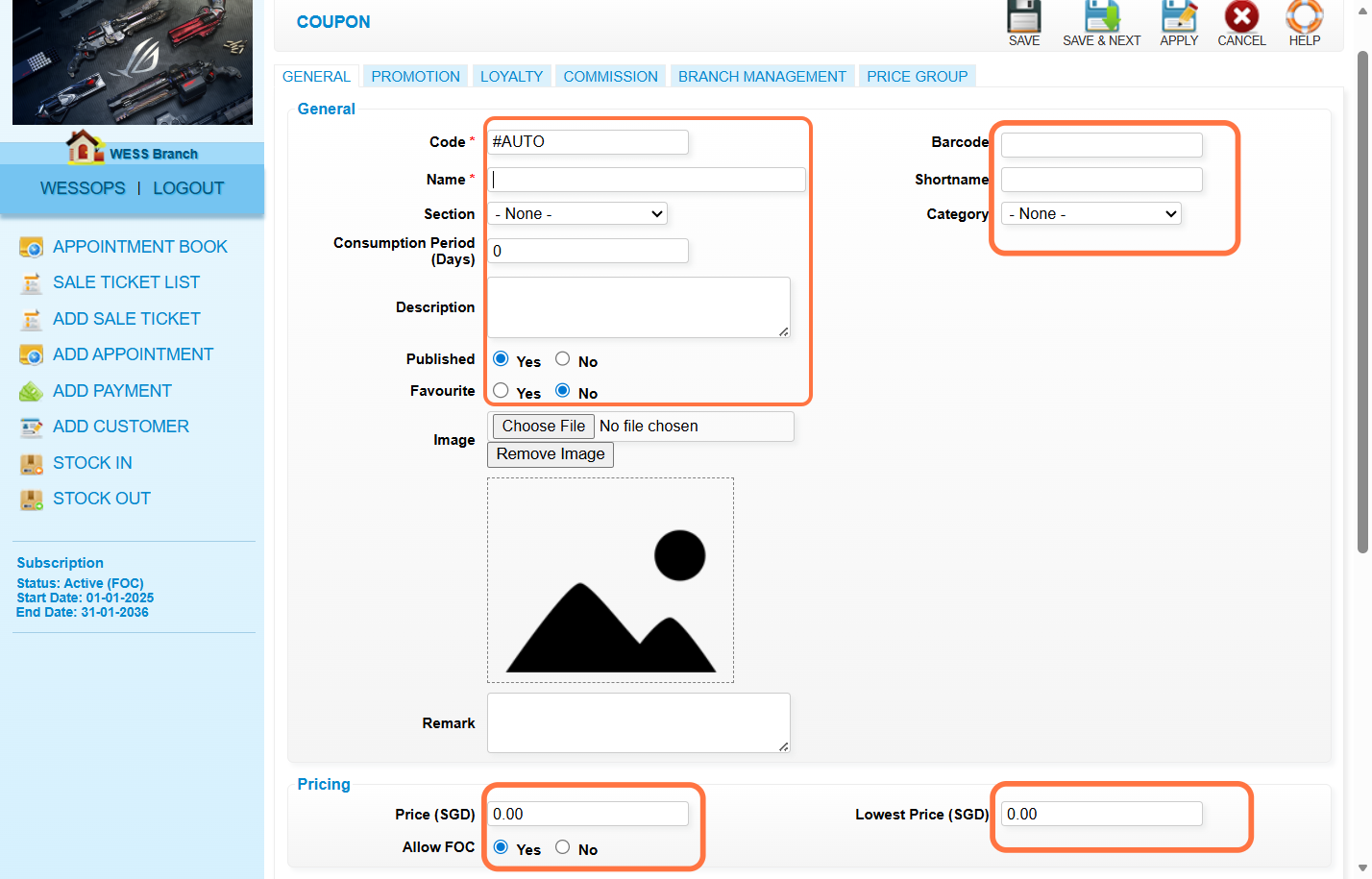
Step 4: Fill in coupon details.
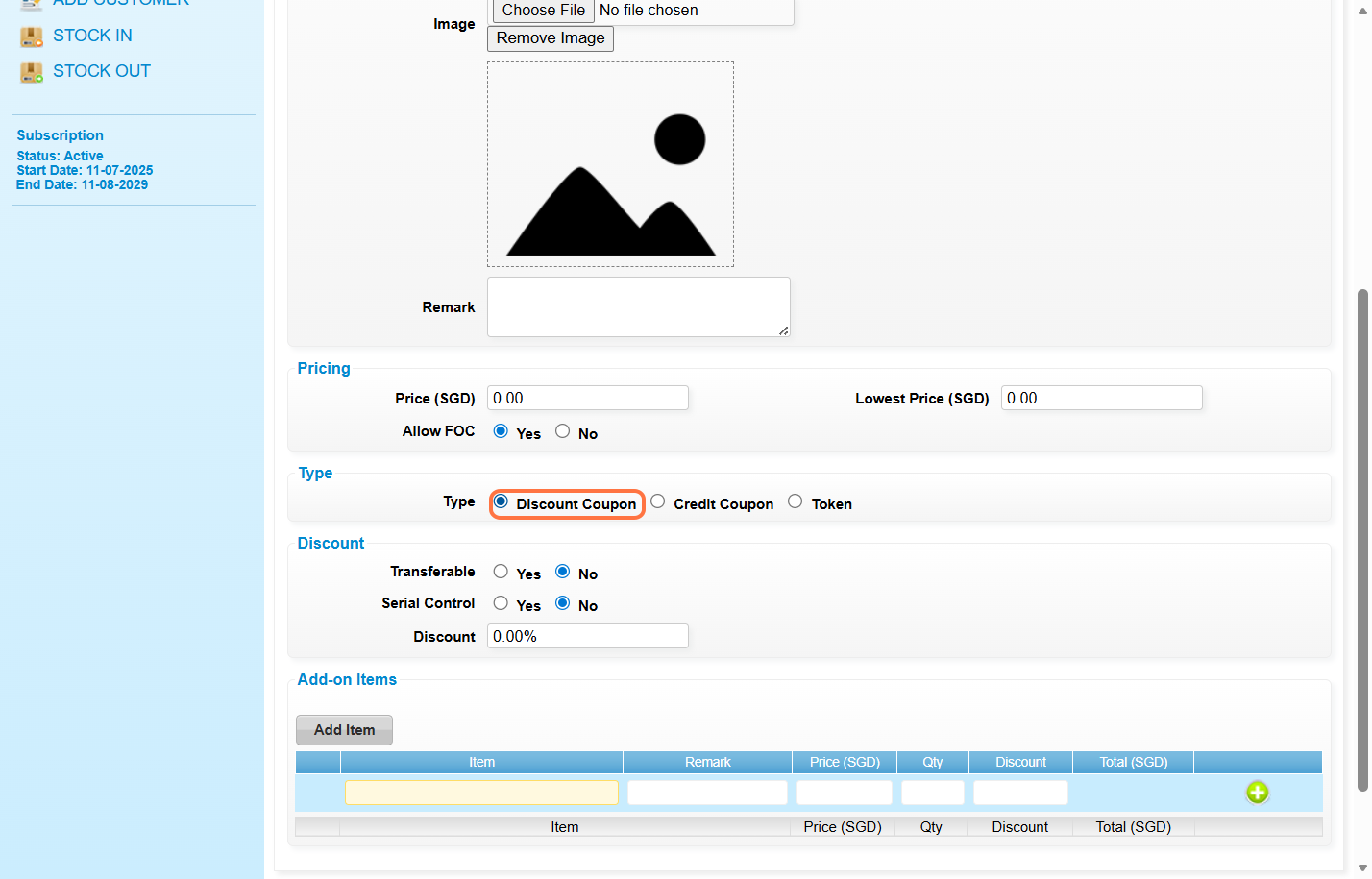
Step 5: Select “DISCOUNT COUPON”.
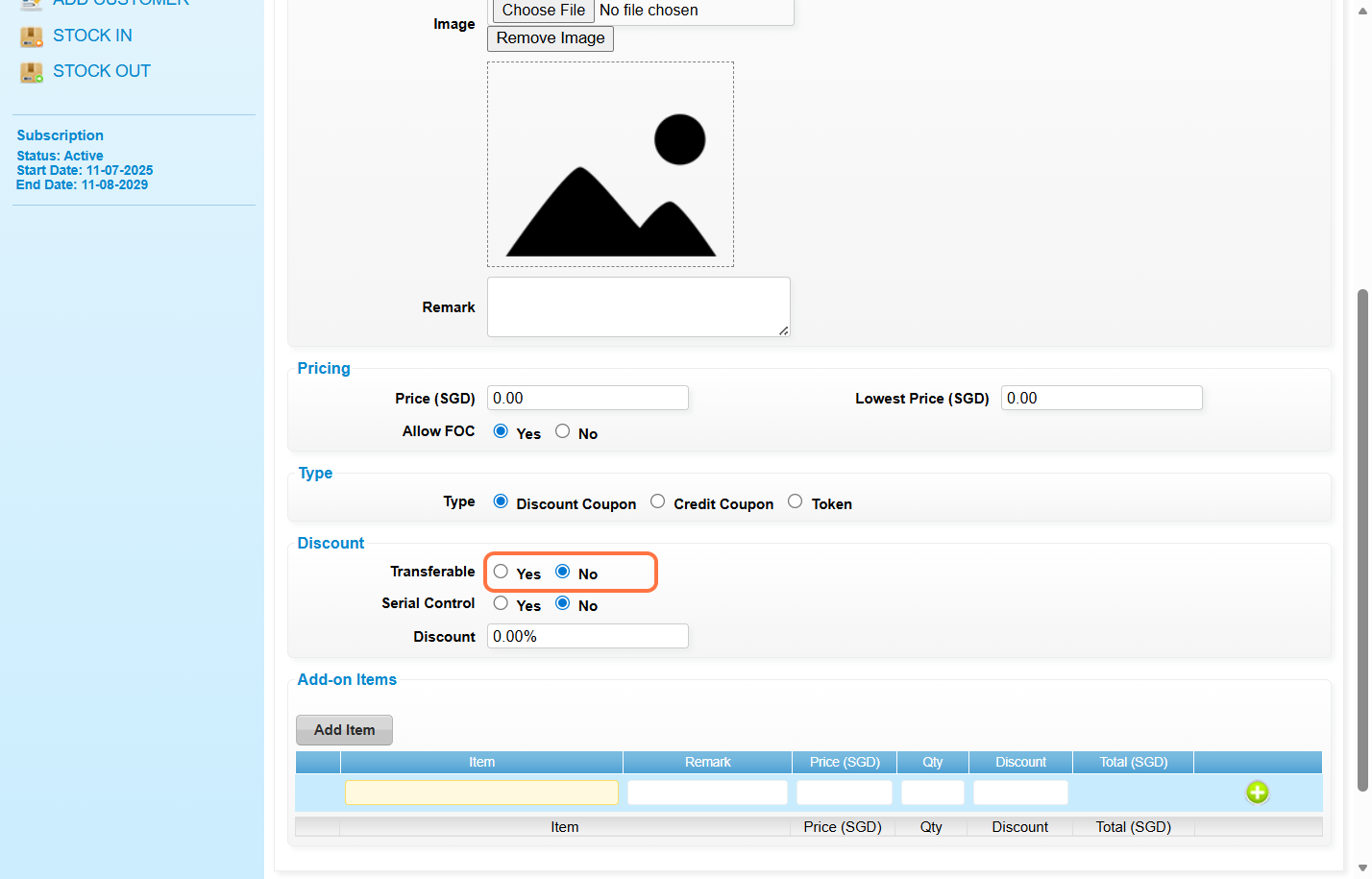
Step 6: Transferable can select “YES” or “NO”.
*YES – Can be selected from Use Coupon
*NO – Redeem serial number coupon from Use Prepaid
Step 7: Select “YES”.
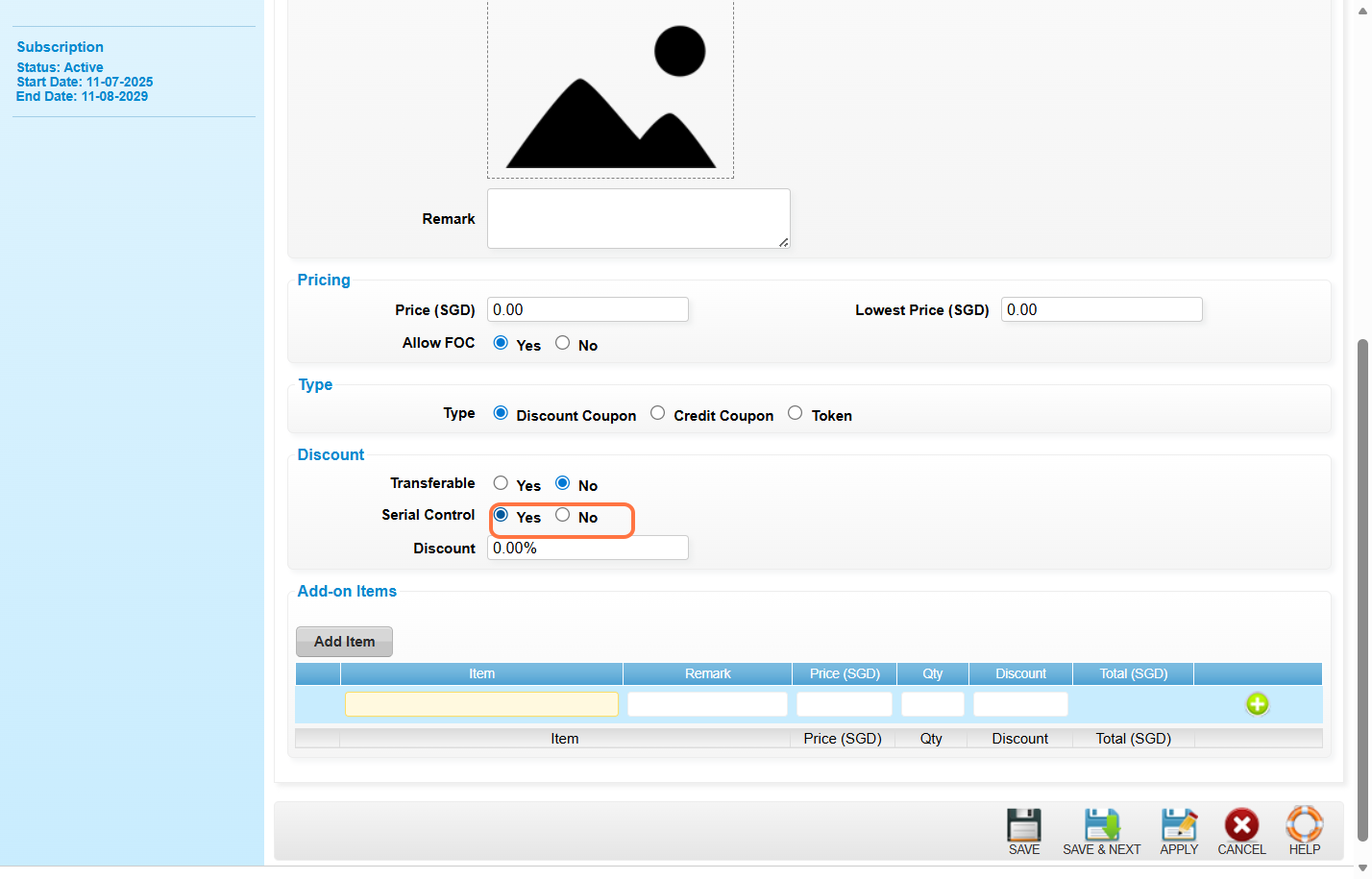
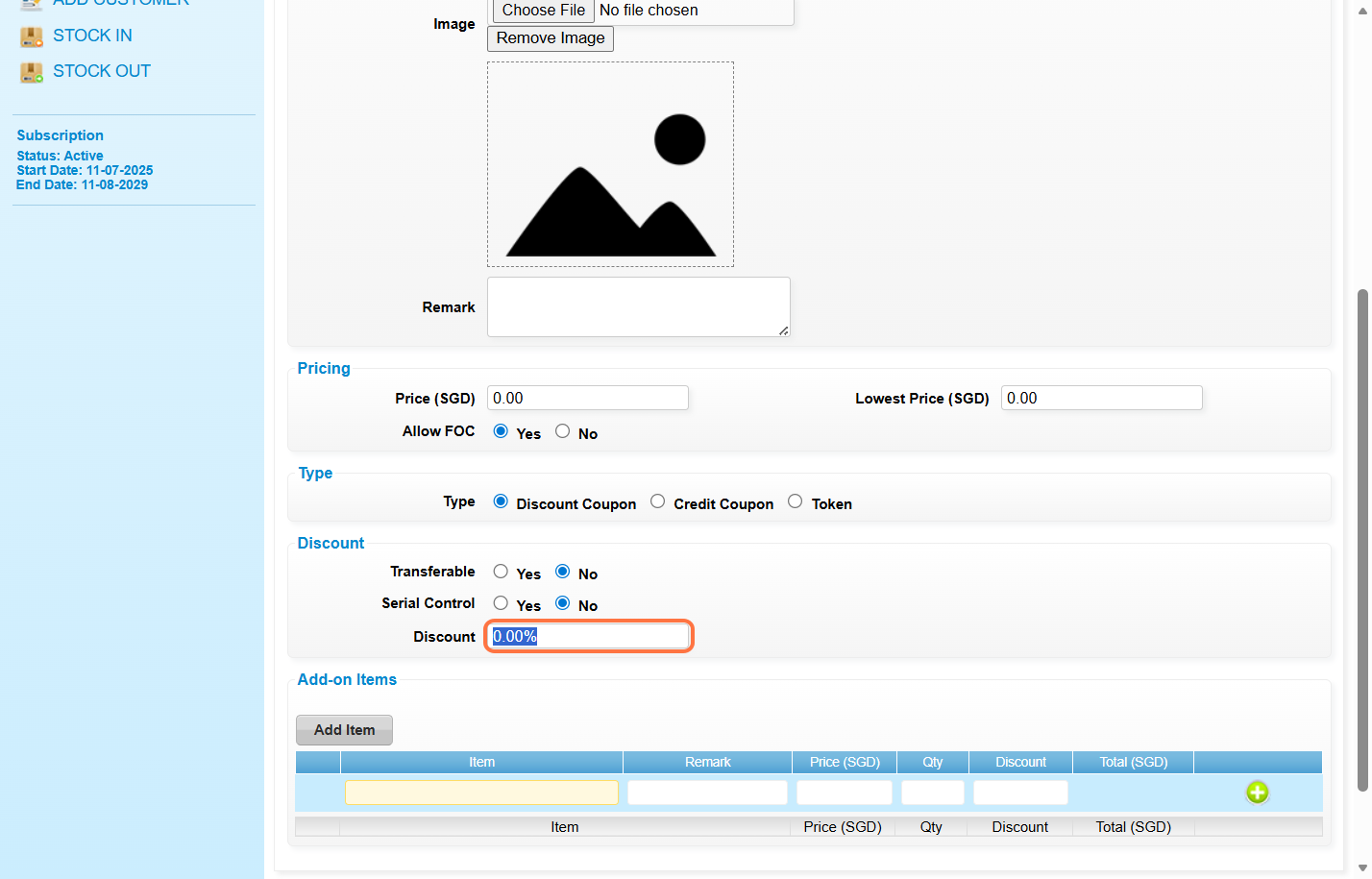
Step 8: “Enter the discount amount or discount percentage (For e.g. 10 or 10%)”.
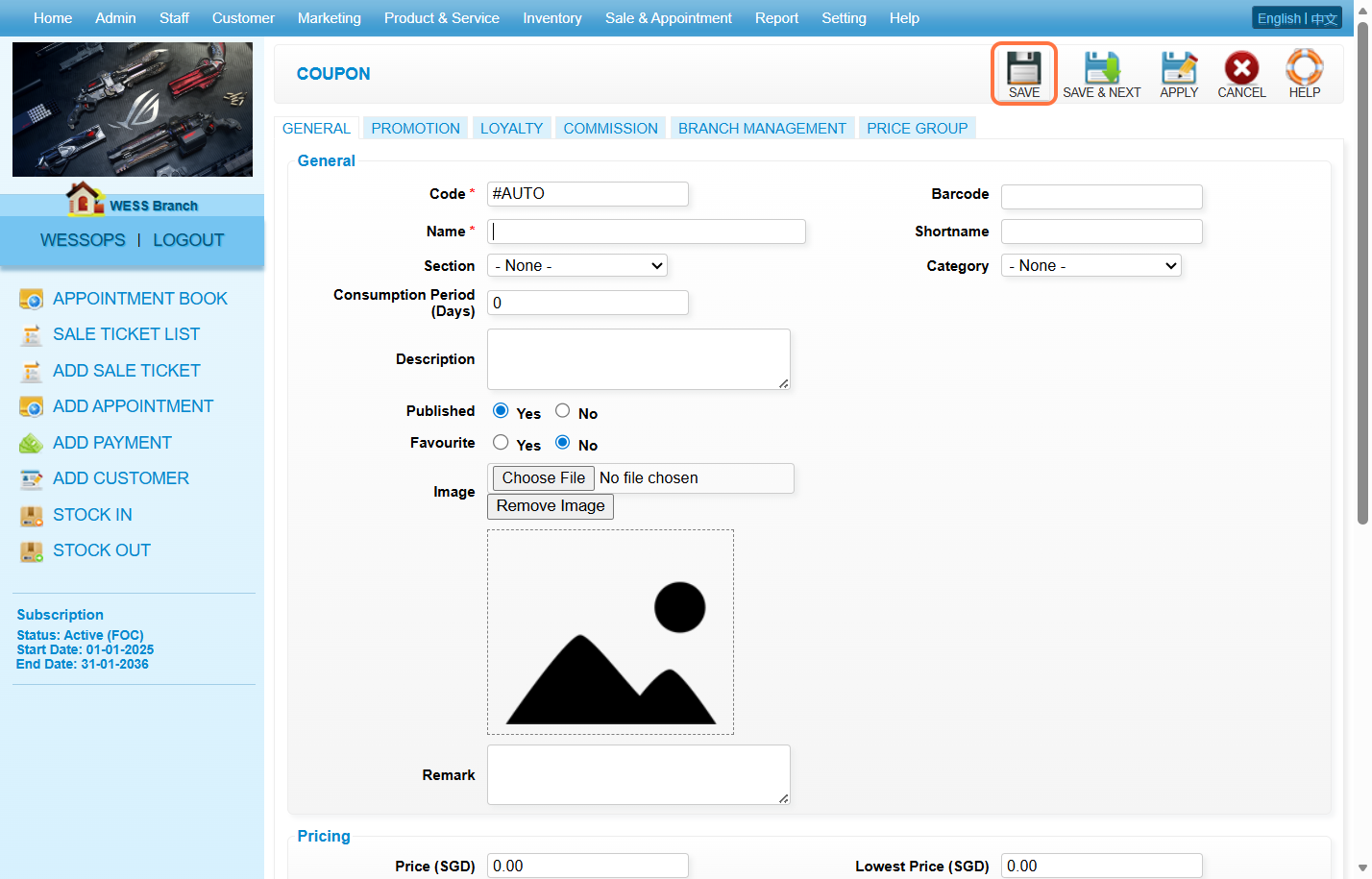
Step 9: Click “SAVE”.
Step 10: Click “INVENTORY”.
Step 11: Click “ISSUE COUPON”.
Step 12: Click “NEW”.
Step 13: Select the coupon you have created just now and fill in coupon details.
Step 14: Click “SAVE”.
Last update: March 2026