
Step 1: Click “CUSTOMER”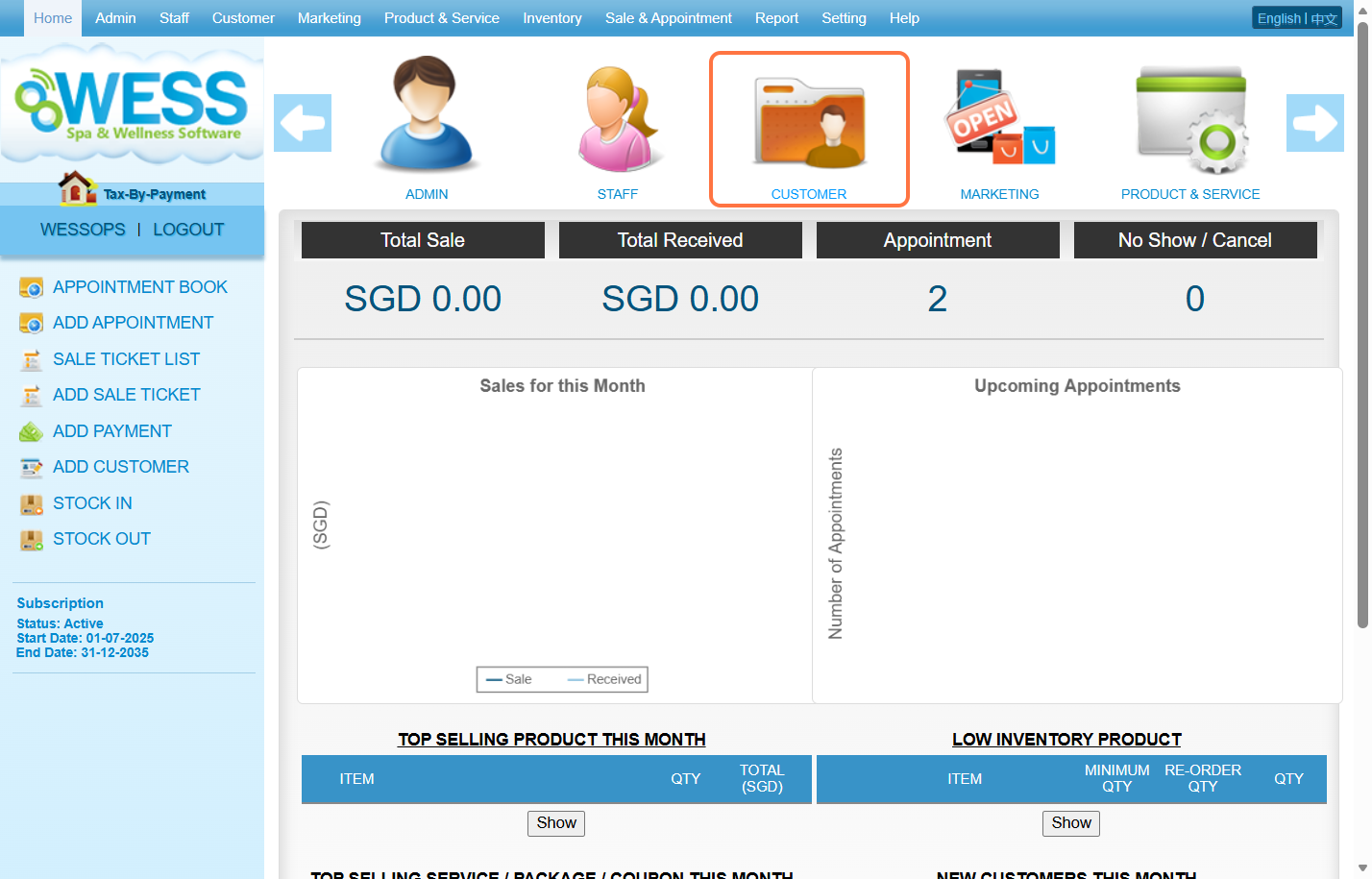
Step 2: Click “EDIT CUSTOMER”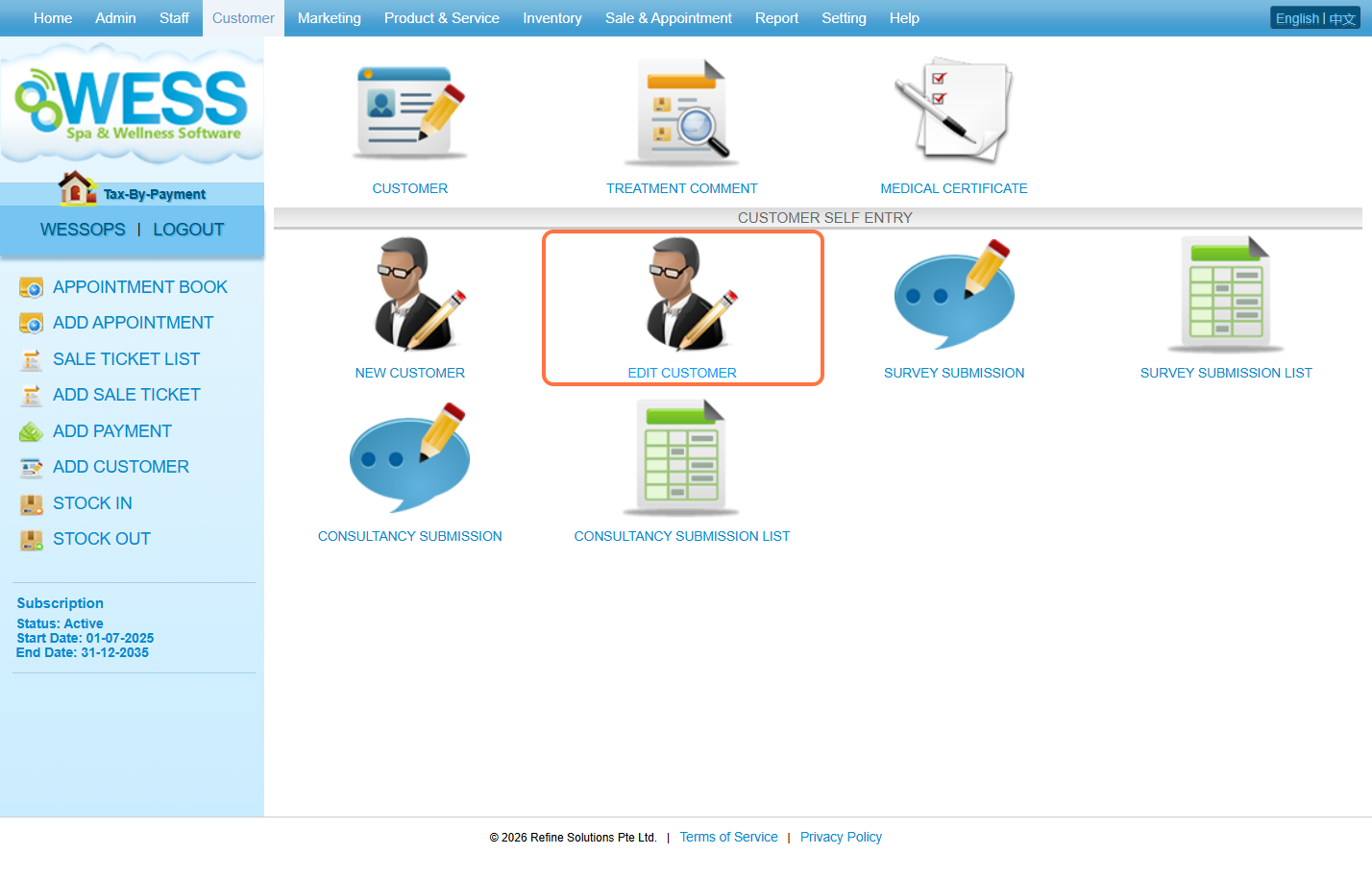
Step 3: Search for the customer using their name, code, IC number, mobile number, or membership number.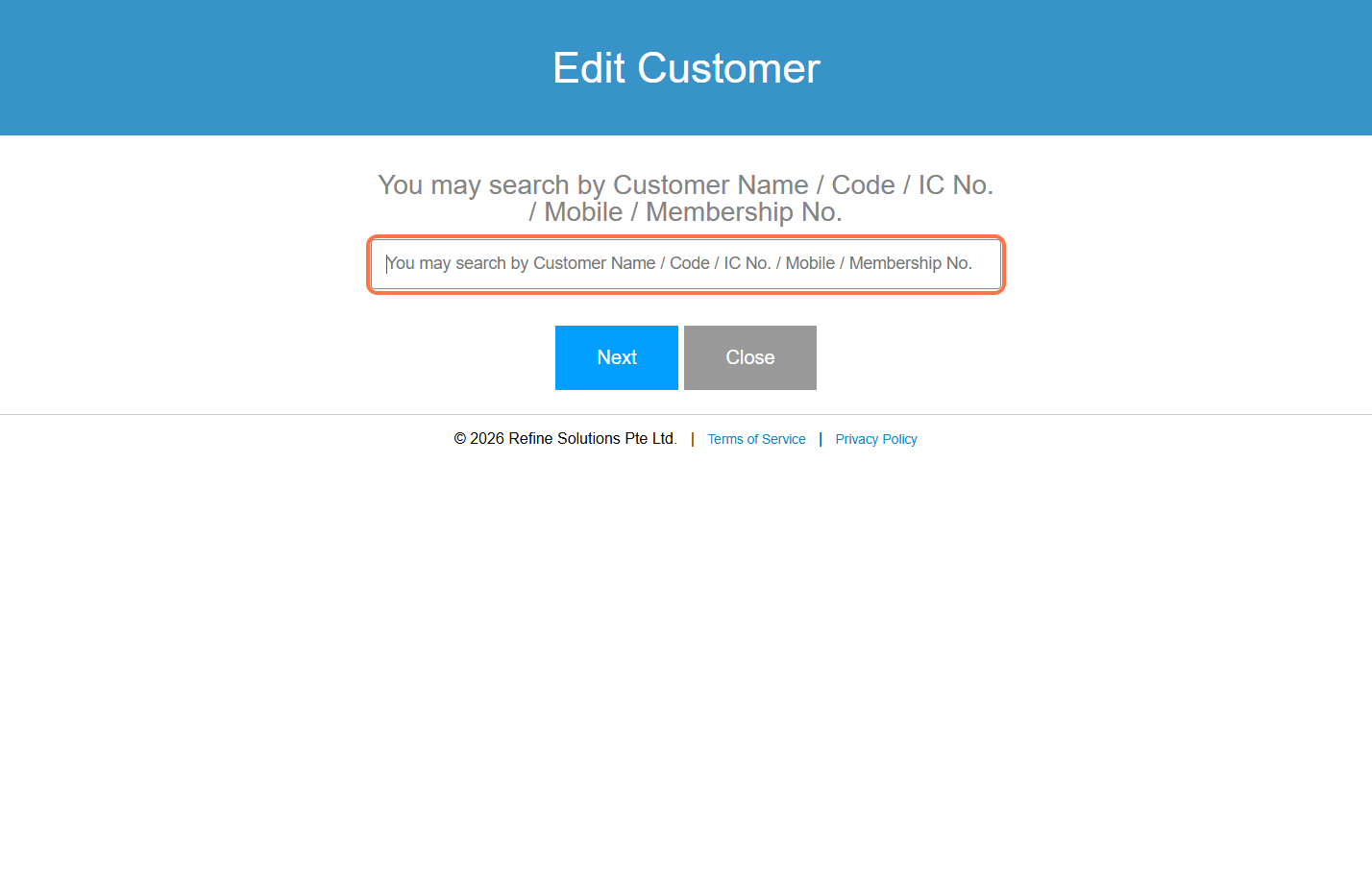
Step 4: Select the customer you want to edit.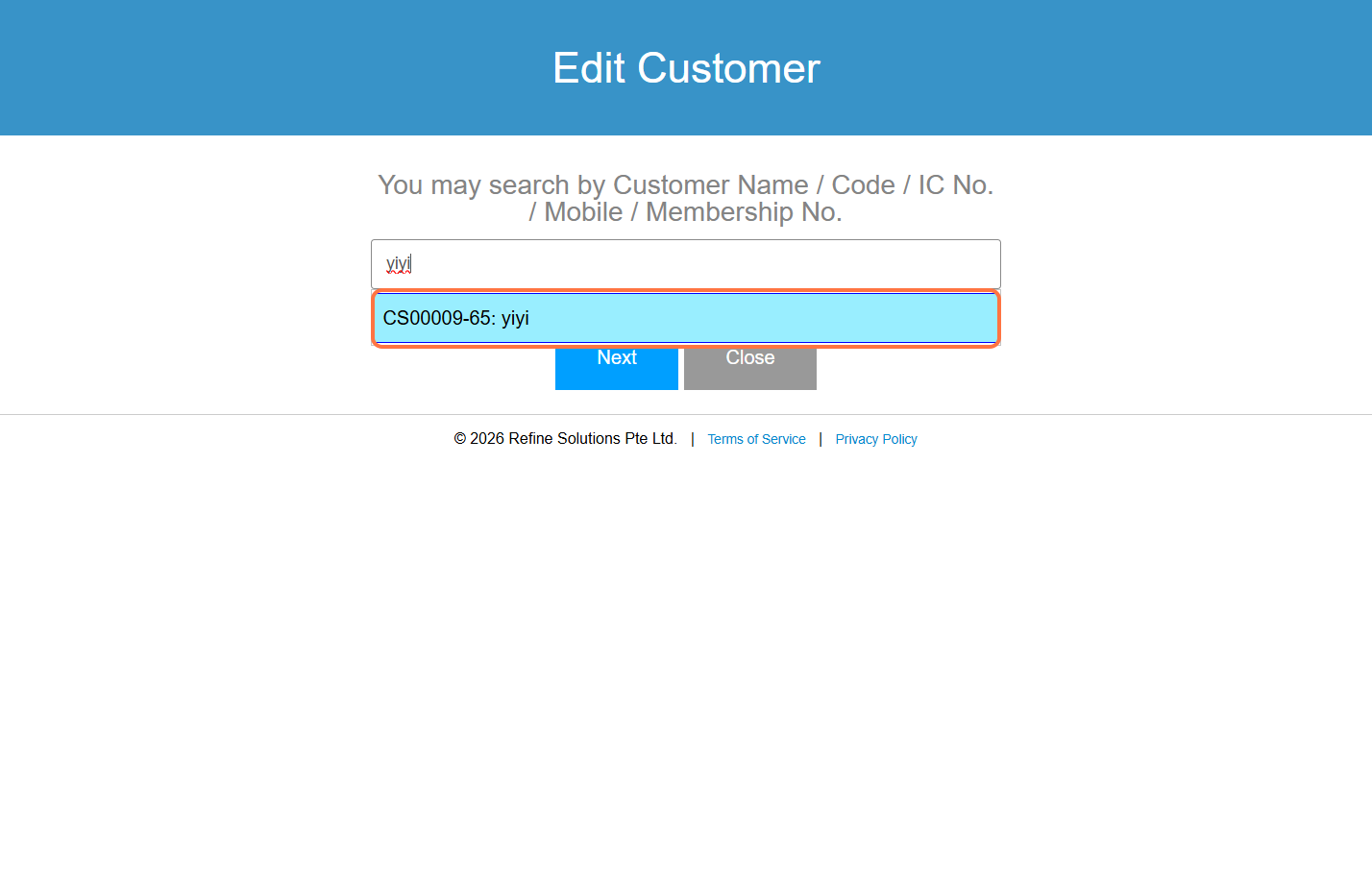
Step 5: Then click “Next” to proceed.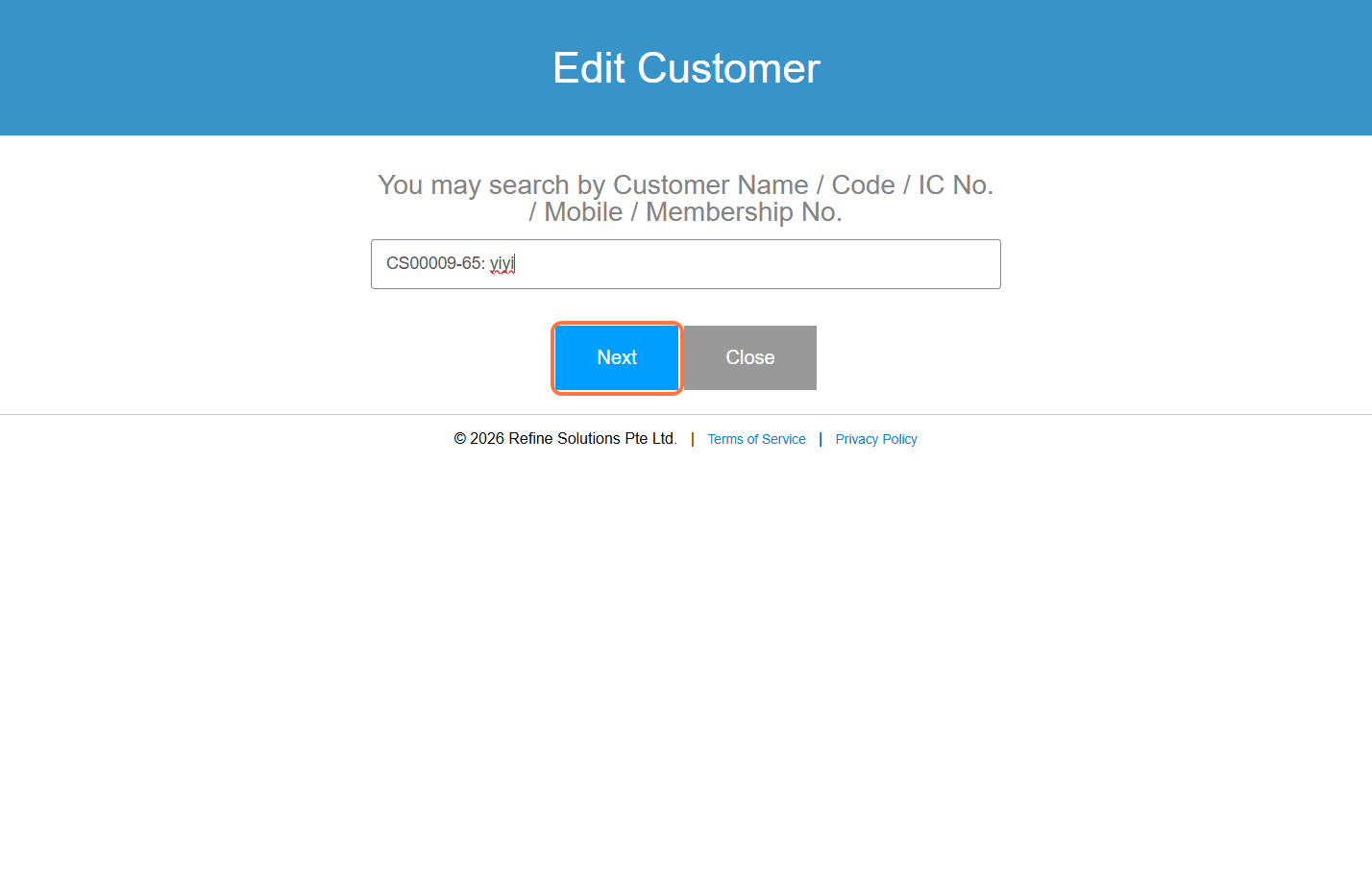
Step 6: In this page, you can continue editing and filling in the remaining information.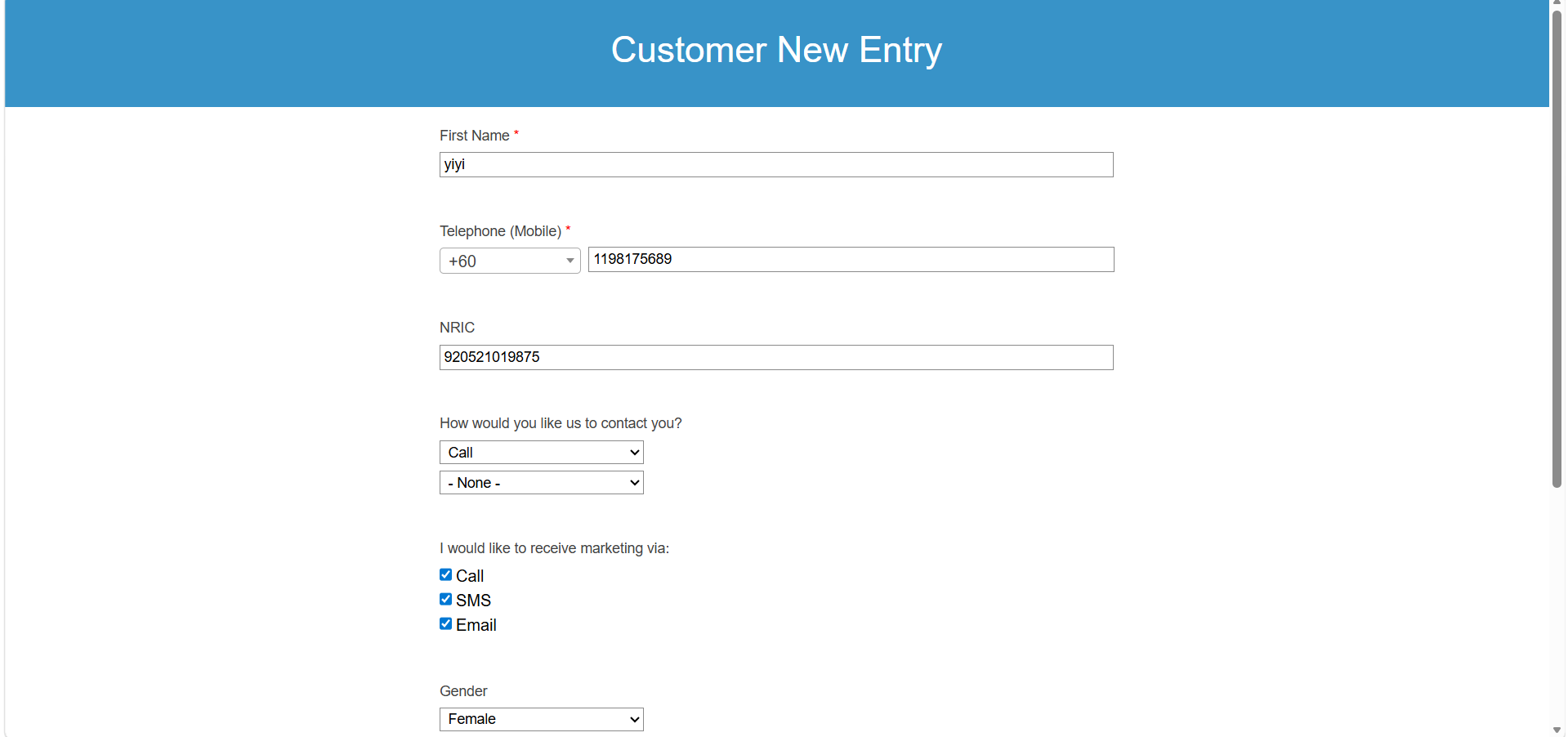
Step 7: Click the “Update” button to save the changes.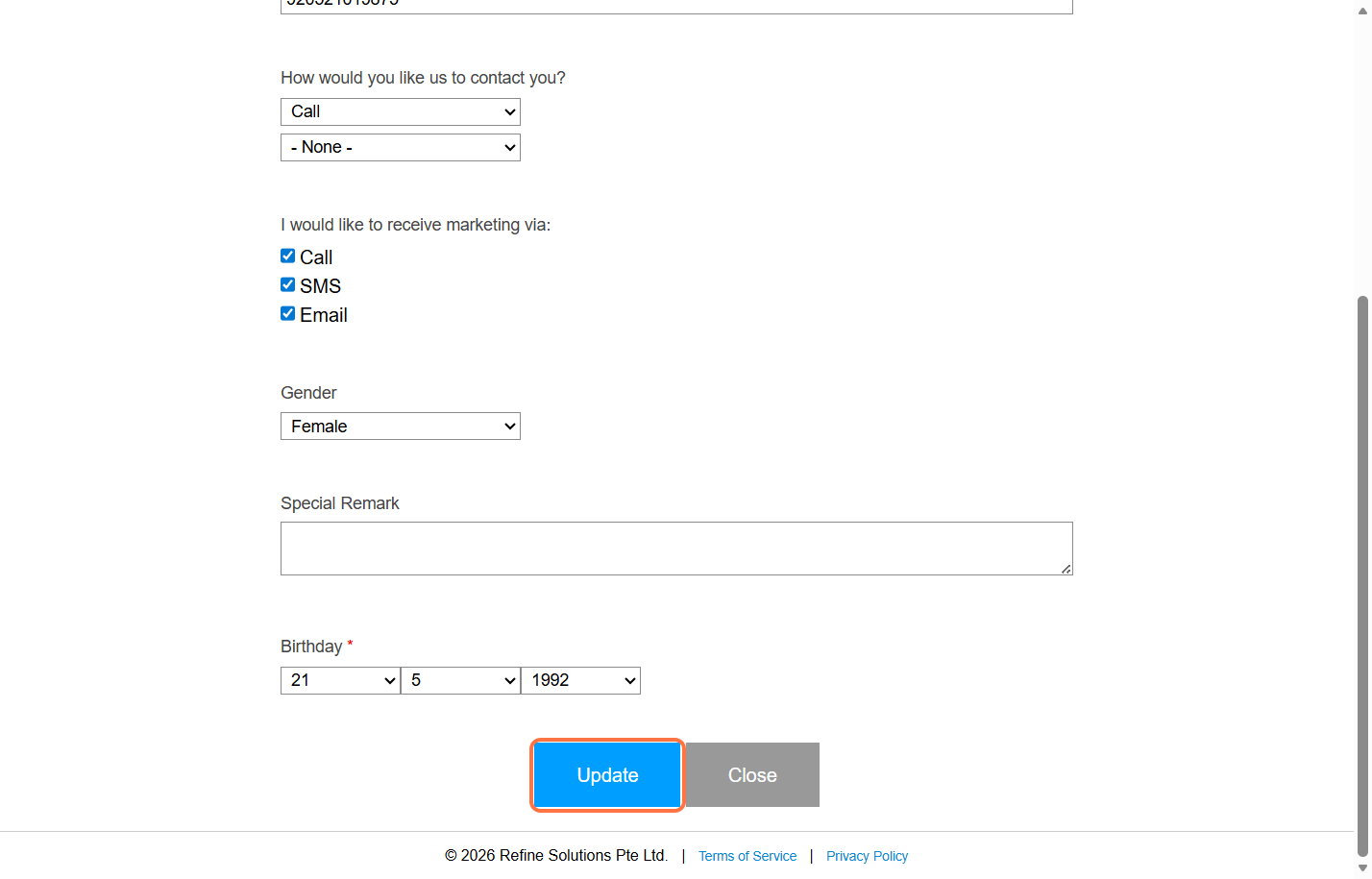
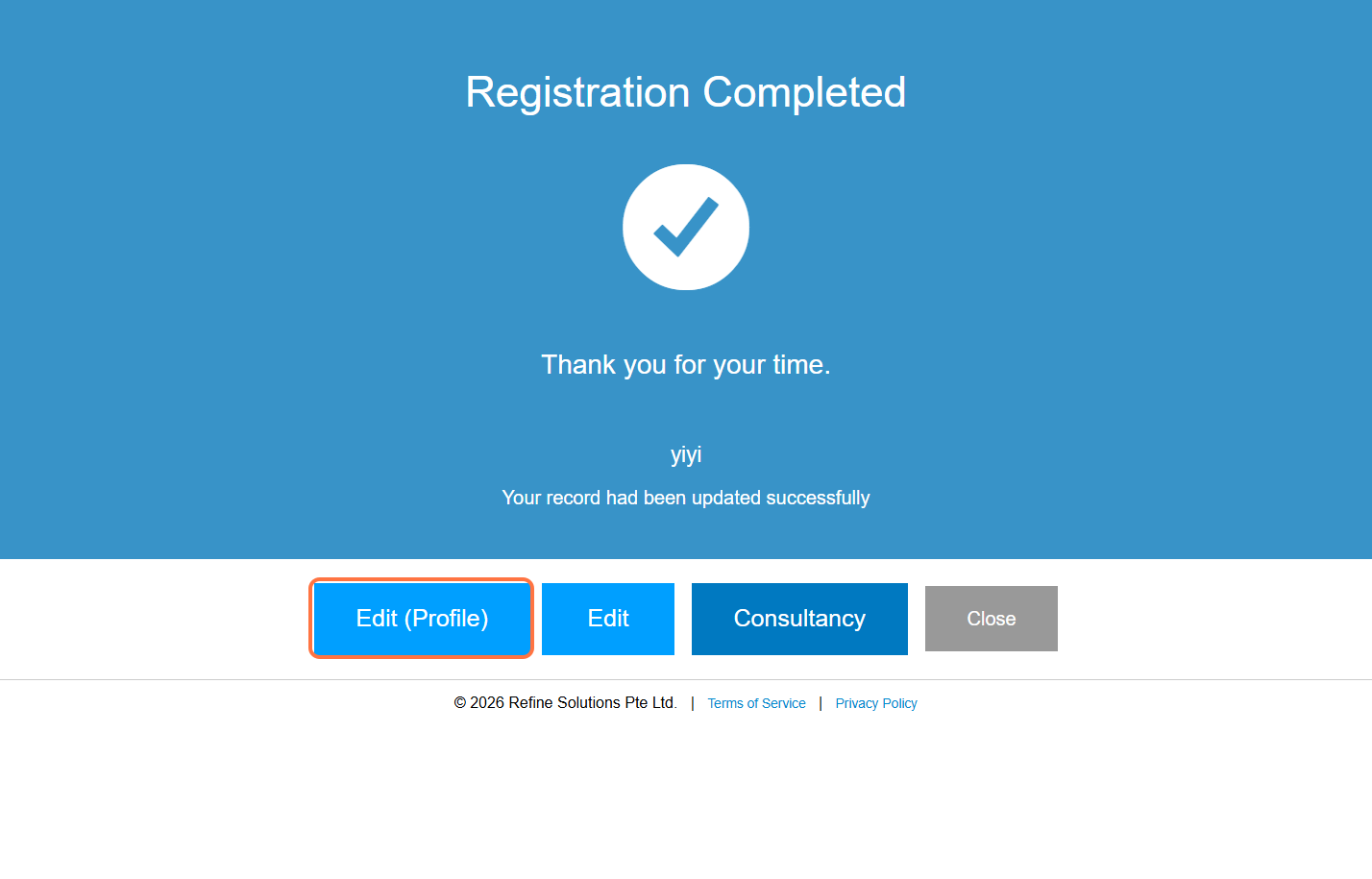
Step 8: After updating, you will see several options:
“Edit (Profile)” – Continue editing more profile details
“Edit” – Return to the previous edit page
“Consultancy” – Fill in another consultancy form
“Close” – Close the page if no further action is needed
Last Updated: April 2026