
1. Go to “Setting”.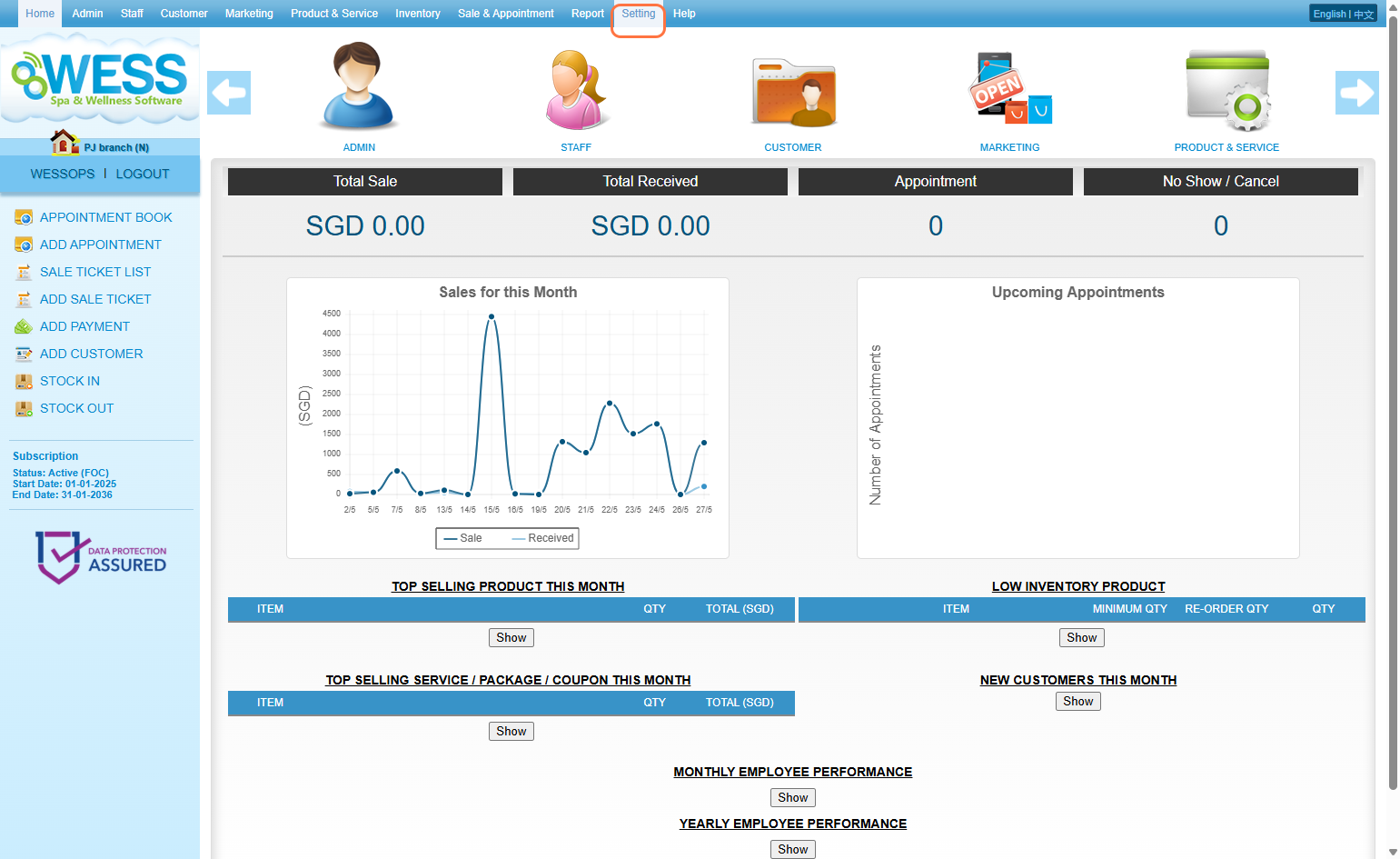
2. Click “BRANCH”.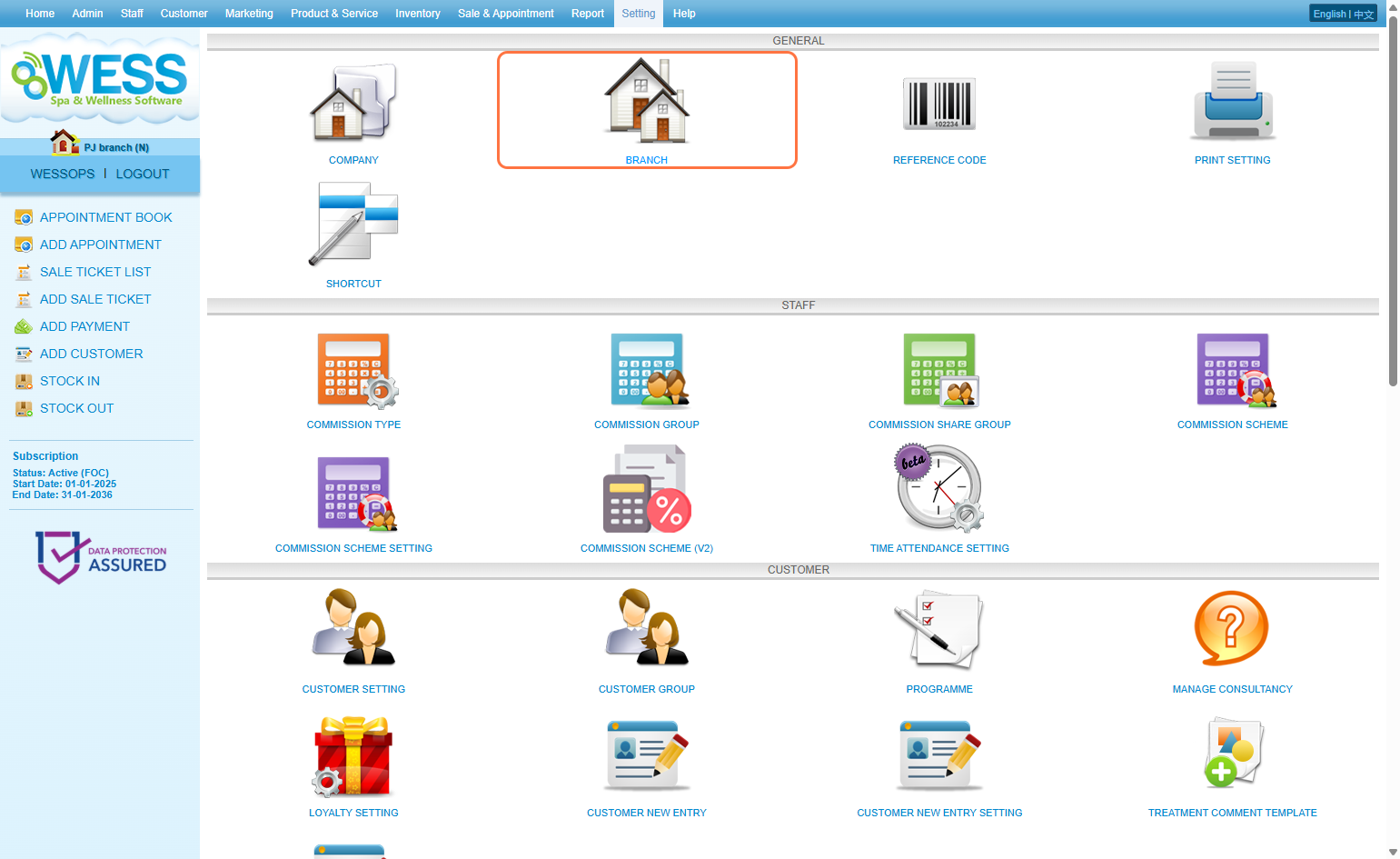
3. Select the current branch (branch that you are access now), for example PJ branch (N).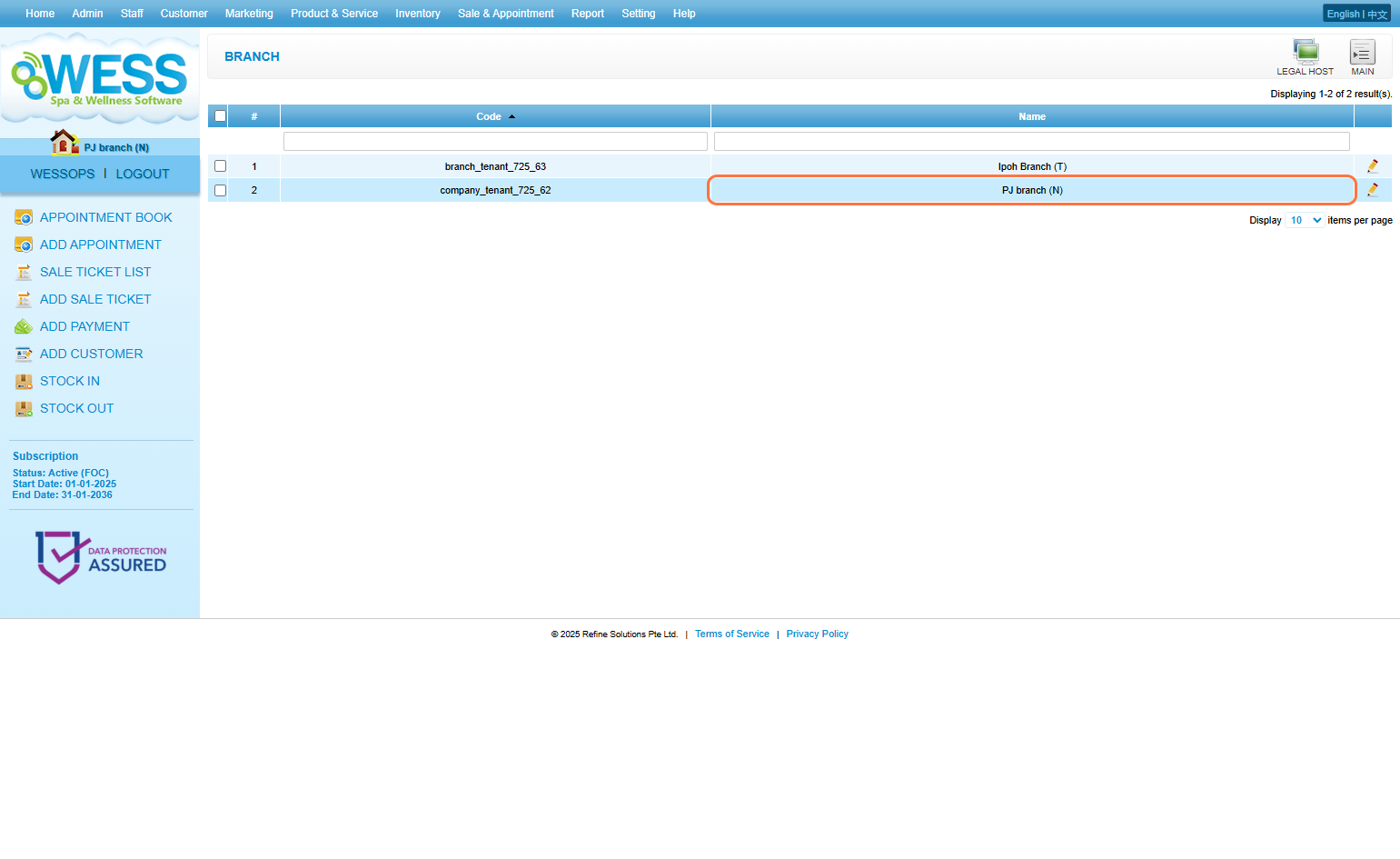
4. Click “EDIT”.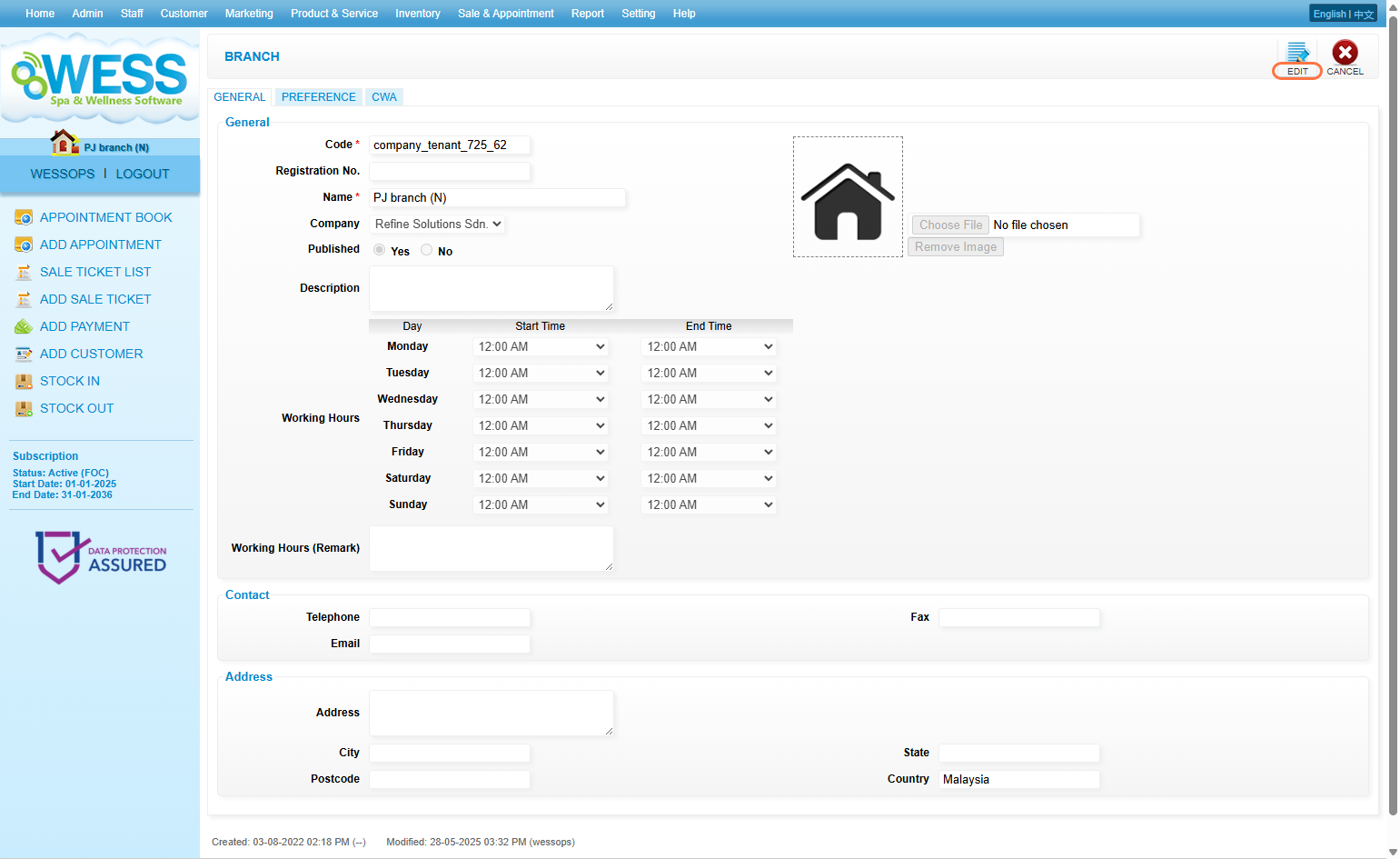
5. Click “PREFERENCE”.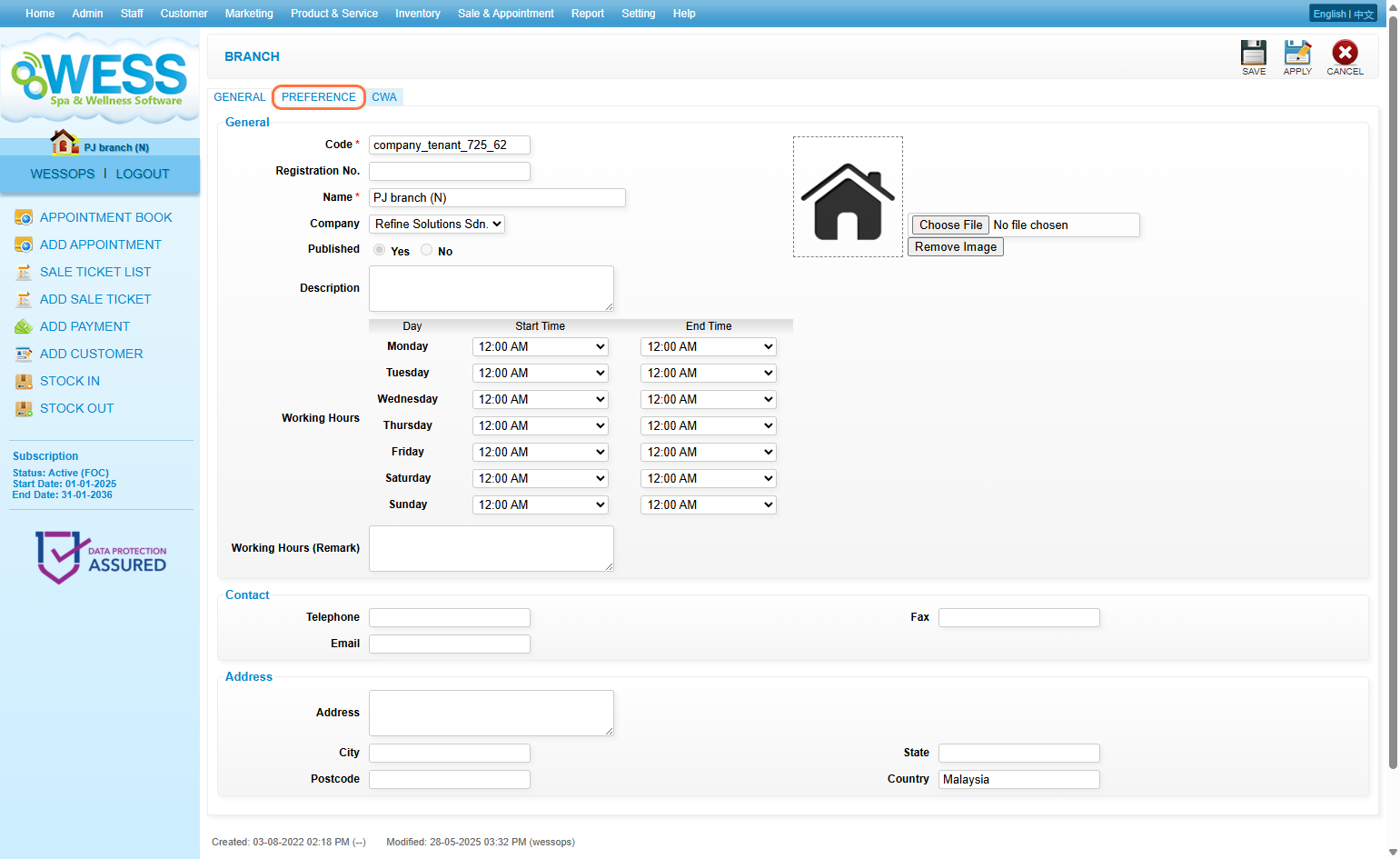
6. Tick the branch would like to share with.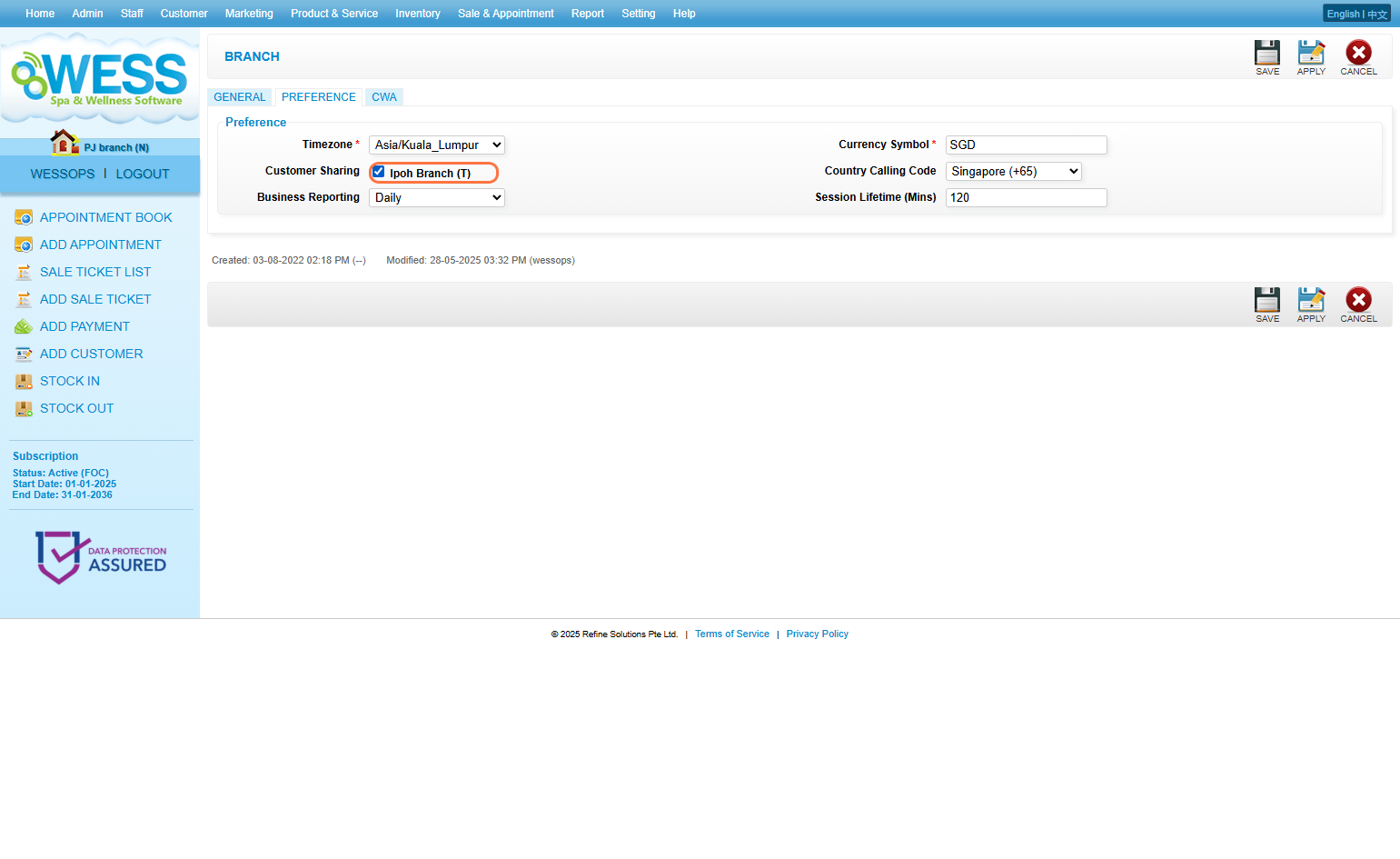
7. Click “SAVE”. *Note that only customers created in current branch will share to selected share branch.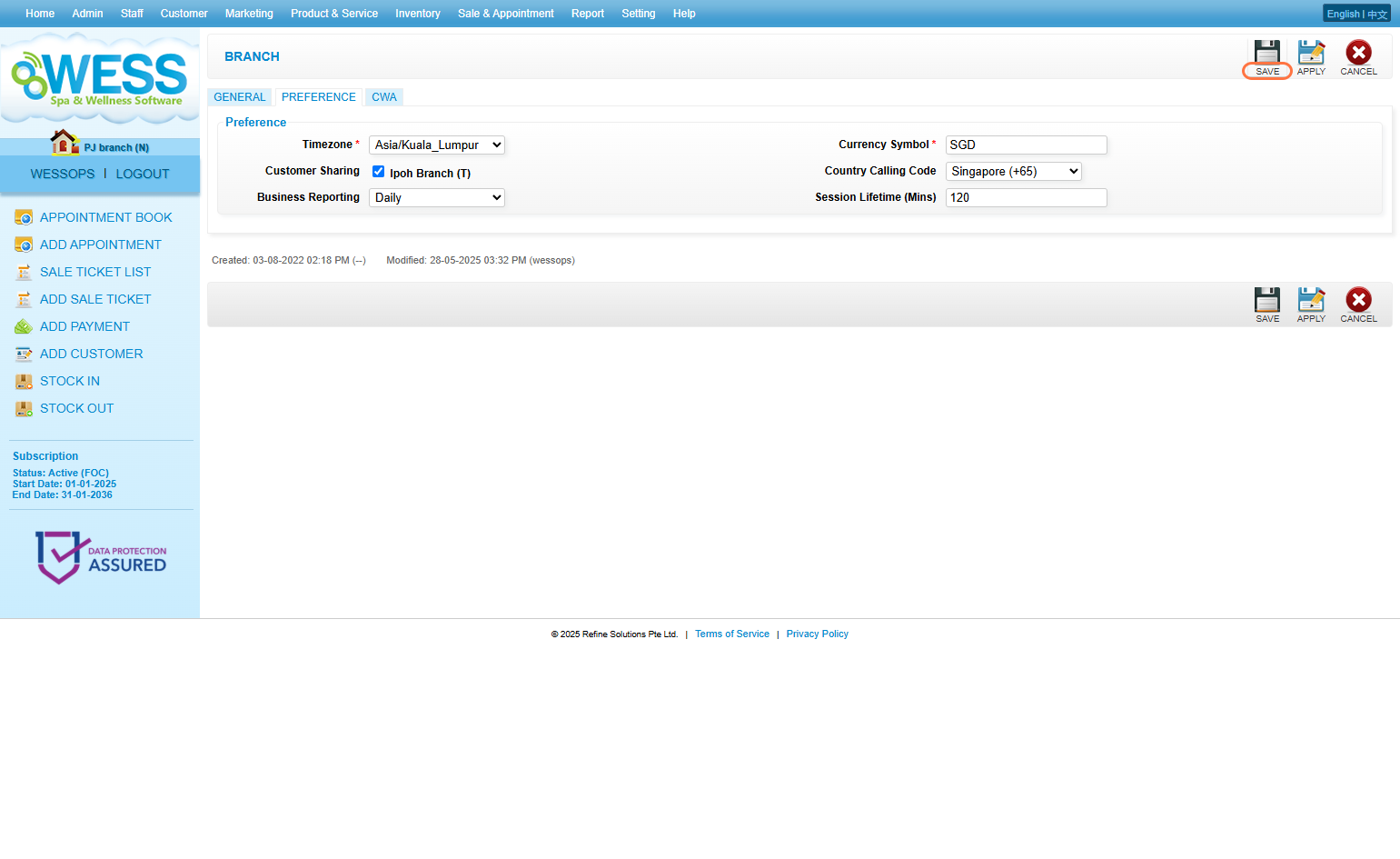
Last update: May 2025