
Step 1: Click “Staff” .
Step 2: Click on “TIME ATTENDANCE” .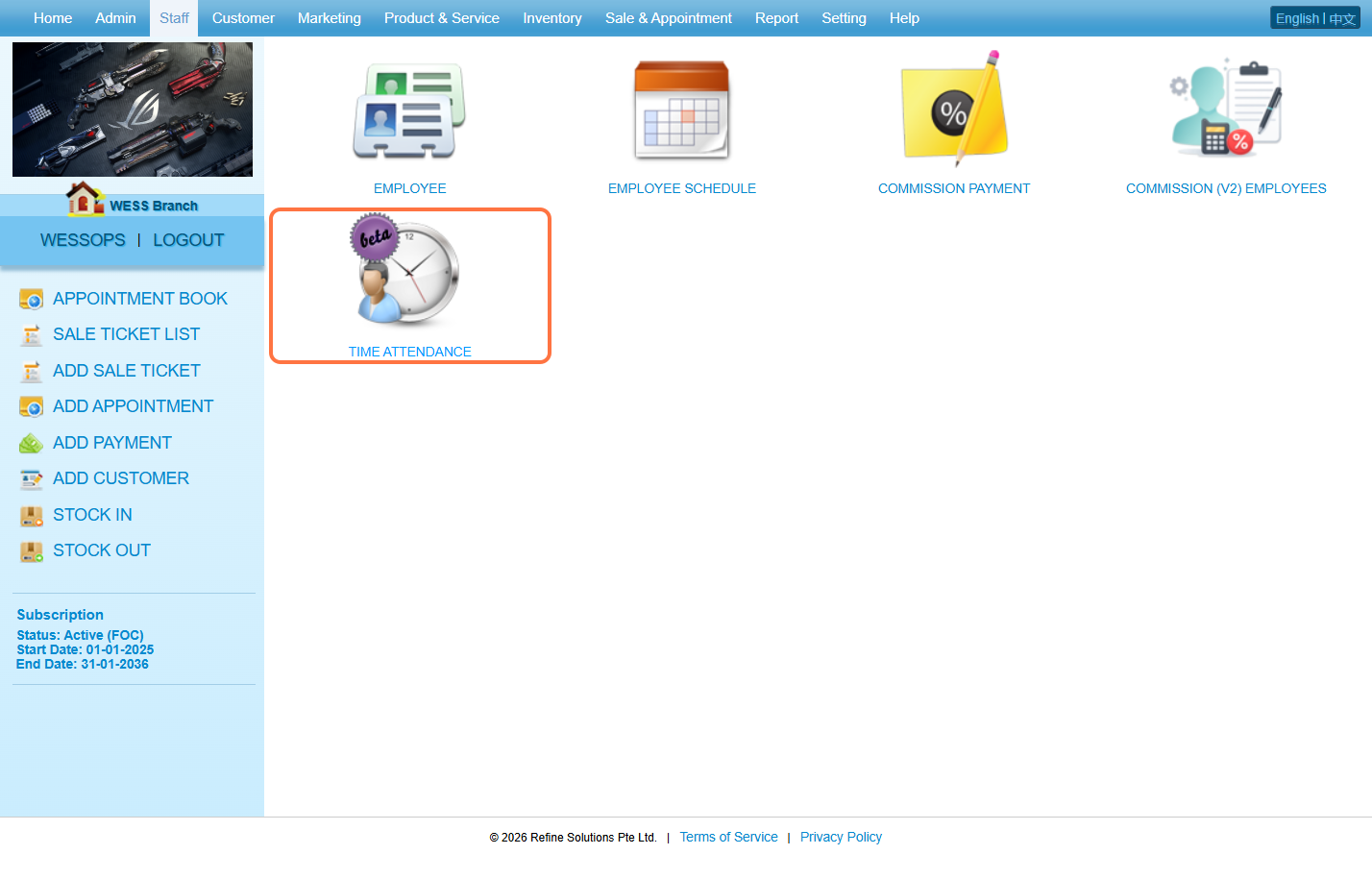
Step 3. Click on “MANAGER” .
Step 4: Select an “Employee” .
Step 5: Enter the password.
Step 6: Click on “Manage” .
Step 7: Tick the checkbox “☑️” to select the record.
Step 8: Click on DELETE “🛢❌” .
Step 9: Make sure the record has been deleted.
Last Updated: March 2026