
Step 1: Click “Staff” .
Step 2: Click on “COMMISSION PAYMENT” .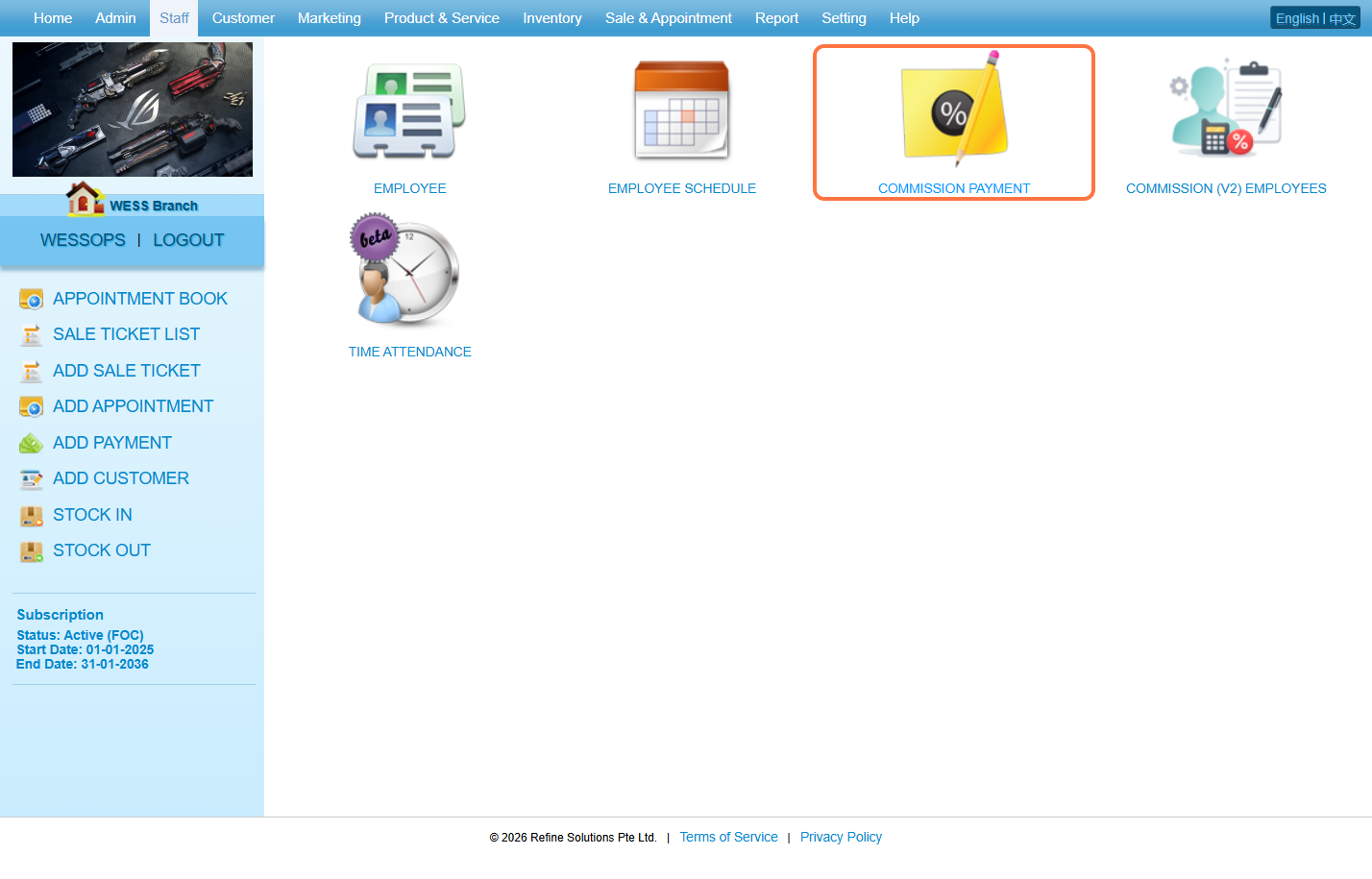
Step 3: Click on “NEW” .
Step 4: Select an “Employee” .
Step 5: Select a “Date“ range to capture the employee performance.
Step 6: Click on “Generate” .
Step 7: Can check the assigned commission scheme here.
Step 8: [Optional] Can make adjustments and write the reason here.
Step 9: Can write more details in the “Remark field” .
Step 10: Can check the calculated commission here.
Step 6: Click on Save icon “💾” .
Step 12: Make sure the change has been saved.
Last Updated: March 2026