
[!] Commission V1 is deprecated, new WESS users can try our new Commission V2
[!] Commission V2 is a new version of the commission calculation system inside WESS.
It DOESN’T AFFECT your original commission calculation system (V1).
Step 1: Click “Staff” .
Step 2: Click “EMPLOYEE” .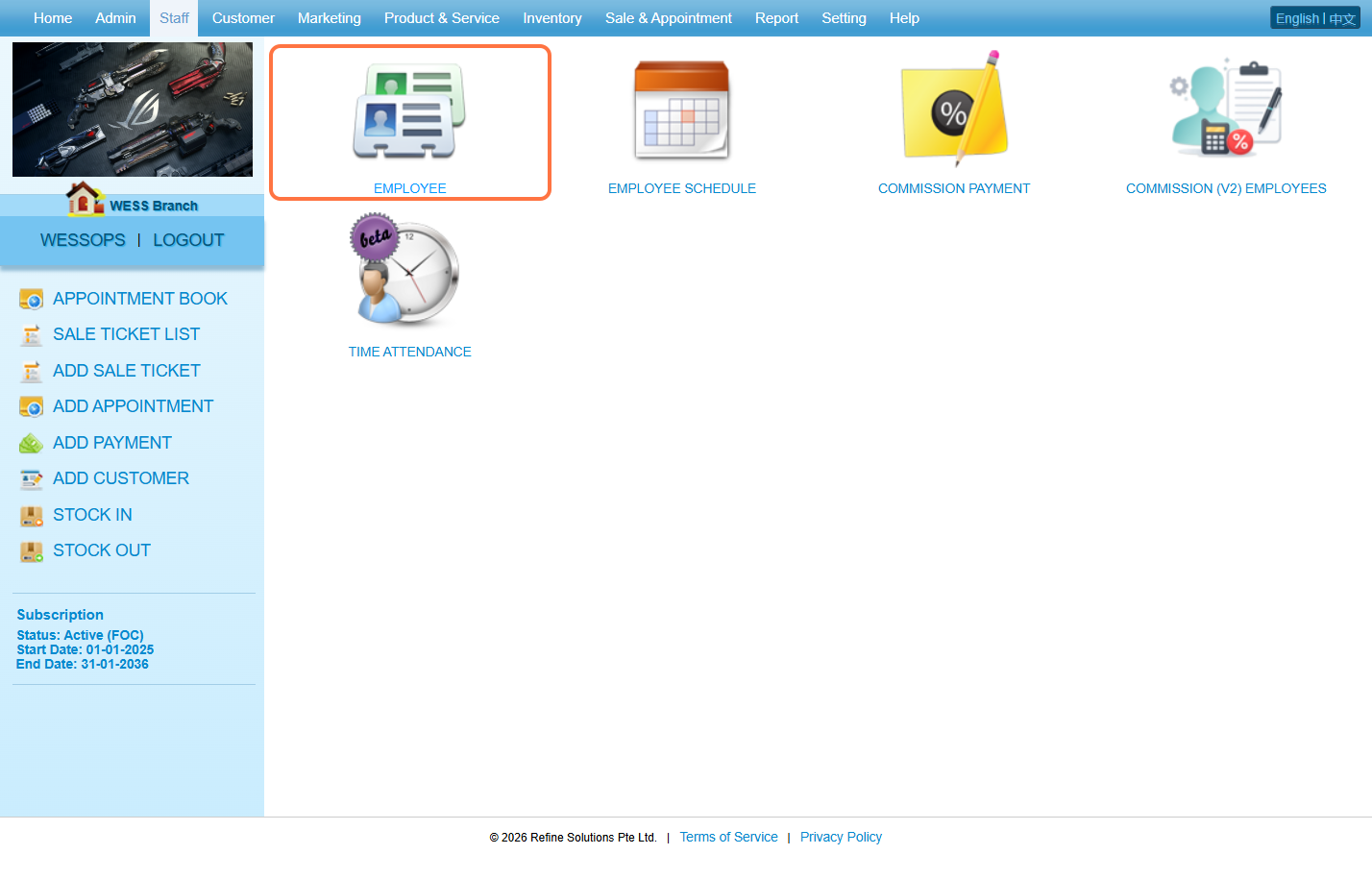
Step 3: Click on the pen icon “✏️” to edit.
Step 4. Click “COMMISSION” .
Step 5: Select a Commission Scheme.
Step 6: Click on “APPLY” or other disk icons to save.
Step 7: Make sure the change has been saved.
Last Update: March 2026