
Step 1: Click “Staff” .
Step 2: Click “EMPLOYEE” .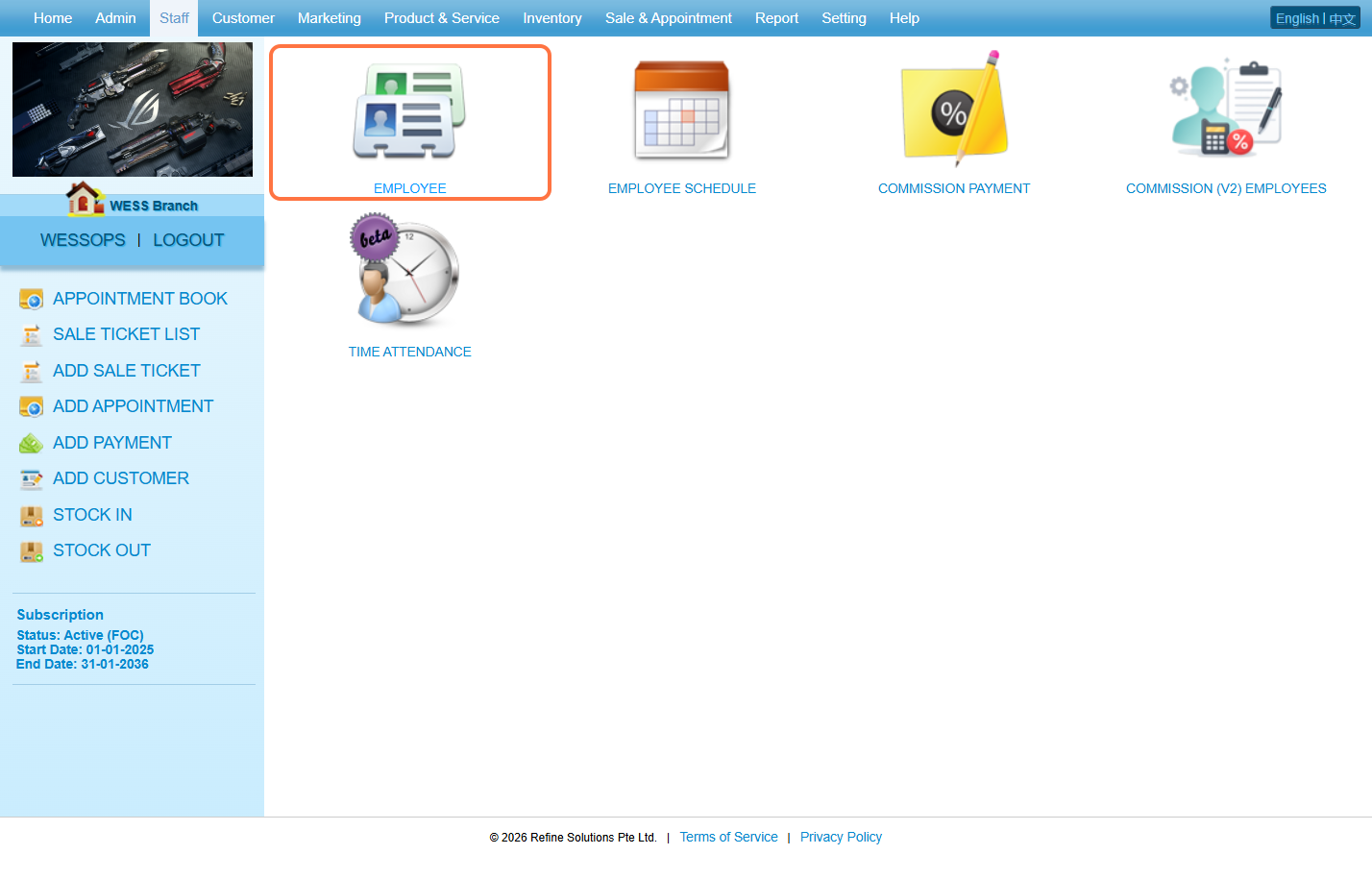
Step 3. Select “No” to show the unpublished employee.
ℹ️ Method 1
Step 4: Click on the pen icon “✏️” to edit.
Step 5: Set “Published” to “Yes” .
Step 6: Click on Save “💾” or other disk icons to save.
ℹ️ Method 2
Step 7: Click on the “❎” to publish.
Step 8: Make sure the change has been saved.
Last Update: March 2026