
Step 1: Click “Admin” .
Step 2: Click “ROLE” .
Step 3: Click on the Move Up icon “🔺” to raise the role’s priority.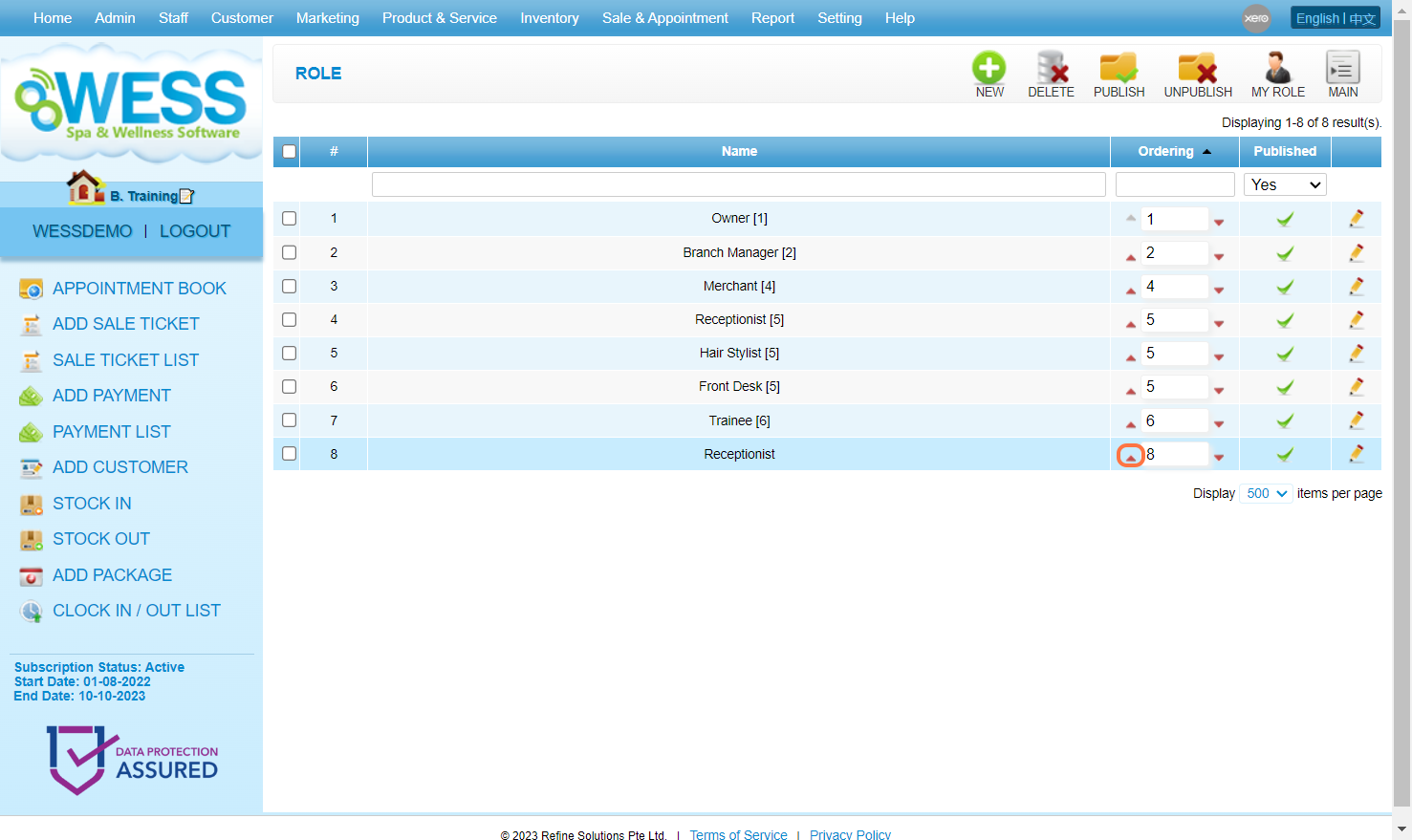
Step 4: Make sure the change has been saved.
Step 5: Click on the Move Down icon “🔻” to lower the role’s priority.
Step 6: Make sure the change has been saved.
Last Update: July 2024