
1. Click on Product & Service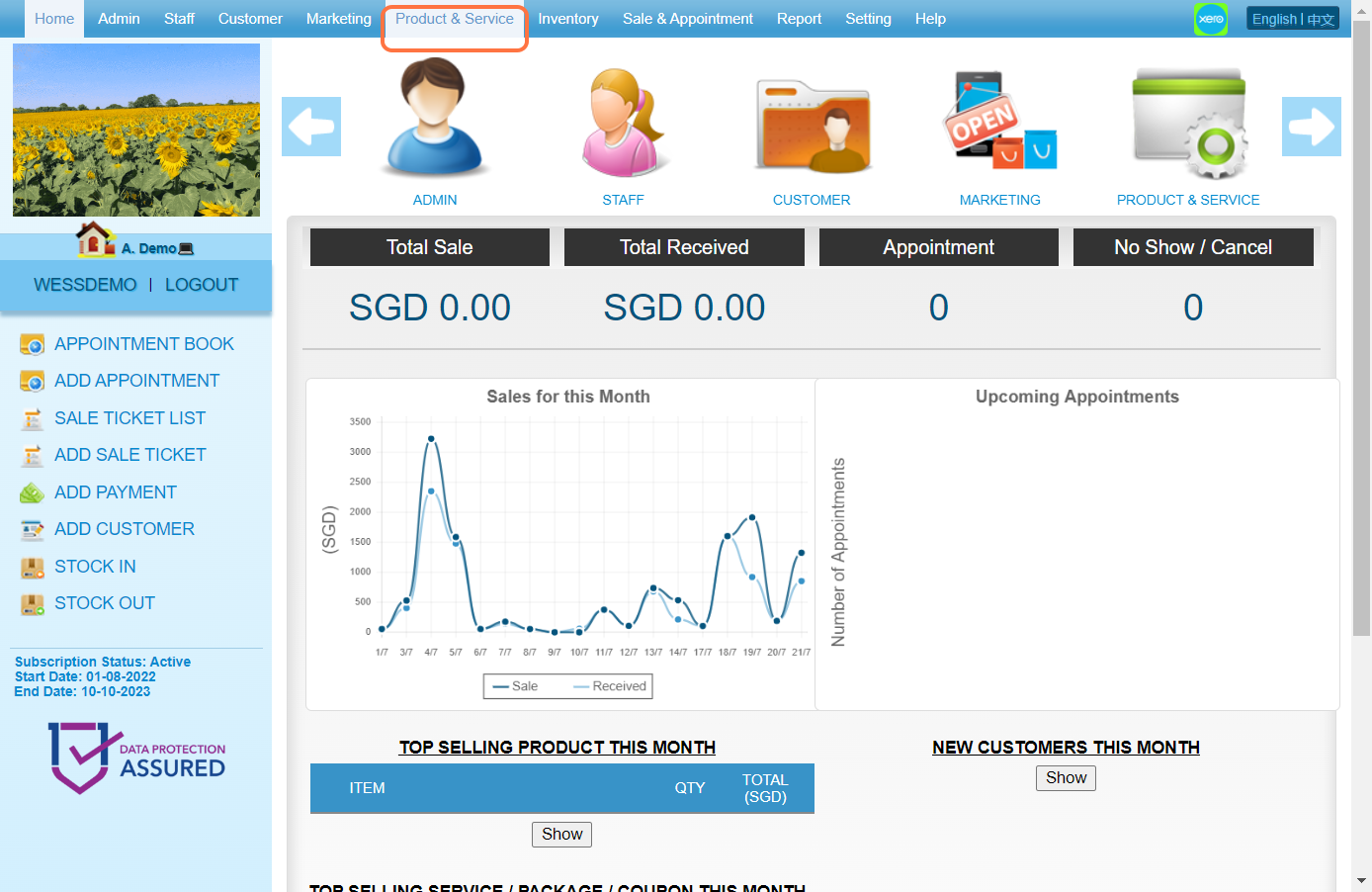
2. Click on SERVICE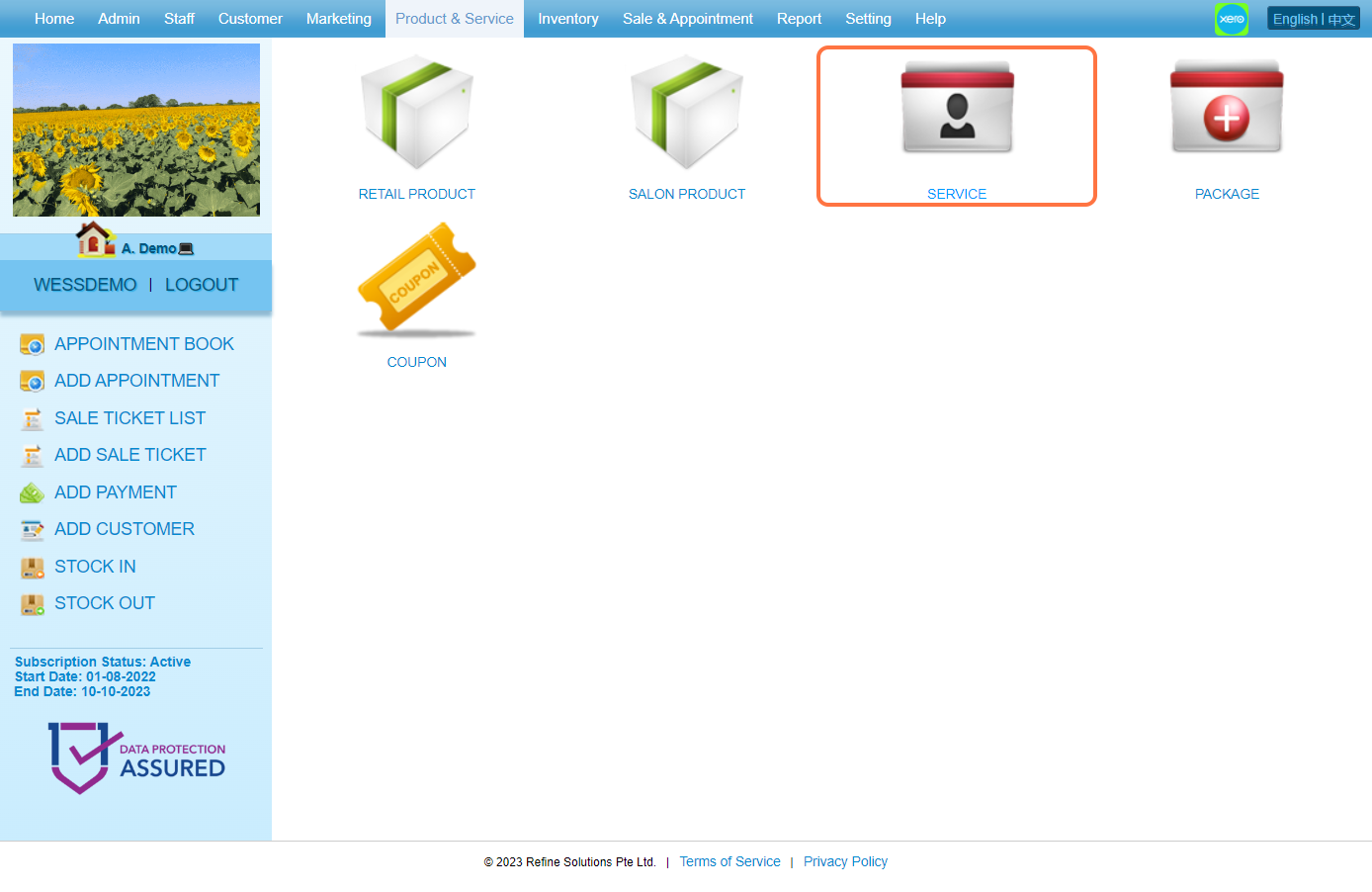
3. Select an item and click on the pen icon to edit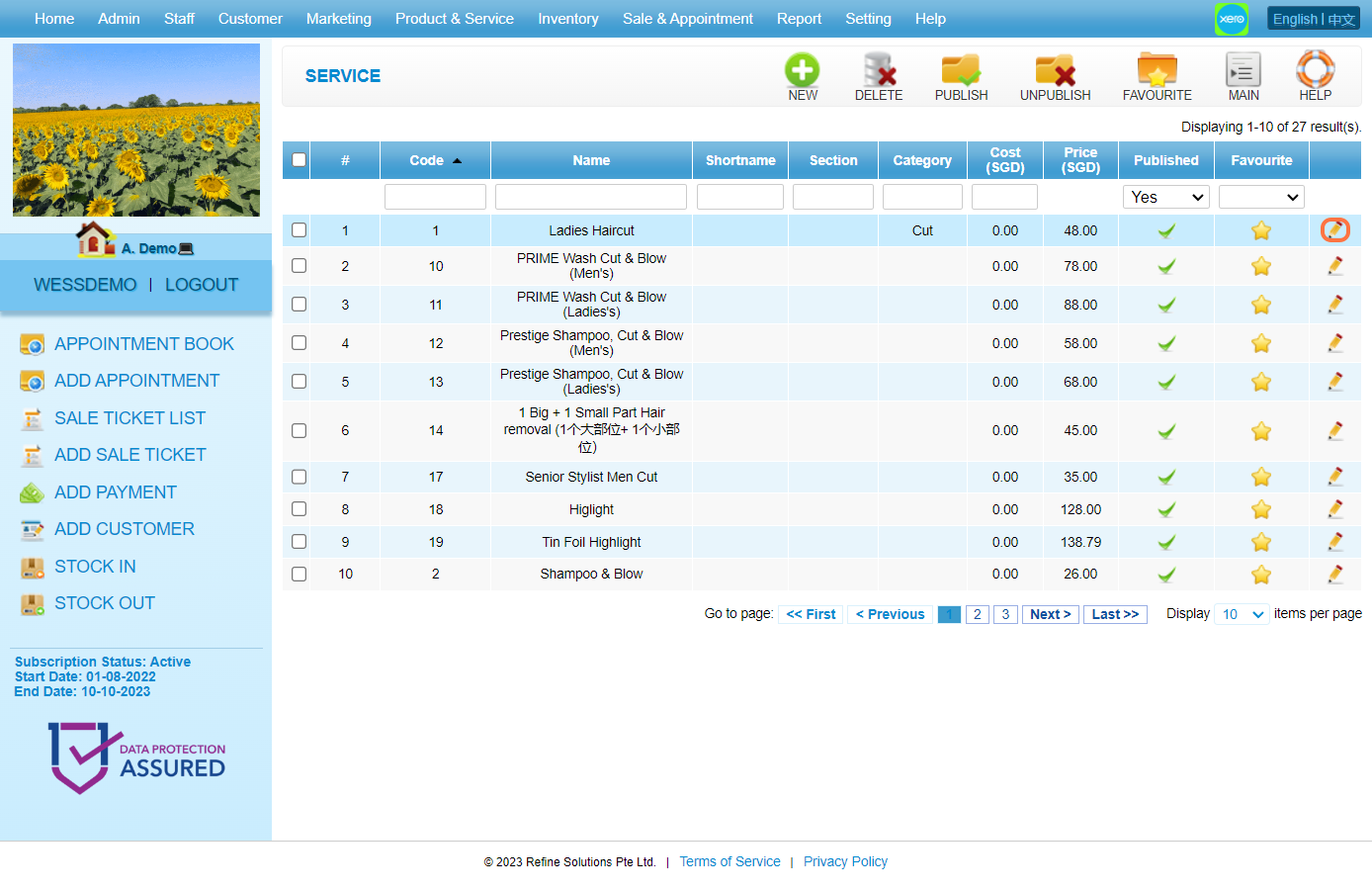
4. Click on COMMISSION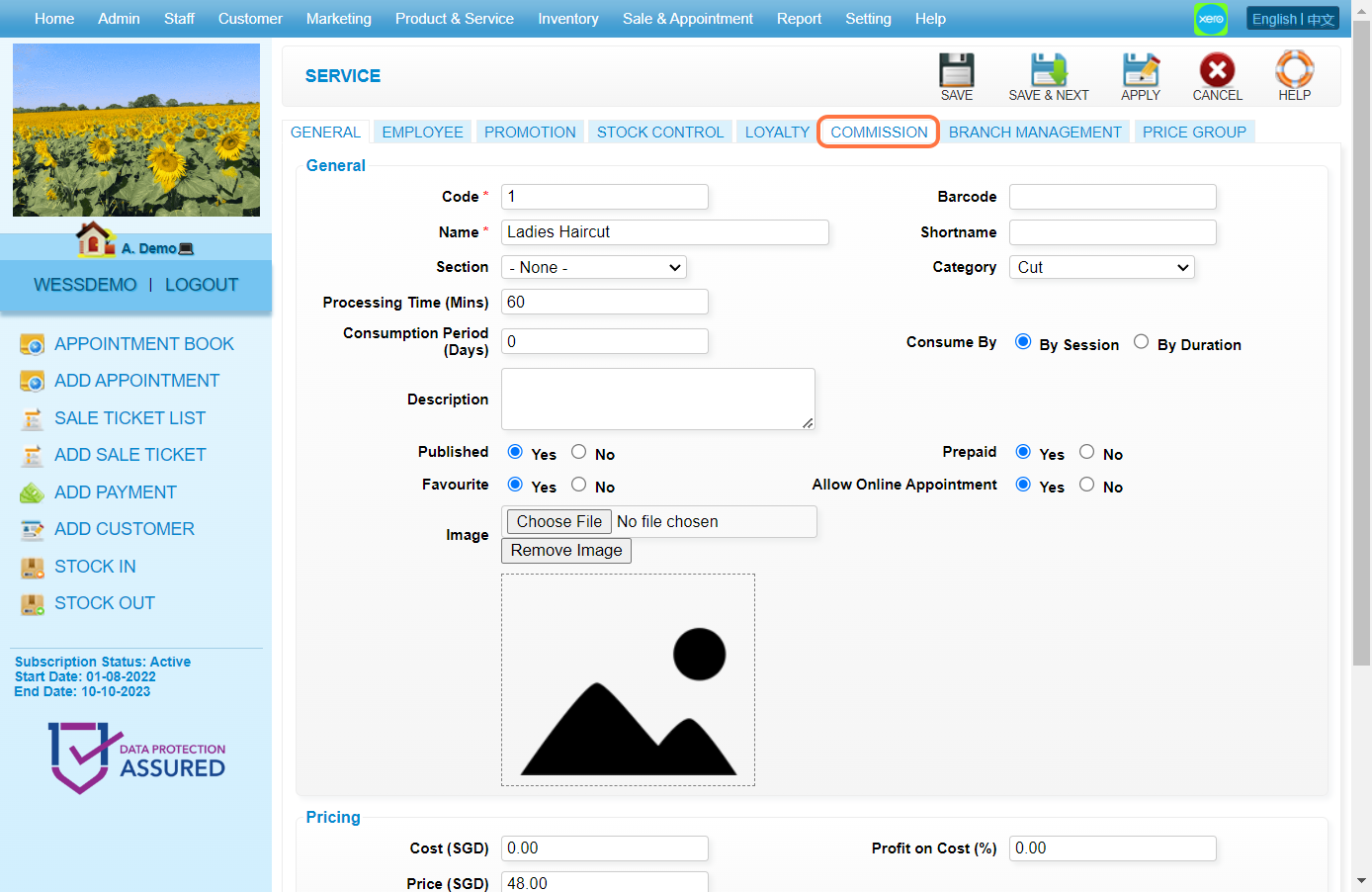
5. Select a commission scheme this item is entitled to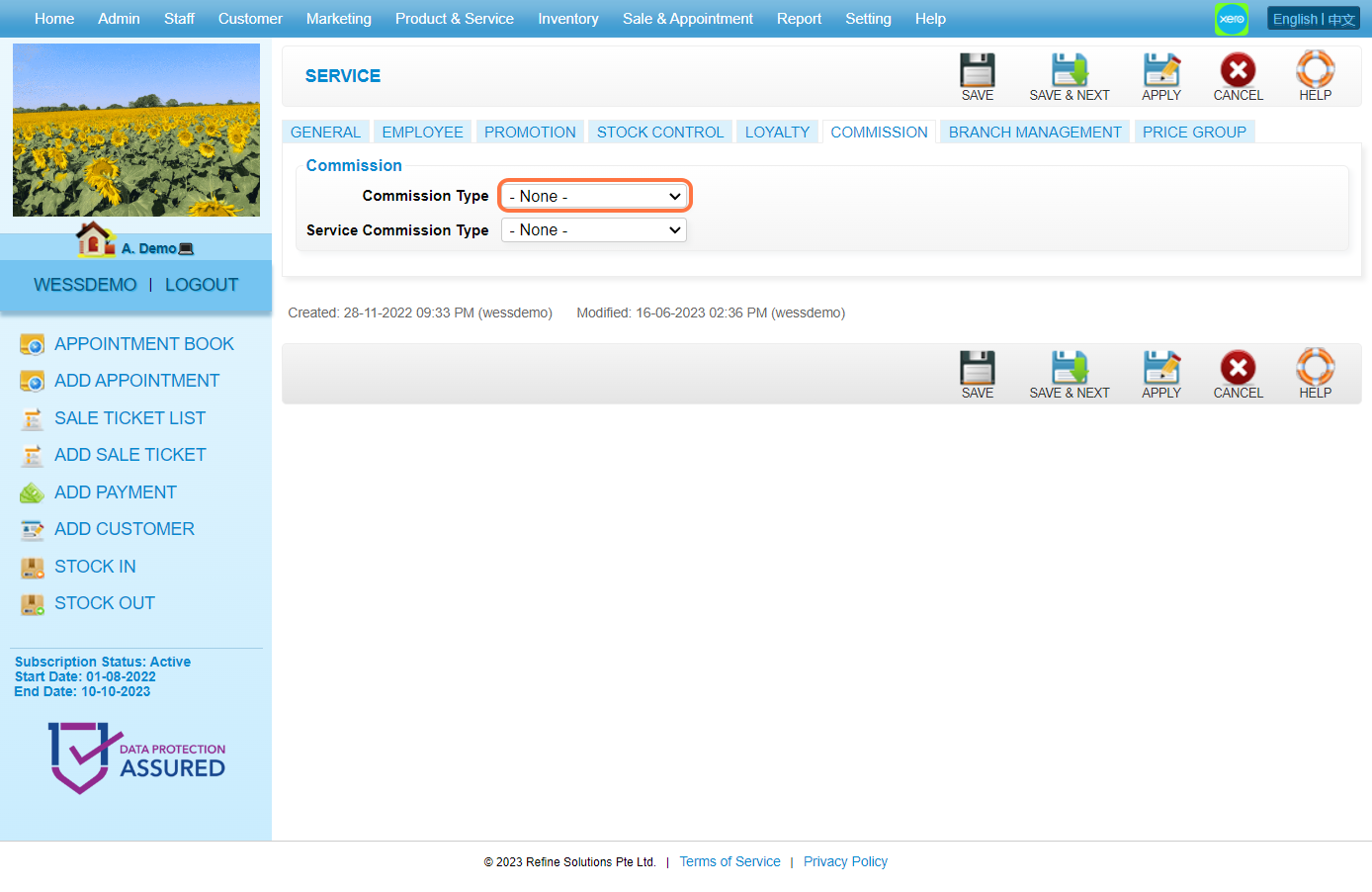
6. If the item is service, select a commission scheme entitled to hands-on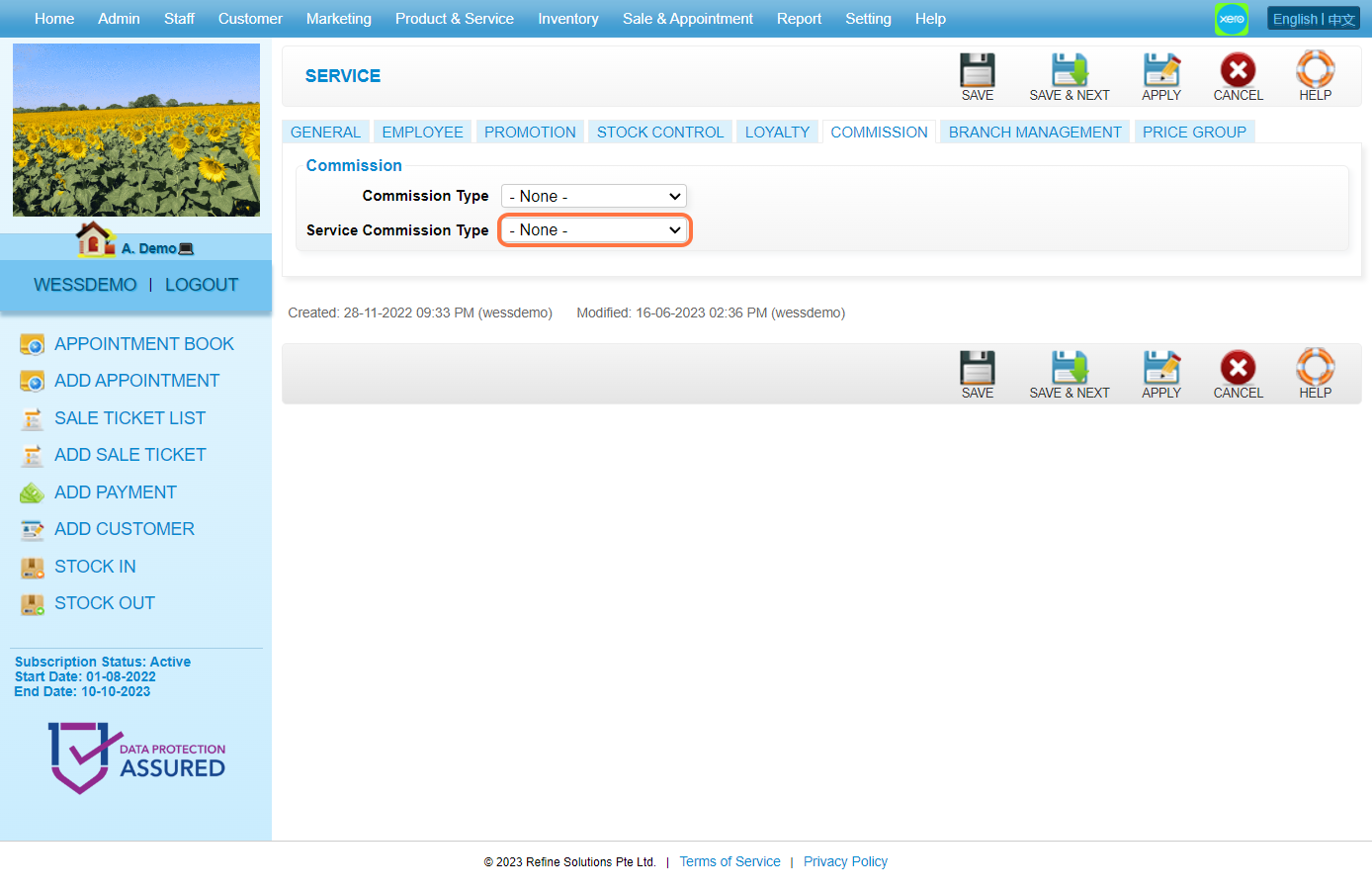
7. Click on APPLY or other disk icons to save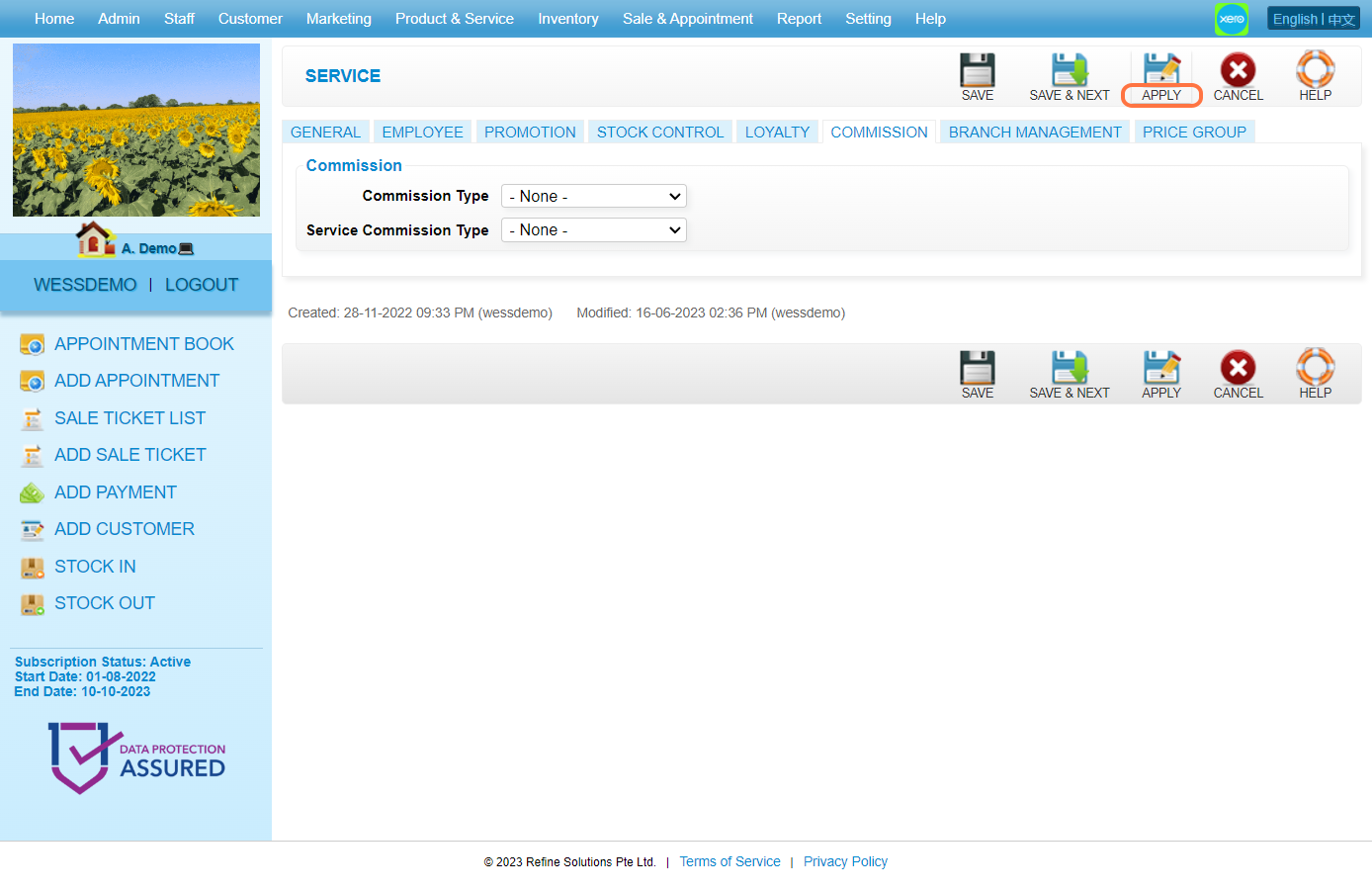
8. Make sure the record has been saved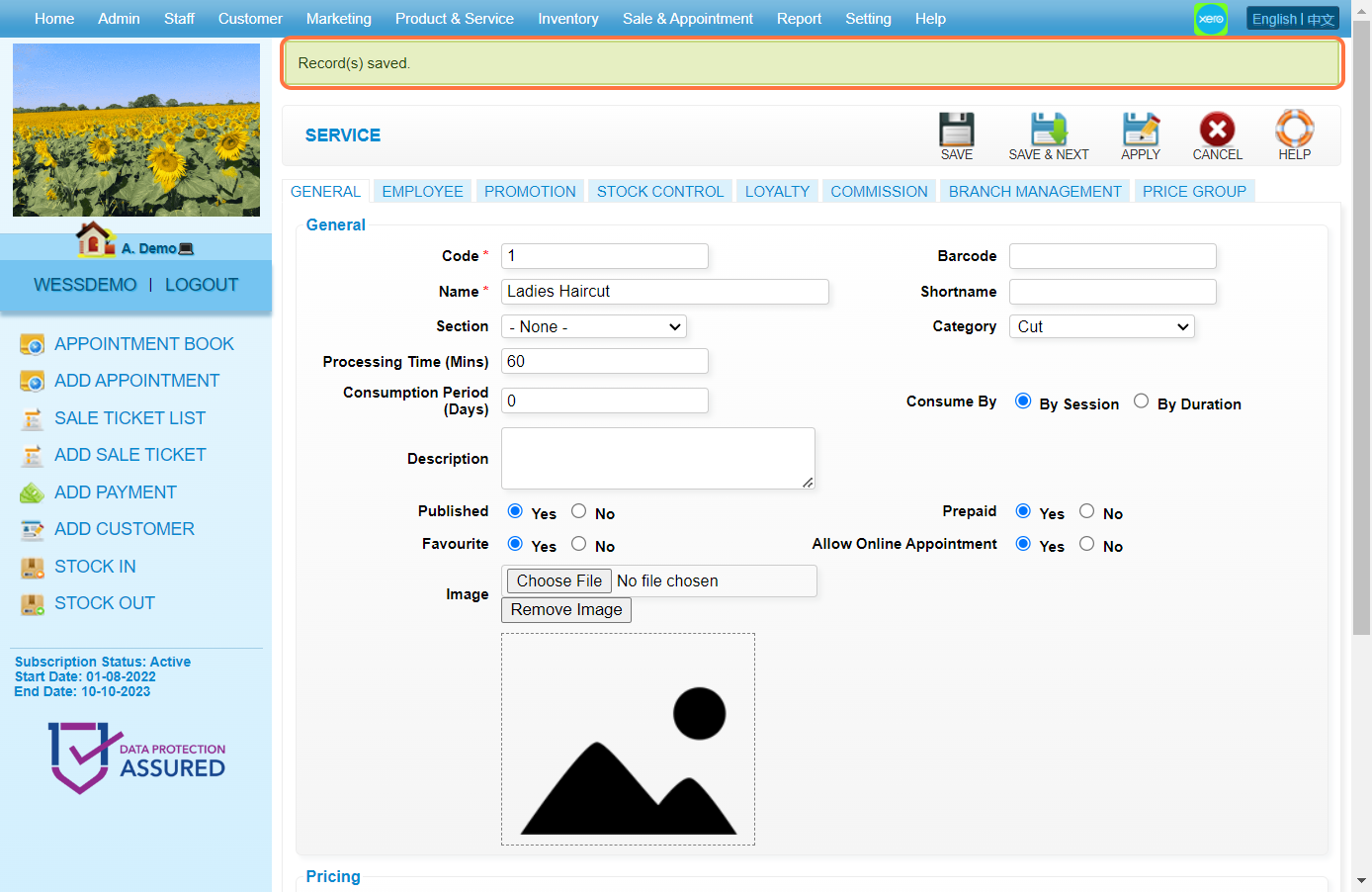
Last Update: Aug 2023