
Step 1: Click “Setting“.
Step 2: Click “SALE SETTING“.
Step 3: Click “On” and tick the “Prompt” checkbox “☑️” in the Payment Signature field.
Step 4: Click Save icon “💾”.
Step 5: Make sure the setting has been saved.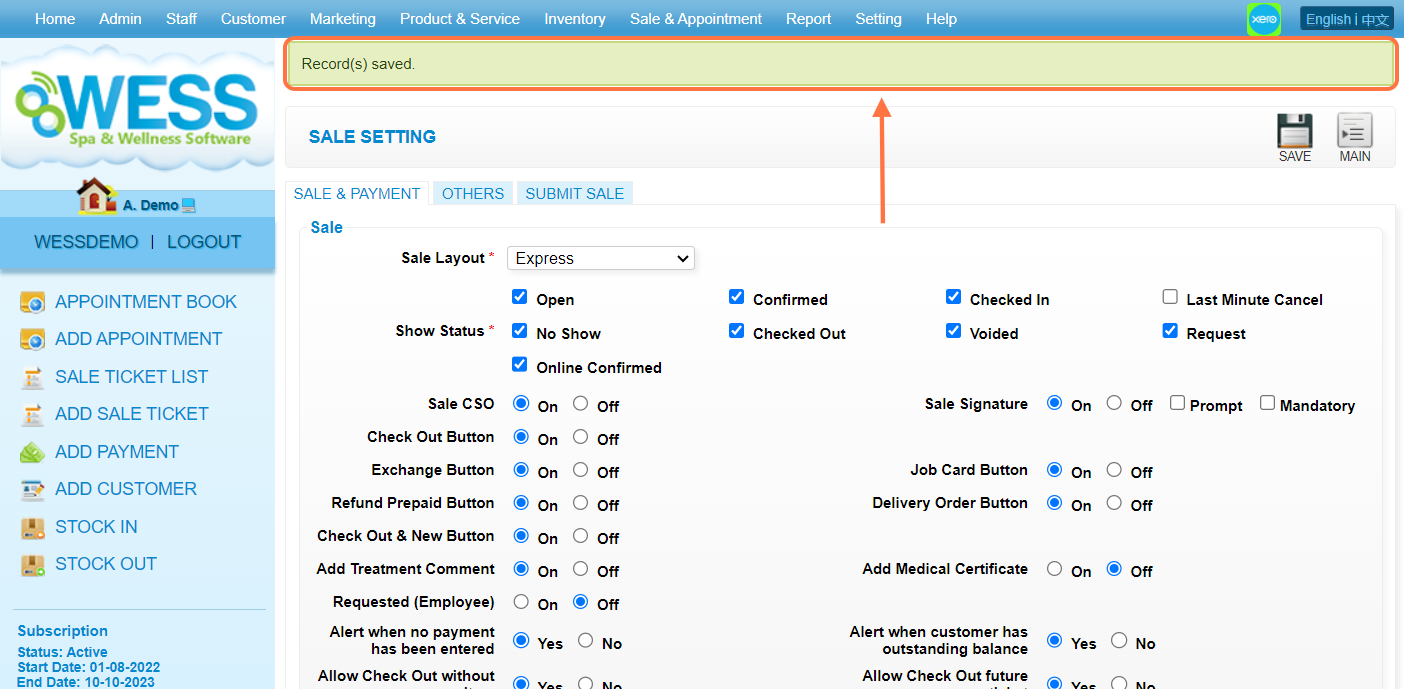
Last Update: July 2024
Step 1: Click “Setting“.
Step 2: Click “SALE SETTING“.
Step 3: Click “On” and tick the “Prompt” checkbox “☑️” in the Payment Signature field.
Step 4: Click Save icon “💾”.
Step 5: Make sure the setting has been saved.
Last Update: July 2024