
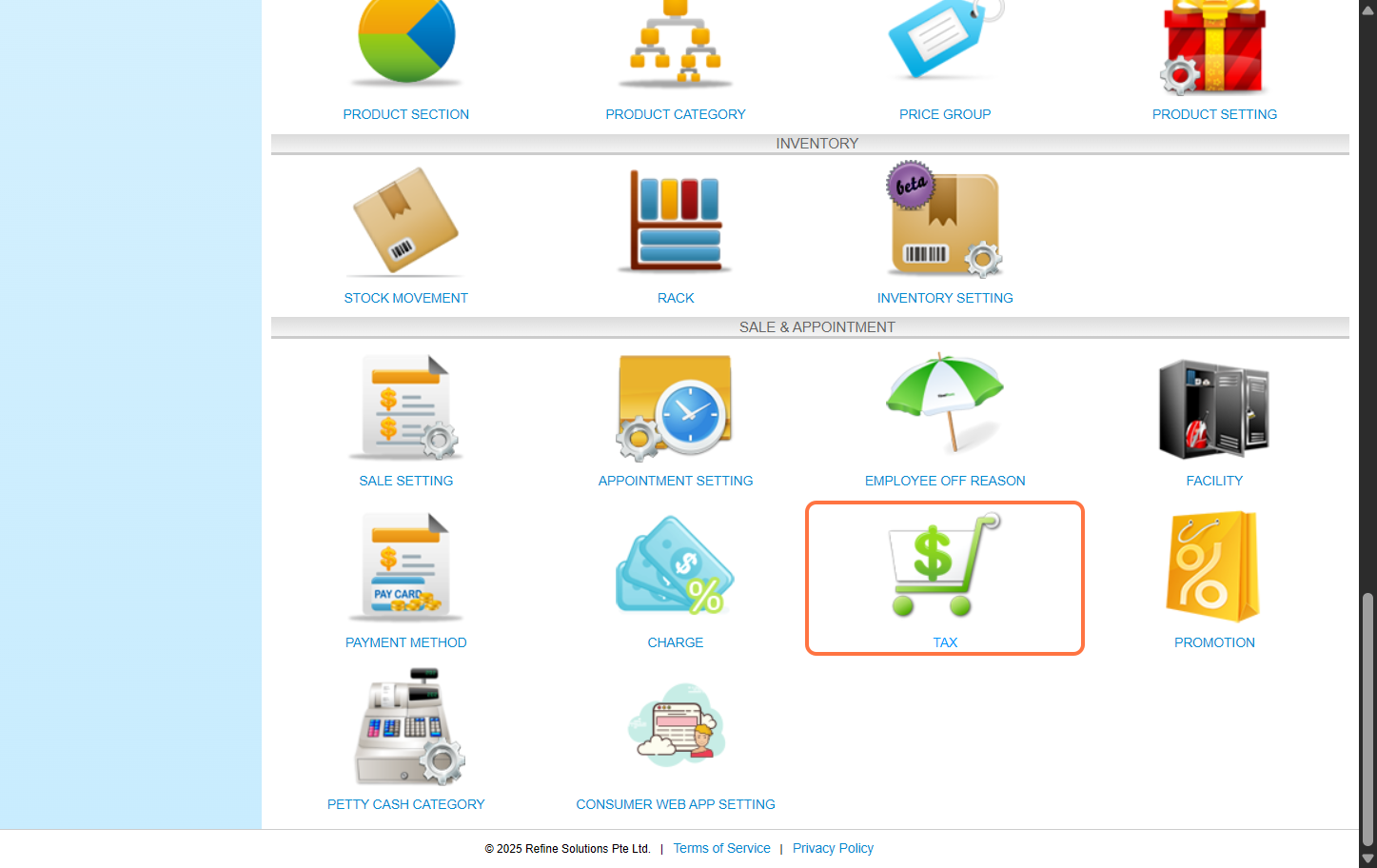
Step 1: Click “Setting”.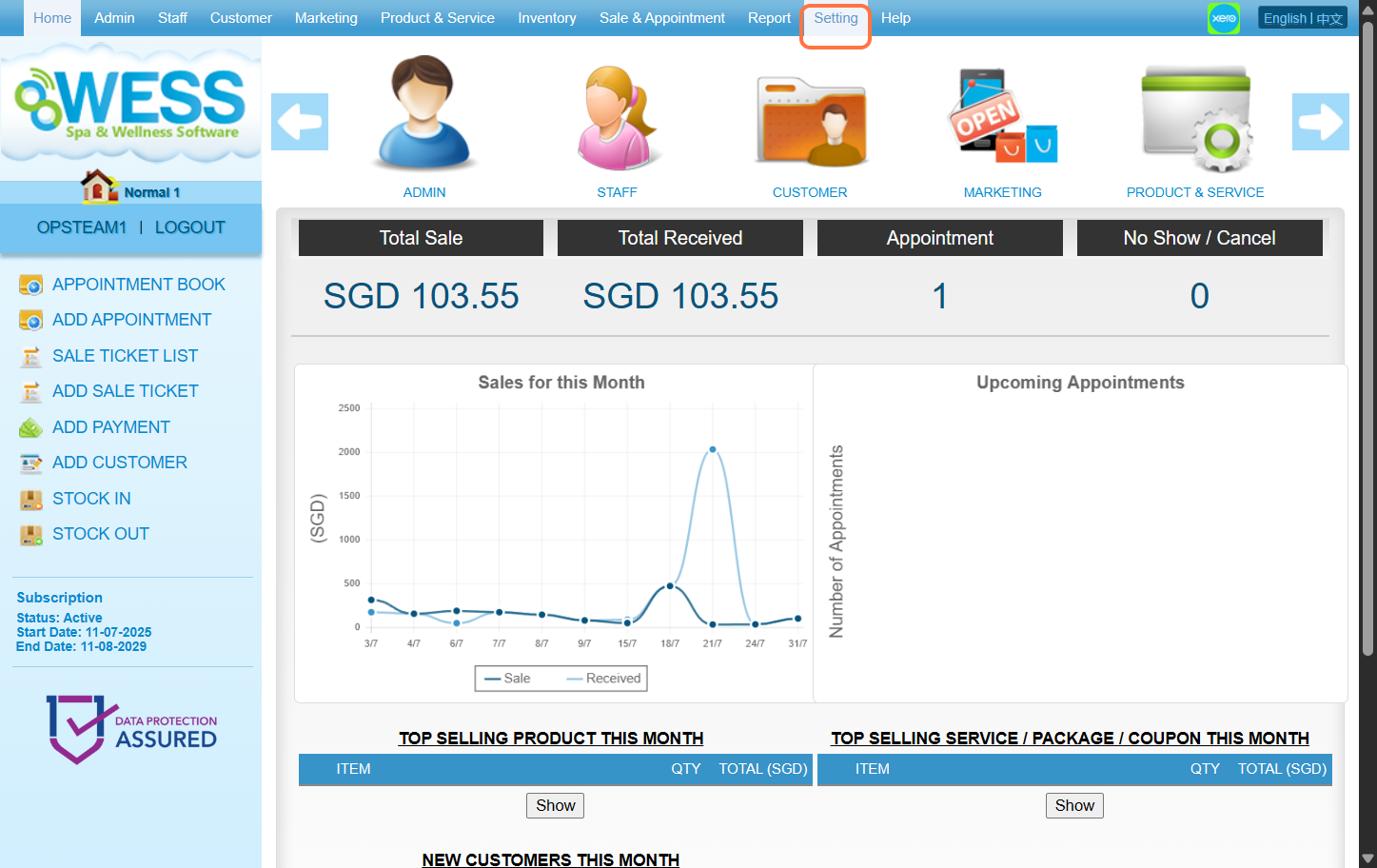 Step 2: Click “TAX”.
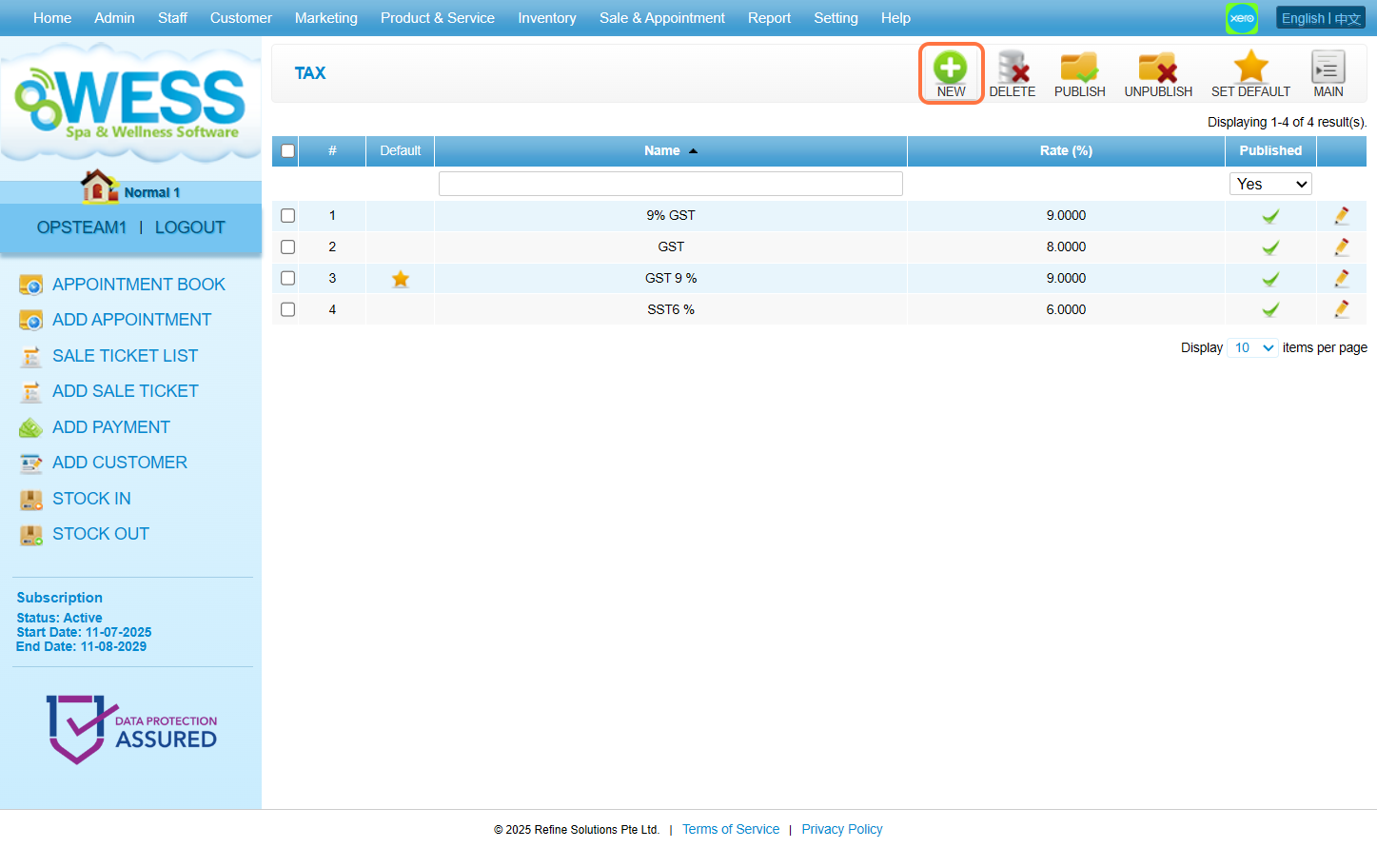
 Step 3: Click “NEW”.
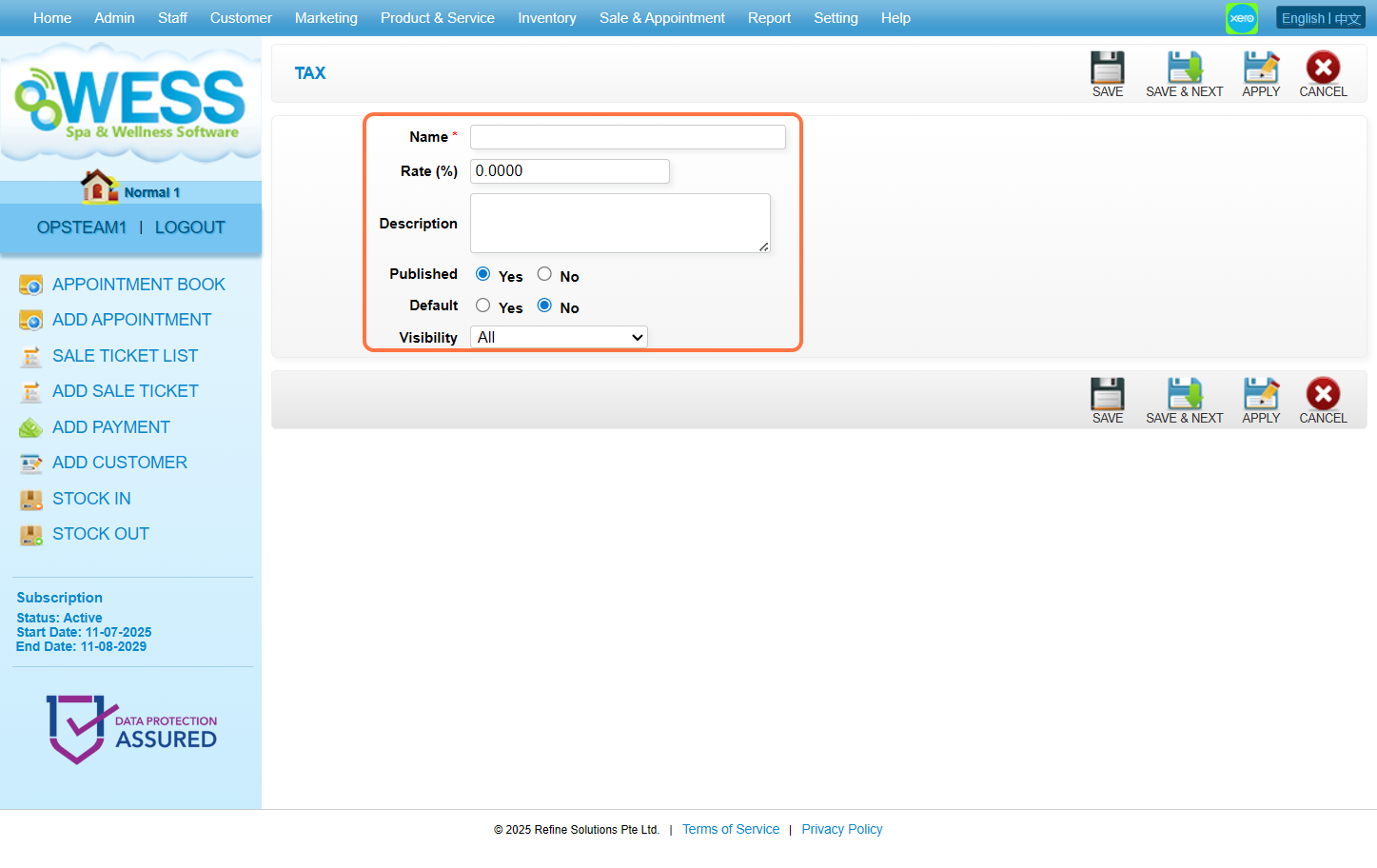
 Step 4: Fill the textbox with relevant information accordingly.
 Step 5: Click “SAVE”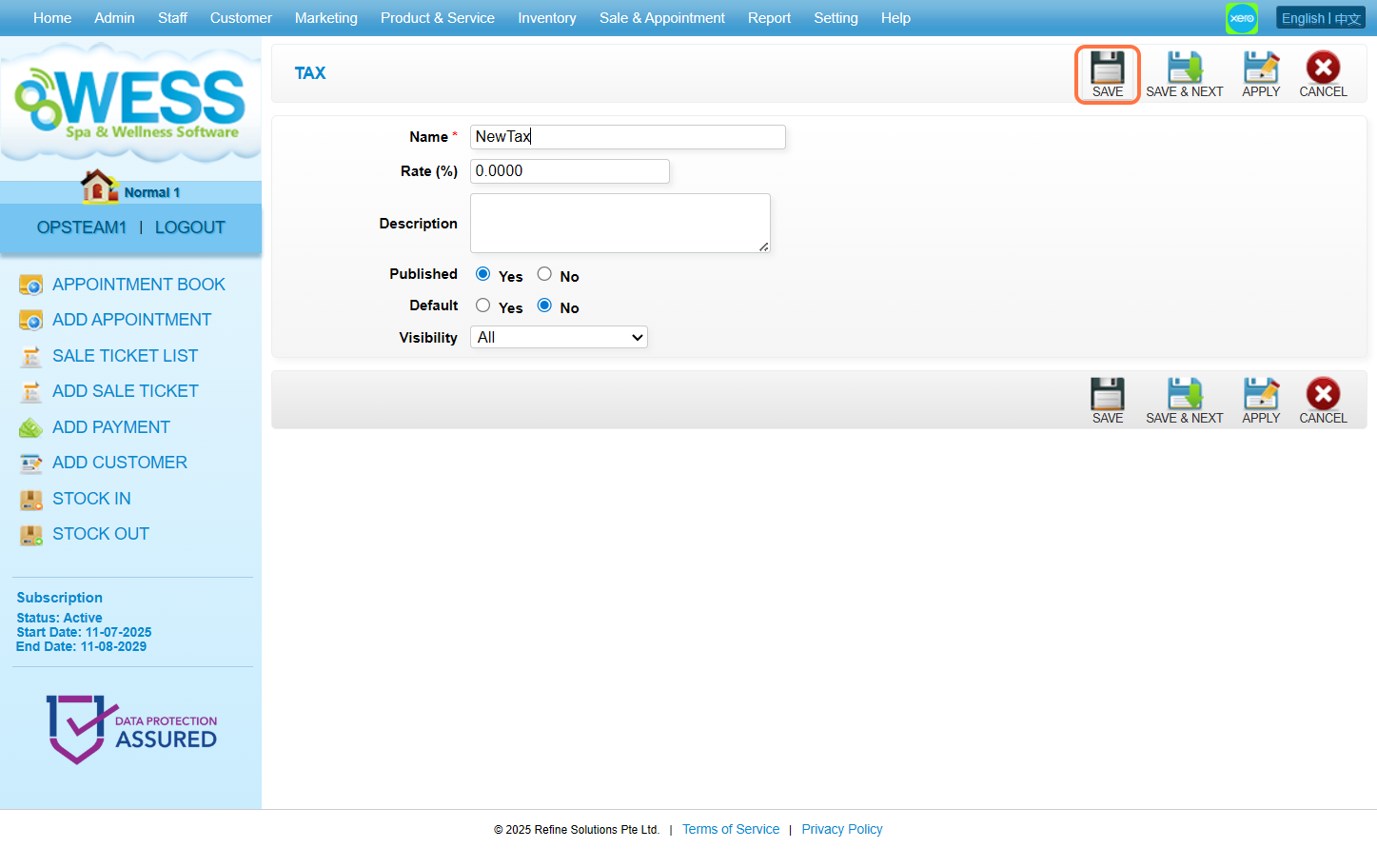
Step 2: Click “TAX”.
Step 3: Click “NEW”.
Step 4: Fill the textbox with relevant information accordingly.
Step 5: Click “SAVE”
Last Update: August 2025