
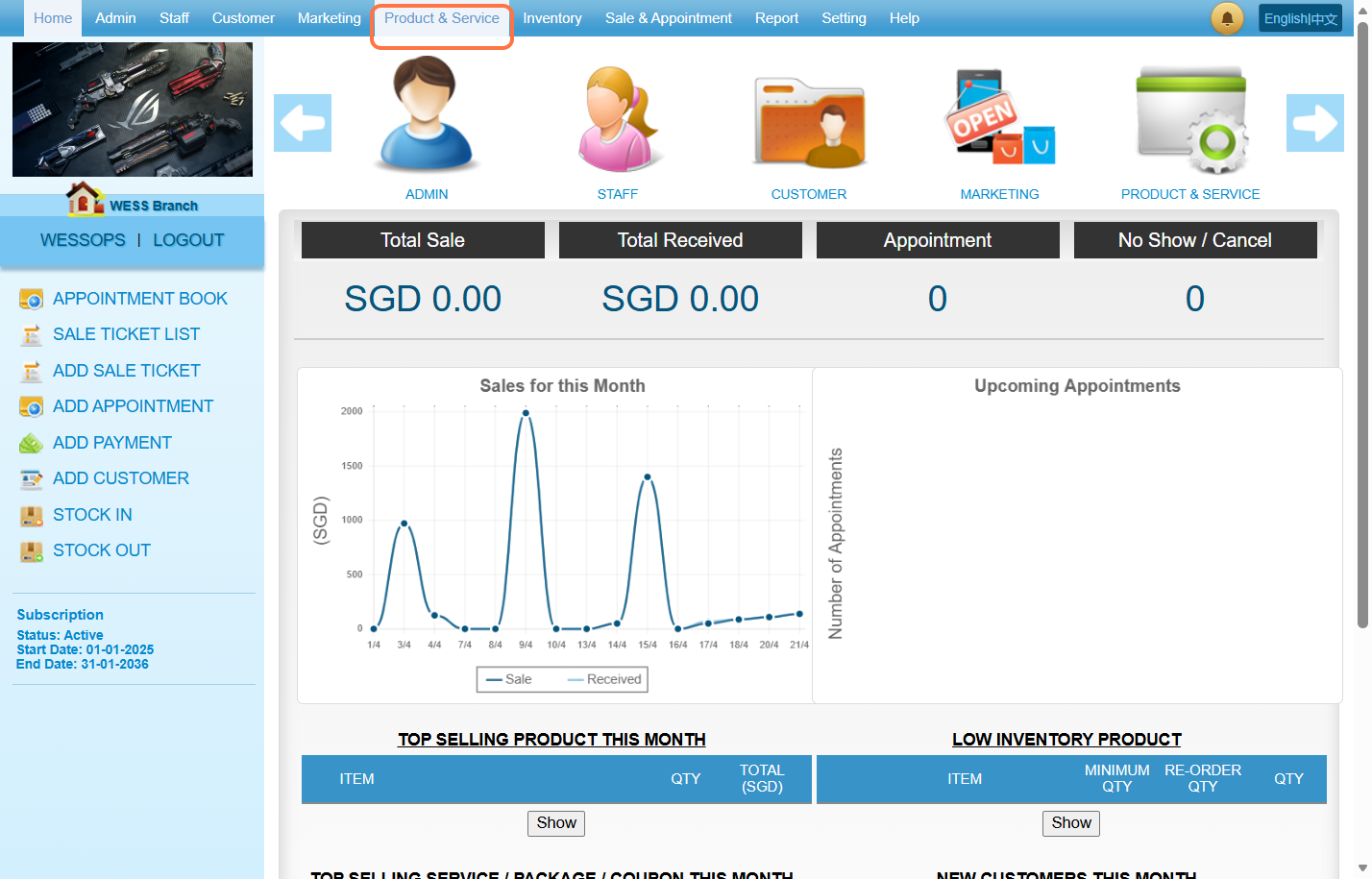
Step 1: Click on “Product & Service”.
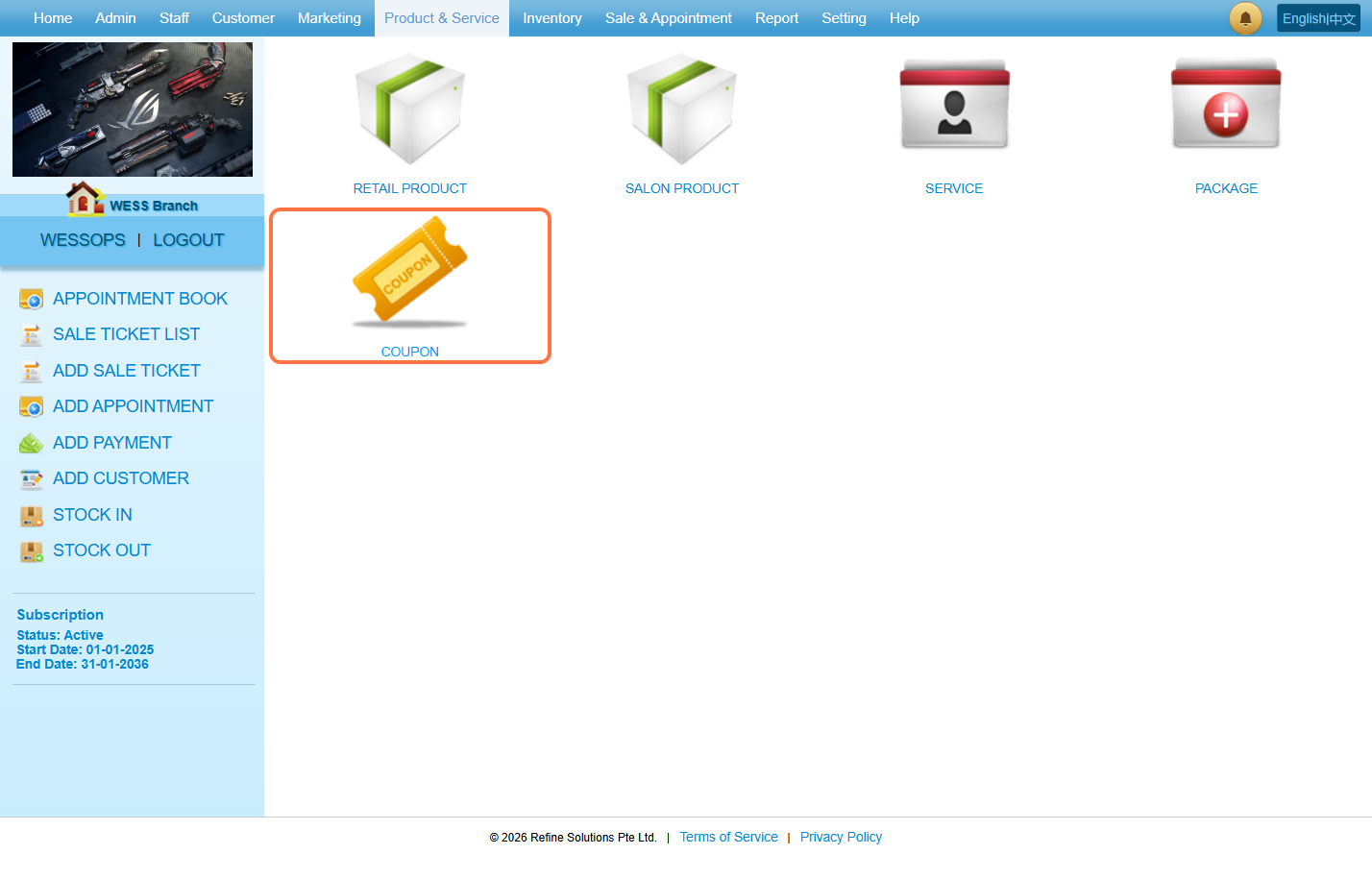
Step 2: Click on “Coupon”.
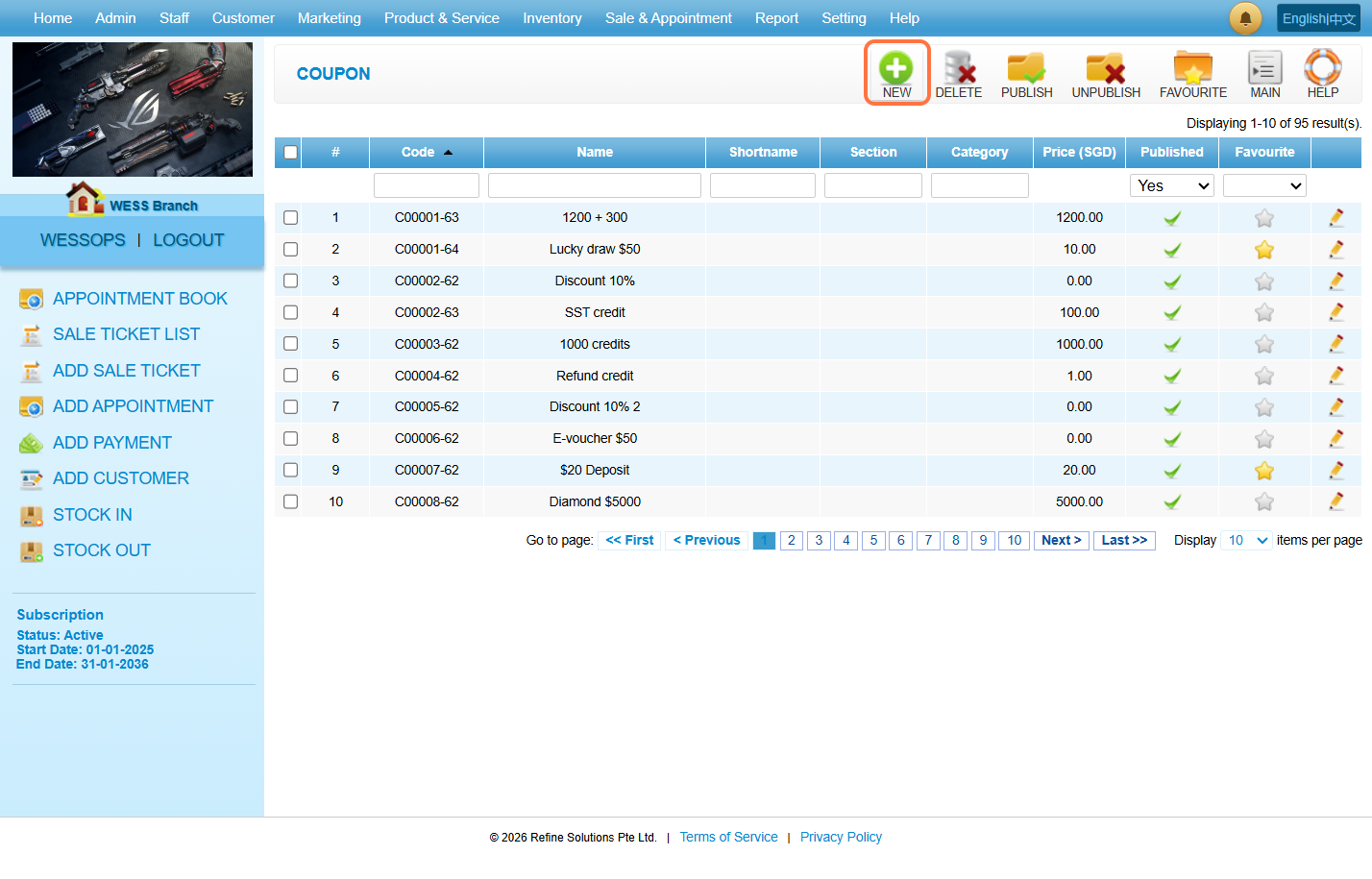
Step 3: Click on “NEW”.
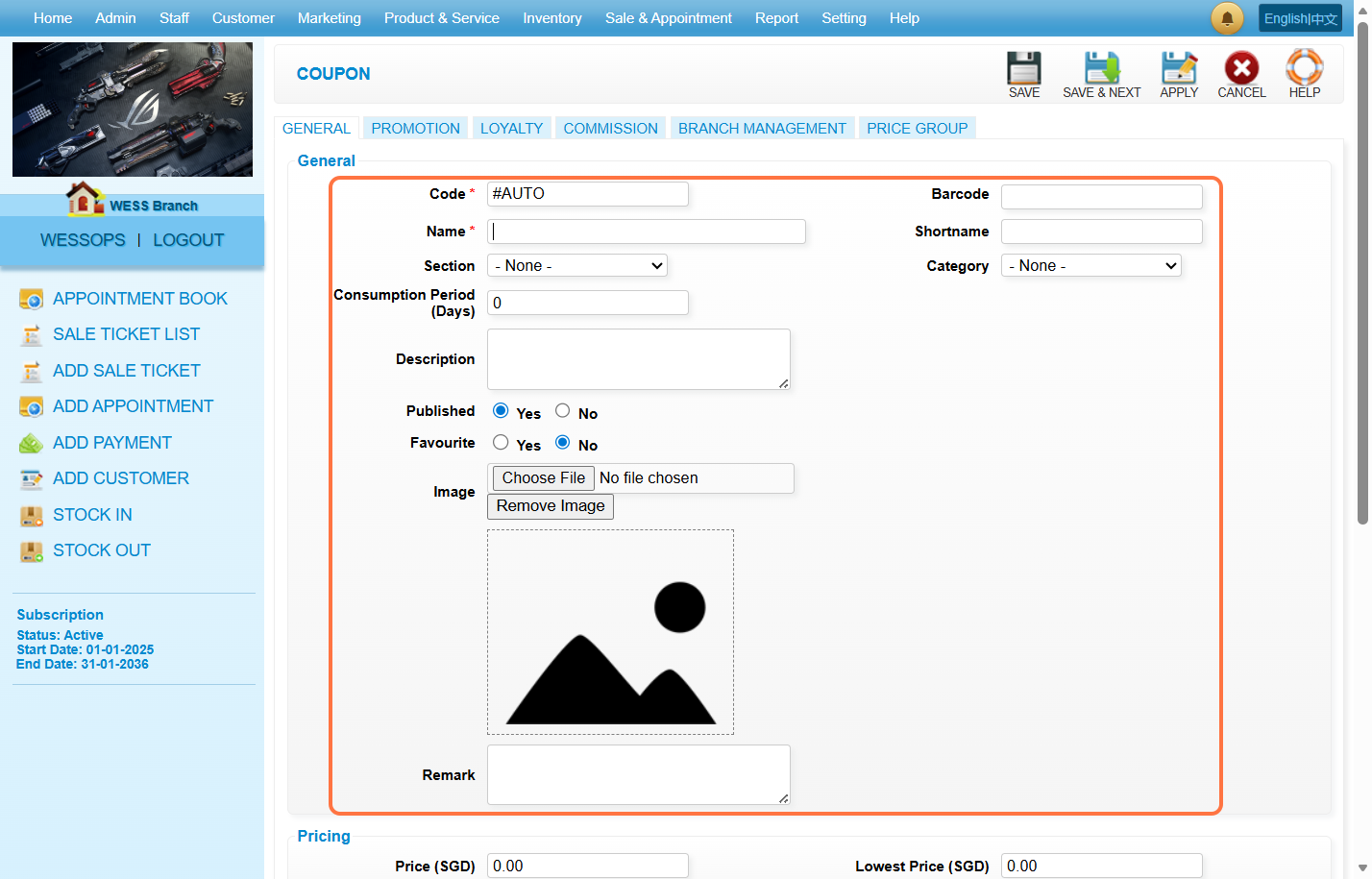
Step 4: Fill in the coupon information.
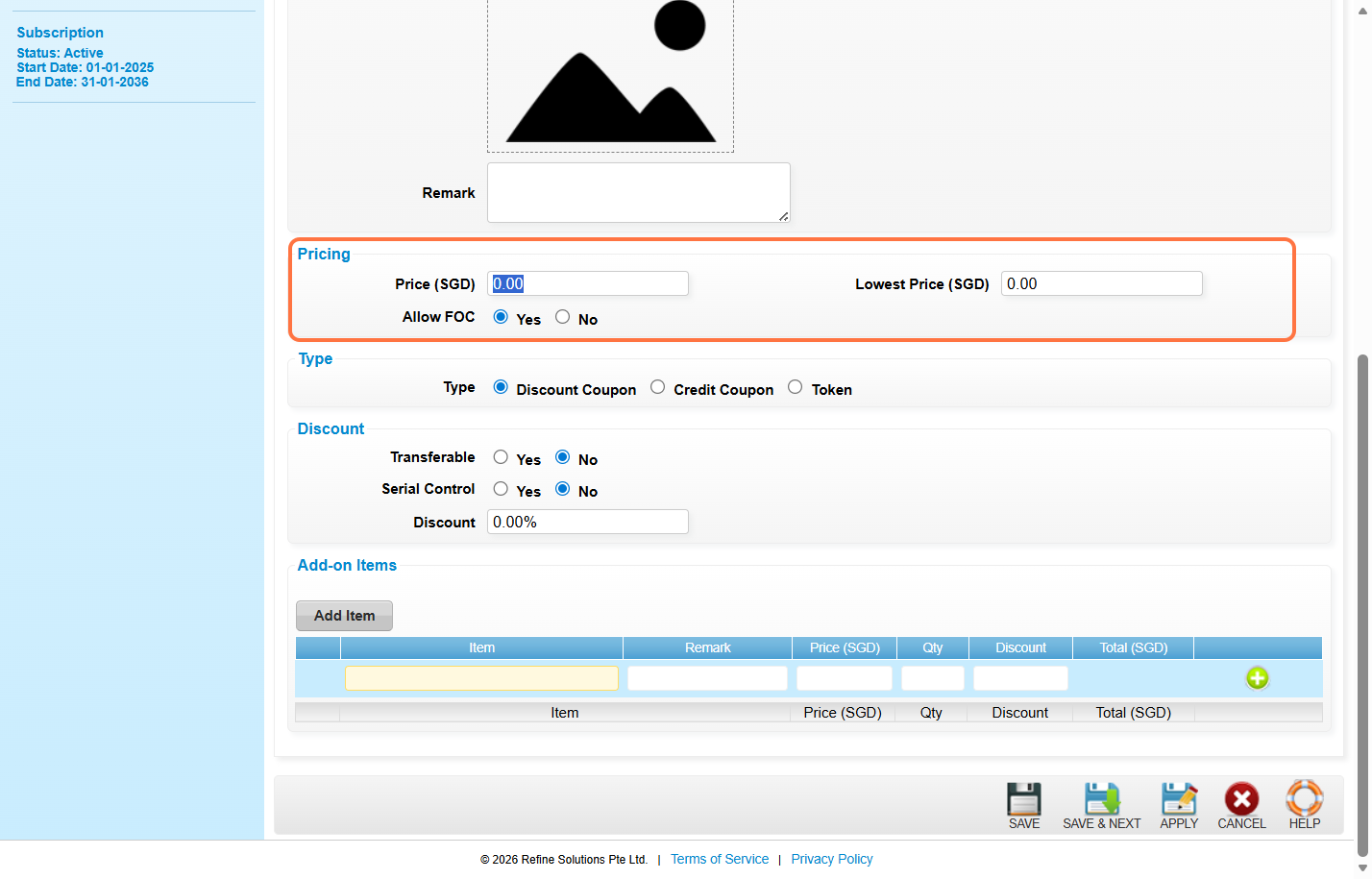
Step 5: Fill in the “Price” and select “Yes” or “No” for Allow FOC.
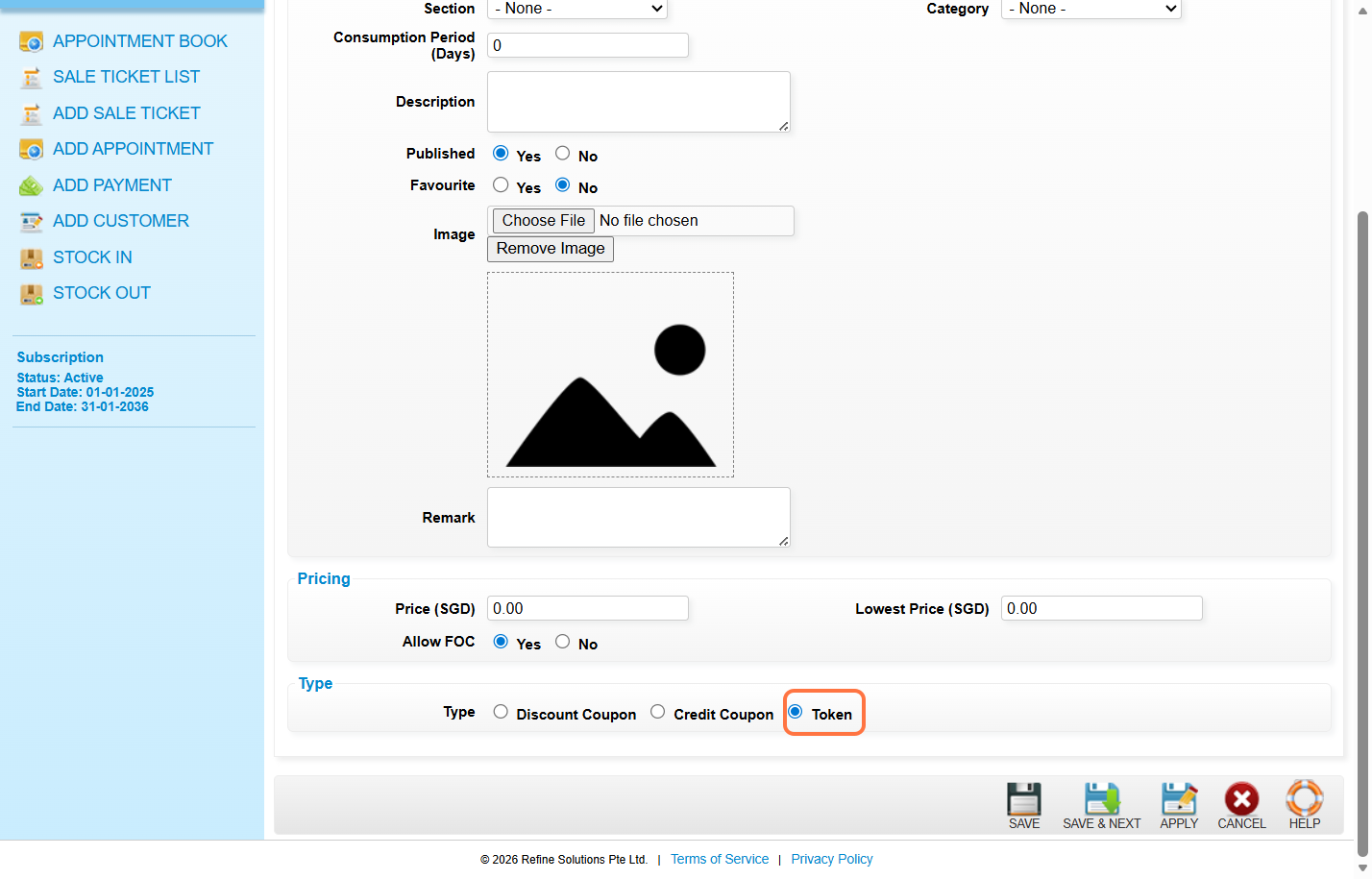
Step 6: Click on “Token”.
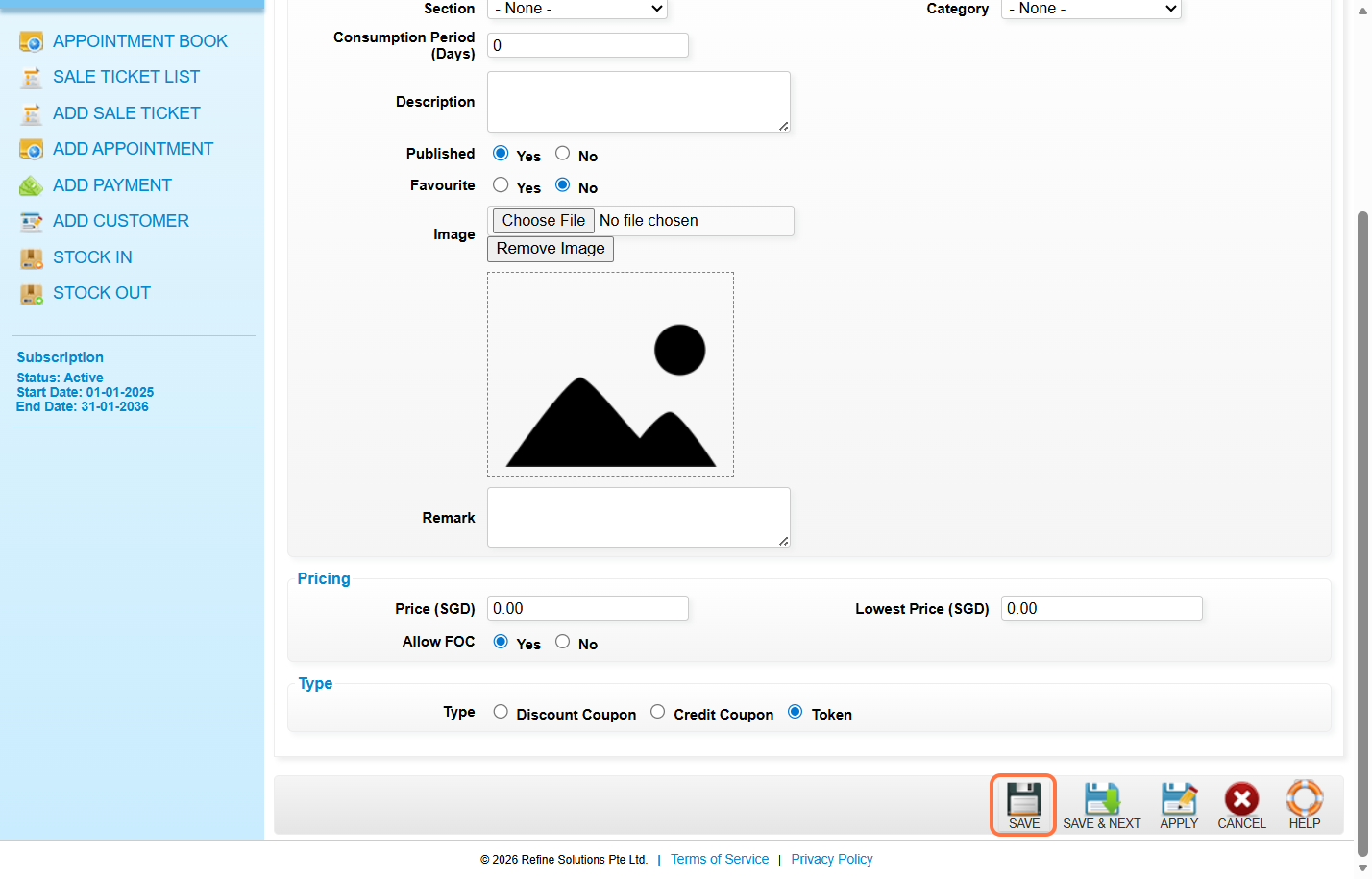
Step 7: Click on “SAVE”.
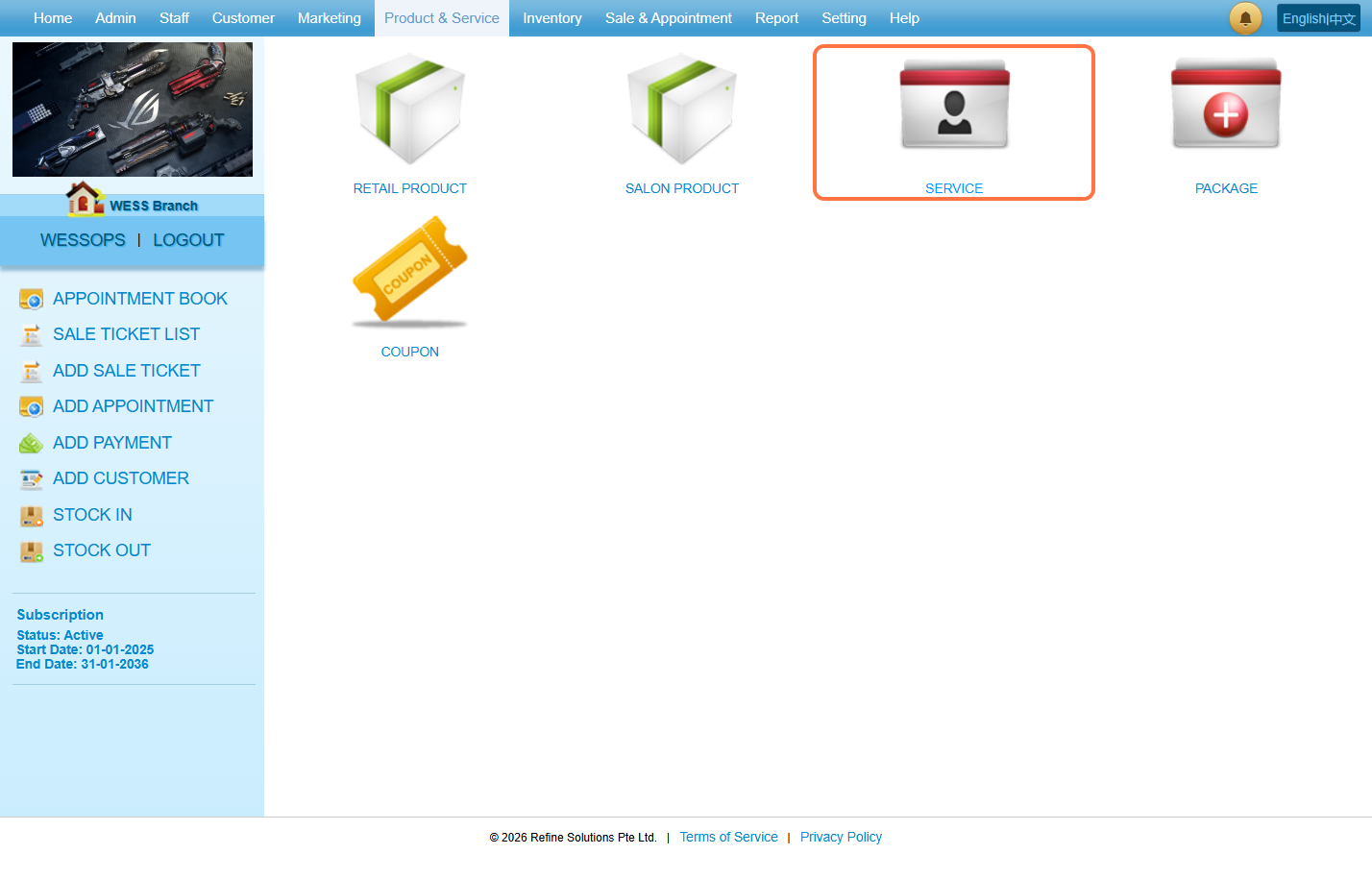
Step 8: Go to “SERVICE”.
Note: To set up a service required tokens for redemption.
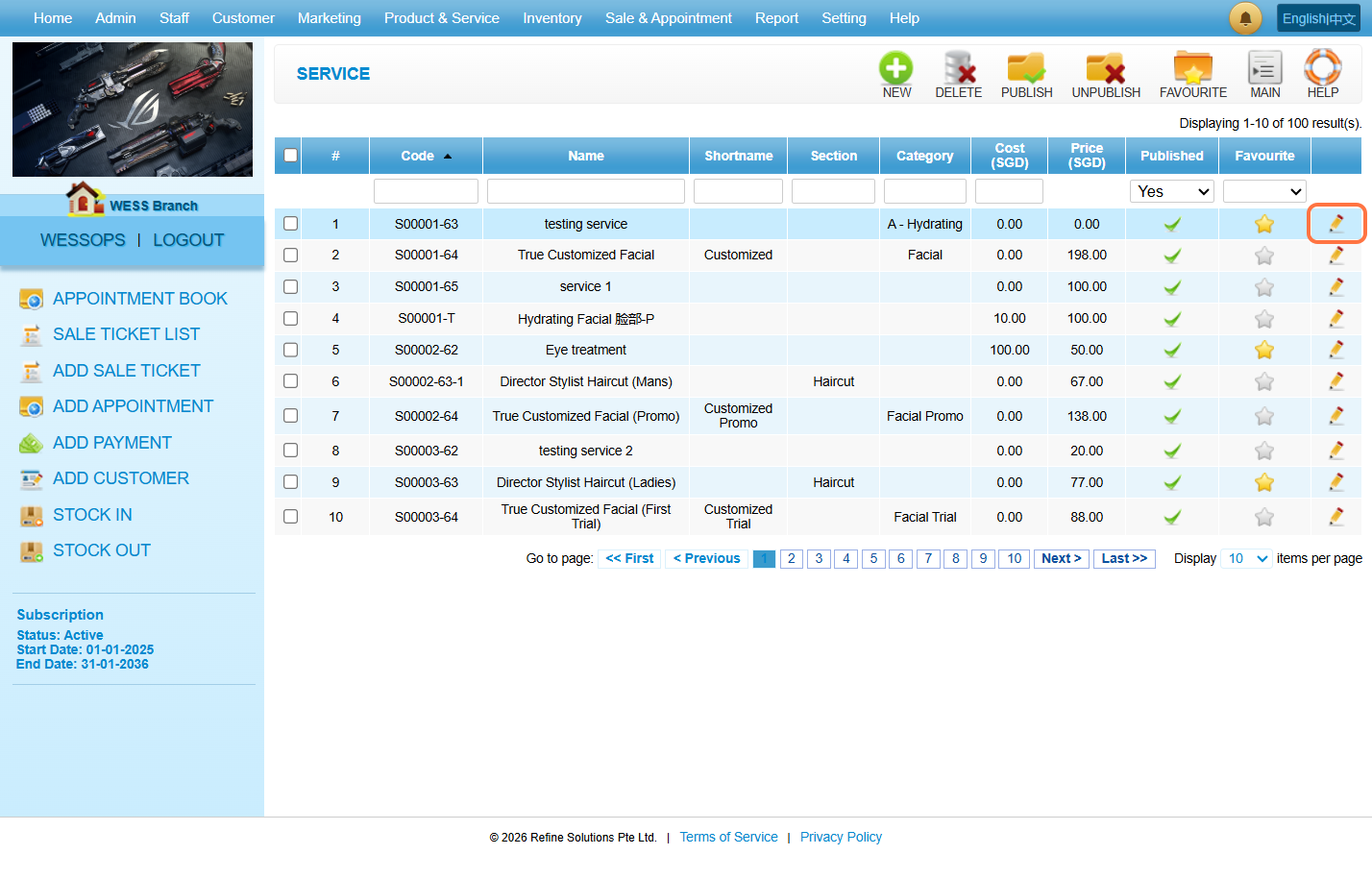
Step 9: Click the Pen icon “✏️”to edit the service.
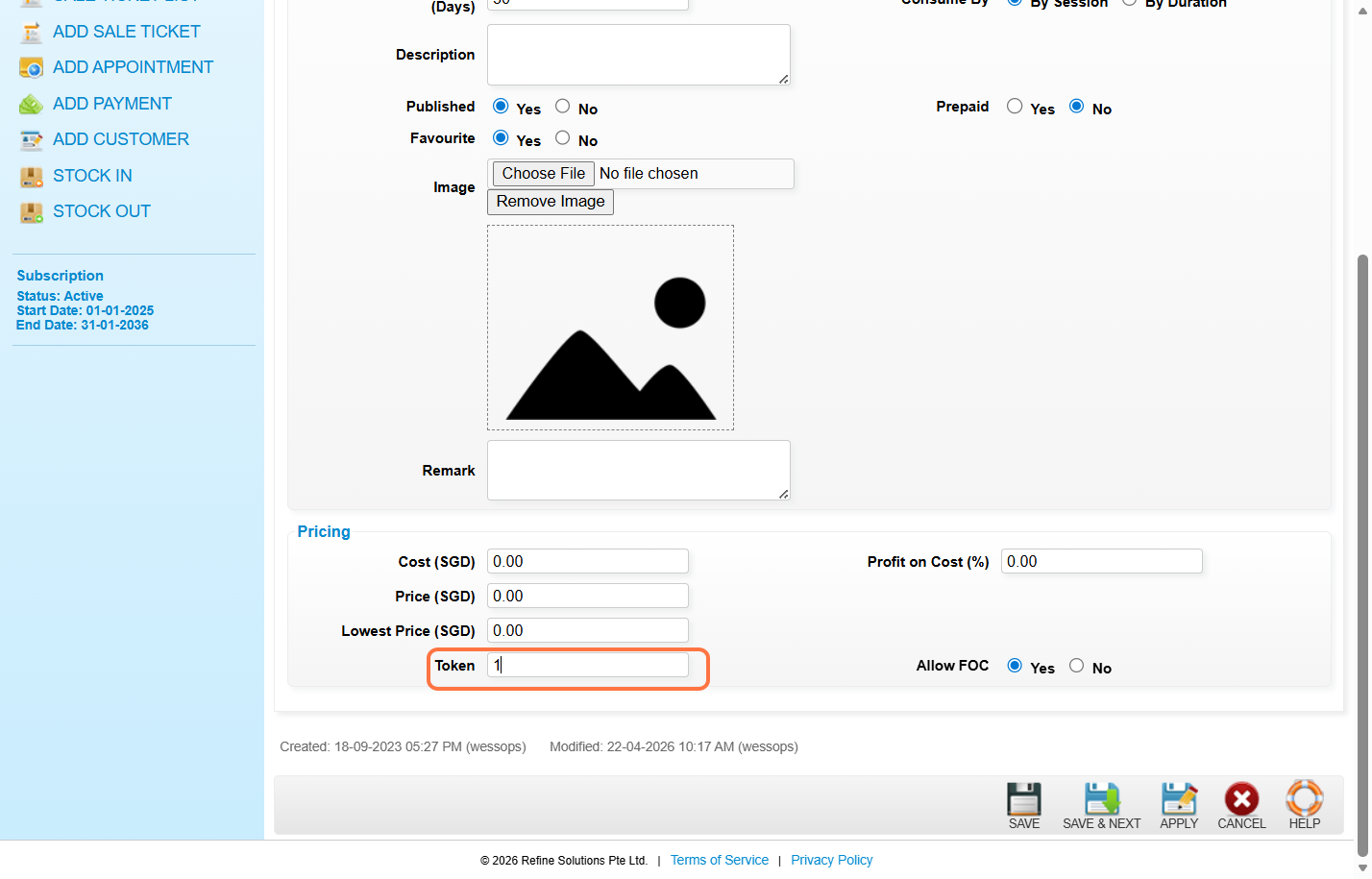
Step 10: Set the number of tokens required to redeem the service.
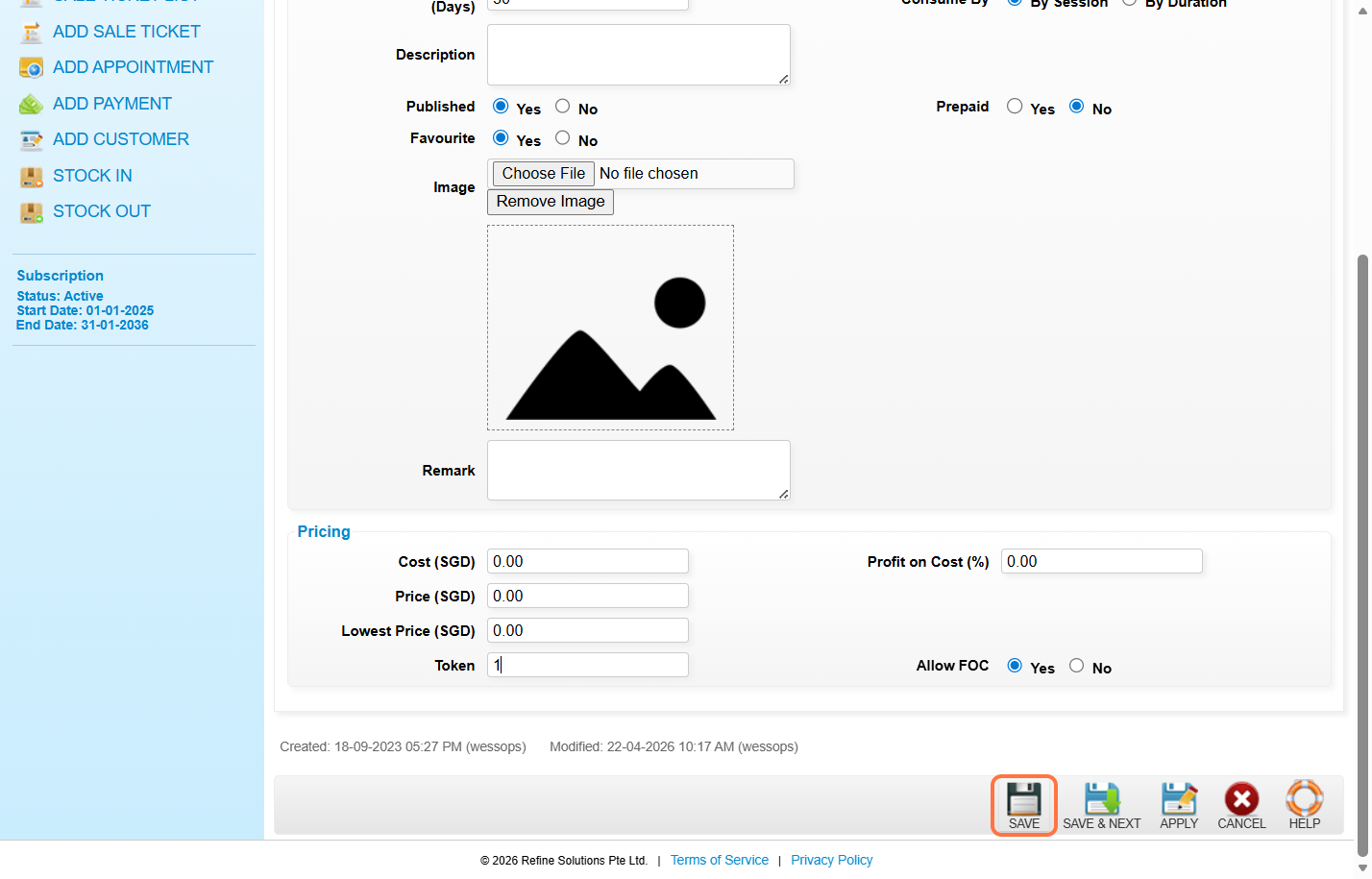
Step 11: Click on “SAVE”.
Last Updated: April 2026