
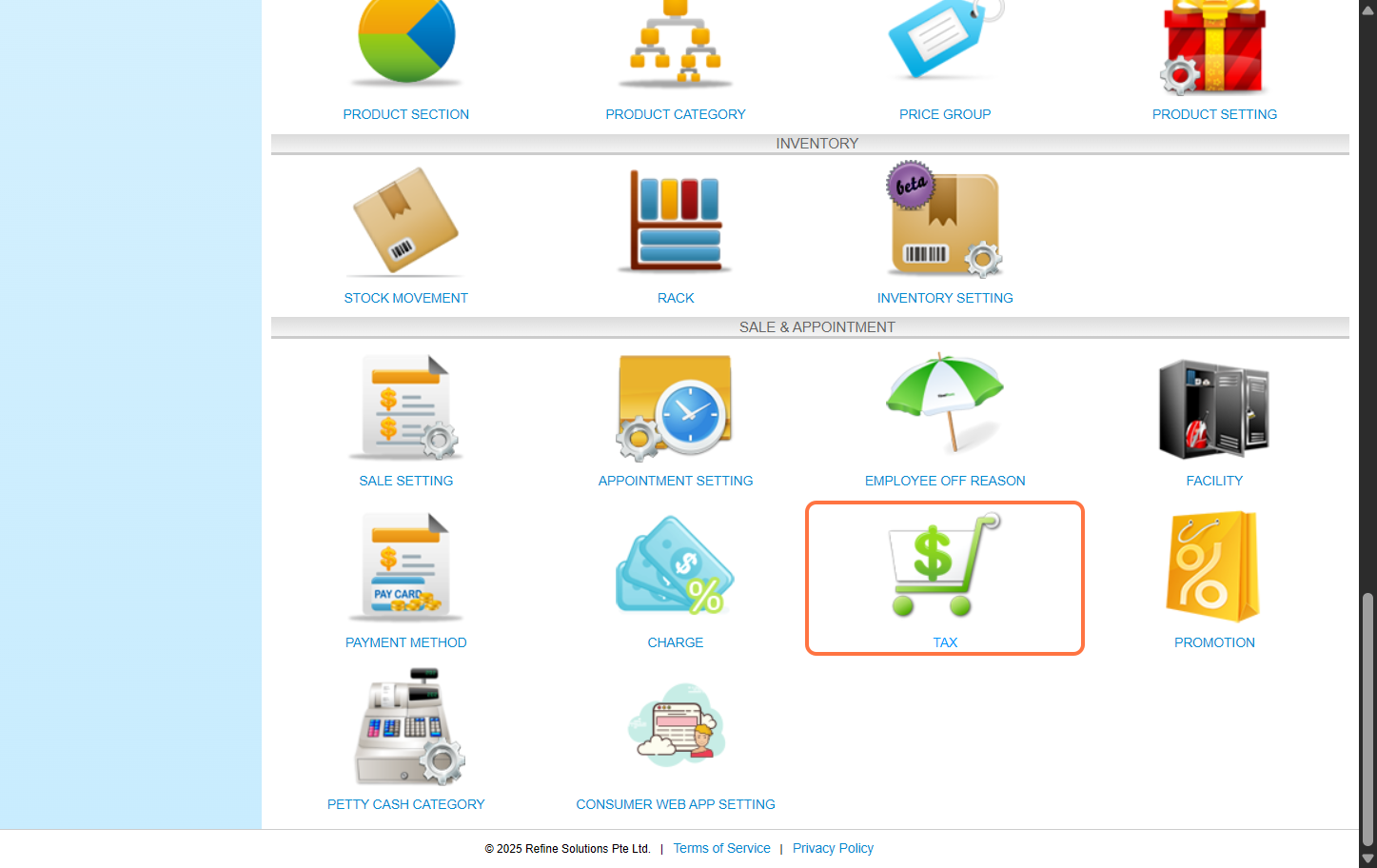
Step 1: Click “Setting”.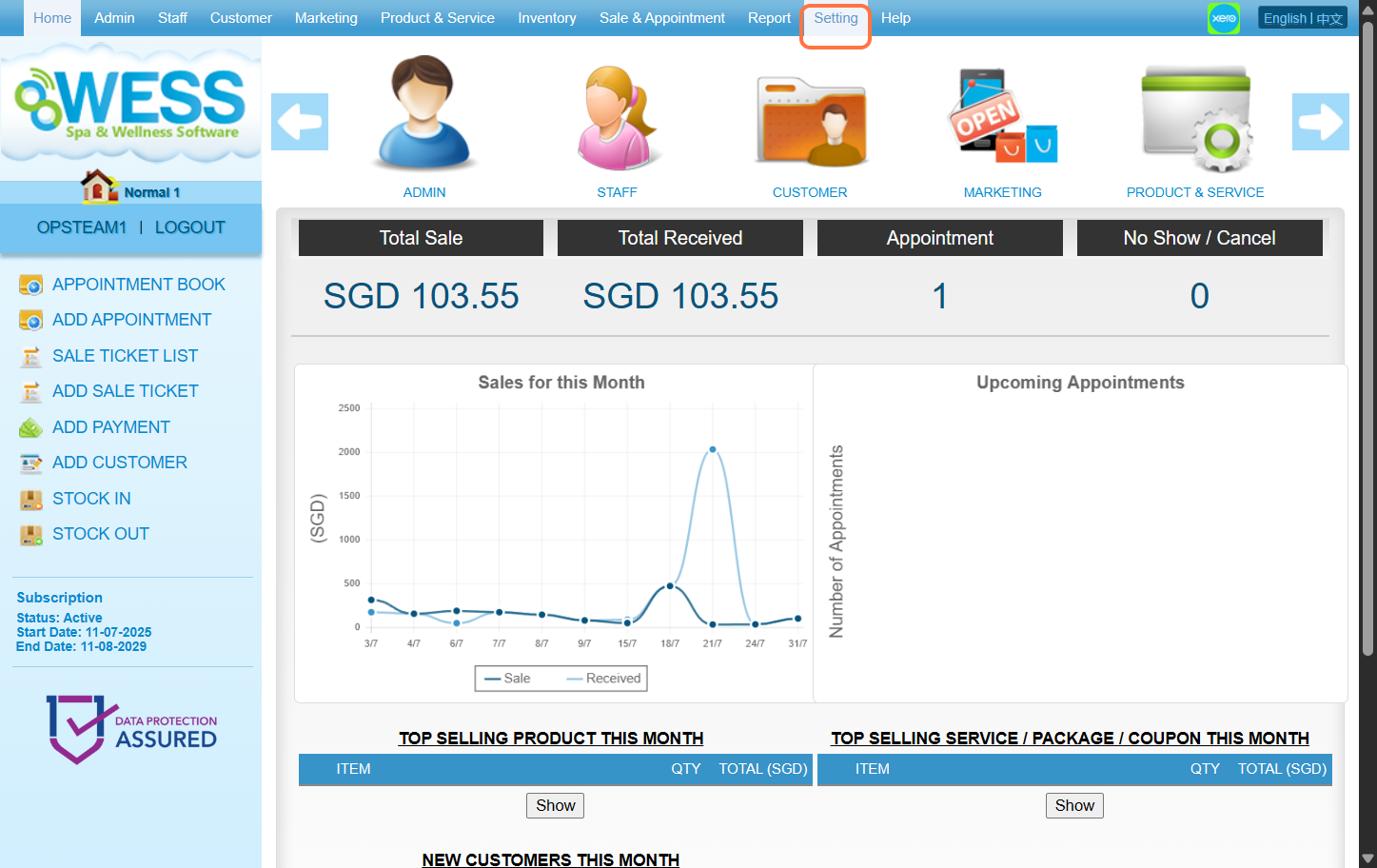 Step 2: Click “TAX”.
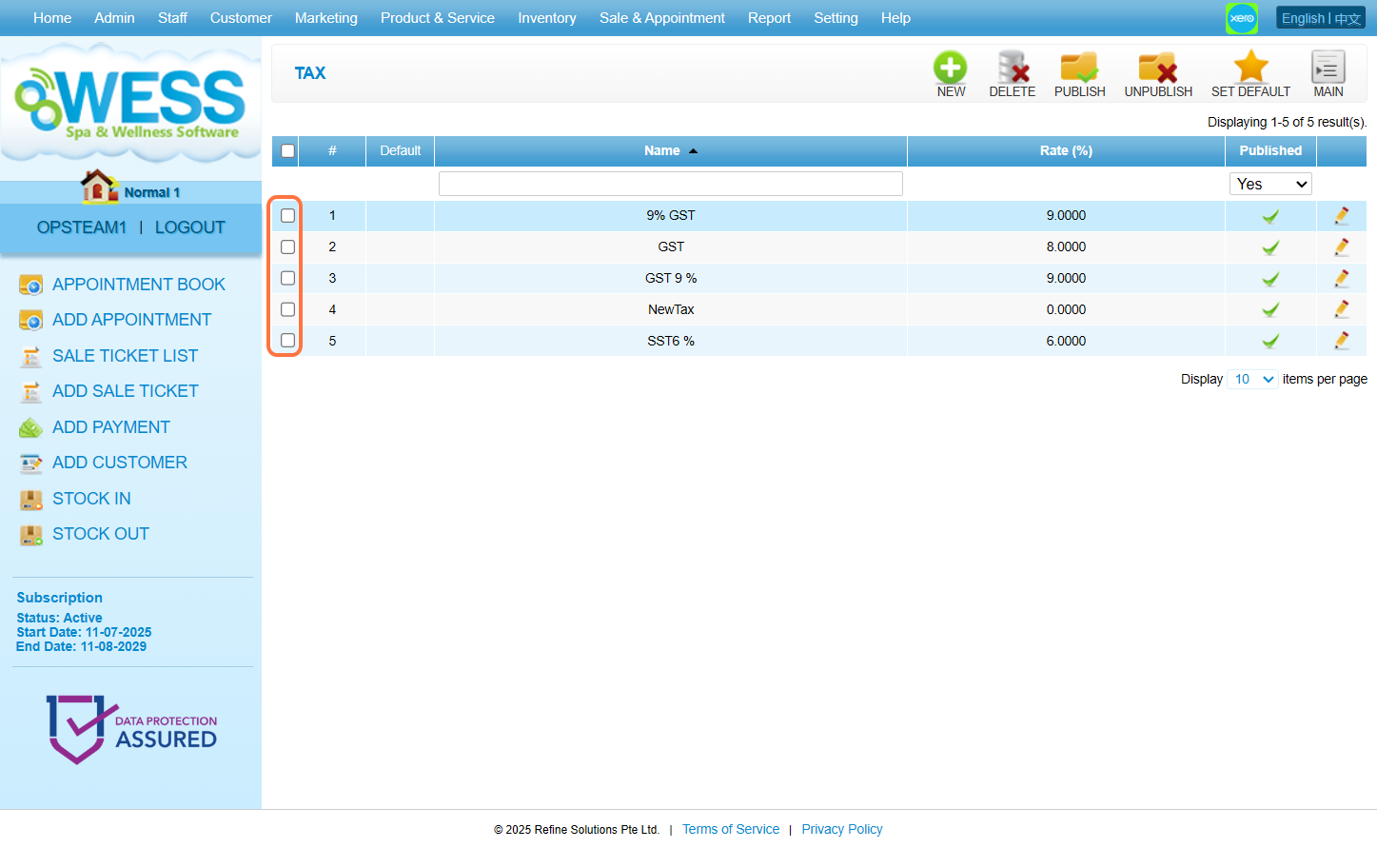
 Step 3: Tick on the box for the tax you want to set as the default.
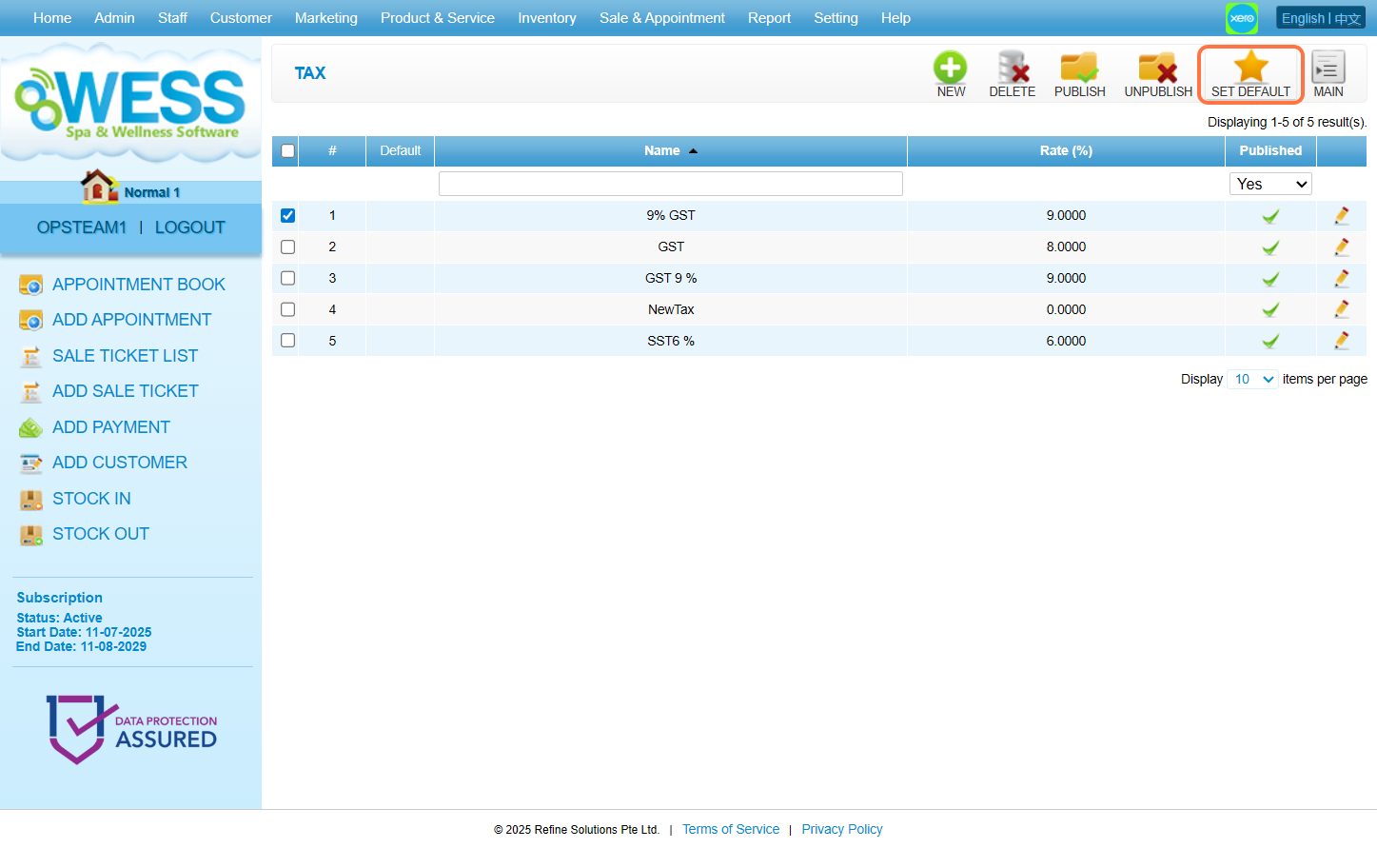
 Step 4: Click “SET DEFAULT”.
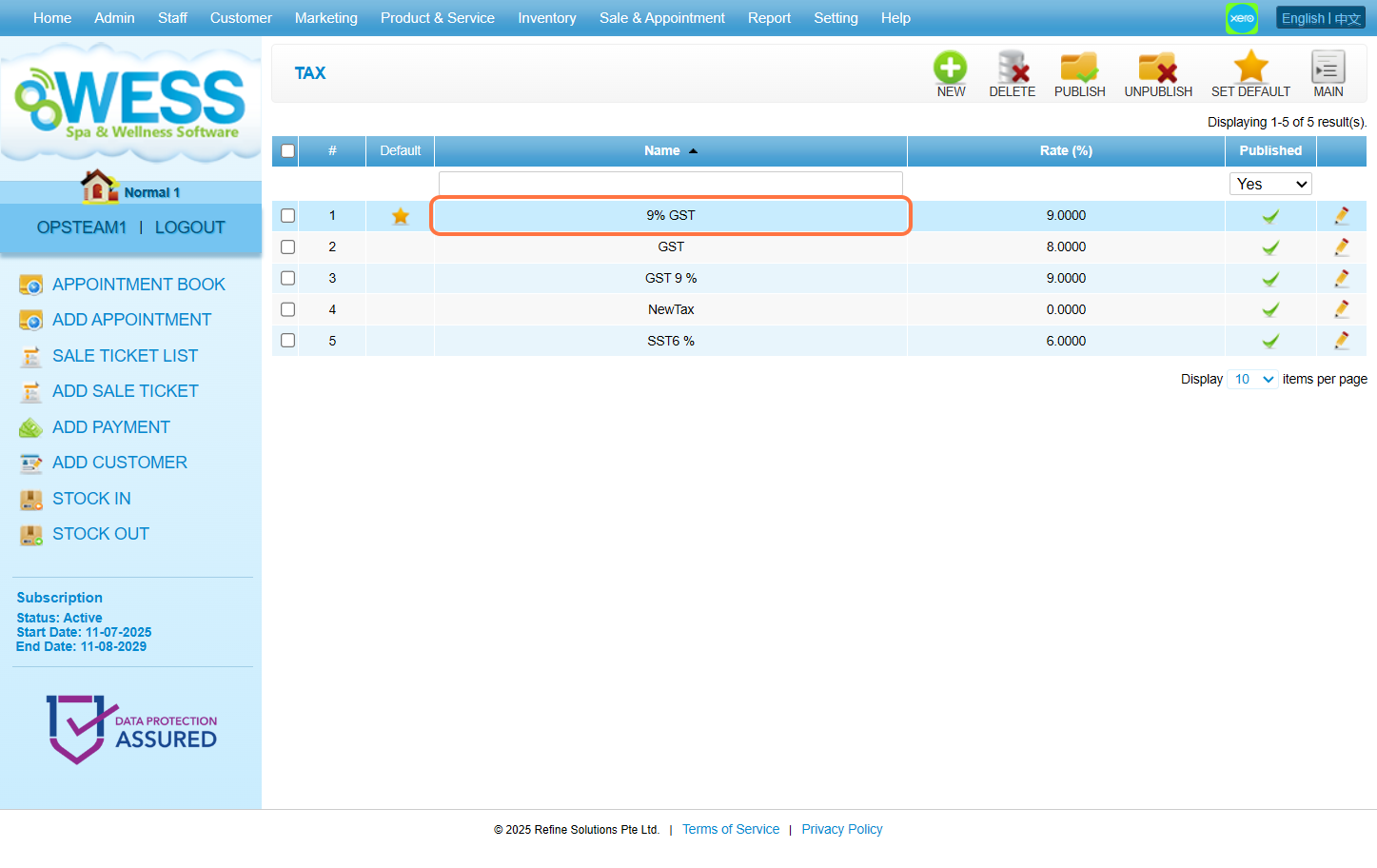
 Step 5: To remove a tax being default option, click on the tax that you want to remove the default setting from.
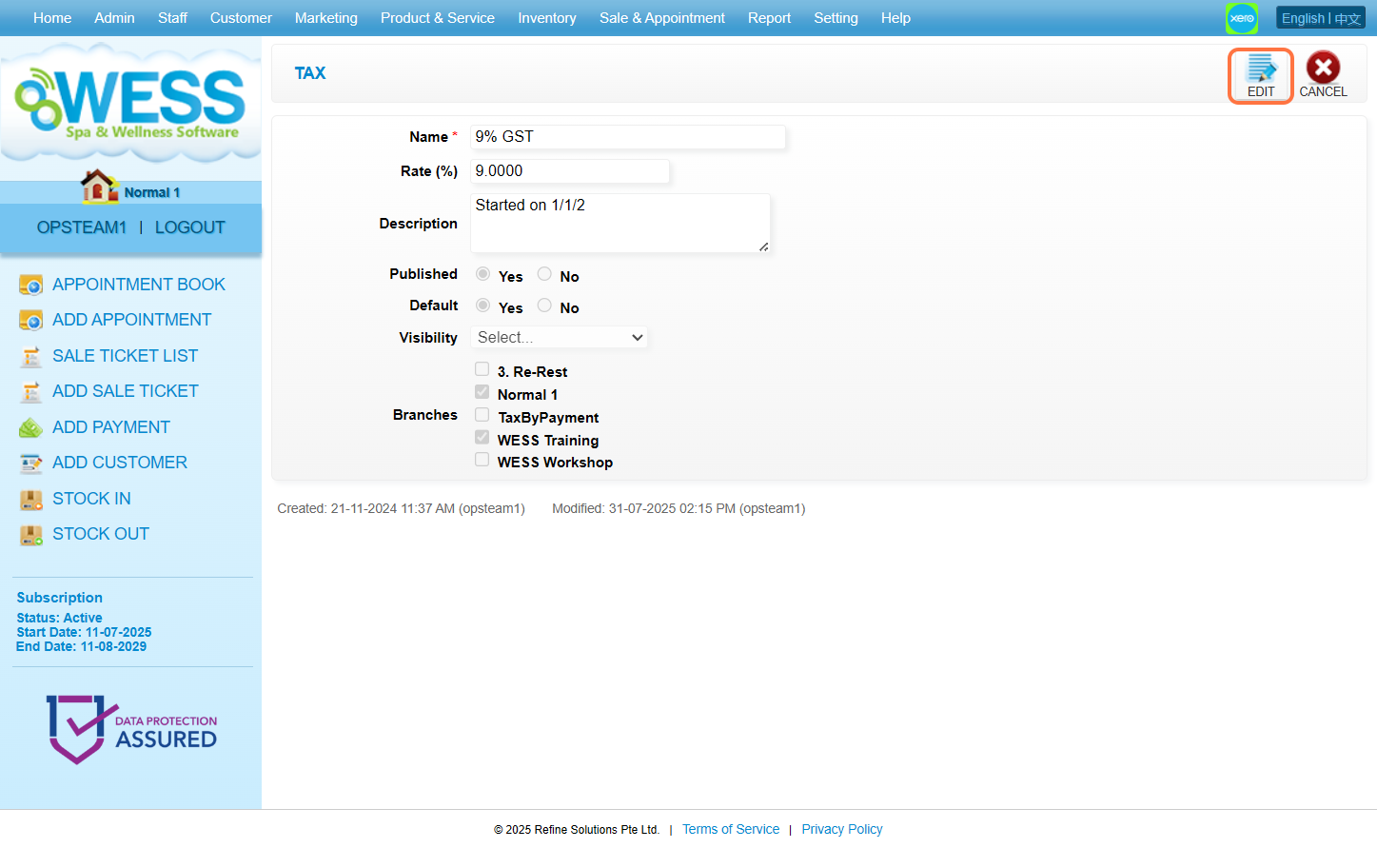
 Step 6: Click “EDIT”.
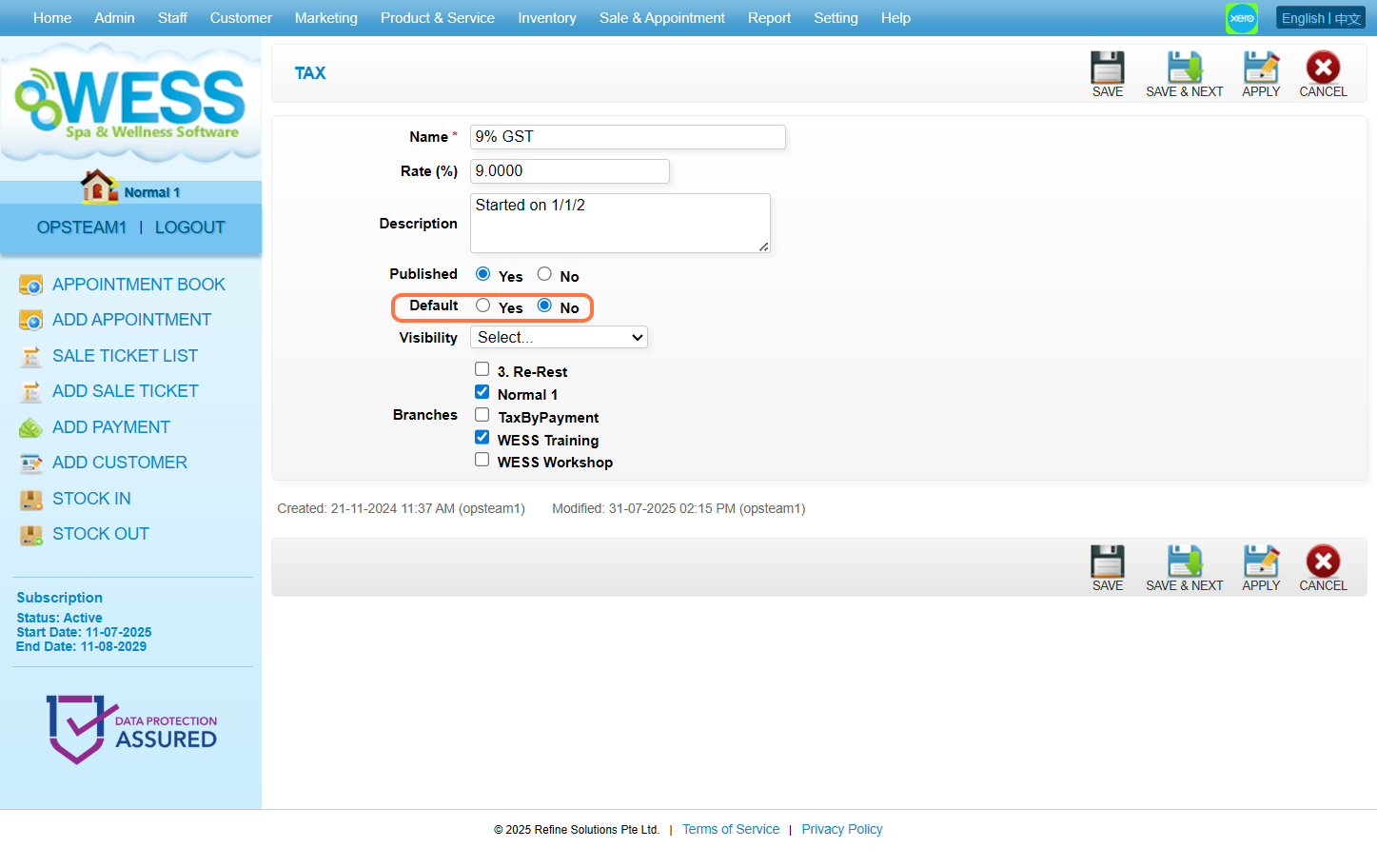
 Step 7: Set the Default option to “No”.
 Step 8: Click “SAVE”.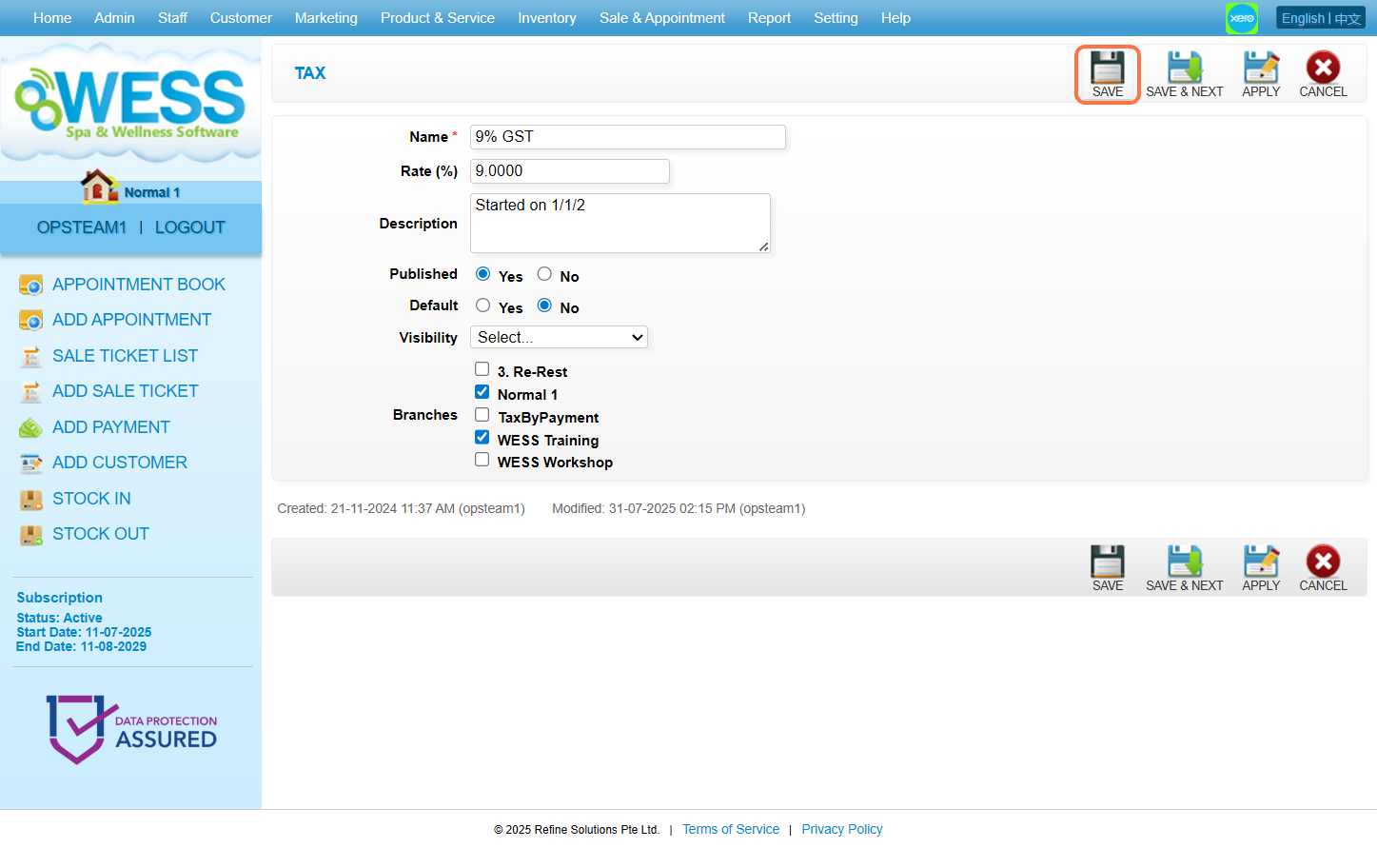
Last Update: August 2025