
1. Click on “”PRODUCT & SERVICE””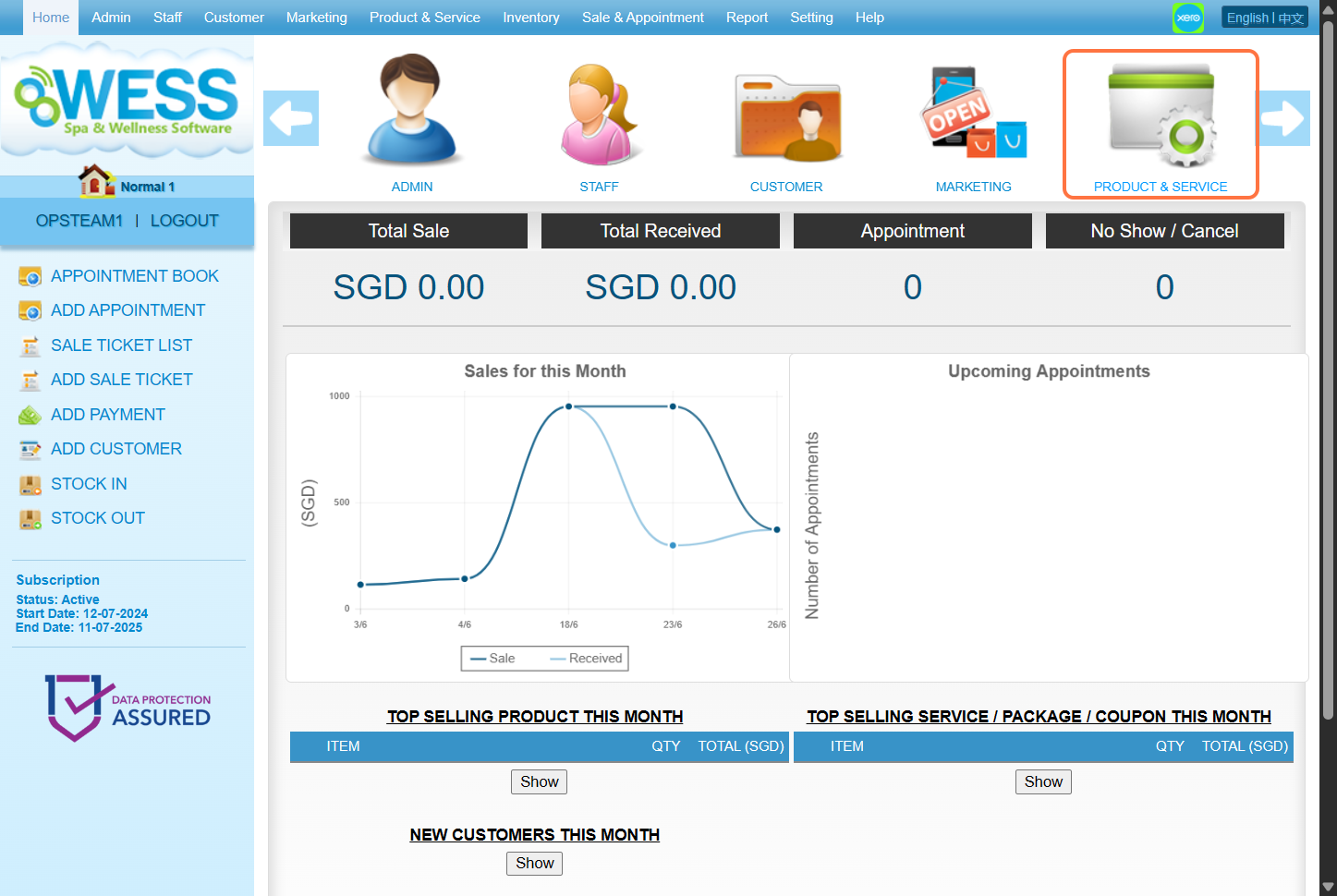
2. Click on “”COUPON””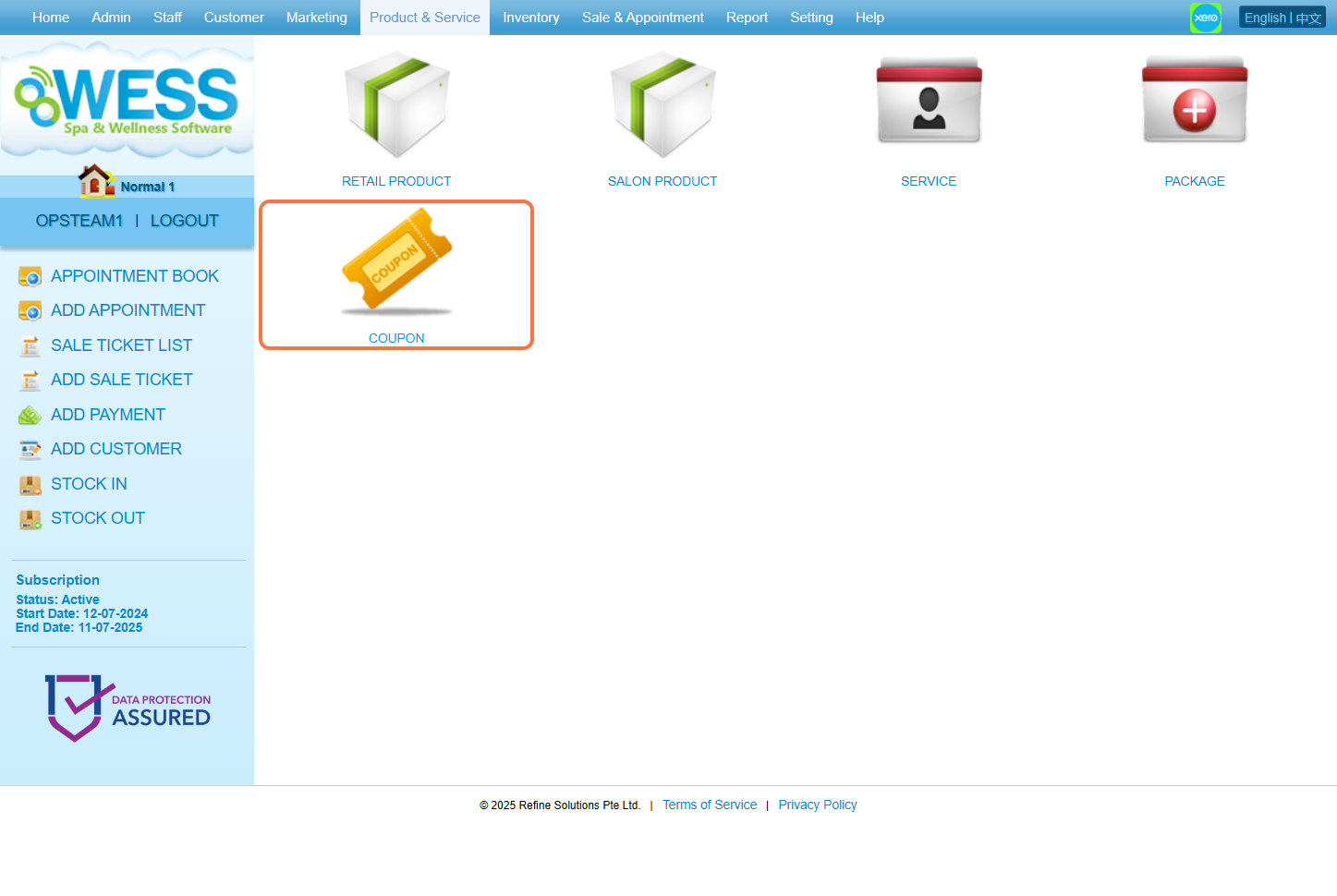
3. Click on “”NEW””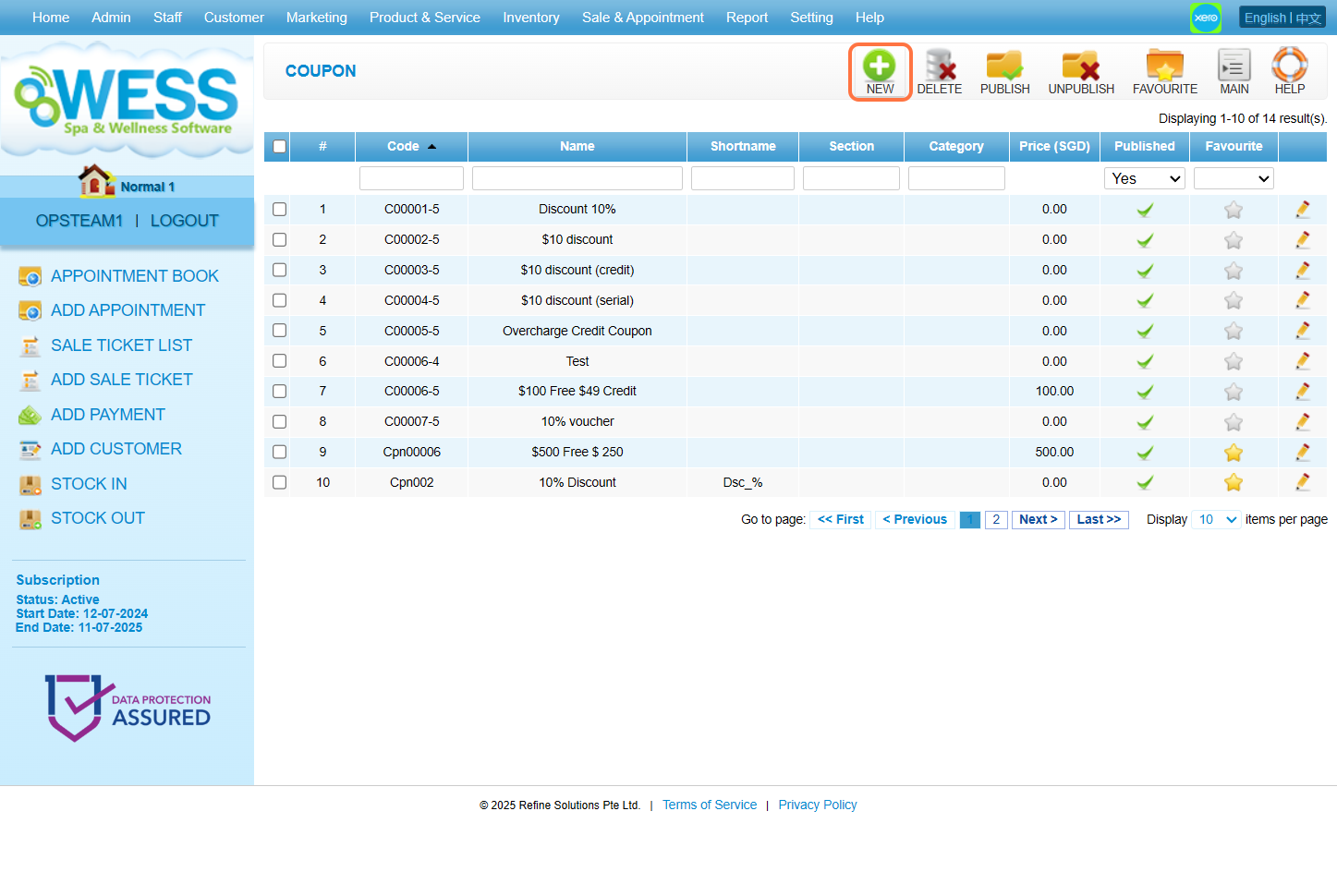
4. Fill in coupon details. 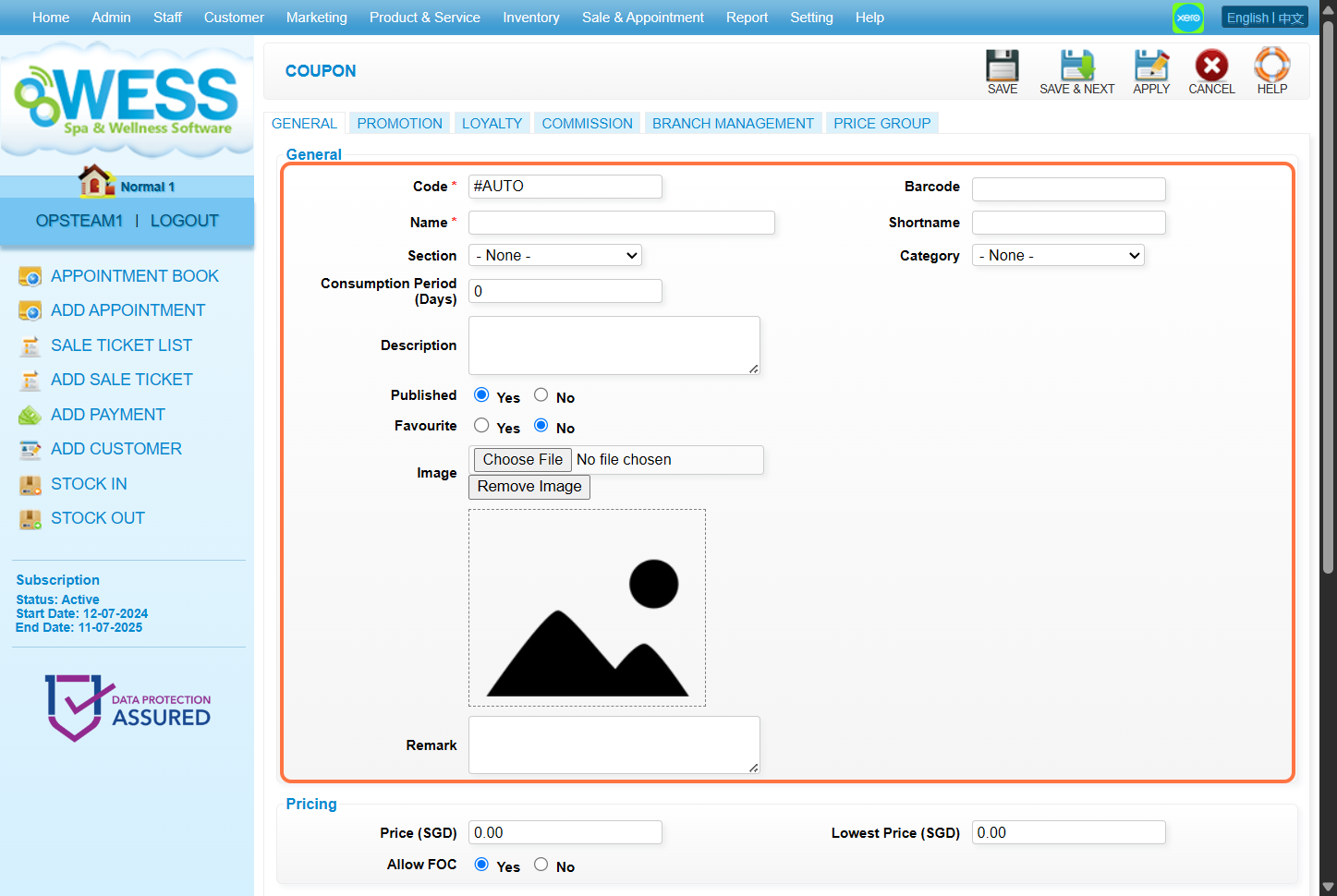
5. Fill in the “Price” field with the price desired.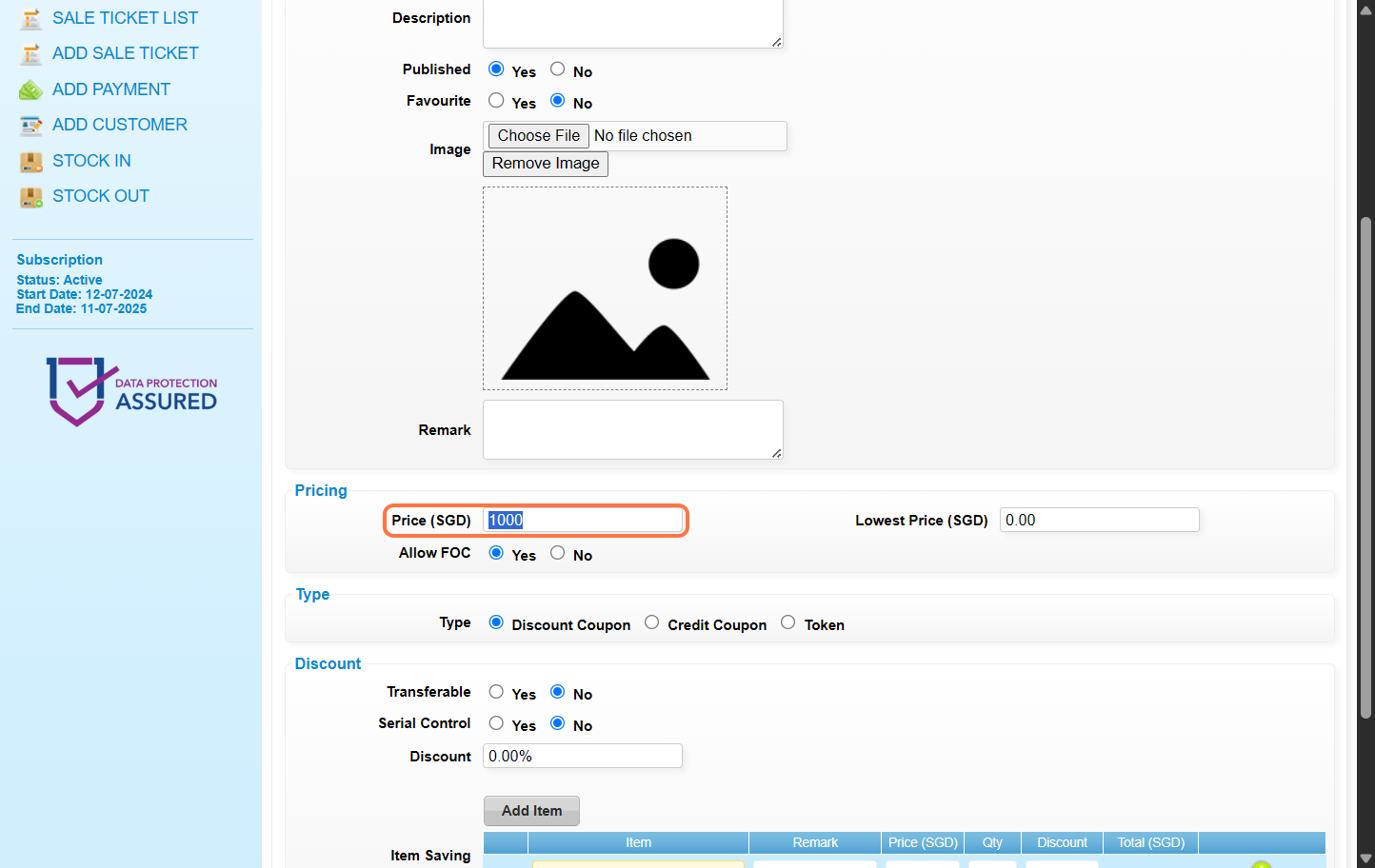
6. Select Credit Coupon.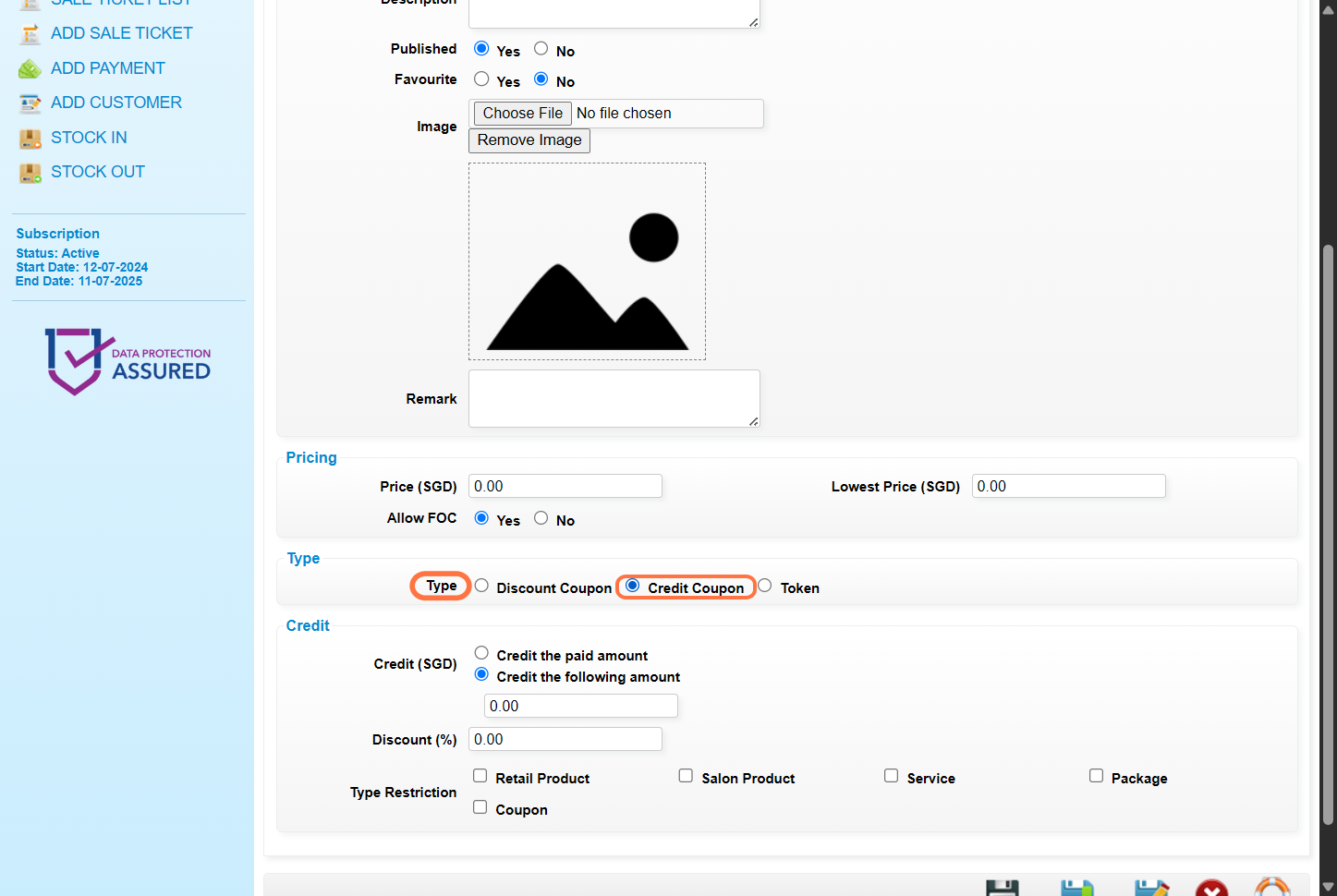
7. Select Credit the paid amount – Customer will receive the credit equal to the selling price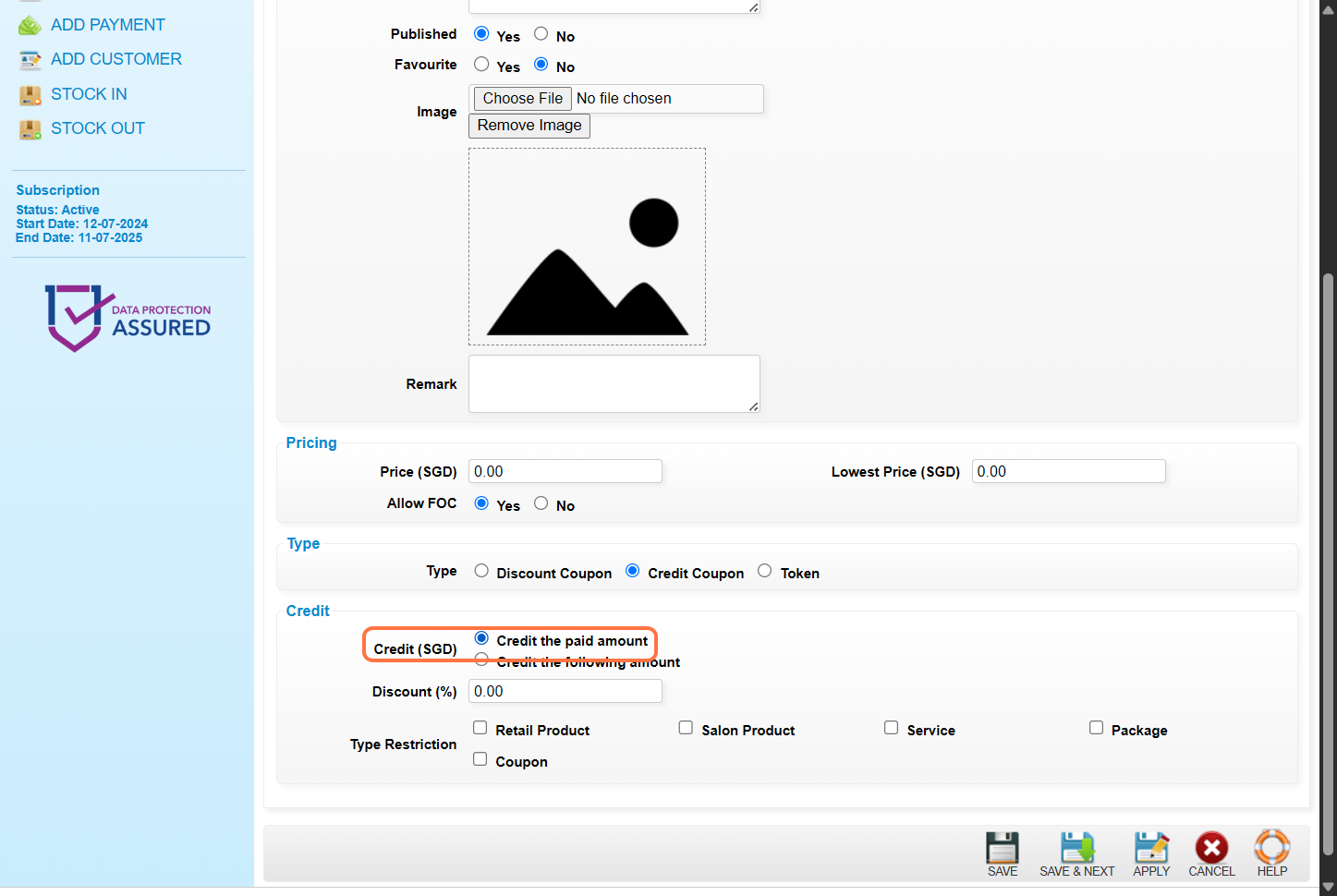
8. [Optional] Enter the discount amount or discount percentage. For example : 10 or 10%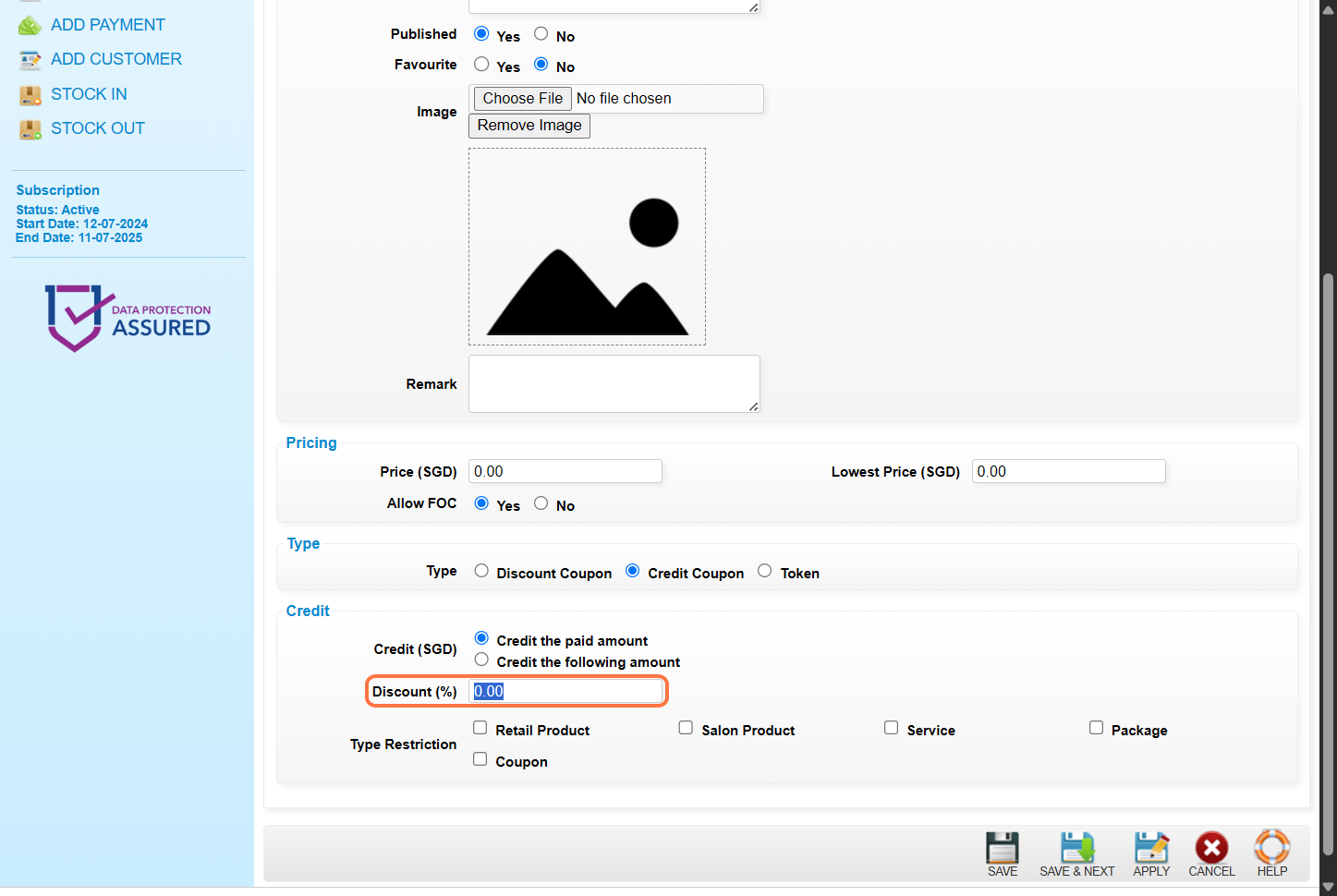
9. [Optional] Select the item type that can be redeemed by the credit. If want to allow redemption without any restrictions, DO NOT select any item type.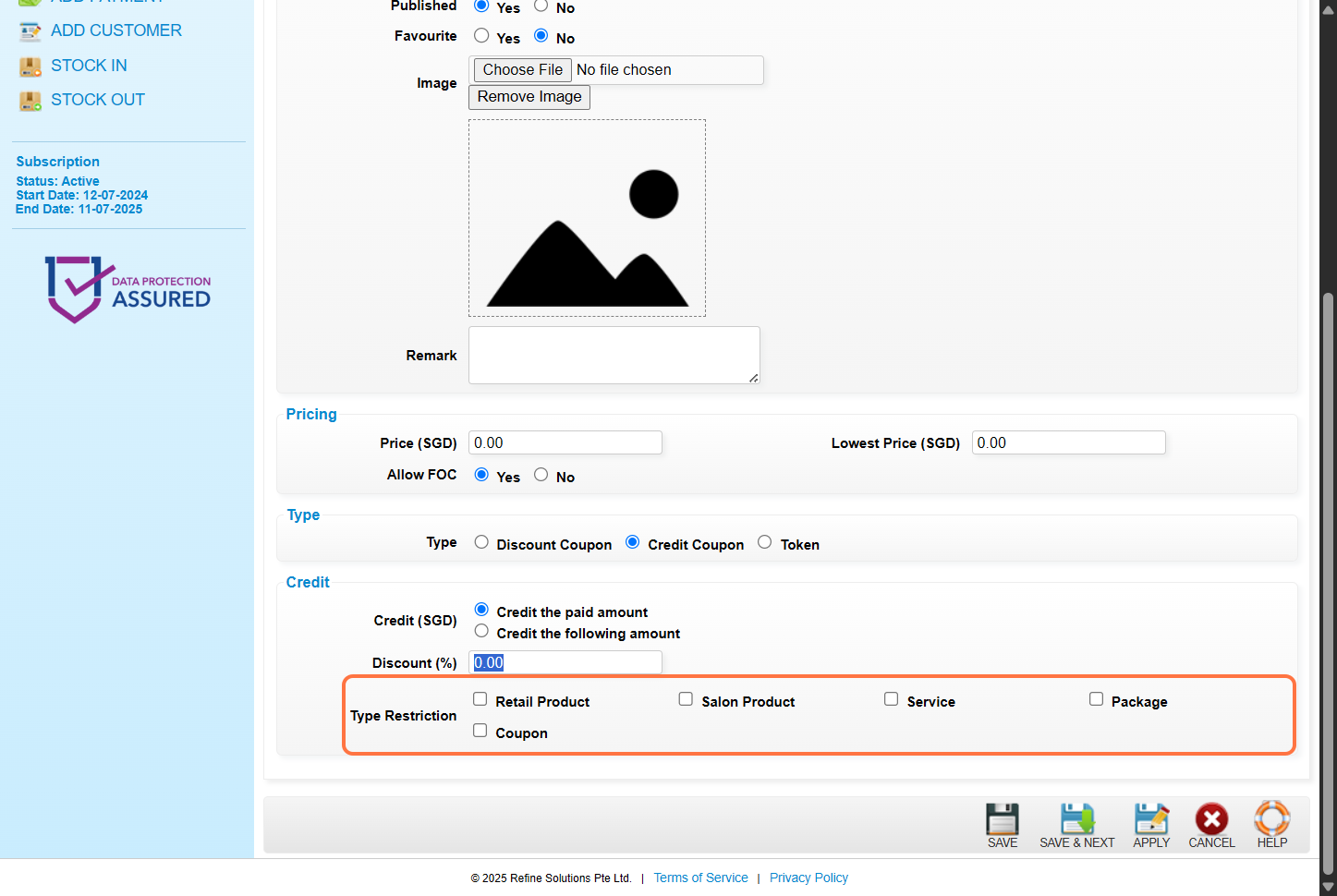
10. Click on “”SAVE””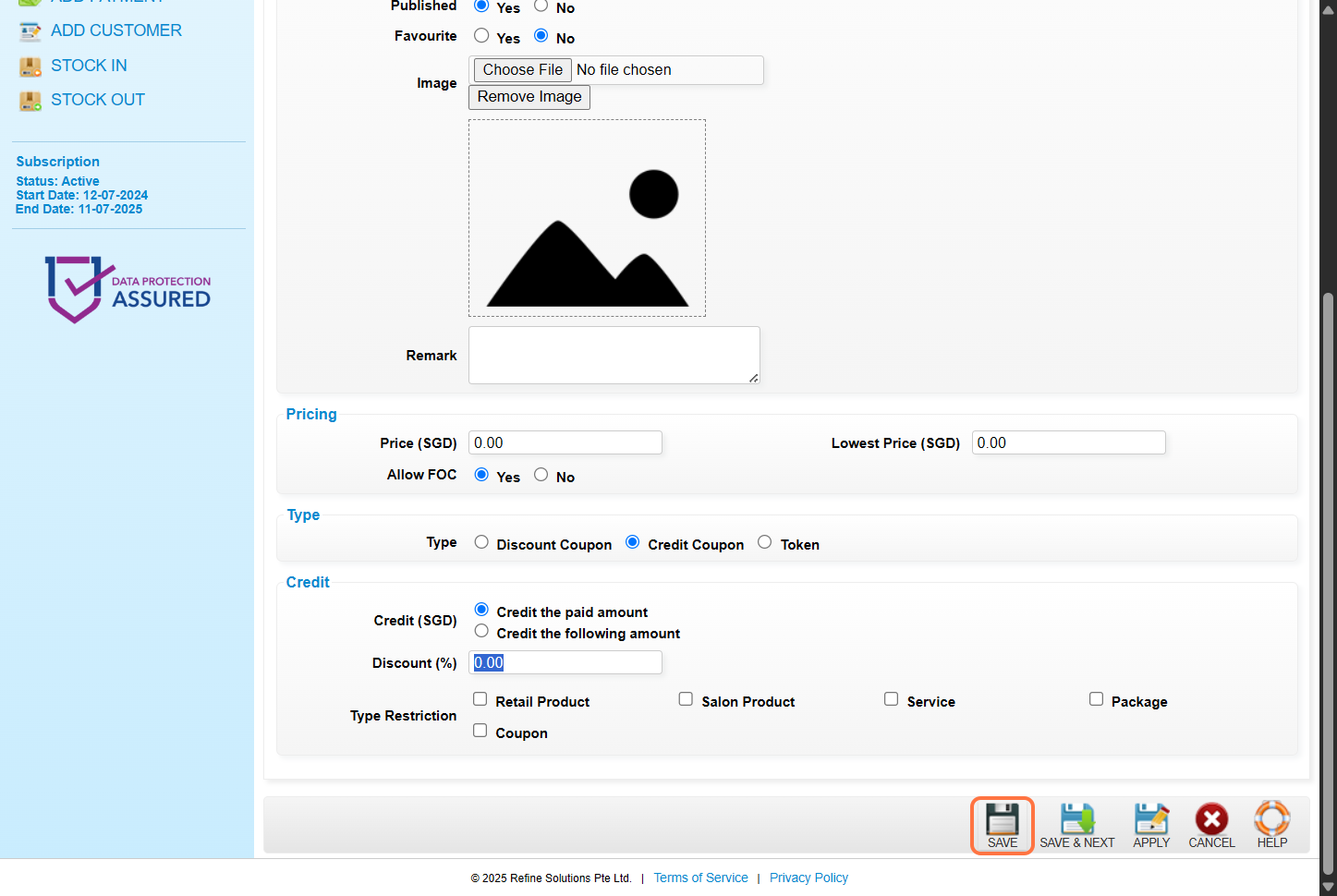
11. Make sure the record has been saved. 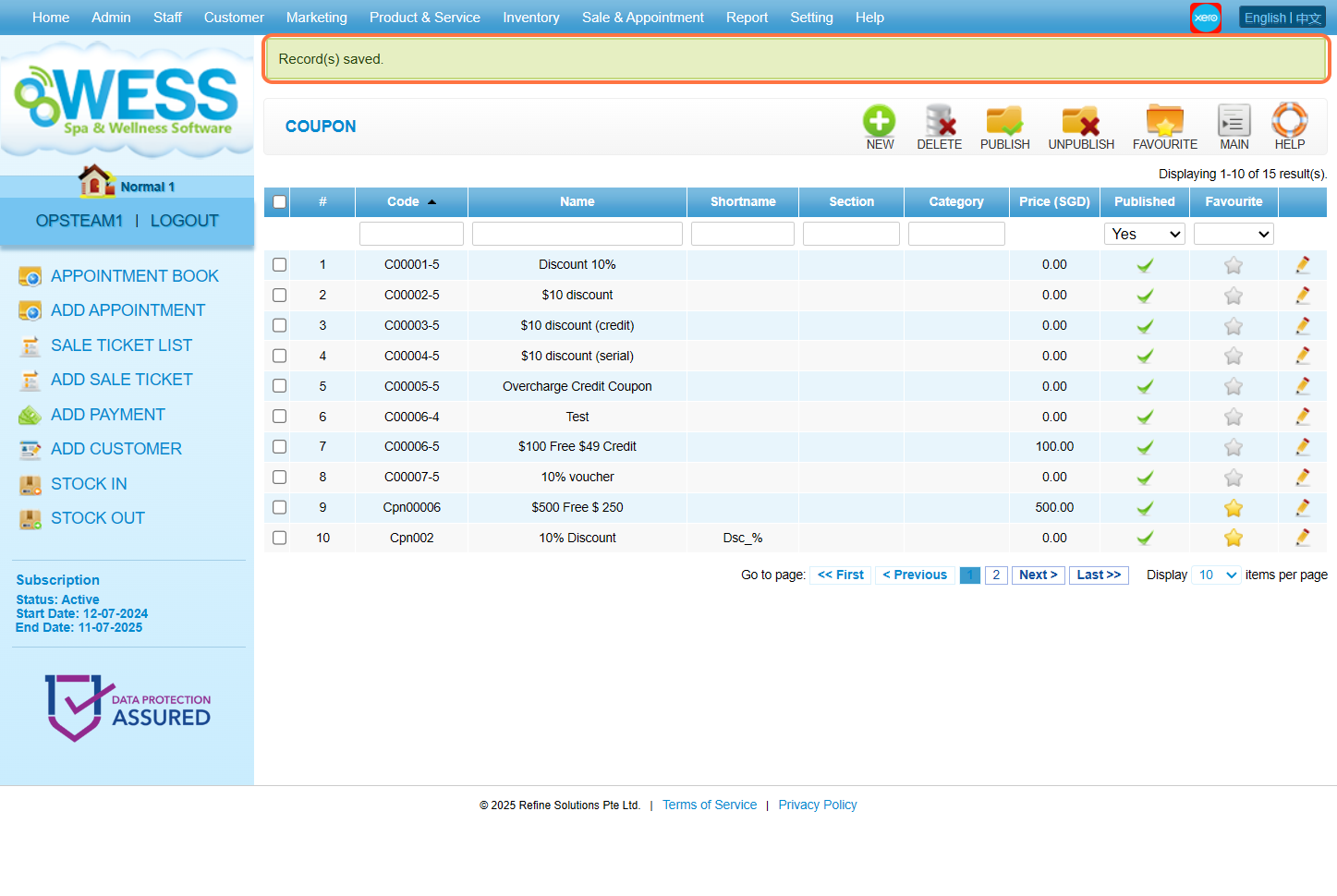
Last Updated: June 2025