
Step 1: Click “Setting” . 
Step 2: Click “MANAGE SURVEY” . 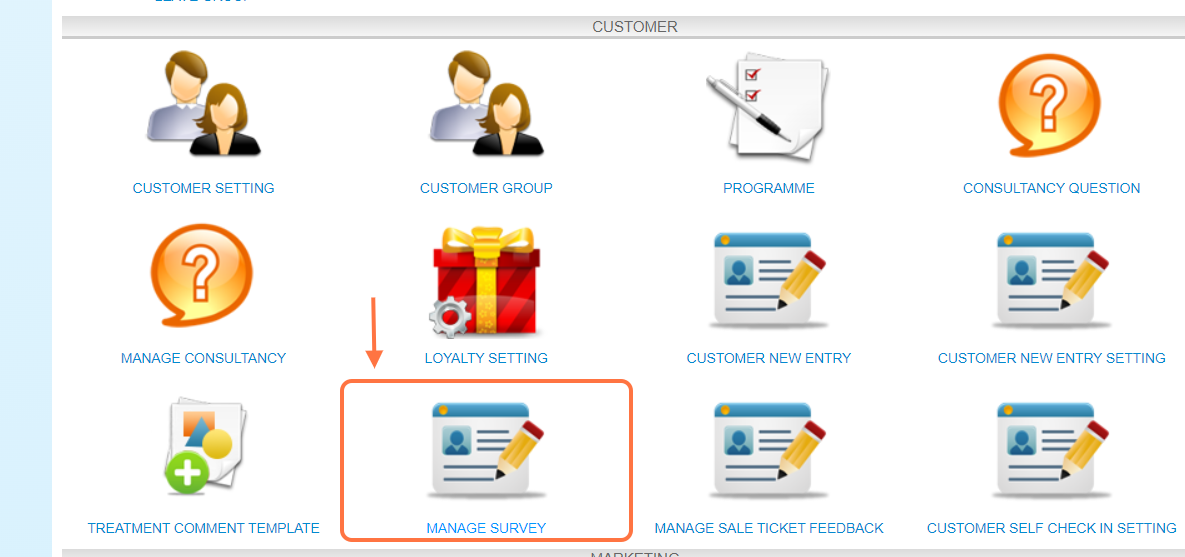
Step 3: Click on the pen icon “✏️” of any survey form to edit.
Step 4: Click “CLONE” to copy this form. 
Step 5: Make sure the record has been saved.
Step 6: When you return to the page, the record will be shown here. 
Last Updated: Aug 2024