
Step 1: Click “Report” .
Step 2: Select and click on any report that needs to be generated.
Step 3: Enter or tick the checkbox or select to filter the required report information. Step 4: Once confirmed, click on “Generate” button.
Step 5: Confirm that the information is accurate and click PRINT icon “🖨️”. 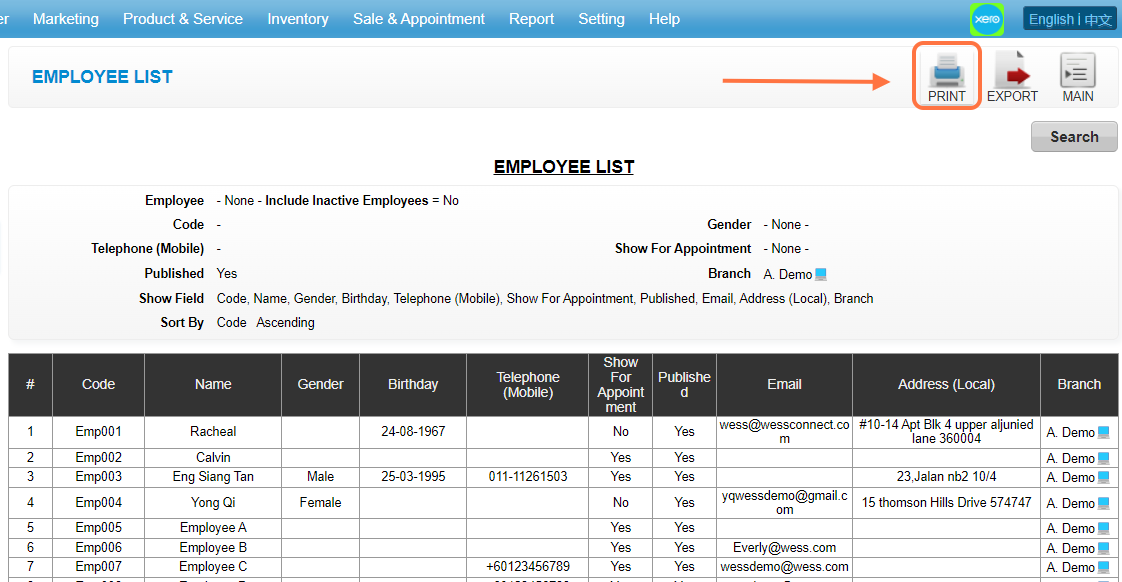
Step 6: The left side is show of the required information, the right side is to set the format of the print or set the format of the PDF.
Step 7: If need to generate PDF files can be selected, if to print out on the choice of the printer name. 
Step 8: This is the more detailed setup.
Step 9: Click “Print” button to successful print or generate a PDF.
* The green field is used to turn on or off the Header and Footer.
* The yellow field turns the Background graphic on or off.
Last Update: Aug 2024