
Step 1: Click “Customer” .
Step 2: Click “SURVEY SUBMISSION LIST” .
Step 3: Select a submitted response.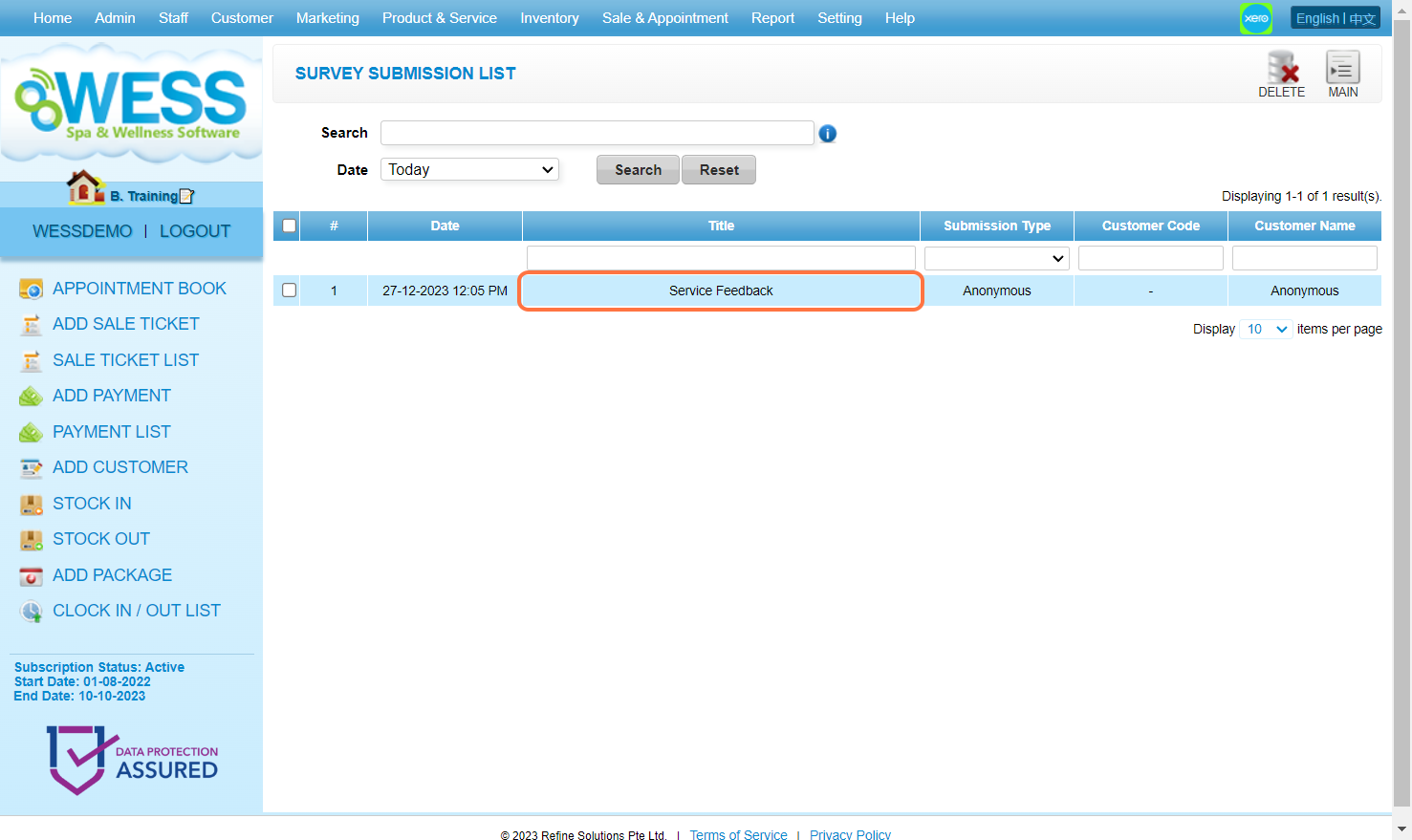
Step 4: Check the submitted response here.
Step 5: [Optional] Click on “Export” to download the customer input data.
Step 6: [Optional] Click on “Print” to download the survey form.
Last Updated: July 2024