
Step 1: Click “Customer” .
Step 2: Click “NEW CUSTOMER” .
Step 3: Add information as many as you want here.
Step 4: Click on “Create” .
Step 5: Make sure the new customer has been saved.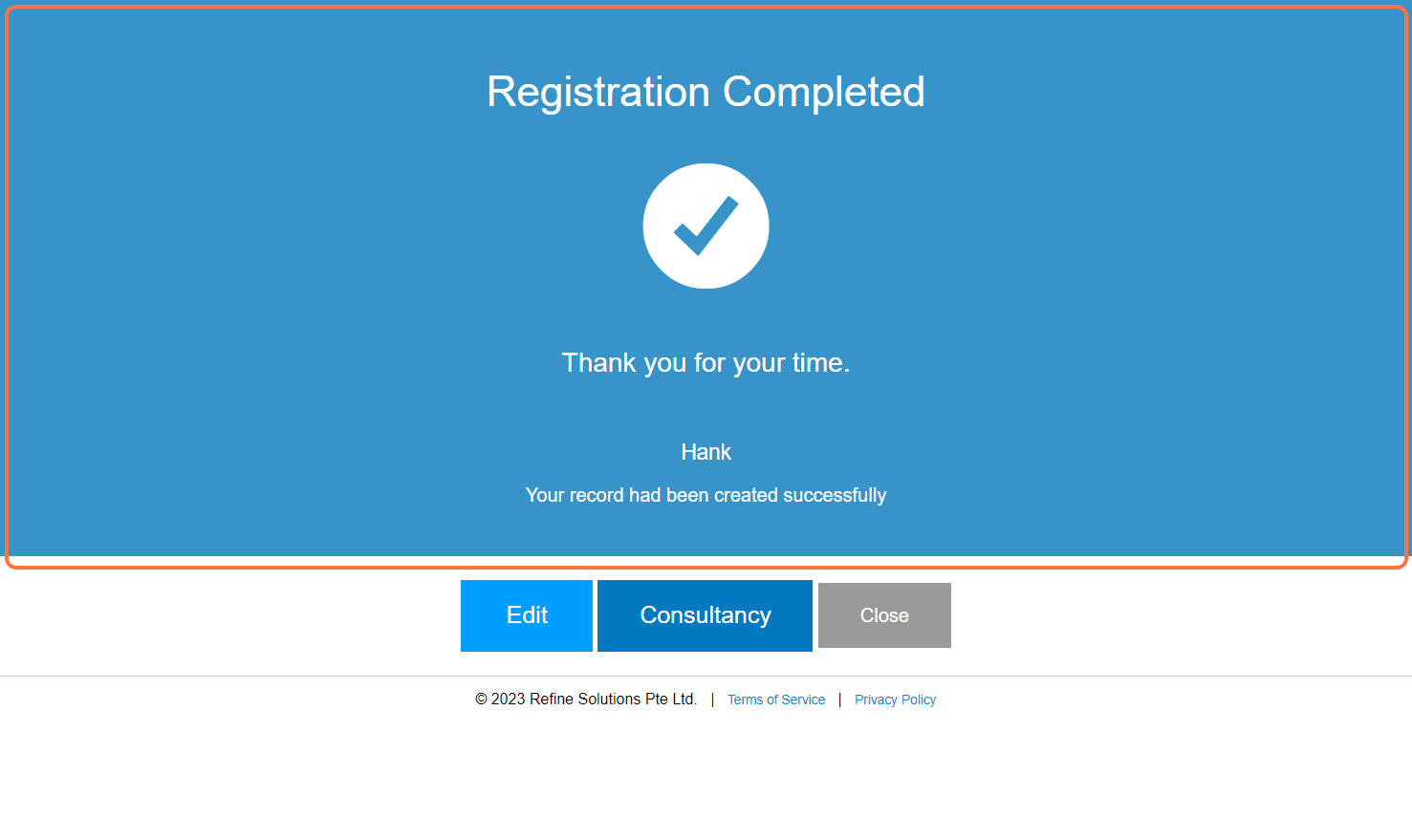
Step 6: [Optional] Can click on “Edit” to continue editing customer details.
Last Updated: July 2024