
Step 1: Click “Customer” .
Step 2: Click “CUSTOMER” .
Step 3: Click on a customer Name to view its details.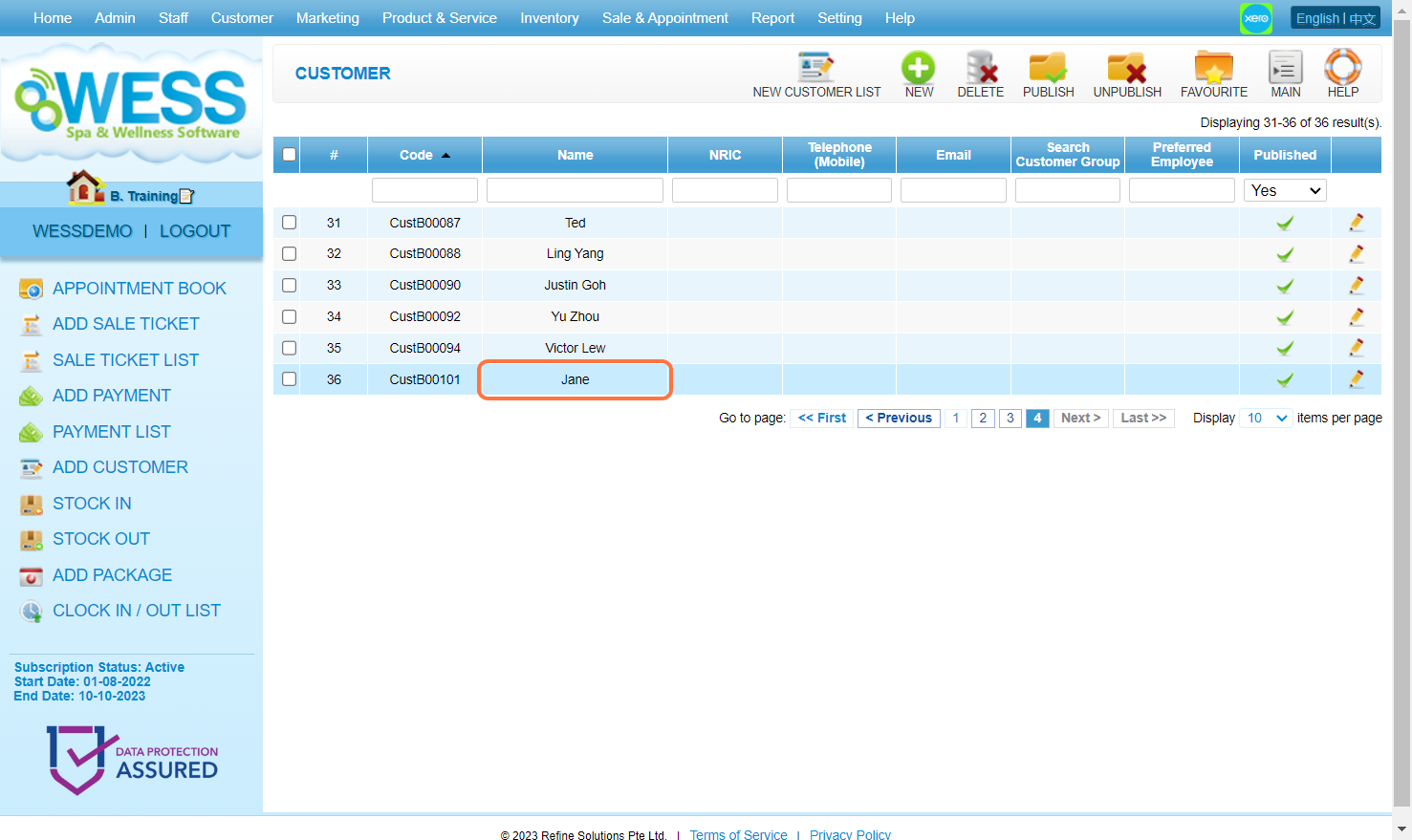
Step 4: Click on TRANSACTION.
Step 5: Check the “Latest Transaction History” here.
Step 6: [Optional] Click on View All.
Step 7: [Optional] Check the “Sale Detail” which is a more detailed transaction history here.
Last Updated: July 2024