
https://wesshelp.wessconnect.com/2023/11/14/how-to-unpublish-a-role-that-is-no-longer-available/
Step 1: Click “Admin” .
Step 2: Click “ROLE” .
[ℹ️] Method 1
Step 3: Click on the pen icon “✏️” to edit.
Step 4: Set “Published” to “No” .
Step 5: Click on “APPLY” or other disk icons to save.
Step 6: Make sure the change has been saved.
[ℹ️] Method 2
Step 7: Click on the “✔️” to unpublish.
Step 8: Make sure the change has been saved.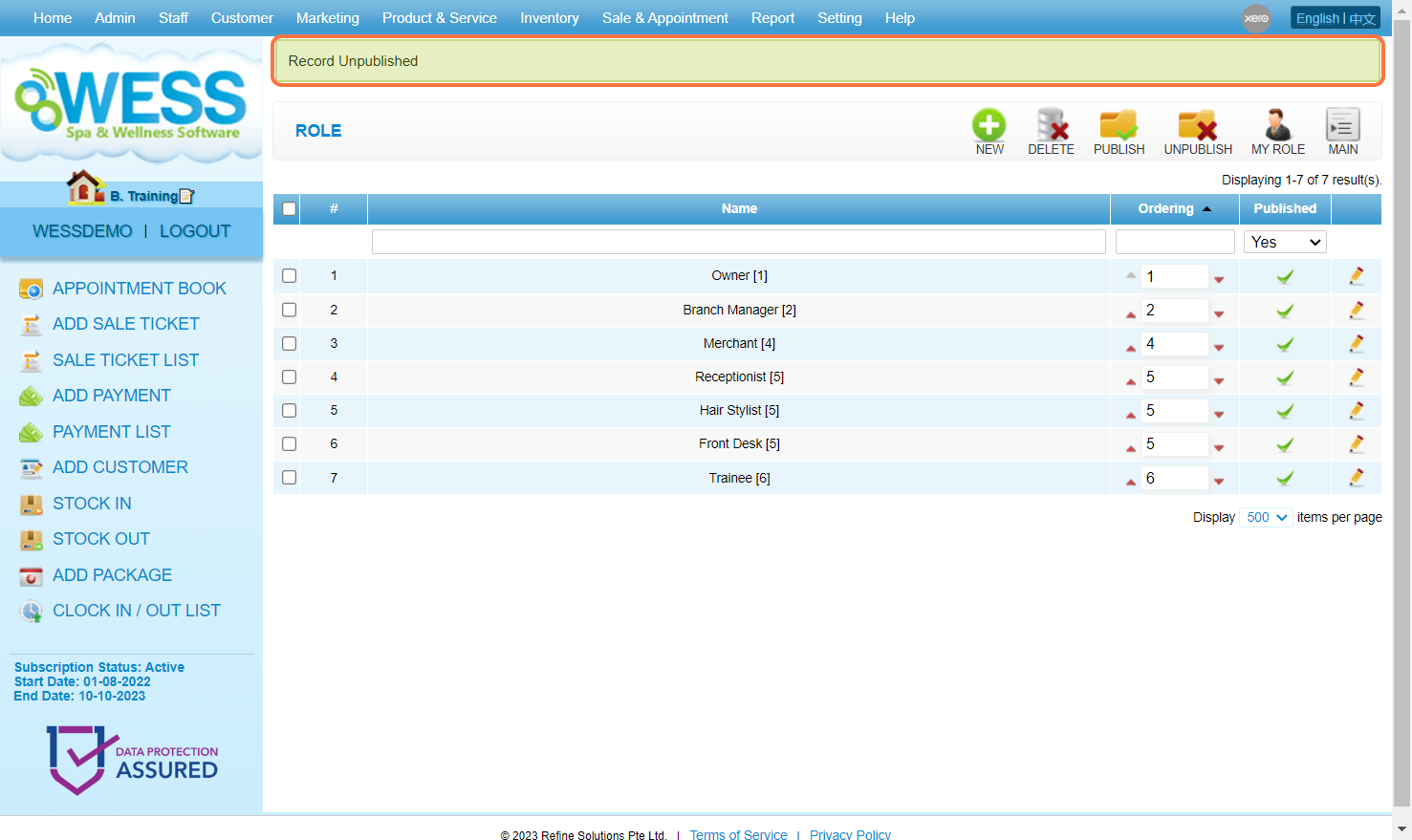
Last Update: July 2024