
1. Click on your username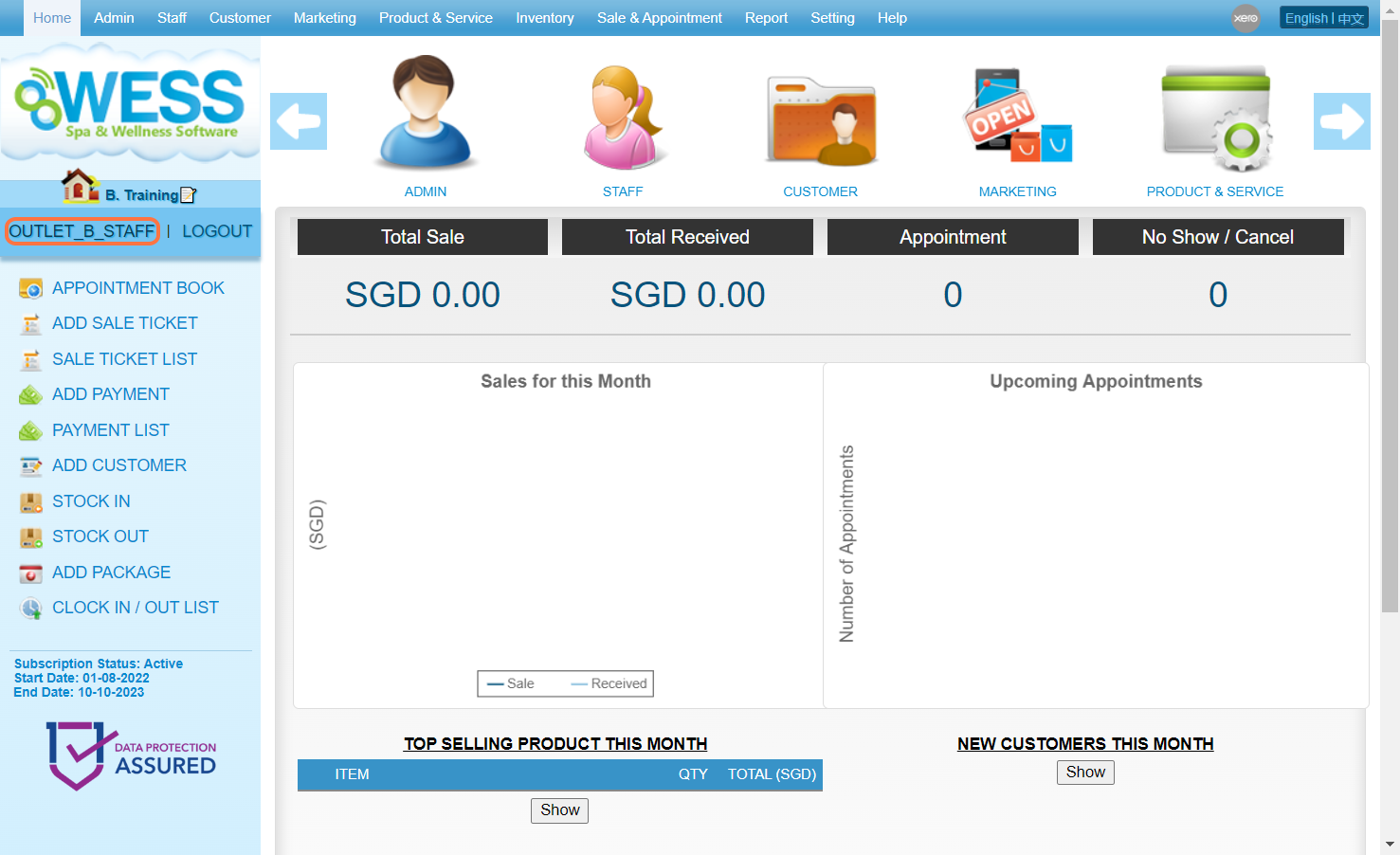
2. Enter a new password
[!] The password must contain at least the following:
a. 8 characters
b. one uppercase letter
c. one lowercase letter
d. one number
e. one special character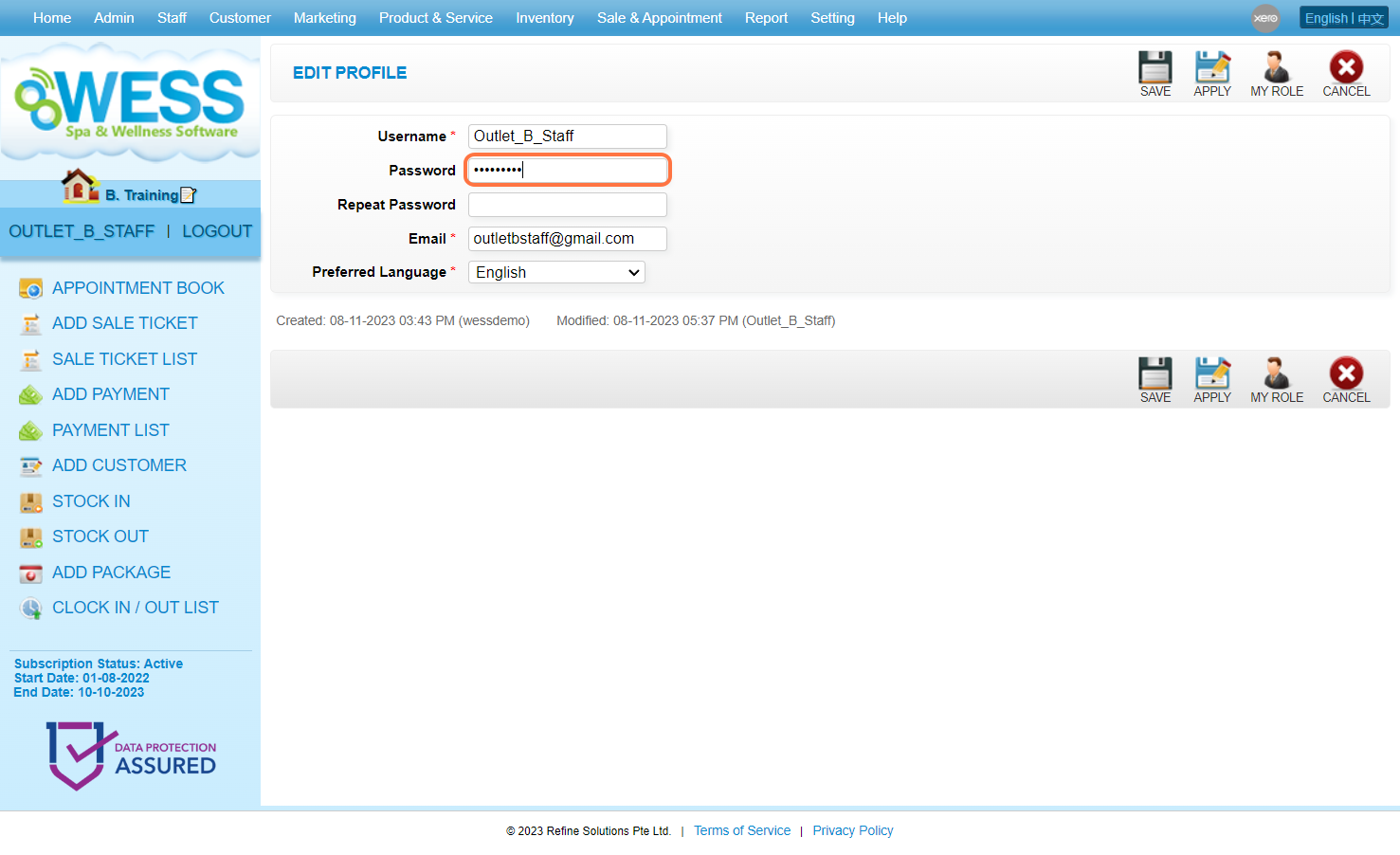
3. Repeat the password here for confirmation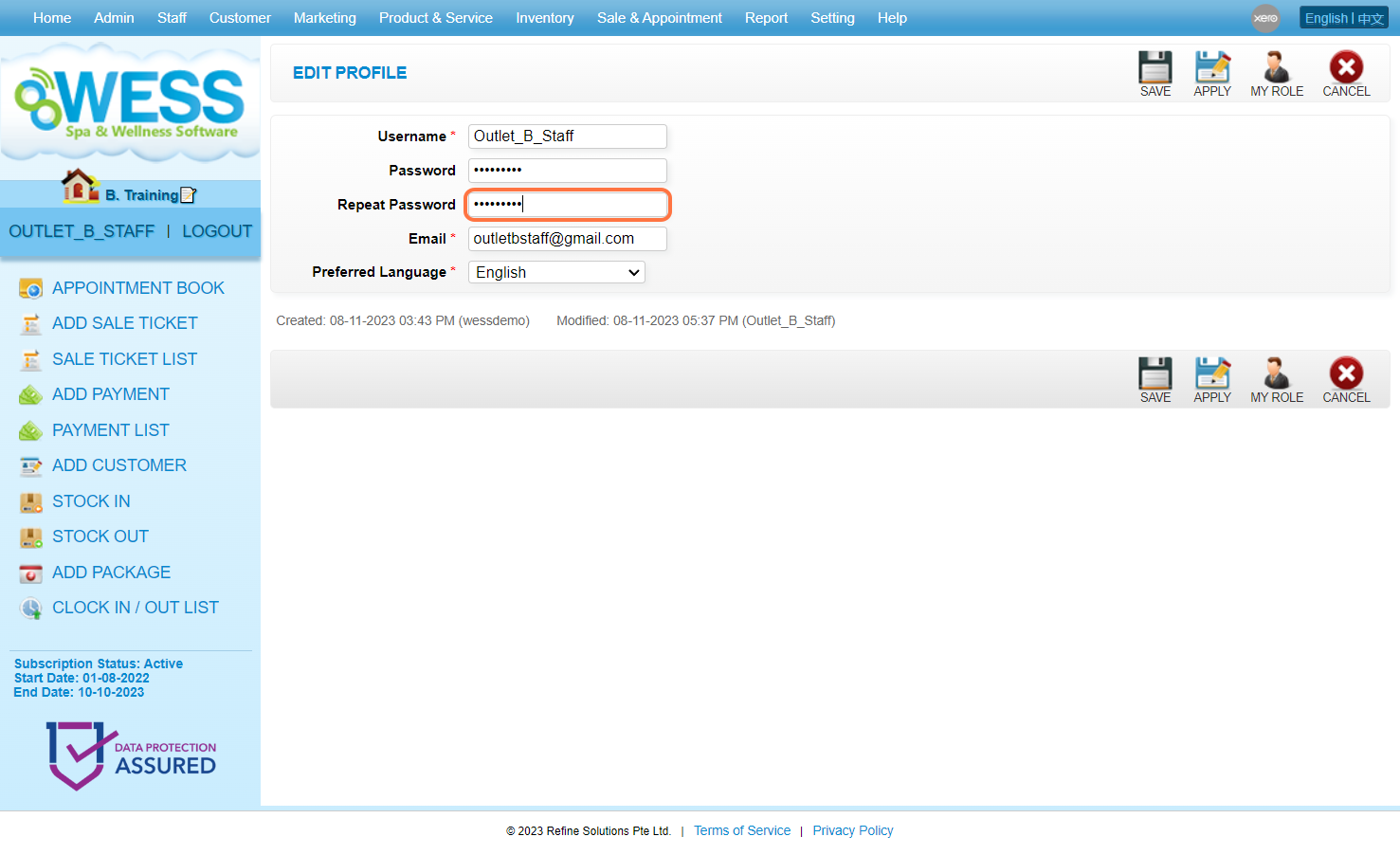
4. Click on APPLY or other disk icons to save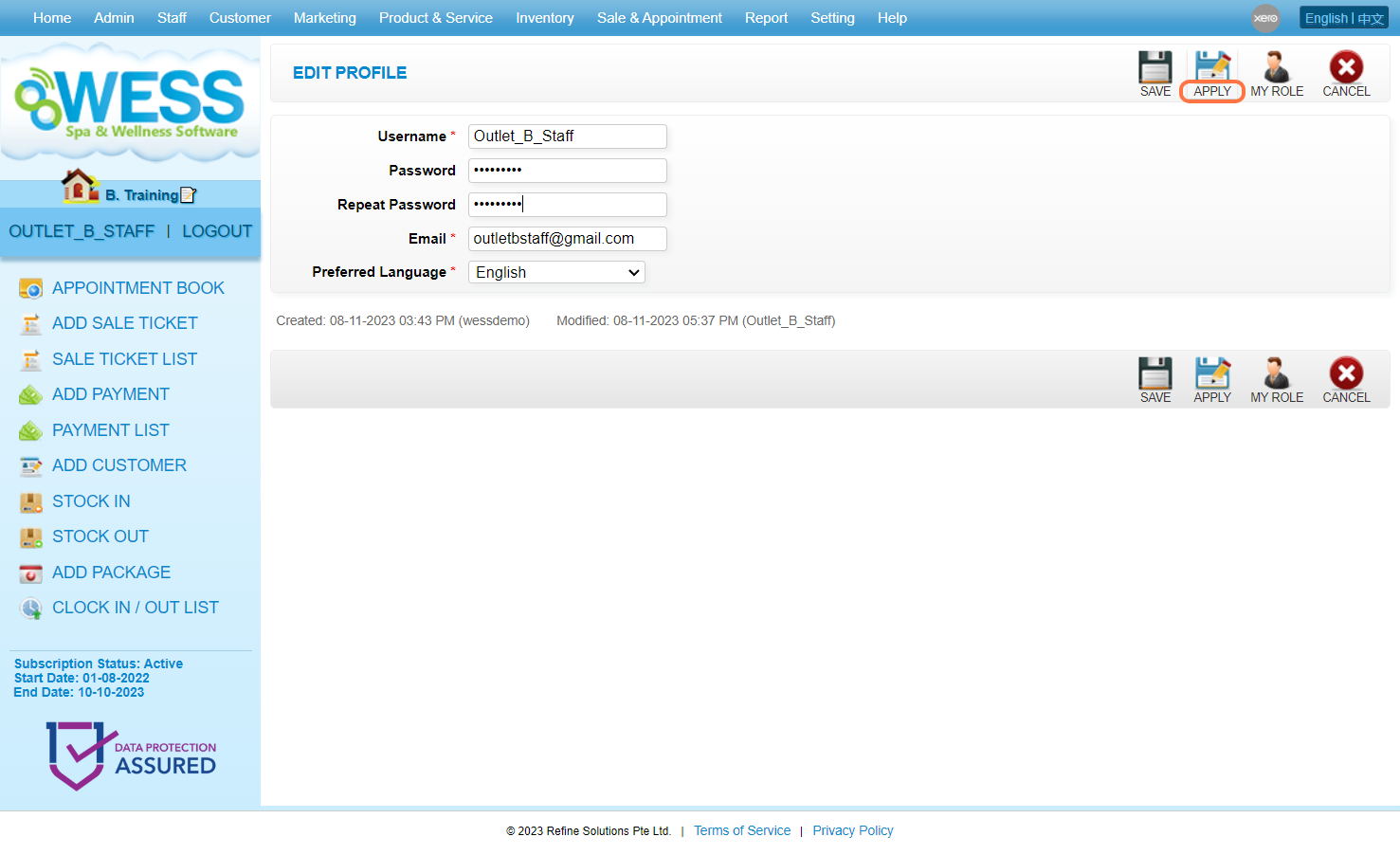
5. Make sure the change has been saved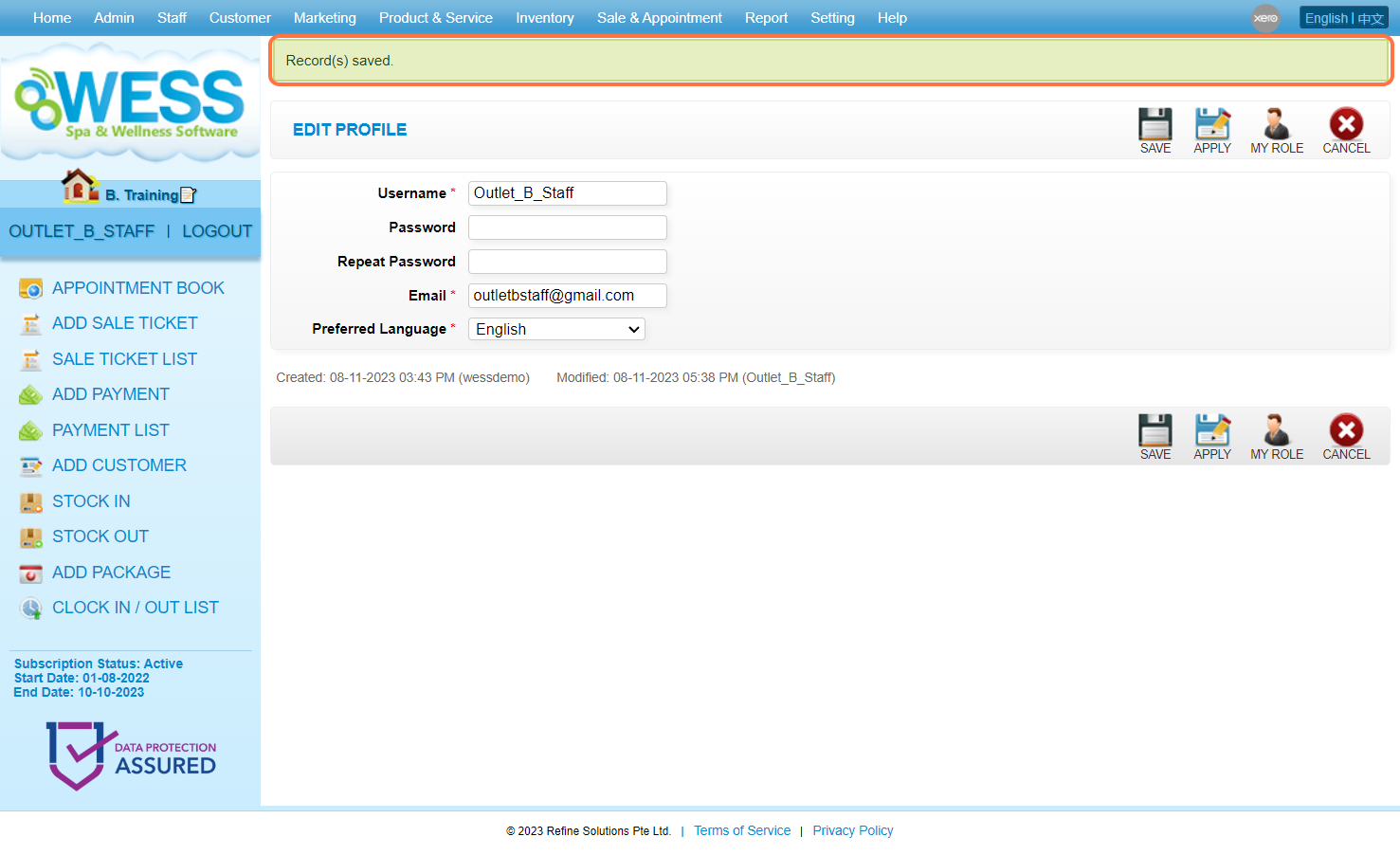
Last Update: Nov 2023