
Step 1: Click “Setting” .
Step 2: Click on “COMMISSION SCHEME” .
Step 3: Click on the pen icon “✏️” to edit.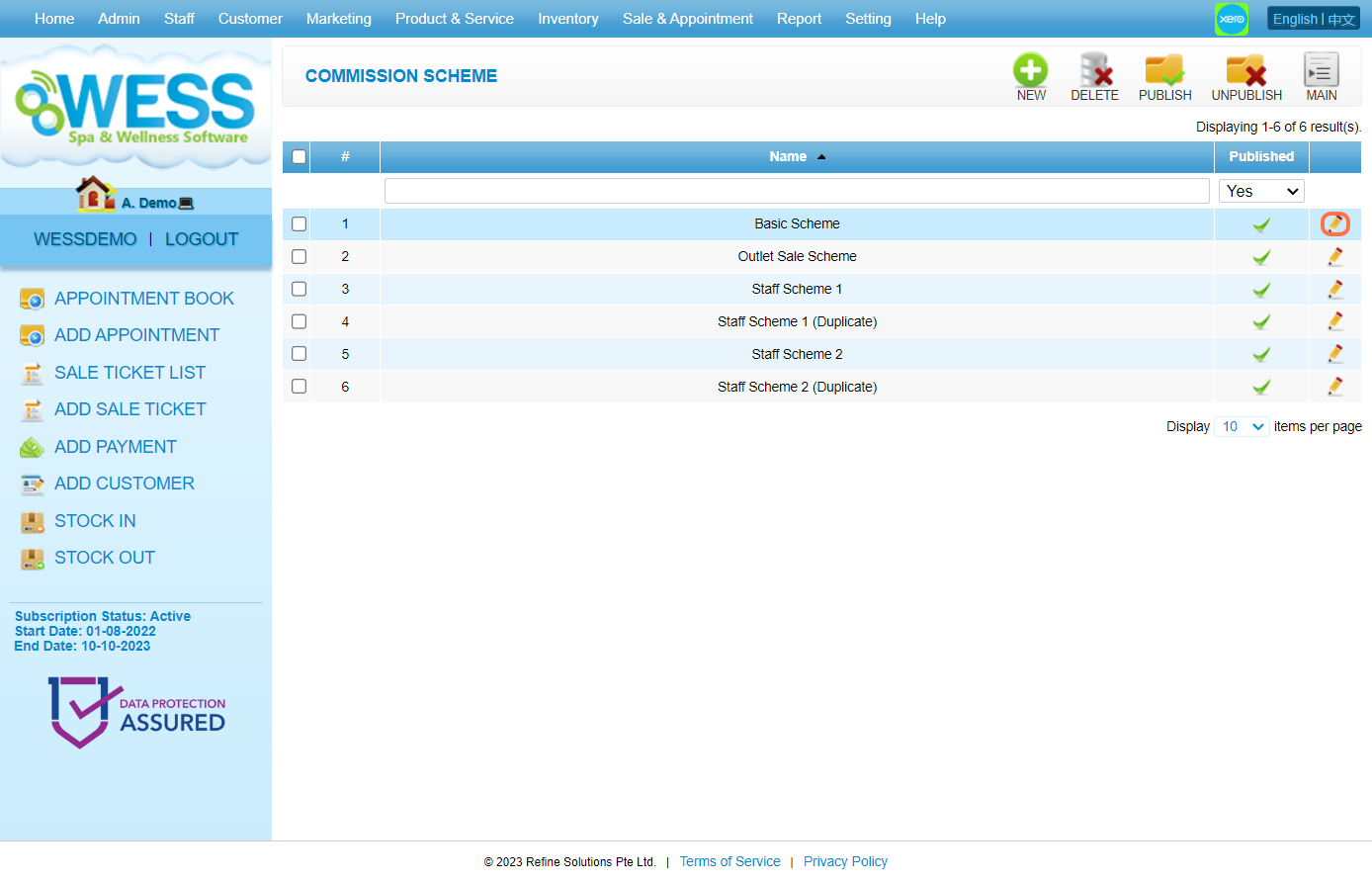
Step 4: Here can change the rate value for item type (products, services, packages…).
[!] Some of the commission scheme does not have this calculation logic.
Step 5: You can change the targets for a multiple-tier rate commission.
[!] Some of the commission scheme does not have this calculation logic.
Step 6: Then, you can change the rate for each tier for a multiple-tier rate commission.
[!] Some of the commission scheme does not have this calculation logic.
Step 7: You can change the rate for each commission type.
[!] Some of the commission scheme does not have this calculation logic.
[!] For this commission type, you need to apply it by assigning it to the items.
Step 8: Click on “APPLY” or other disk icons to save.
Step 9: Make sure the changes have been saved.
Last Update: Aug 2024