
Step 1: Click “Sale & Appointment”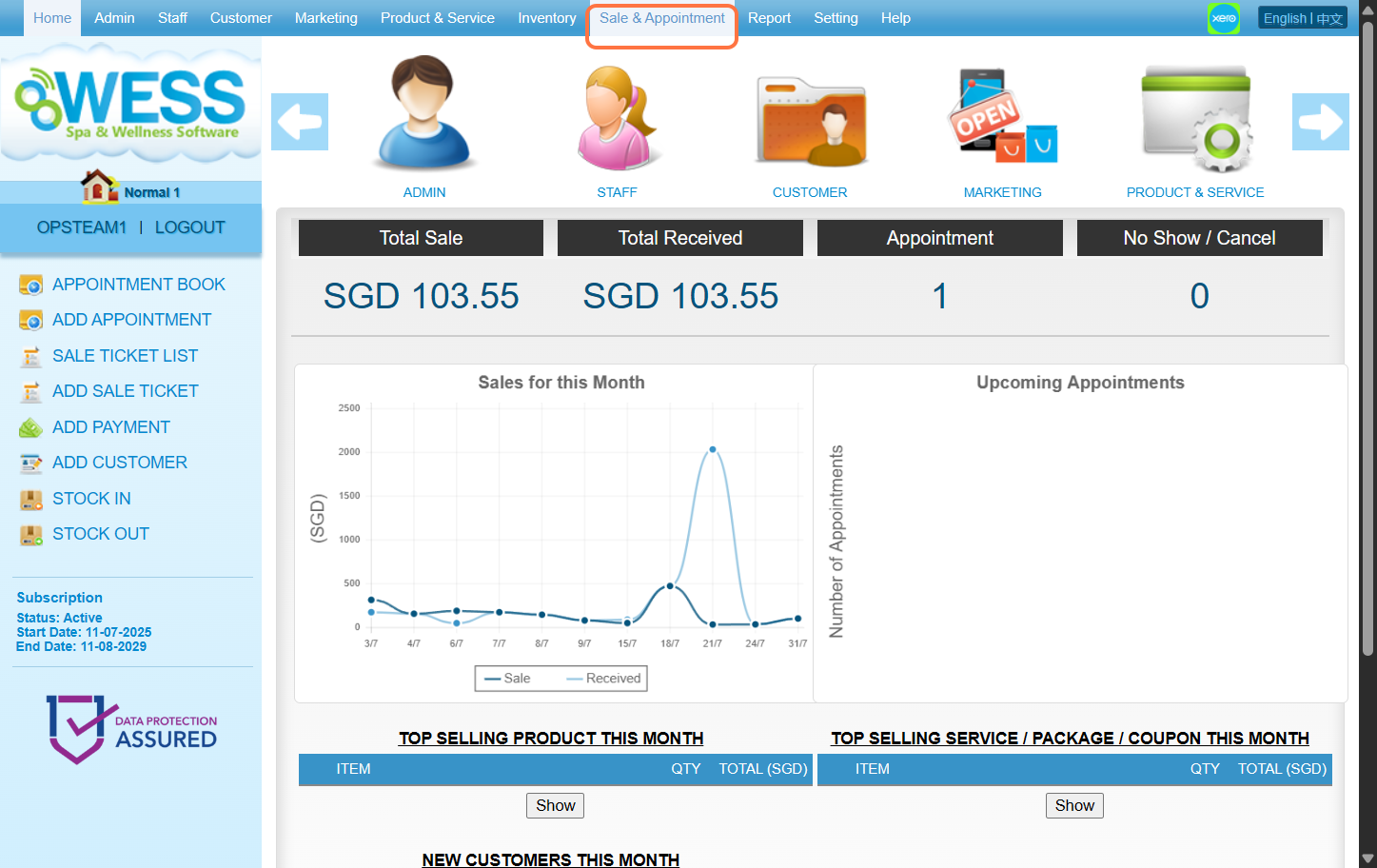
Step 2: Click “PAYMENT”.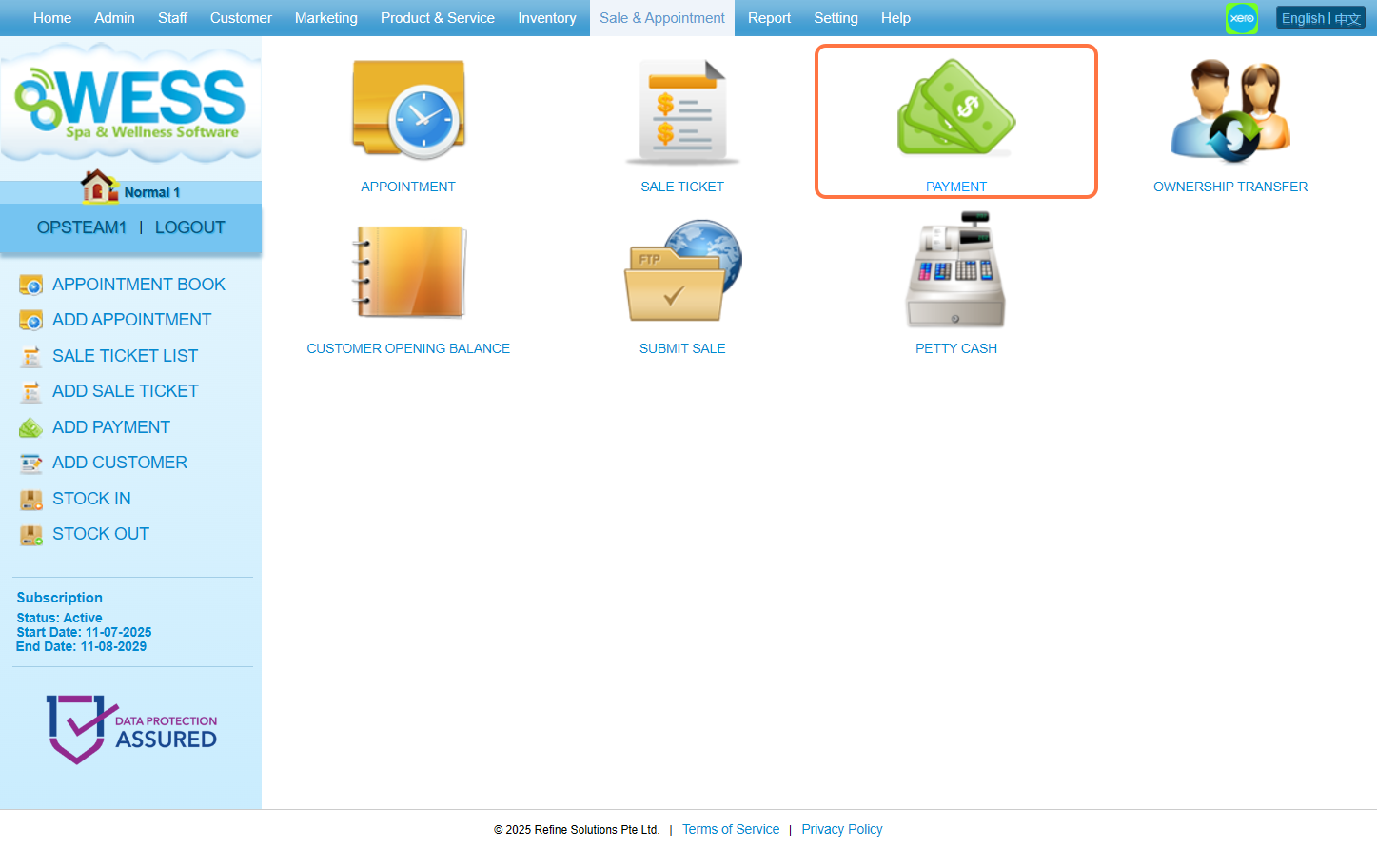
Step 3: Click on any of the past payment for which you want to send the receipt.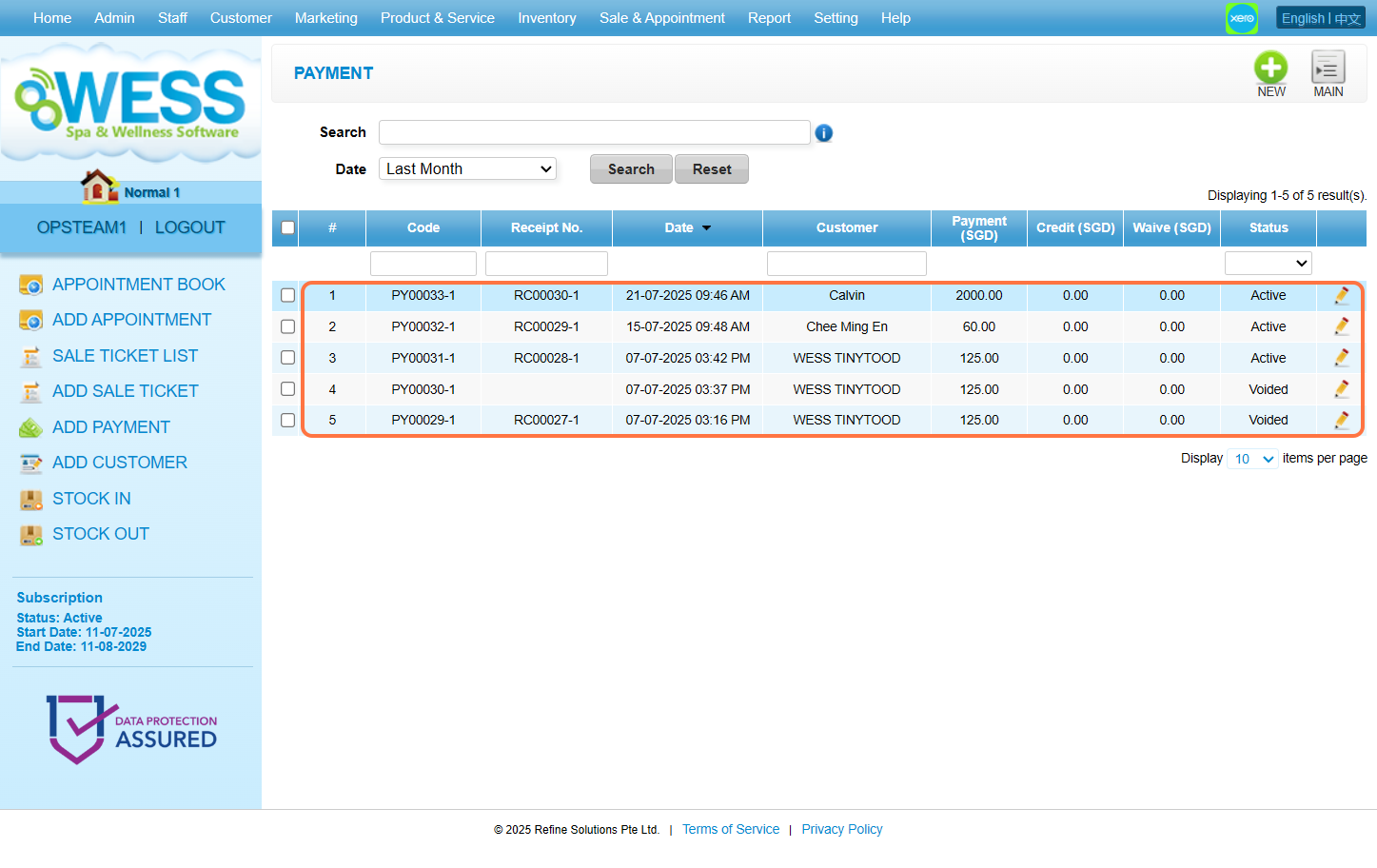
Step 4: Click “PRINT”.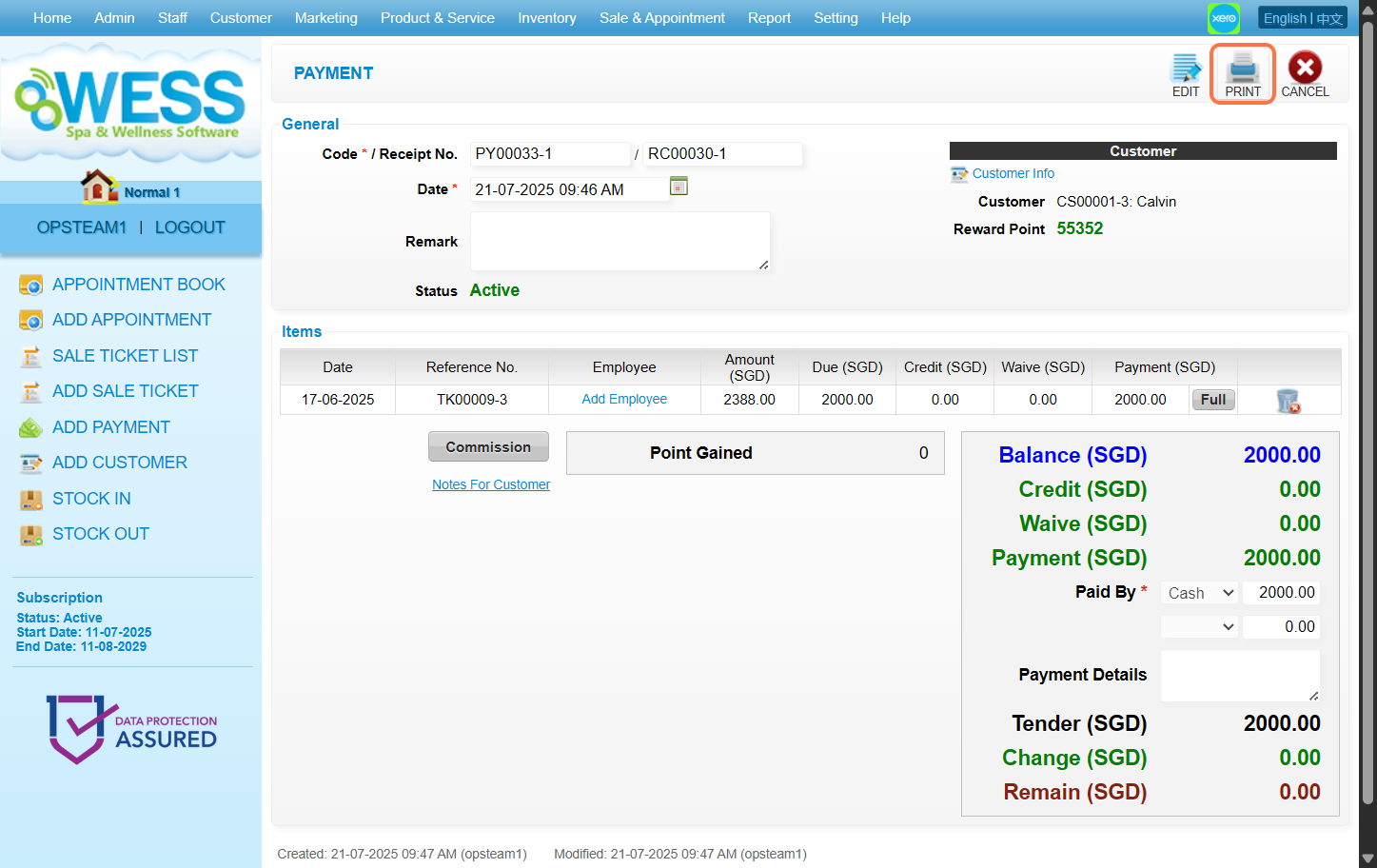
Step 5: Click “EMAIL”.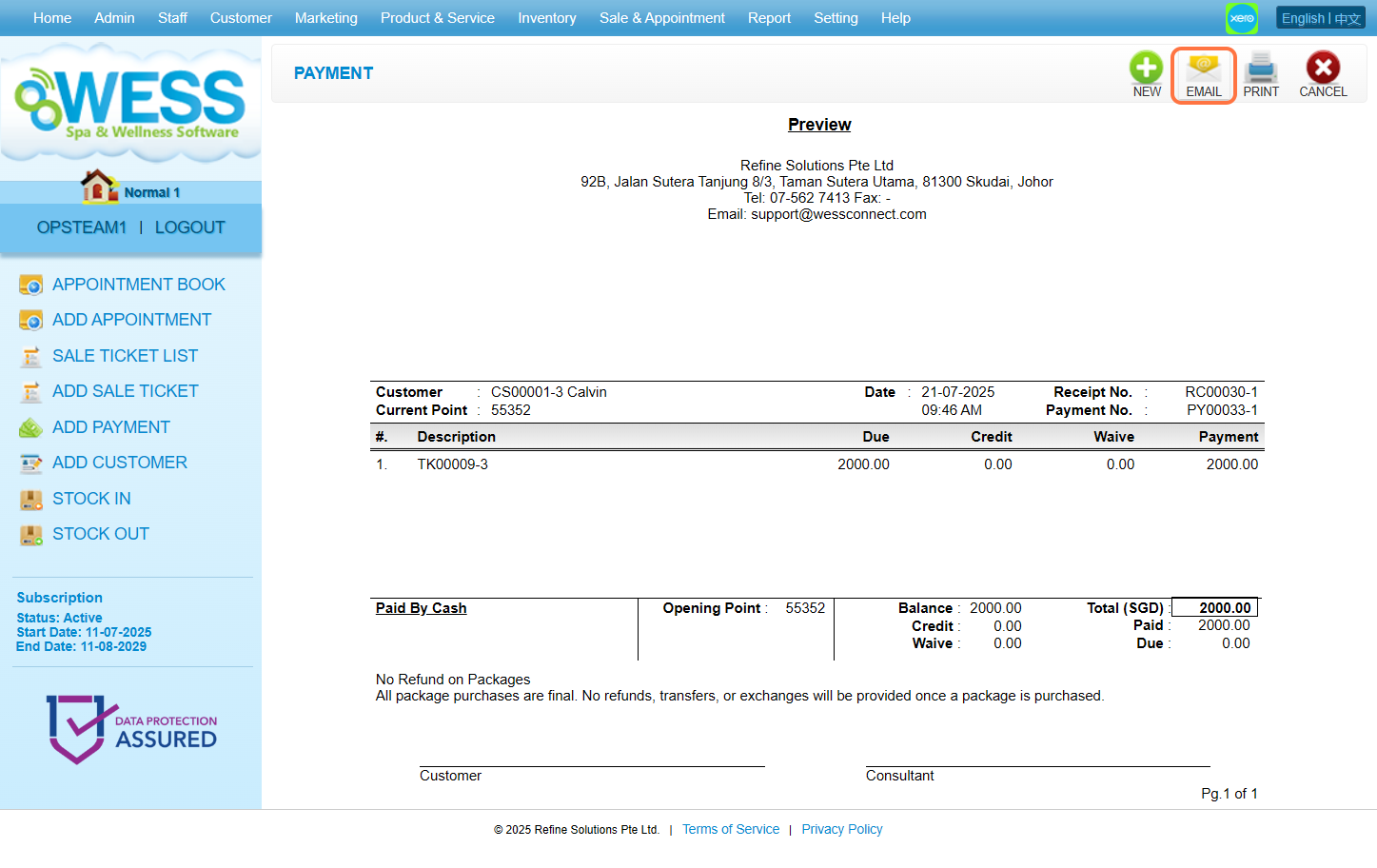
Step 6: Fill the textbox with the respective information accordingly.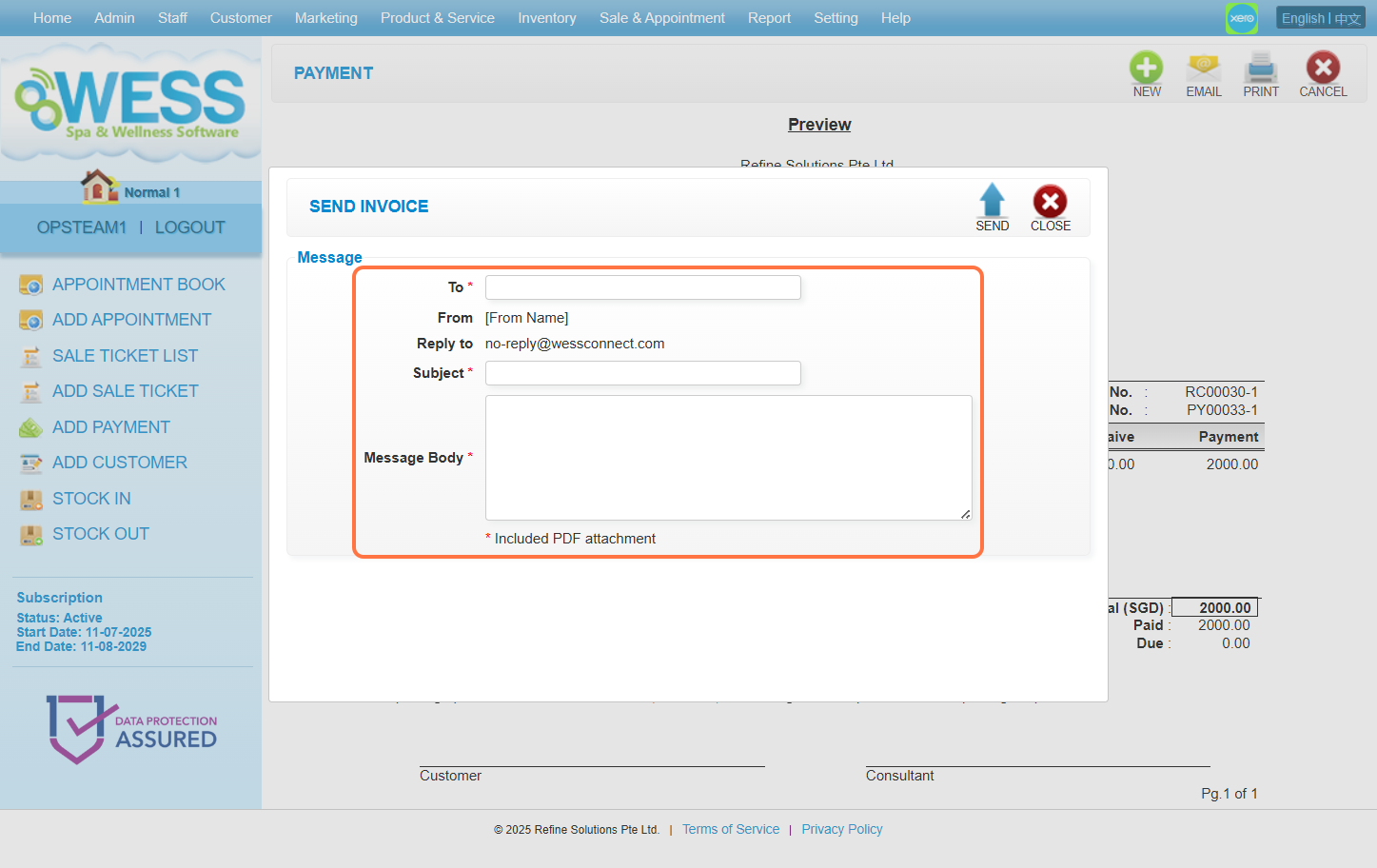
Step 7: Click “SEND”.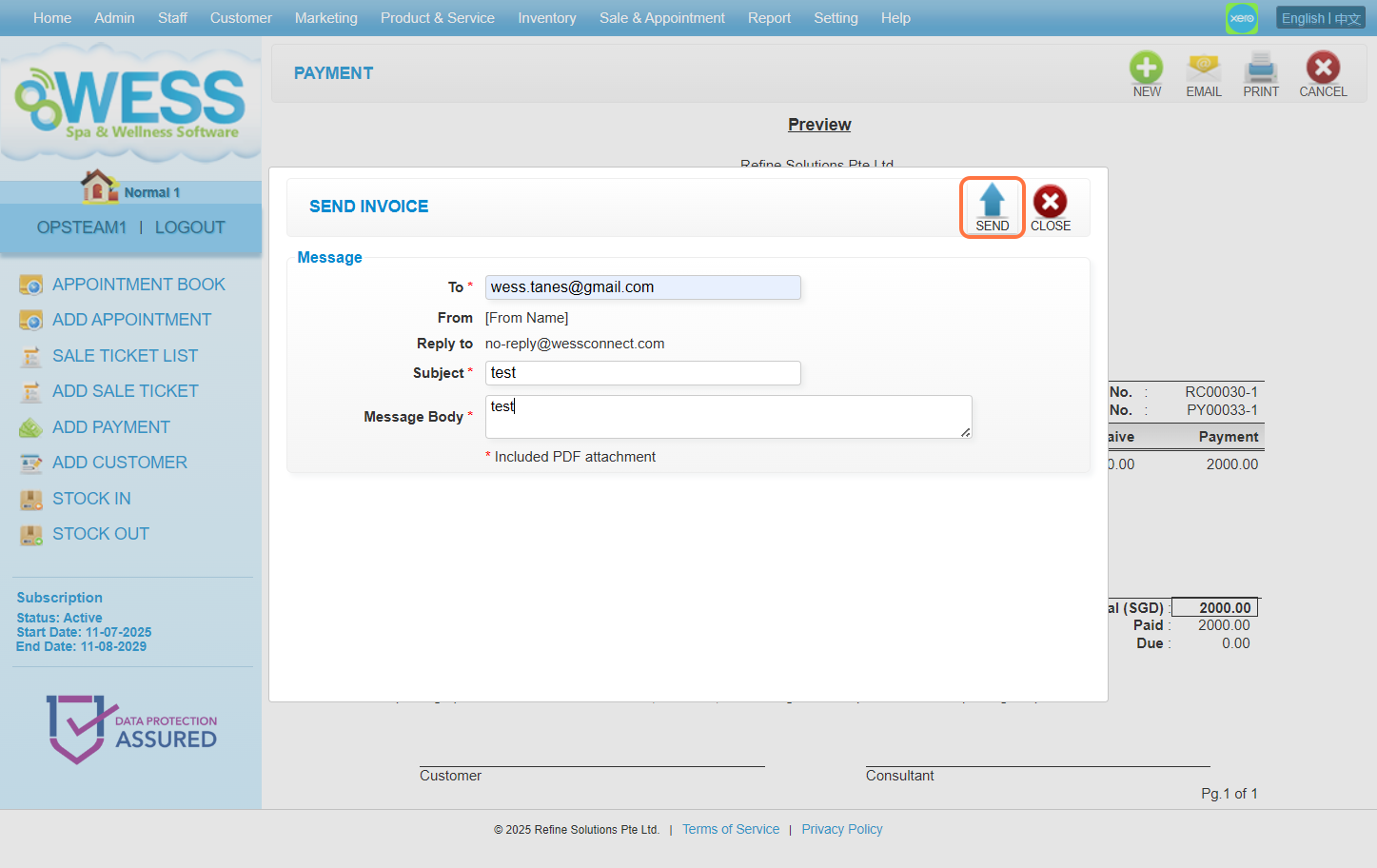
Last update: August 2025