
Step 1: Click “SALE TICKET LIST”.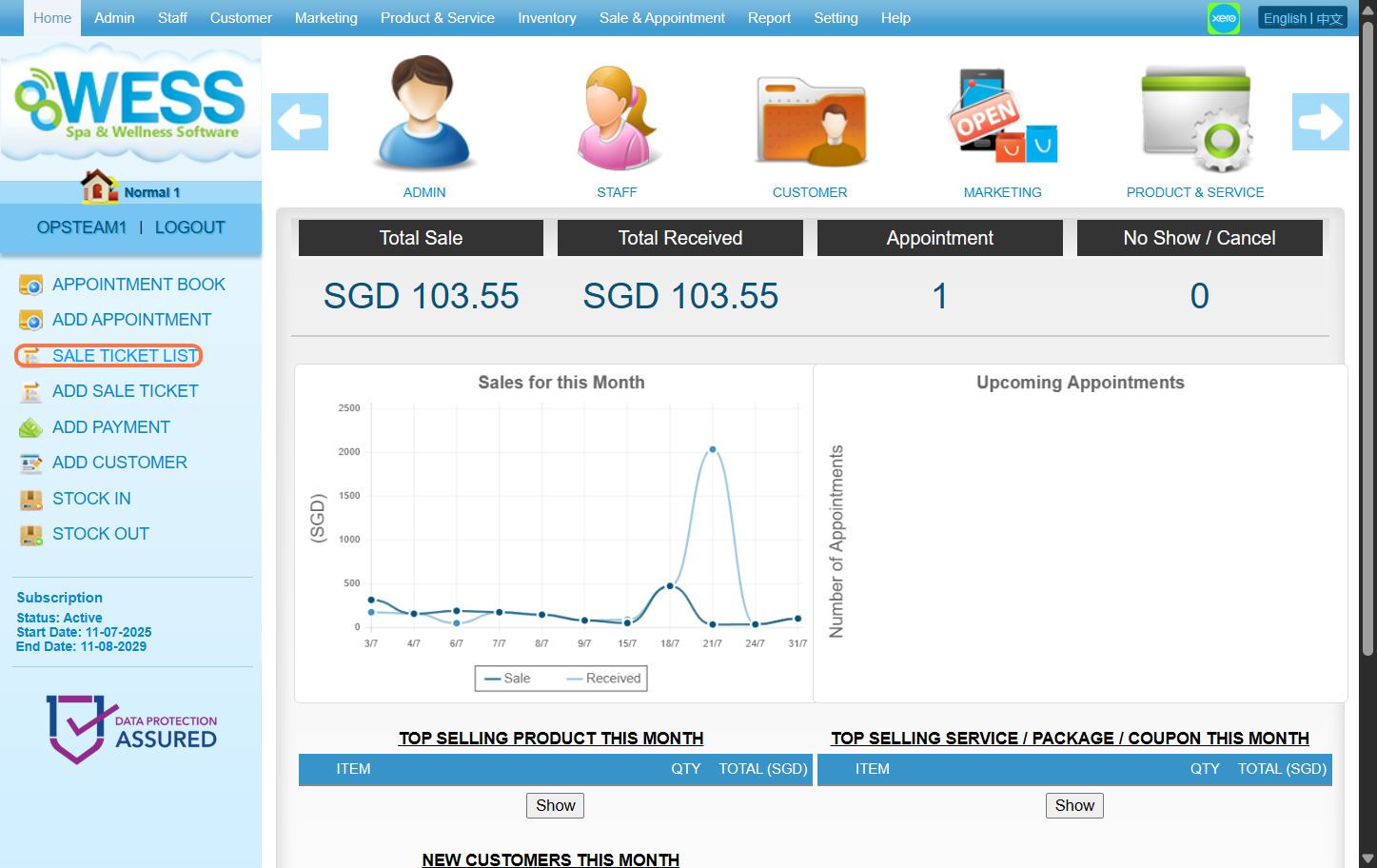
Step 2: Select any past sale ticket record you want to edit.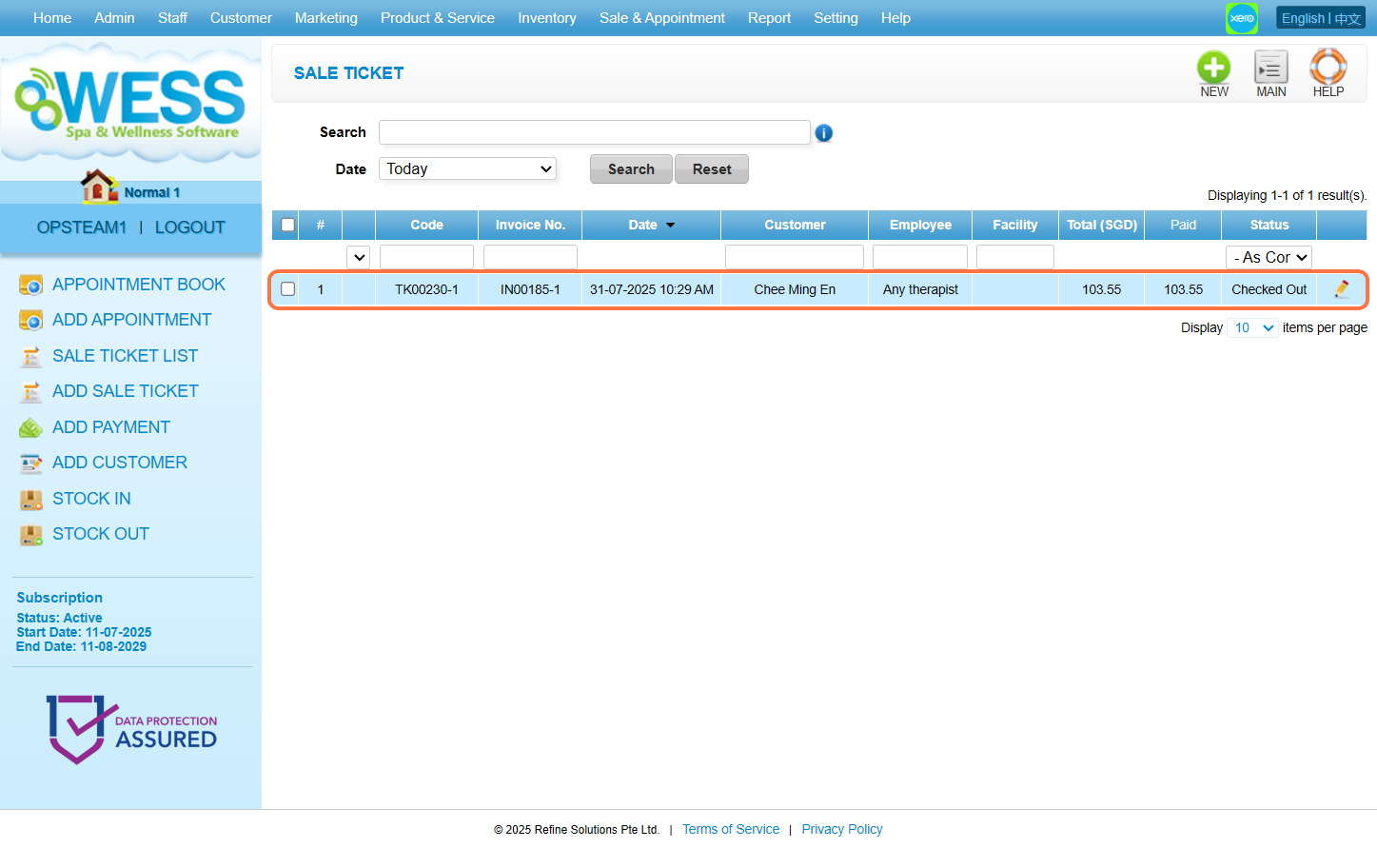
Step 3: Click “EDIT”.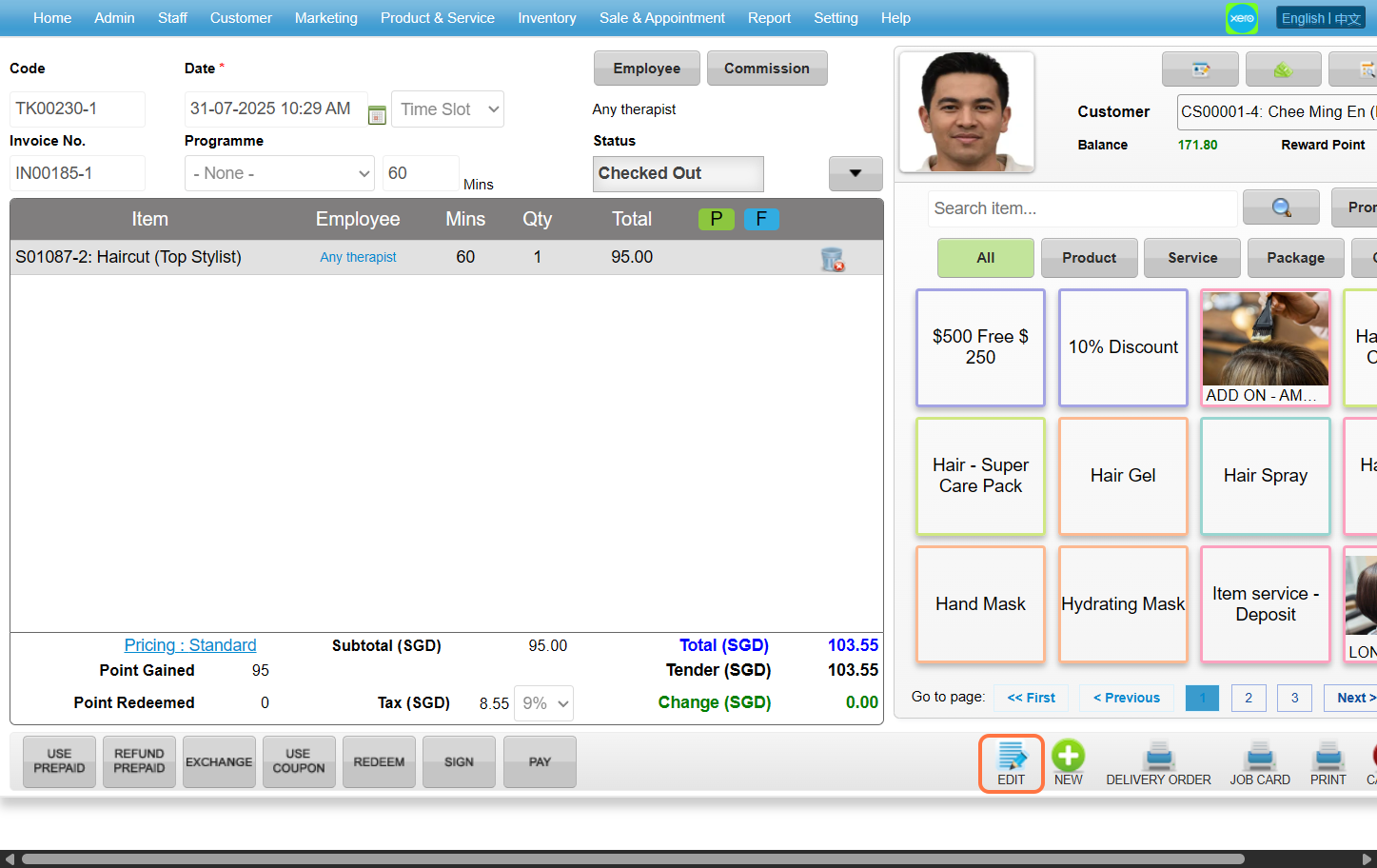
Step 4: Make any edit changes that is needed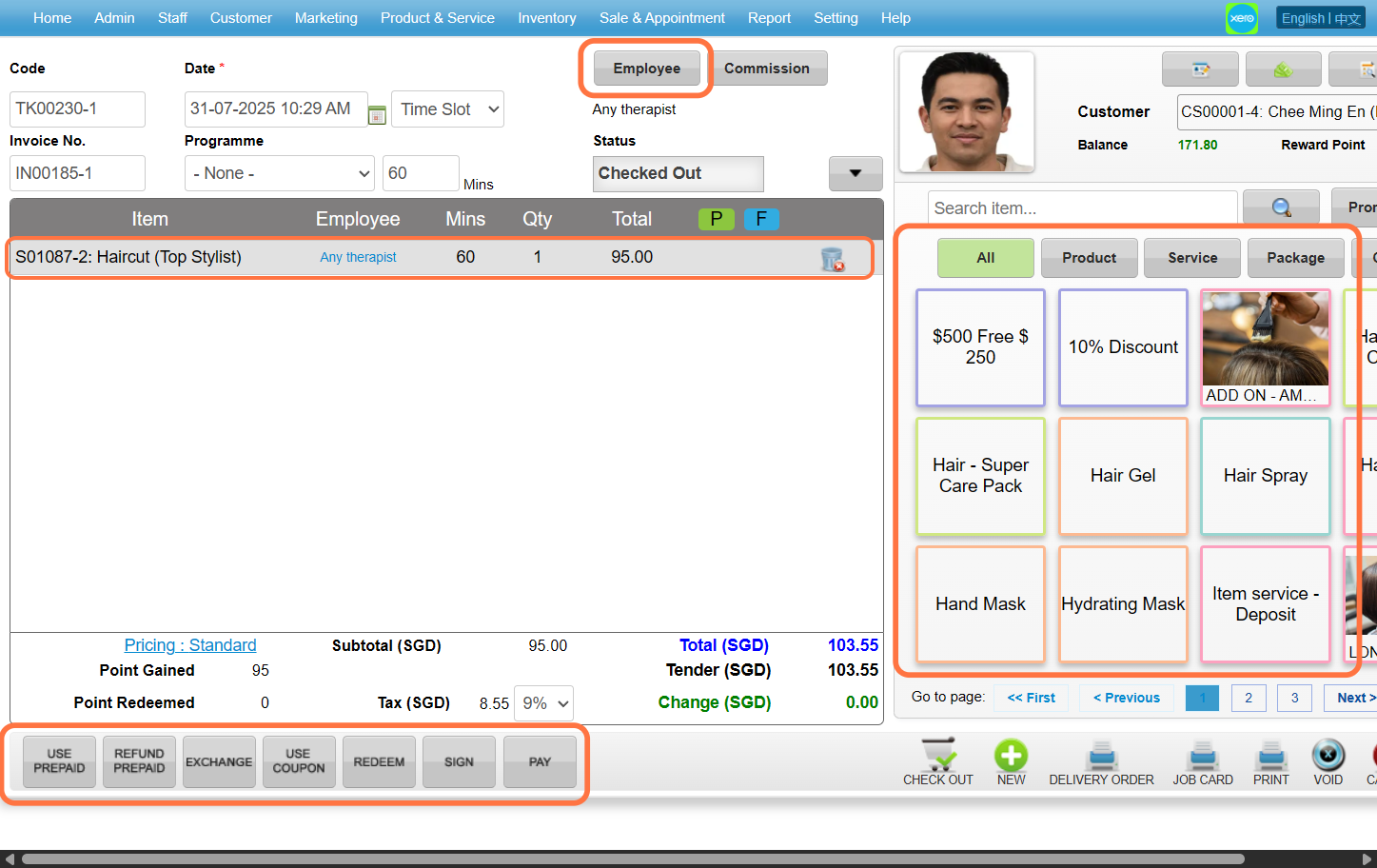
Step 5: Payment details can also be changed.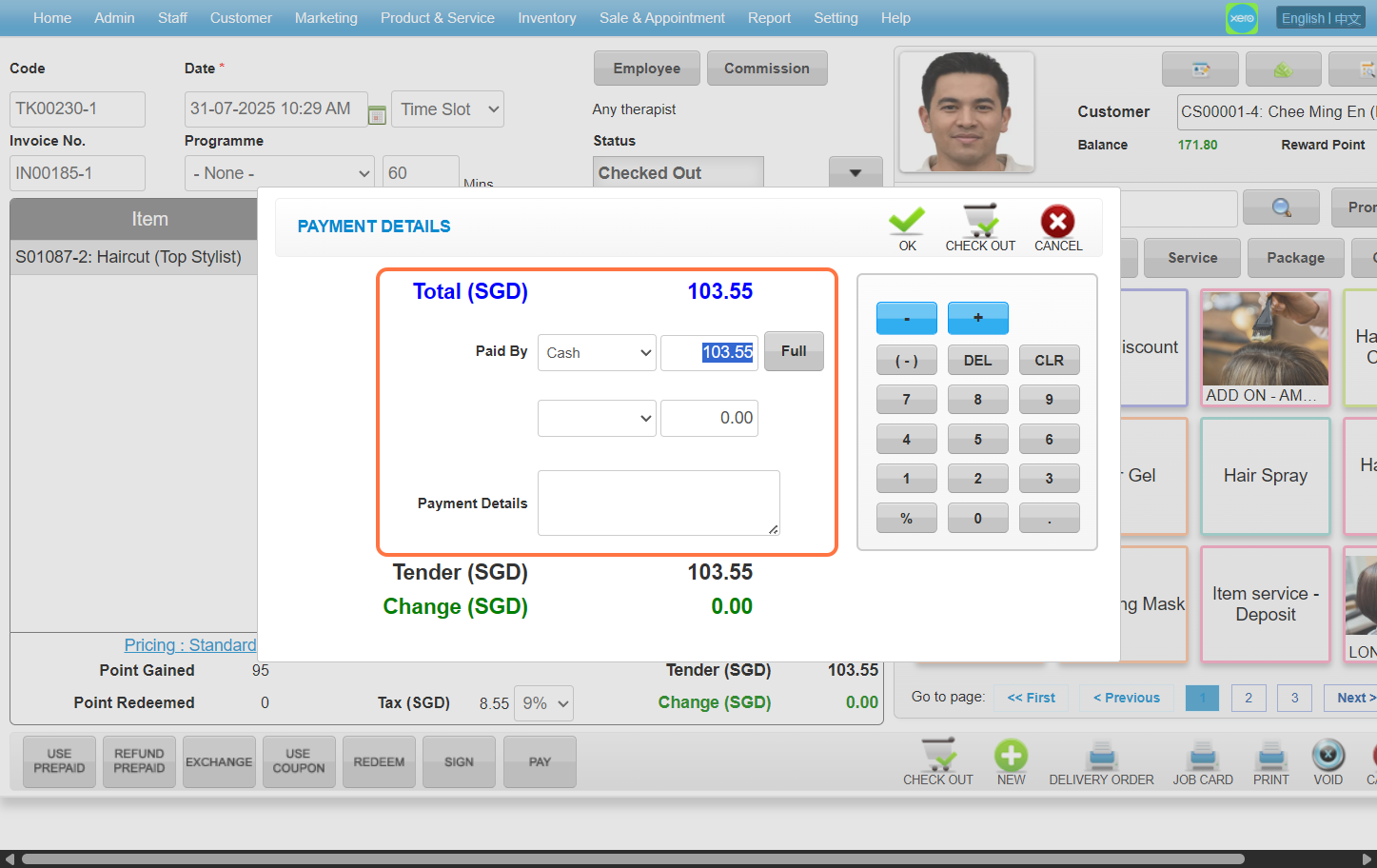
Step 6: Click “CHECK OUT” to check out again.
(*This will not cause the system generate two sale ticket)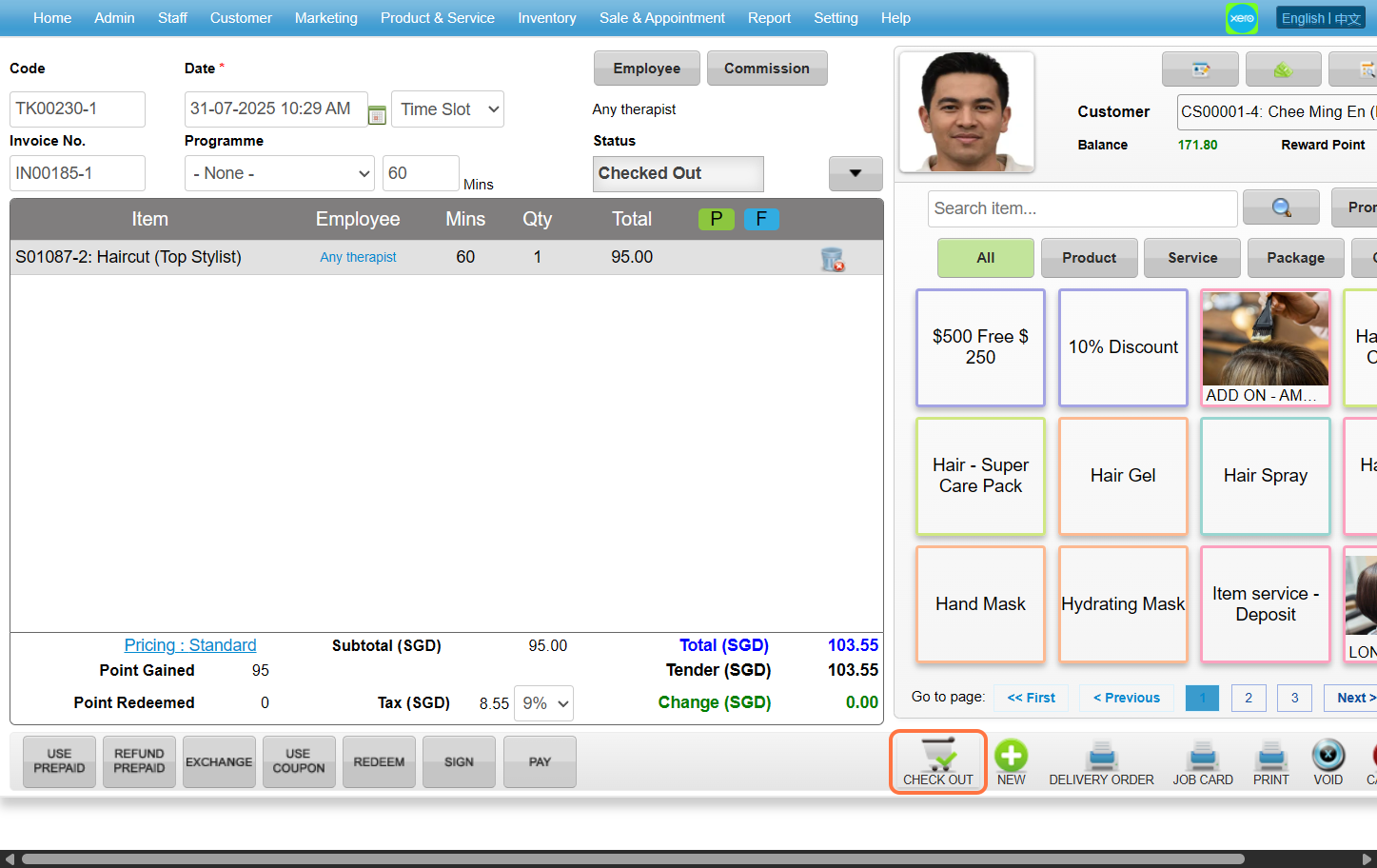
Last update: August 2025