
ℹ️ Method 1
Step 1: Click “APPOINTMENT BOOK”
Step 2: Click the time slot
Step 3: Click “STATUS OPTION”
Step 4: Select the status want to change
Step 5: Click “SAVE”
ℹ️ Method 2
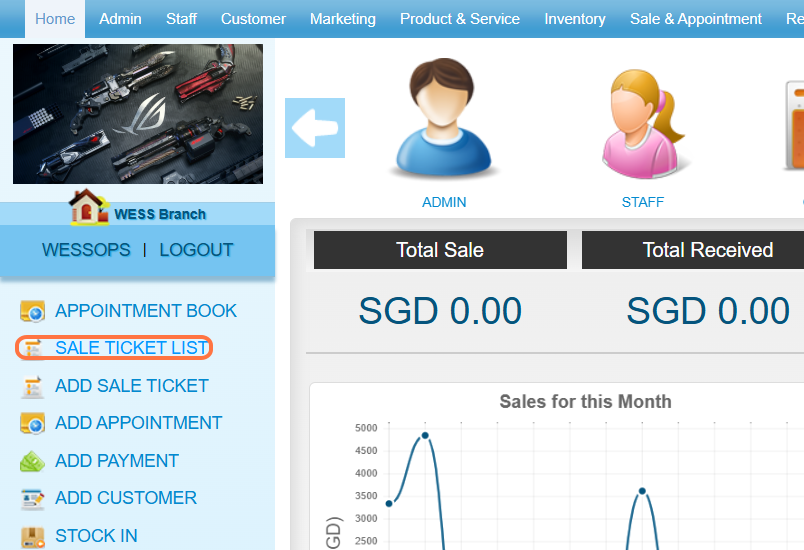
Step 1: Click on “SALE TICKET LIST”.
Note: To change the status, go to Sale Ticket List”.
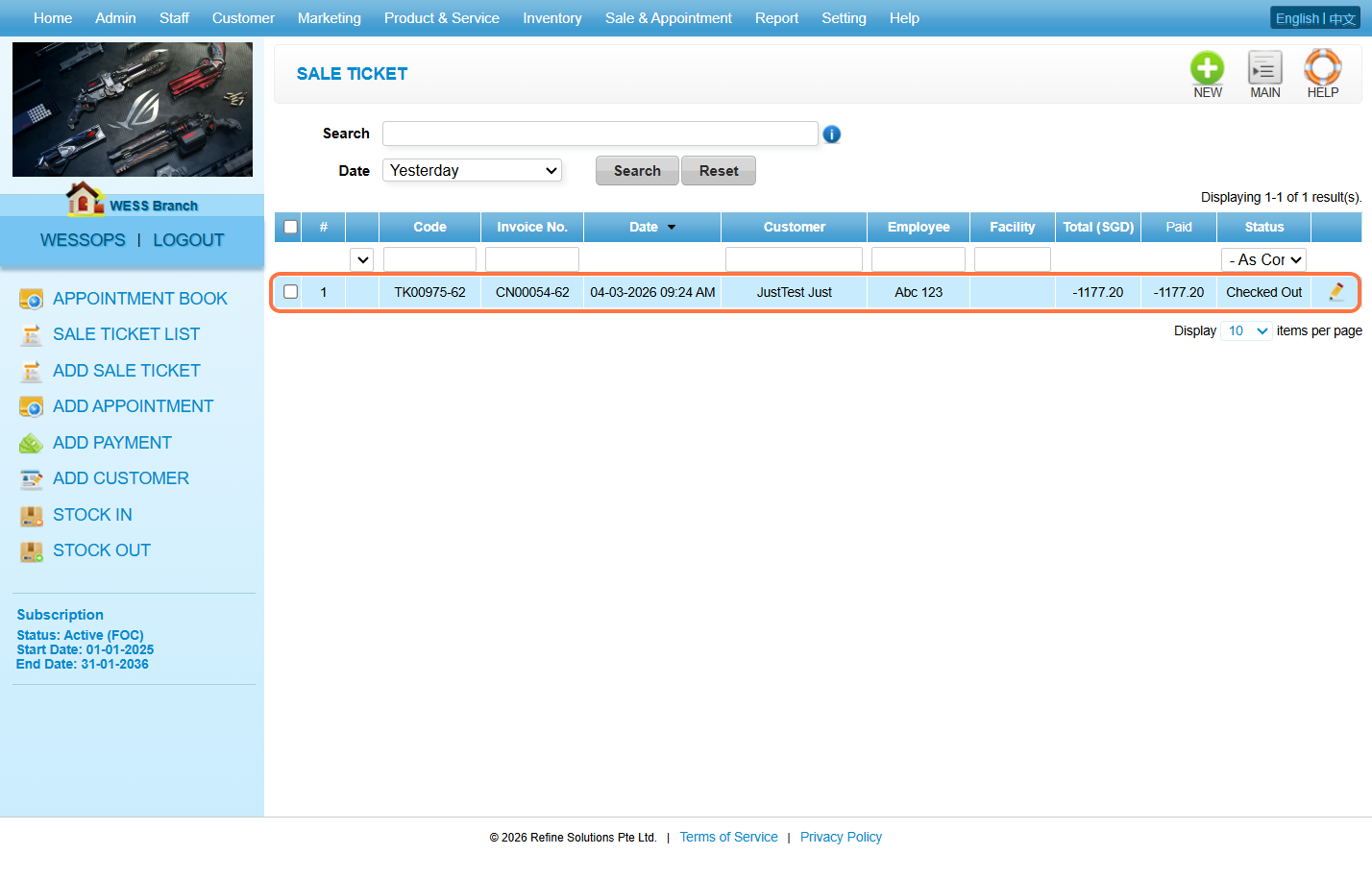
Step 2: Select the sale ticket.
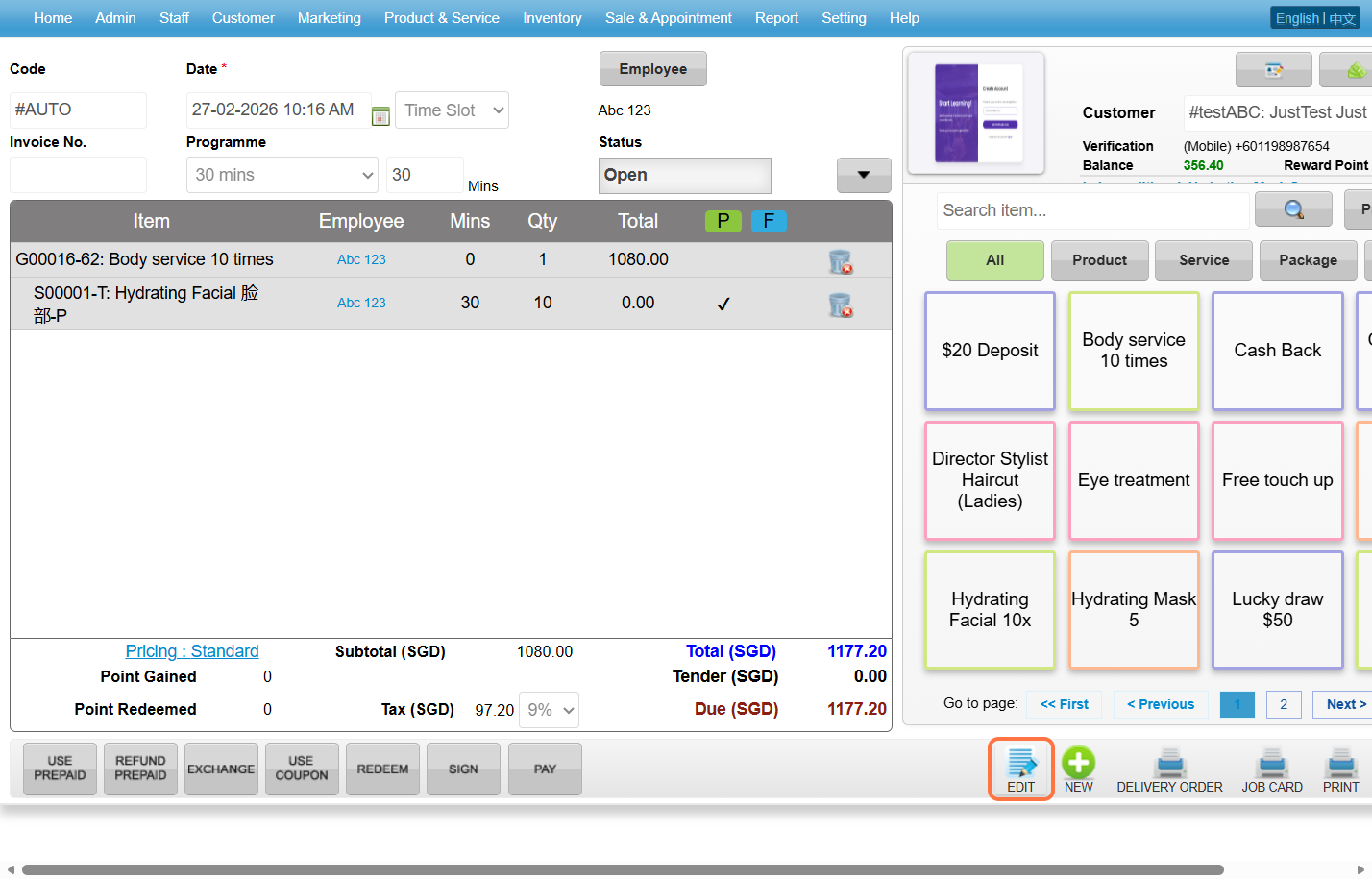
Step 3: Click on “EDIT”.
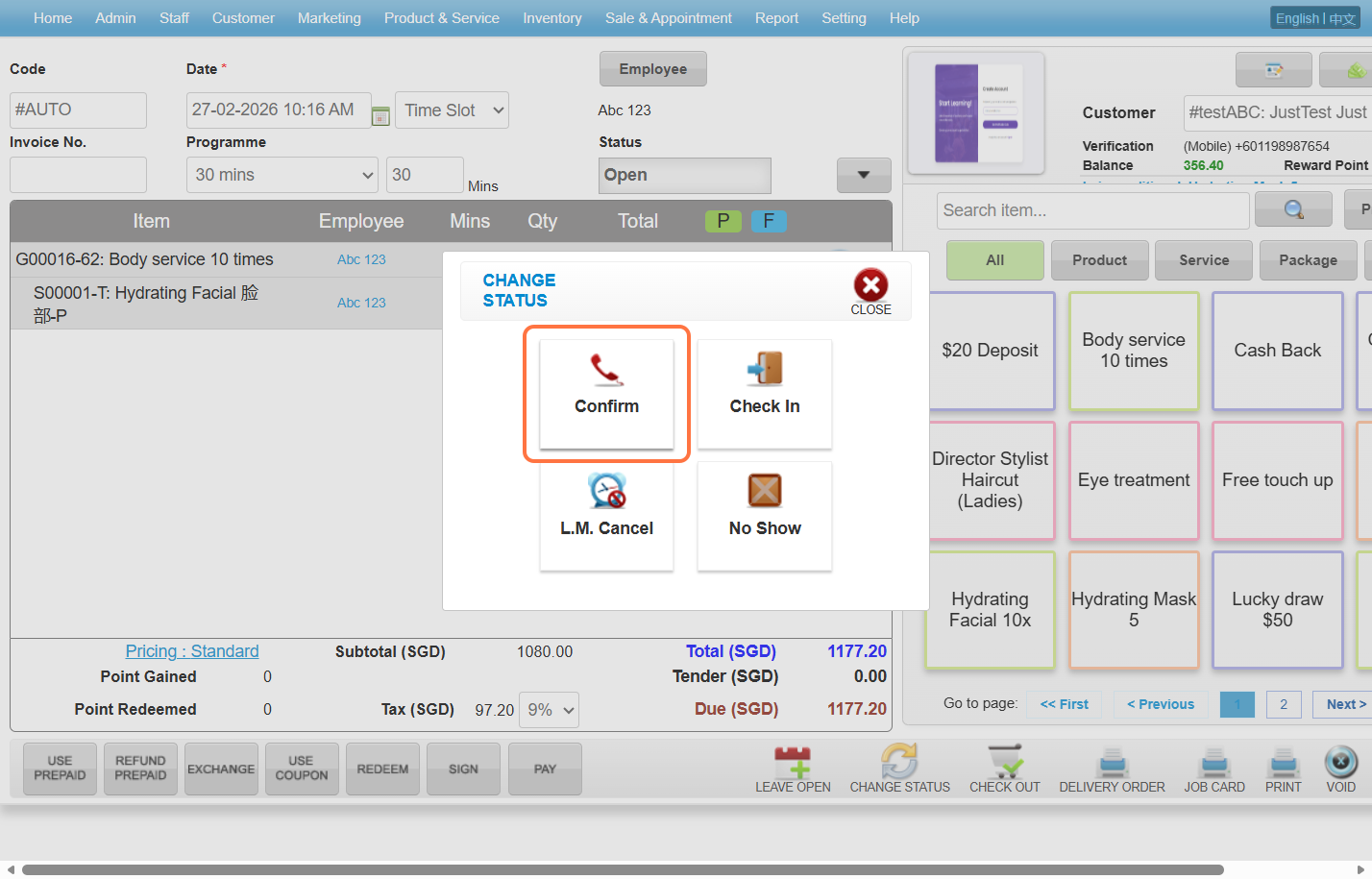
Step 4: Click on “CHANGE STATUS”.
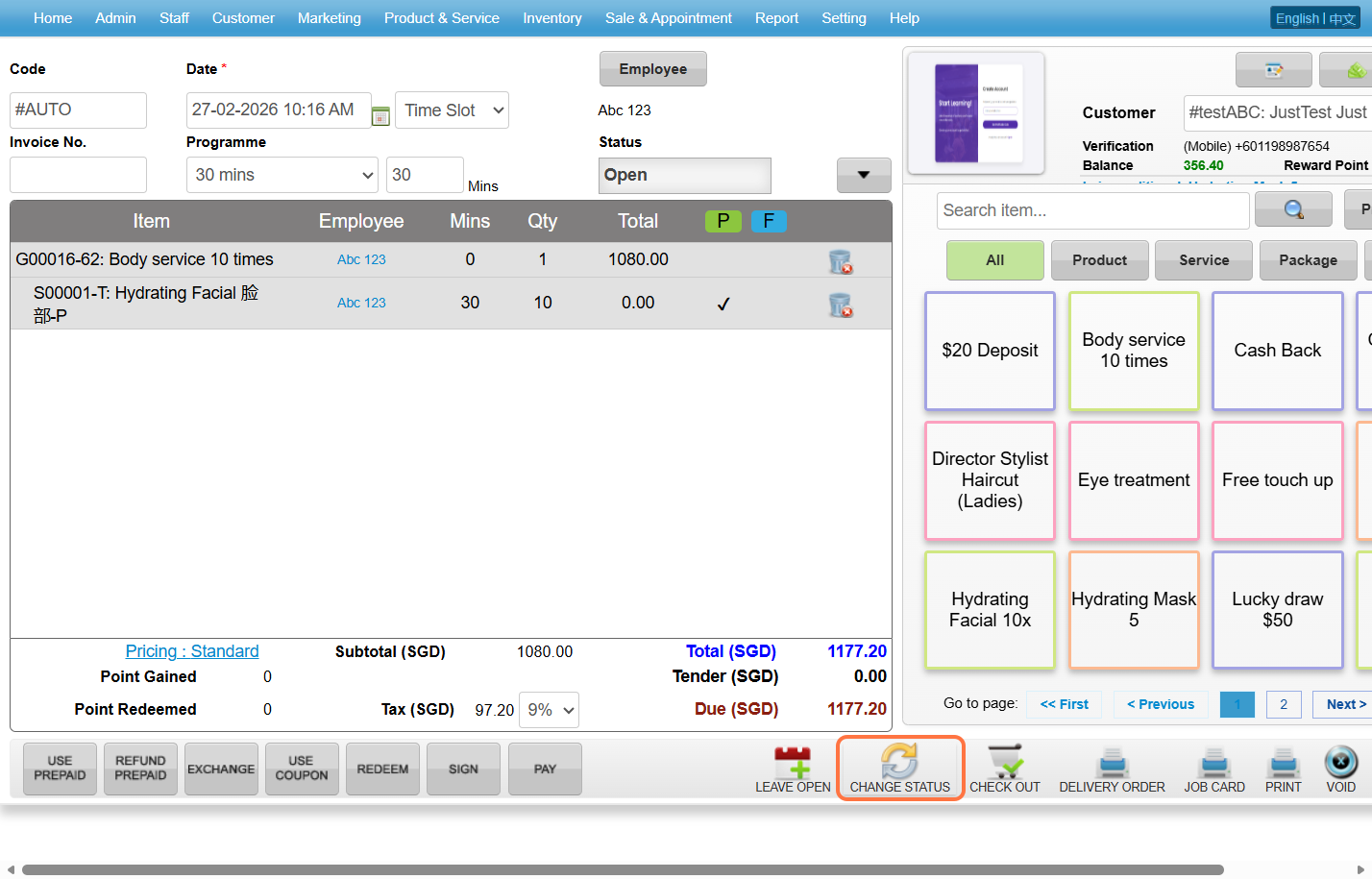
Step 5: Select the status.
Note: Select the relevant status to accurately represent the customer’s situation.
Last update: March 2026