
Step 1: Click “Sales & Appointment”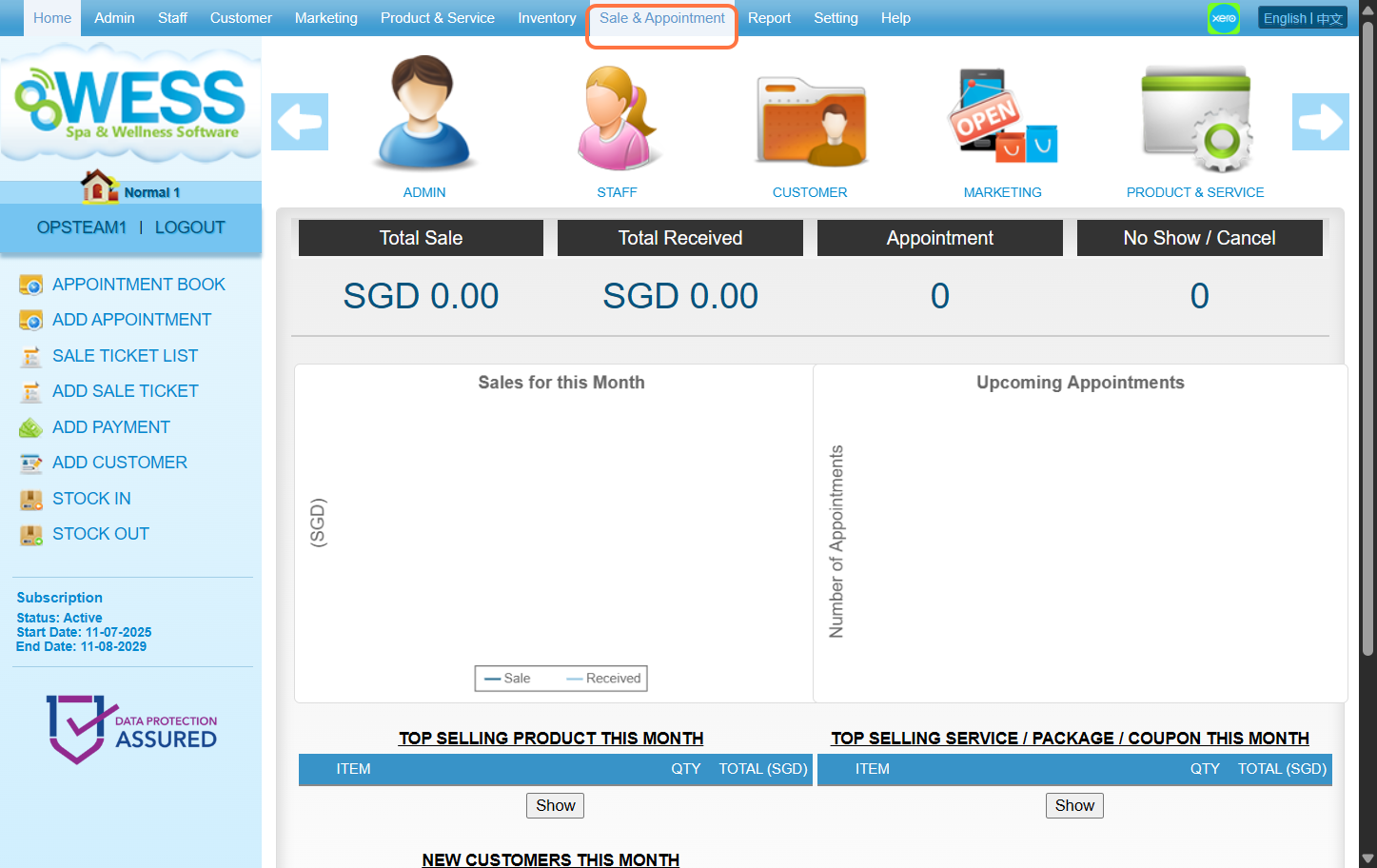
Step 2: Click “SALE TICKET”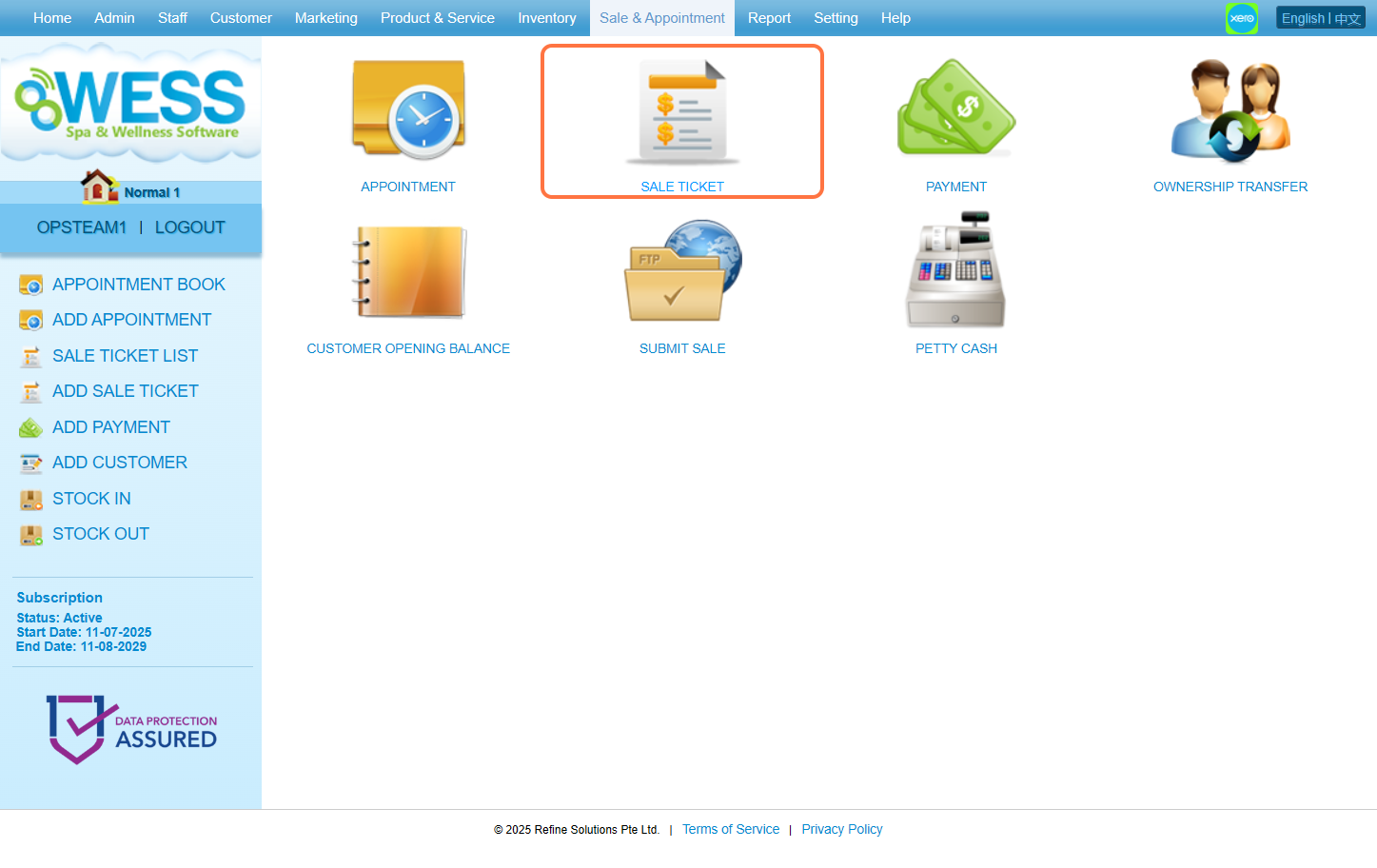
Step 3: Click “NEW”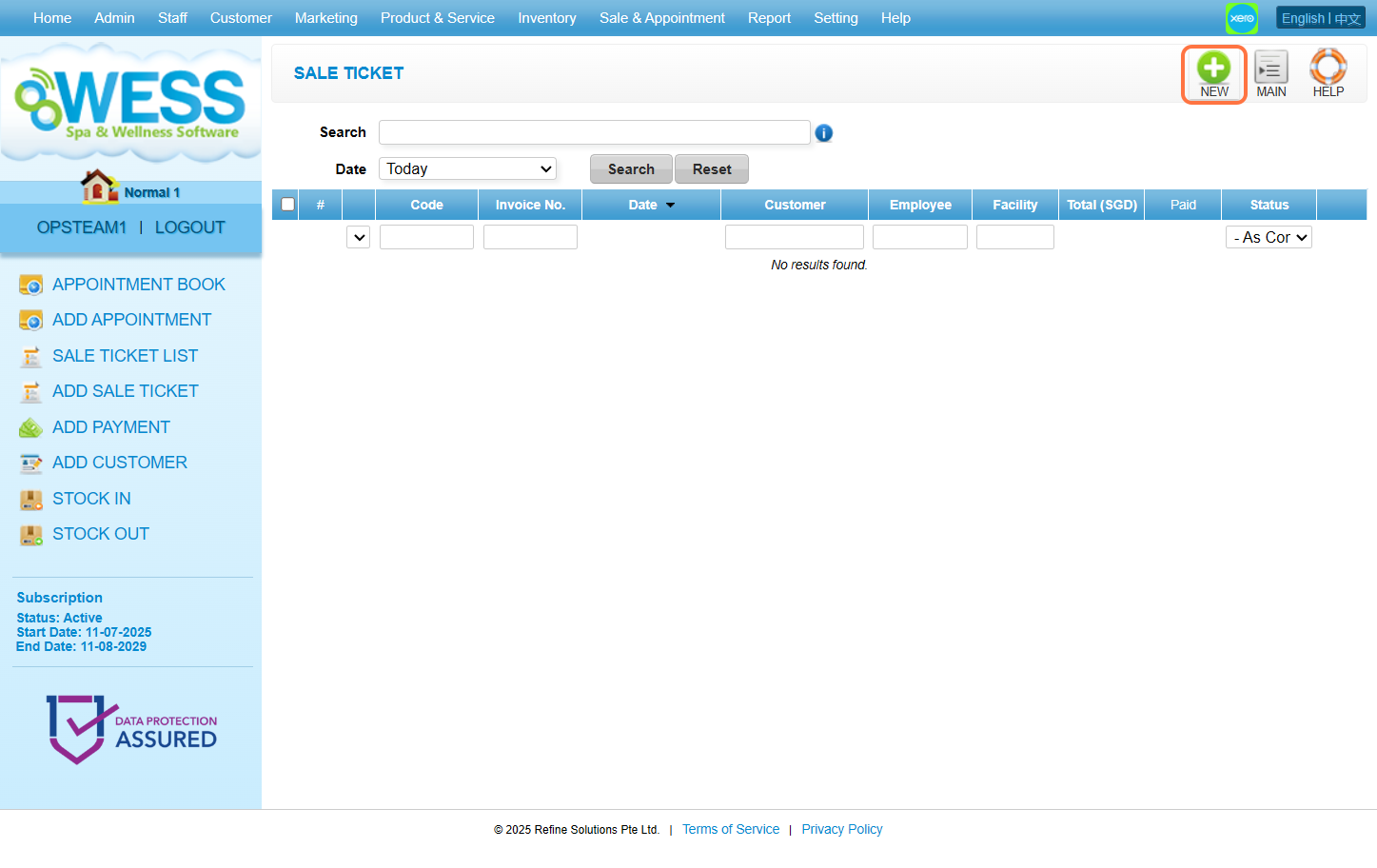
Step 4: Click “EMPLOYEE”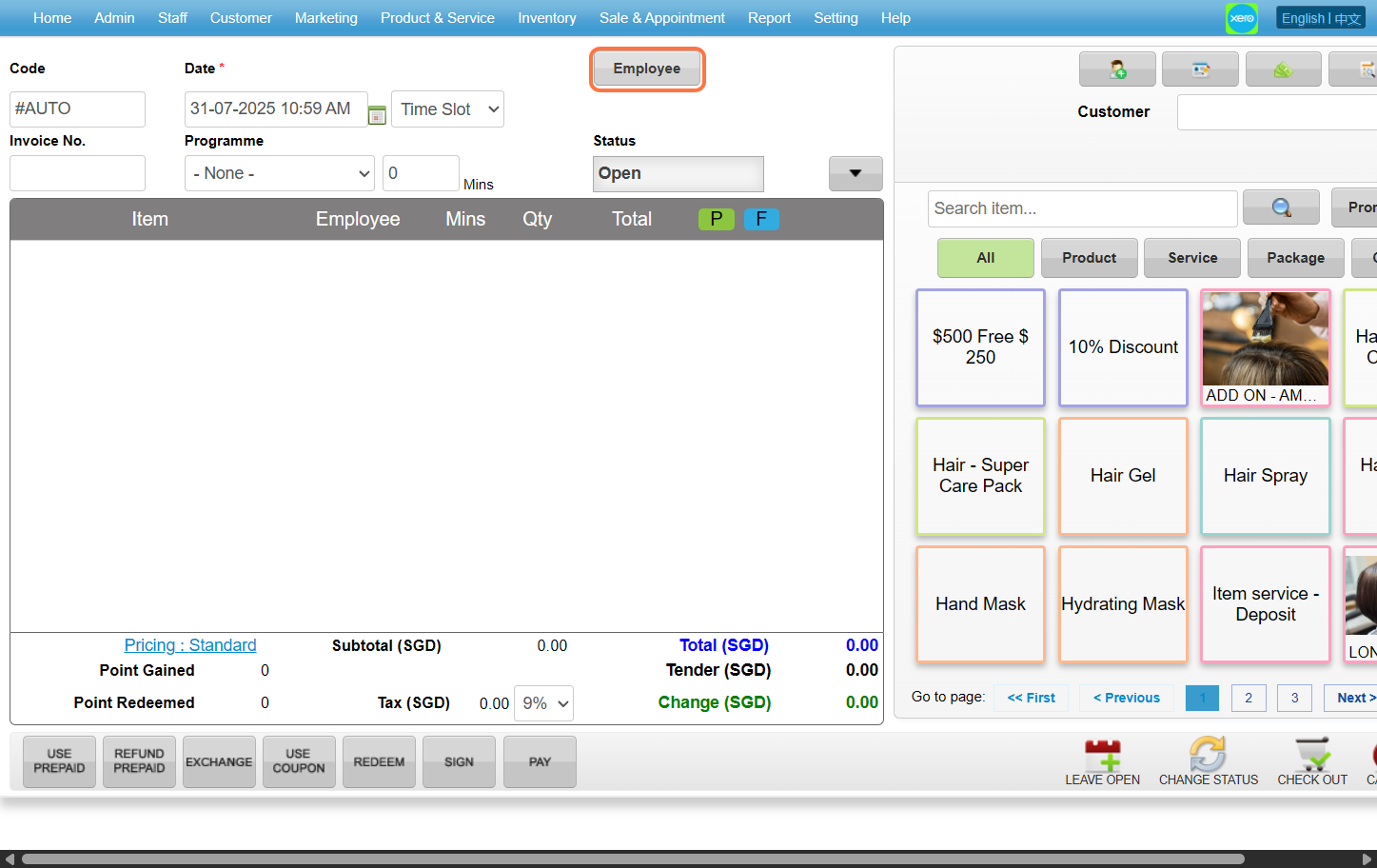
Step 5: Choose any employee you want then click “SET”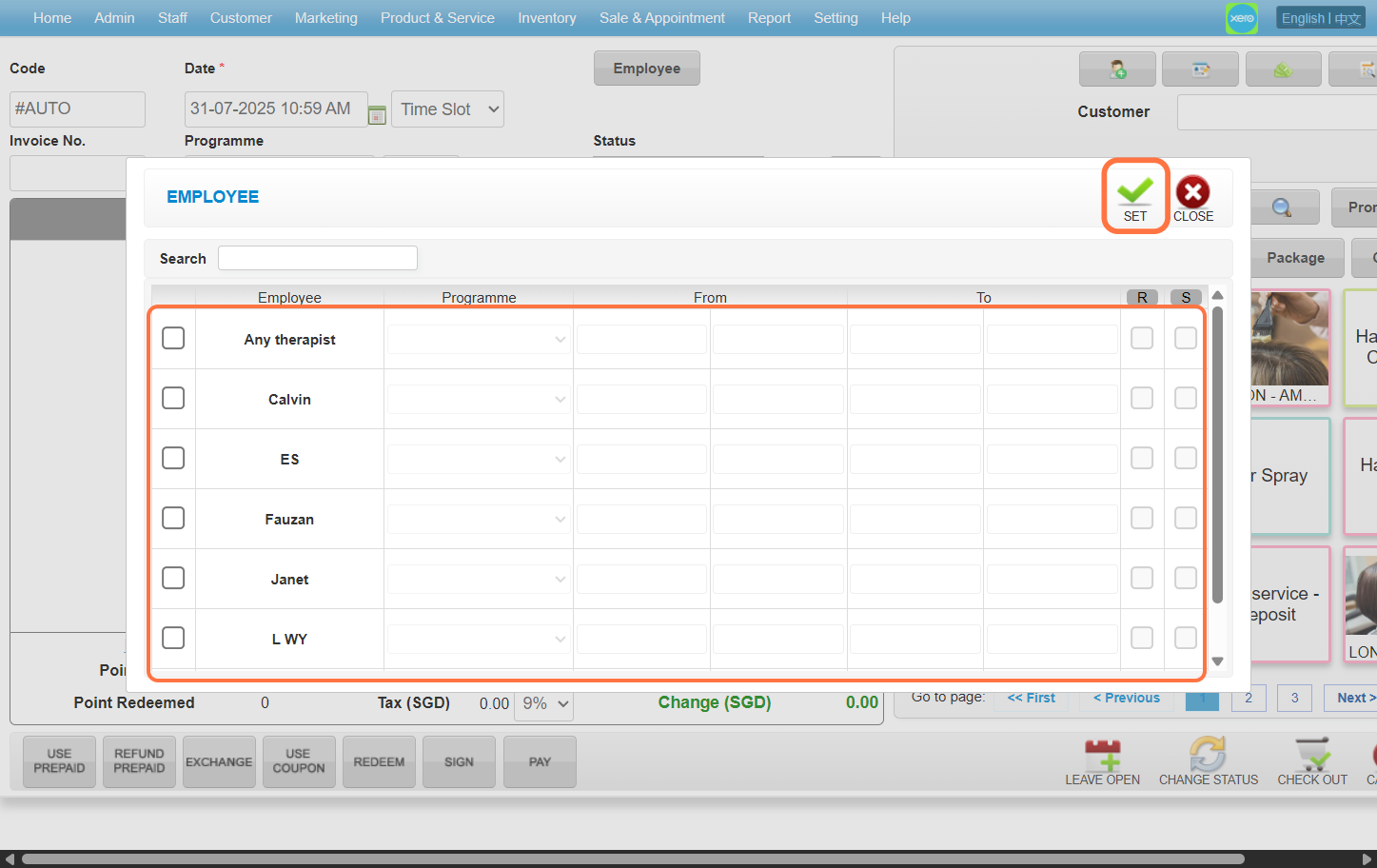
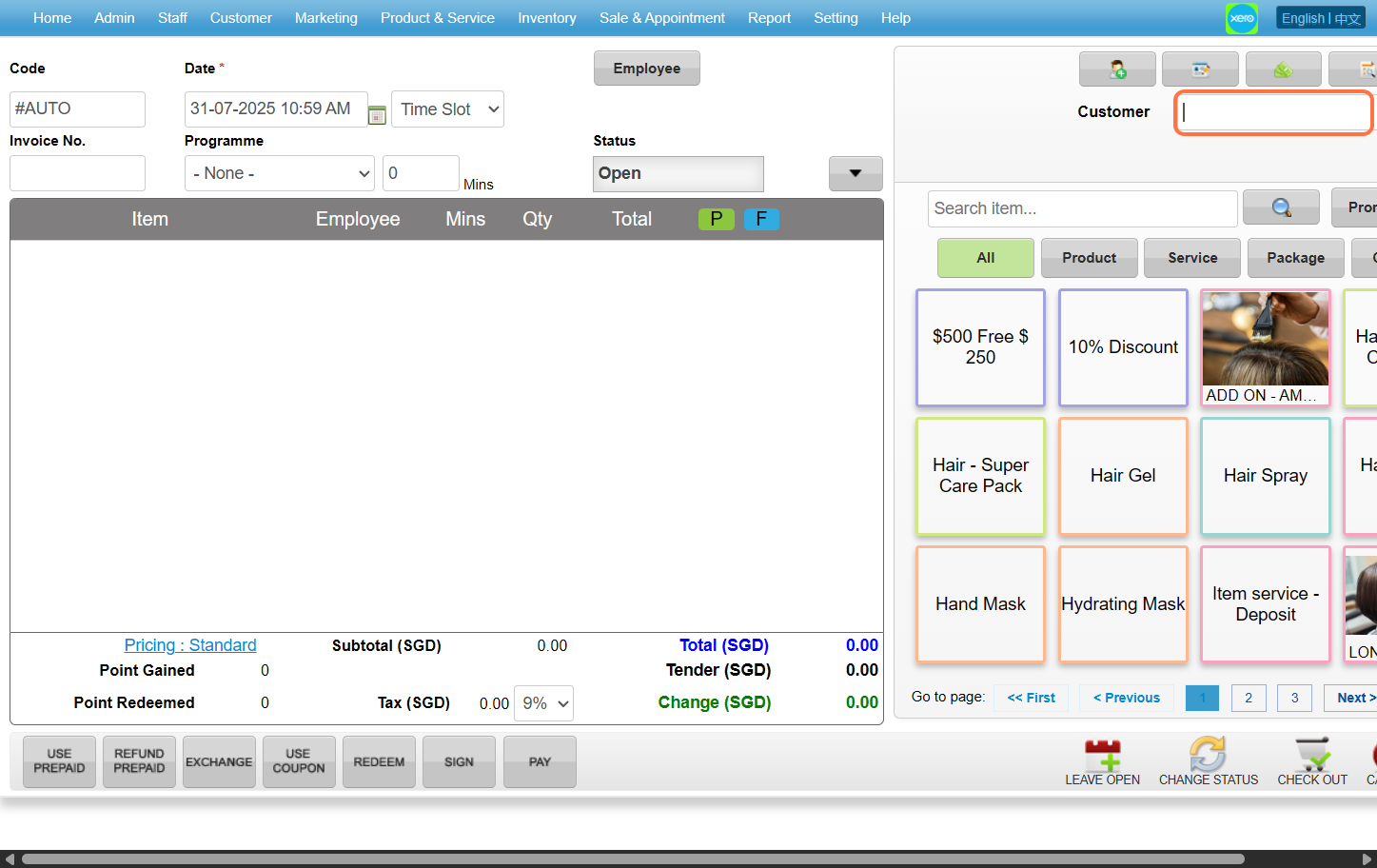
Step 6: Enter the customer name / code / phone number to search the customer you wanted
Step 7: Select the product / service / package / coupon that you wanted to choose
[!] Only favorited items, services, coupons, products etc will show up in the Sale Ticket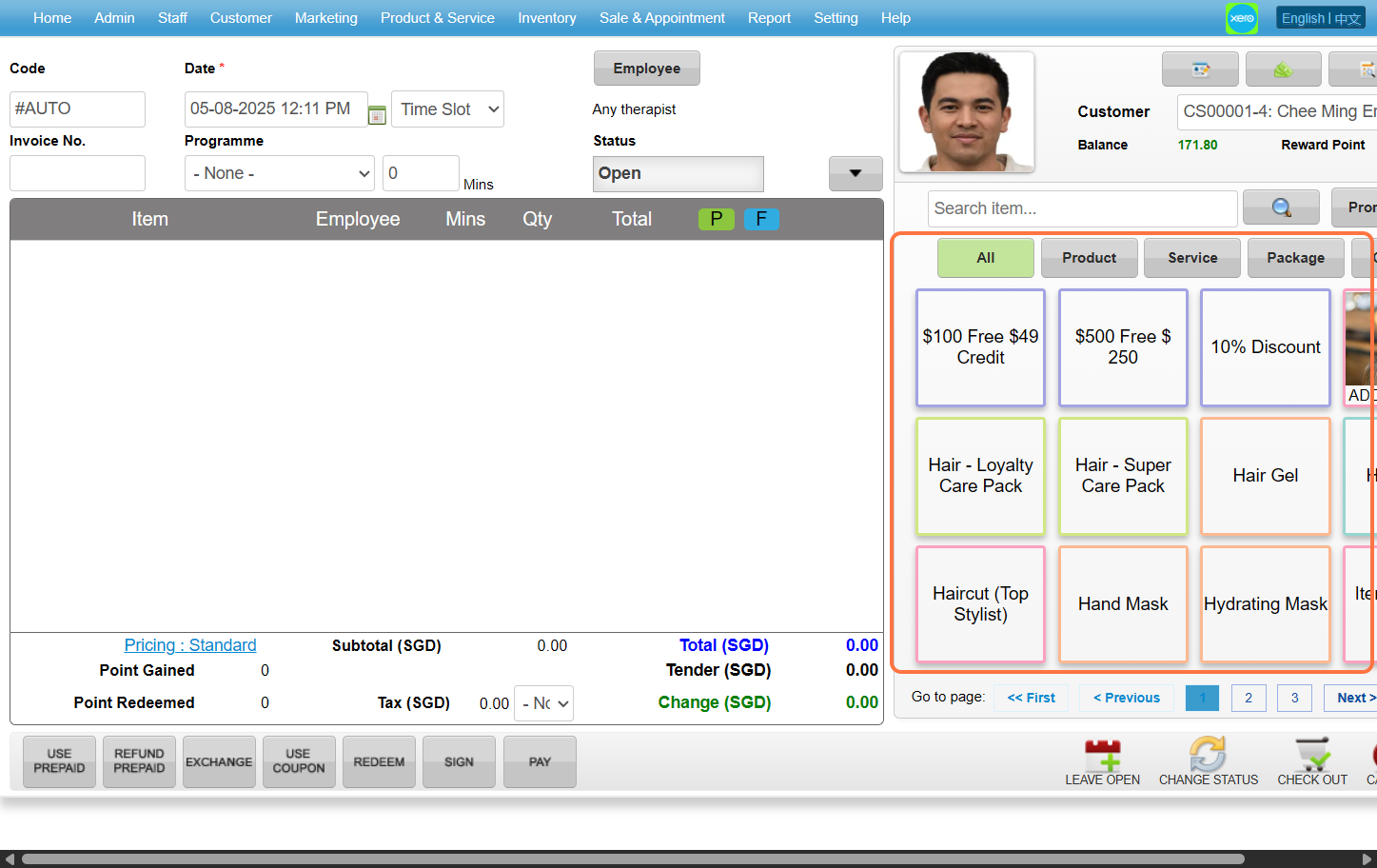
Step 8: Click “PAY”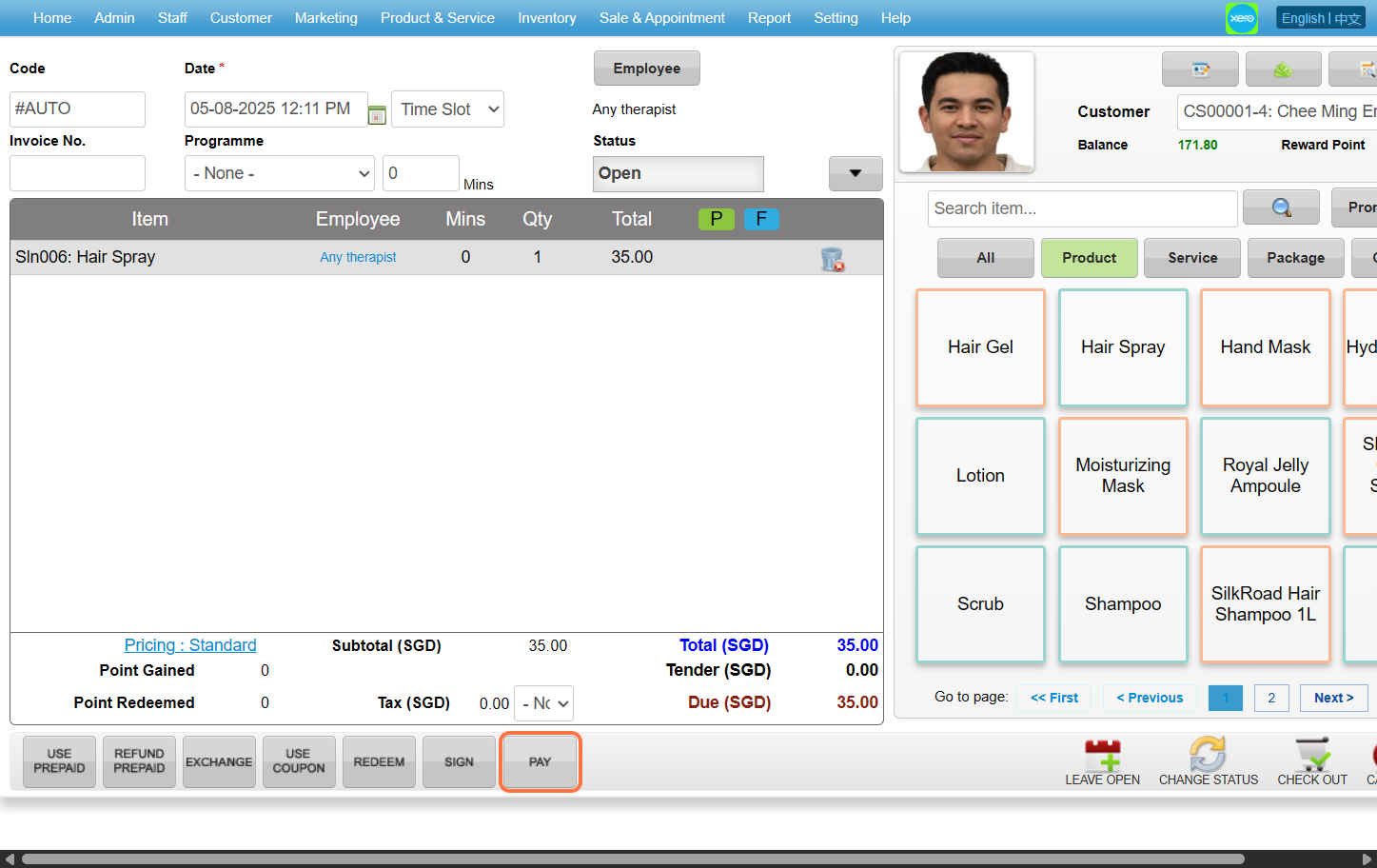
Step 9: Select the payment method and enter the amount paid by the customer.
[!] Full: Automatically sets the value to the total SGD amount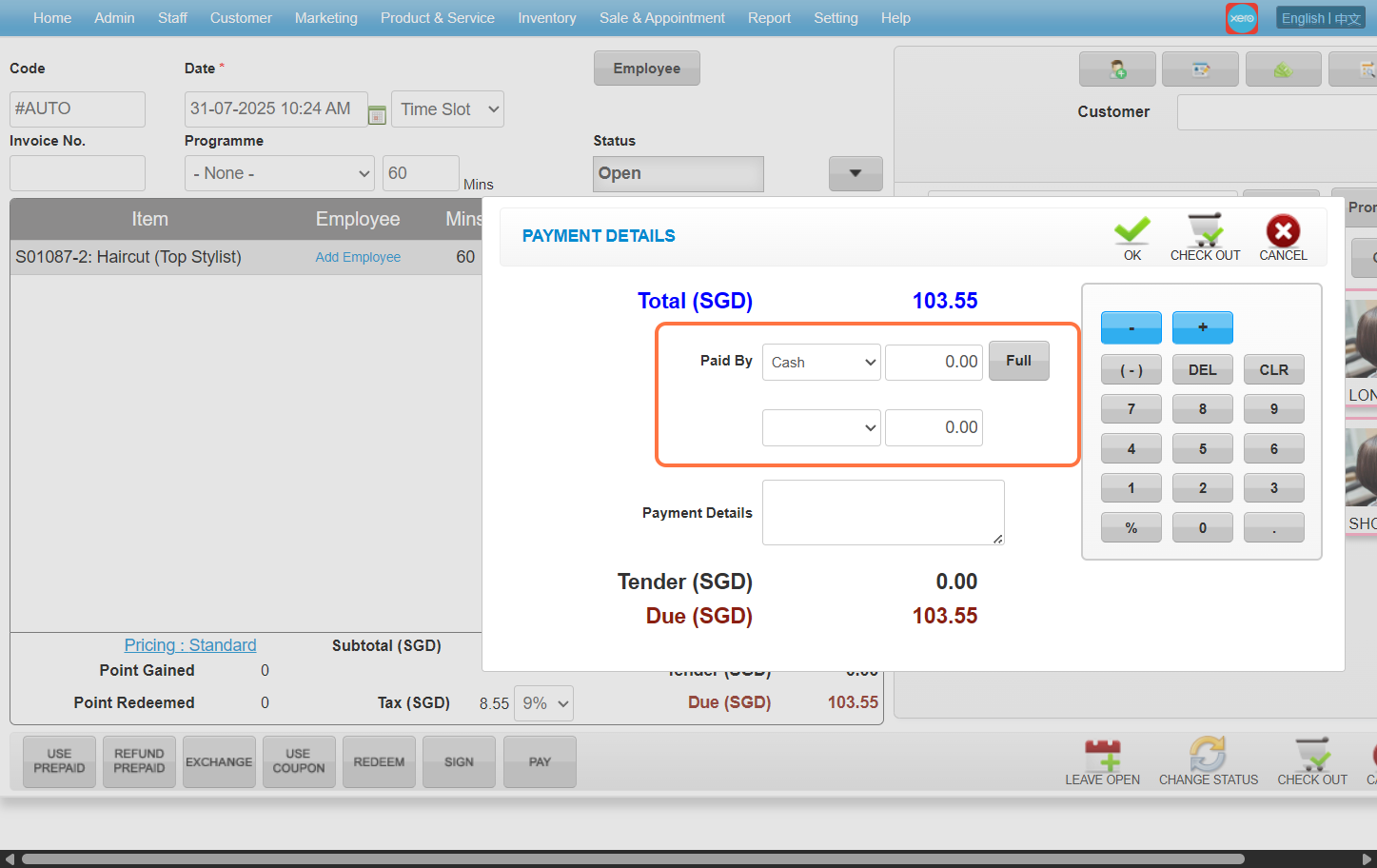
Step 10: Click “CHECK OUT” 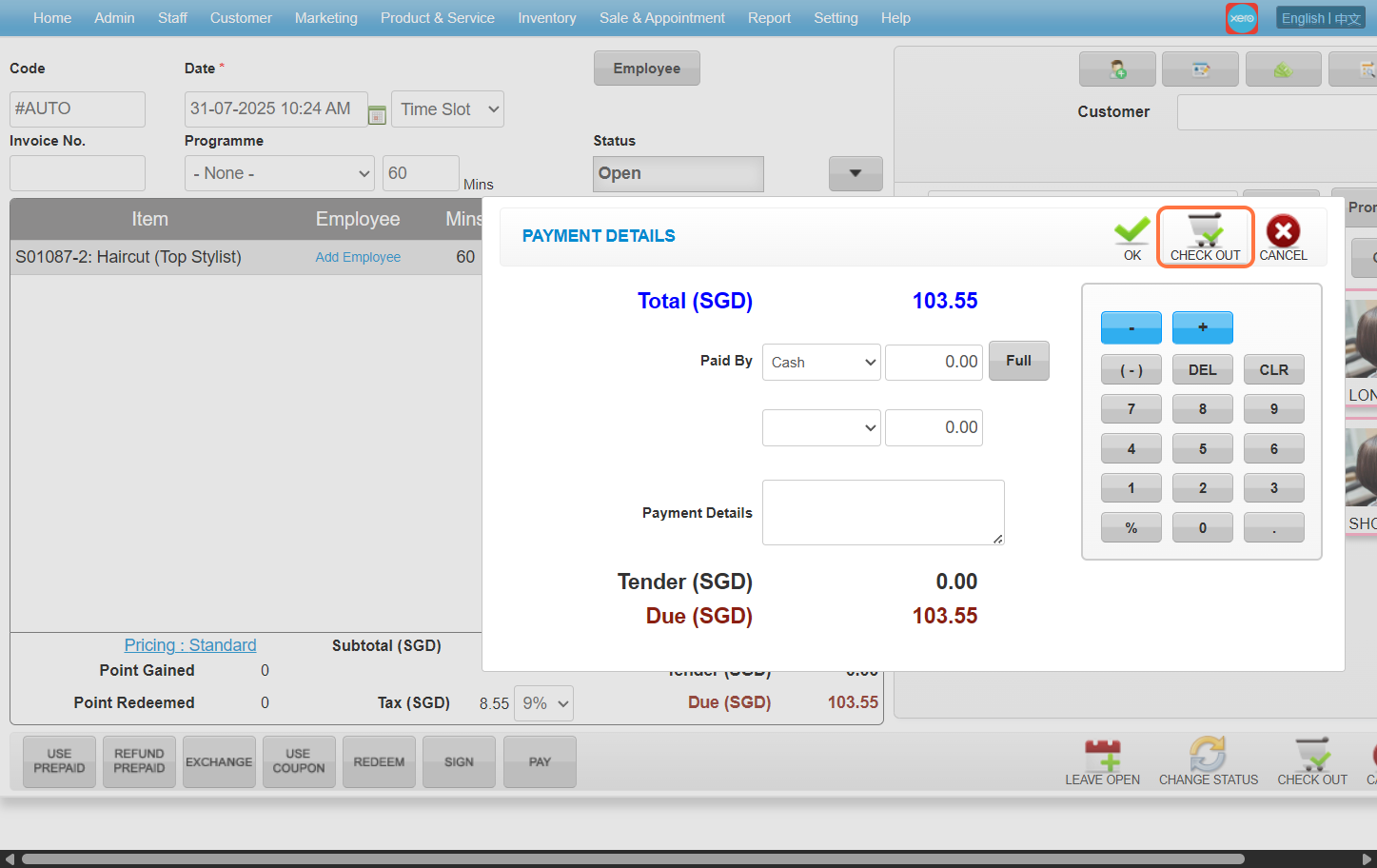
Last update: August 2025