
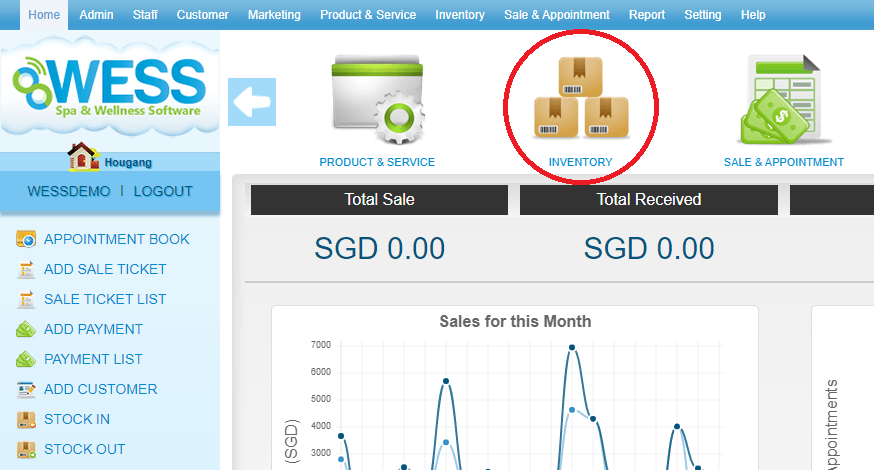
Step 1: Click “INVENTORY”
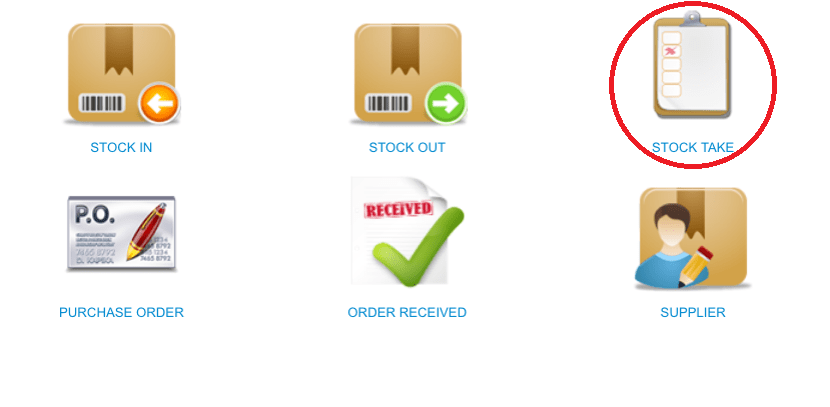
 Step 2: Click “STOCK TAKE”
 Step 3: Select the stock take record
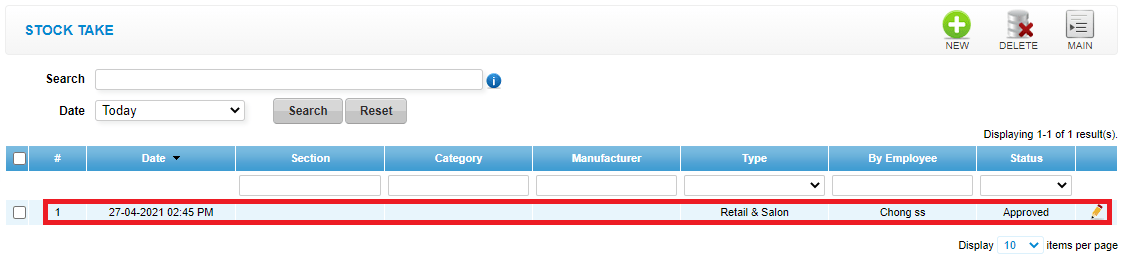 Step 4: Click “EDIT”
 Step 5: Click “PRINT DIFFERENT”
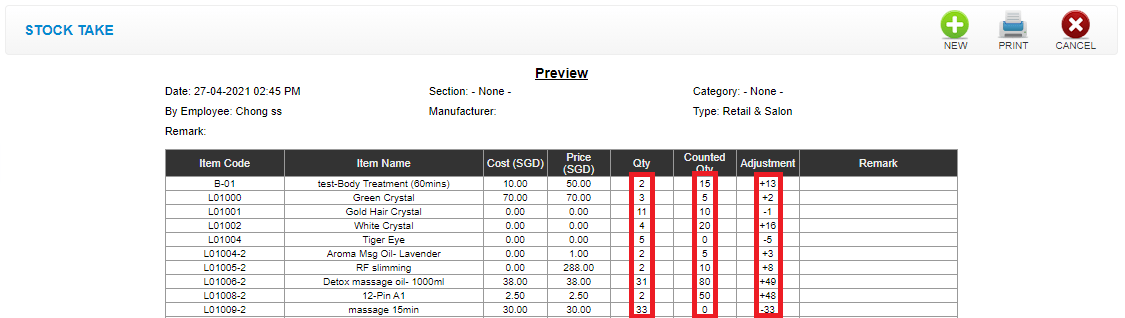
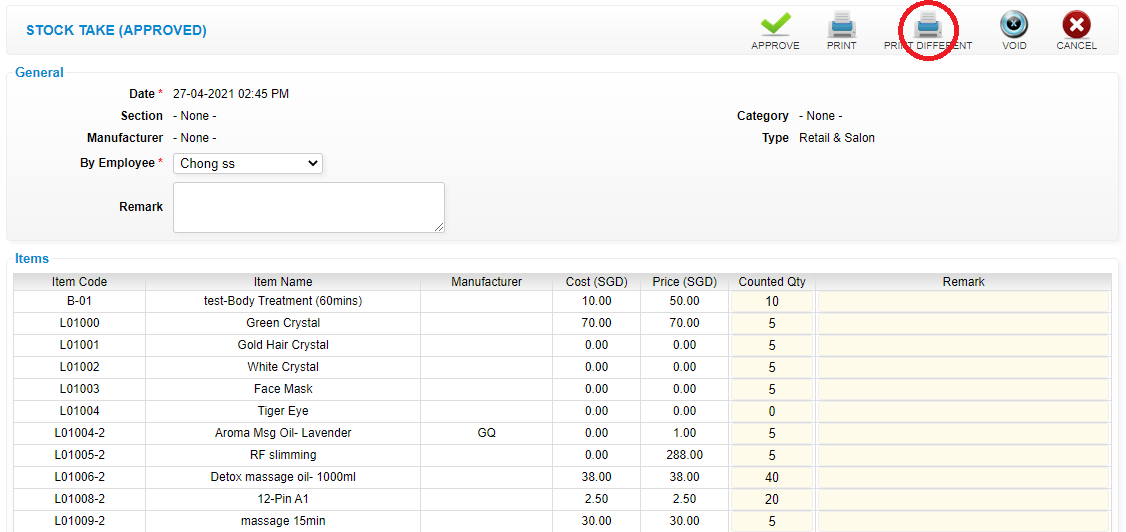 Qty : mean current quantity in stock balance
Counted Qty : mean current counted stock quantity
Adjustment : mean stock quantity adjustment
Qty : mean current quantity in stock balance
Counted Qty : mean current counted stock quantity
Adjustment : mean stock quantity adjustment
 Last update: April 2021
Step 2: Click “STOCK TAKE”
Step 3: Select the stock take record
Step 4: Click “EDIT”
Step 5: Click “PRINT DIFFERENT”
Qty : mean current quantity in stock balance
Counted Qty : mean current counted stock quantity
Adjustment : mean stock quantity adjustment
Last update: April 2021