
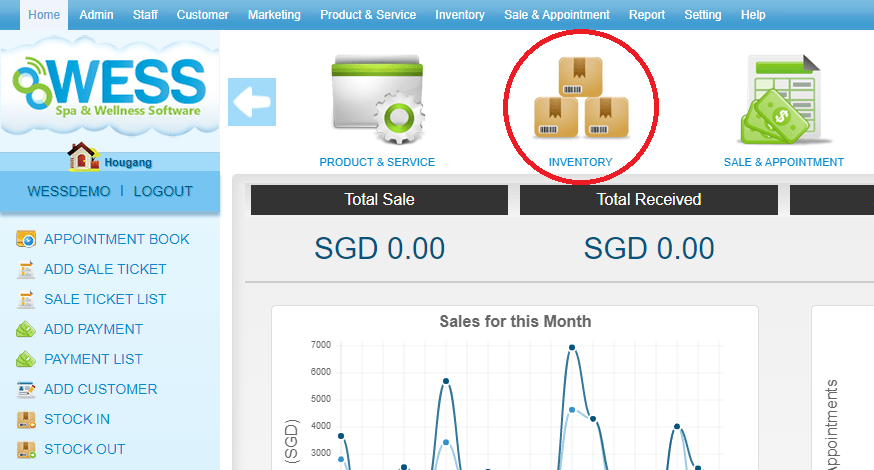
Step 1: Click “INVENTORY”
 Step 2: Click “SUPPLIER”
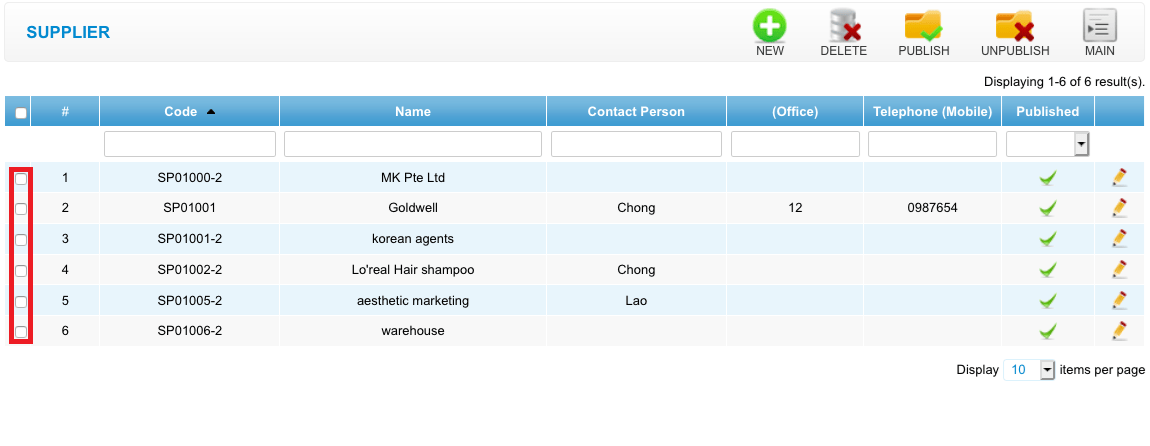
 Step 3: Select the supplier want to delete
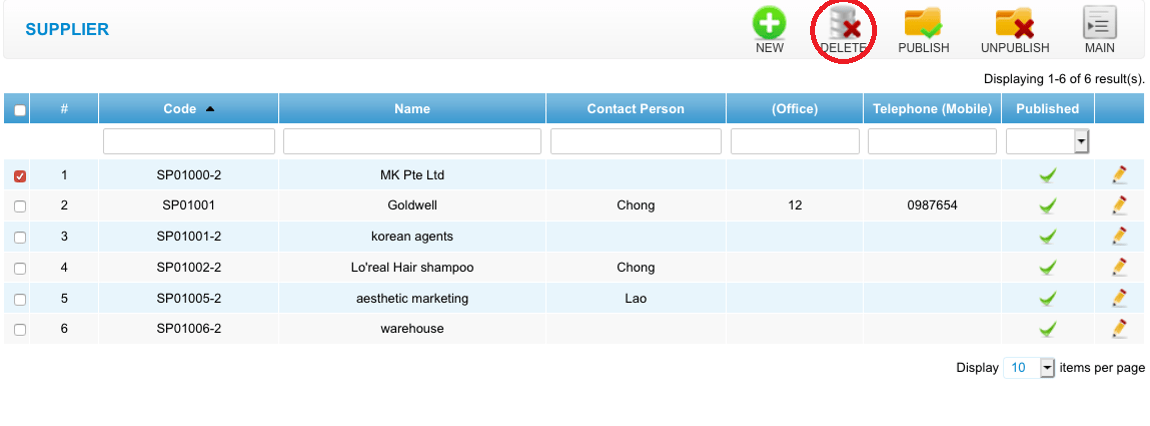
 Step 4: Click “DELETE”
 Last update: April 2021
Step 2: Click “SUPPLIER”
Step 3: Select the supplier want to delete
Step 4: Click “DELETE”
Last update: April 2021