
Step 1: Click “STAFF”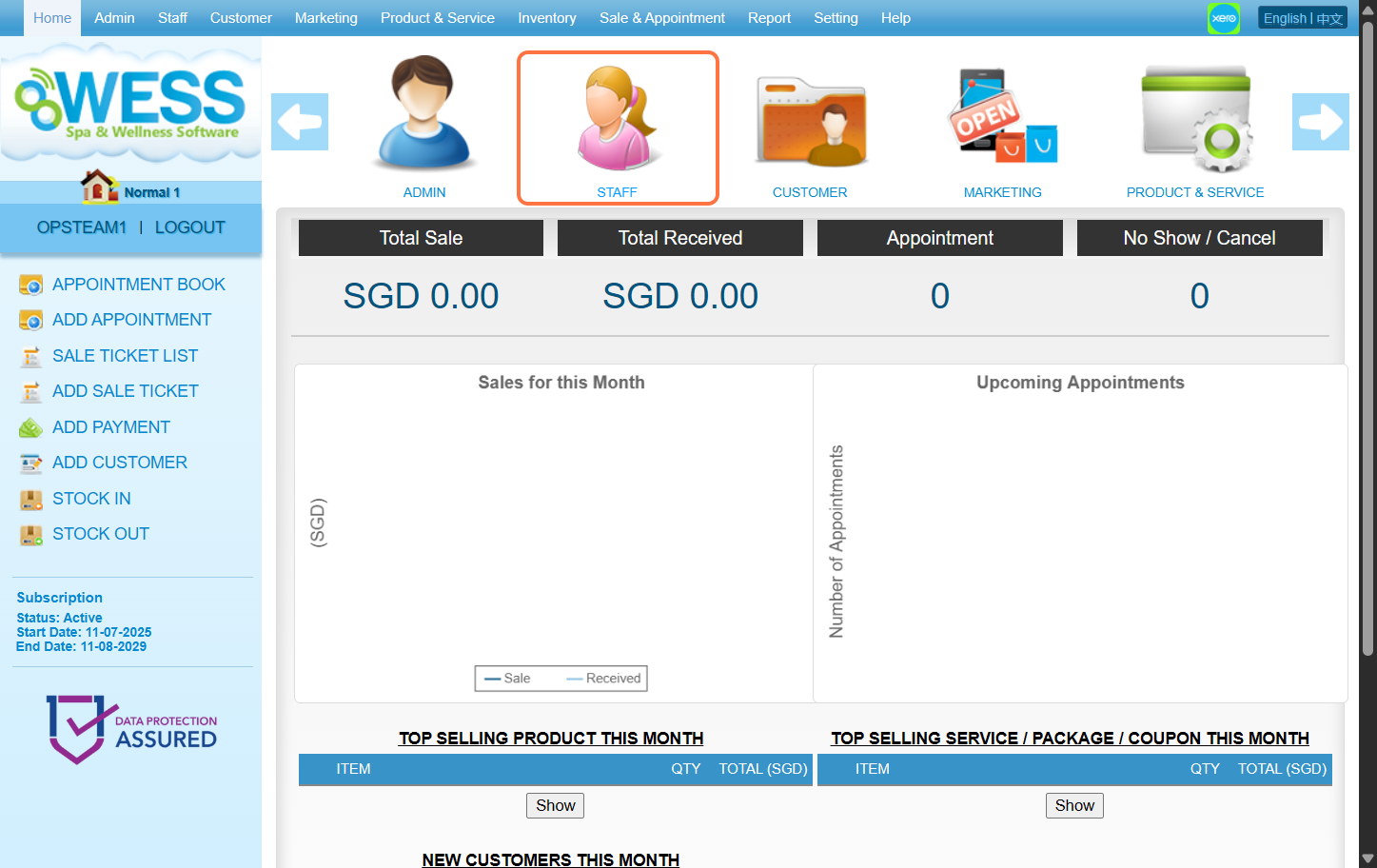
Step 2: Click “EMPLOYEE”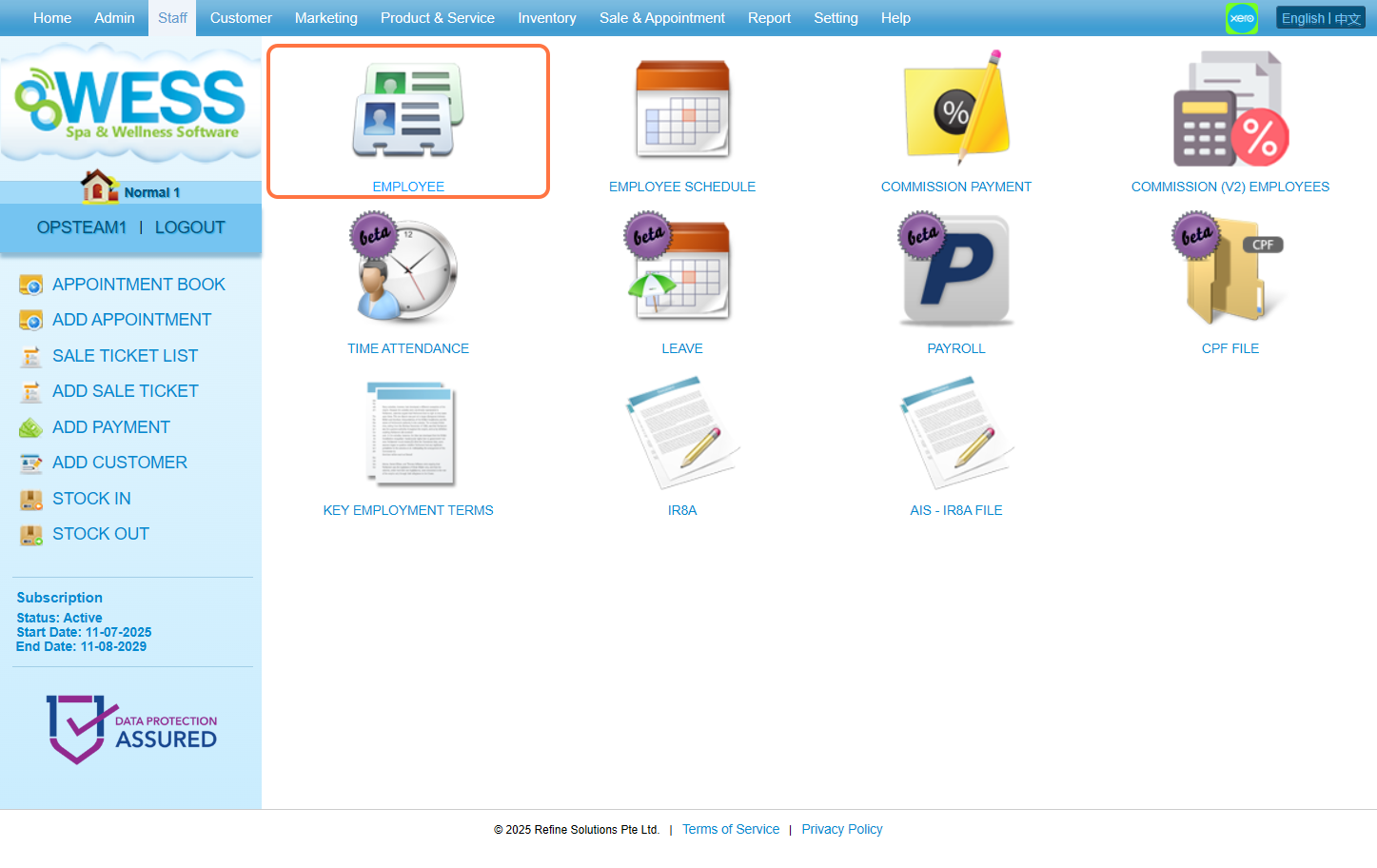
Step 3: Click “NEW”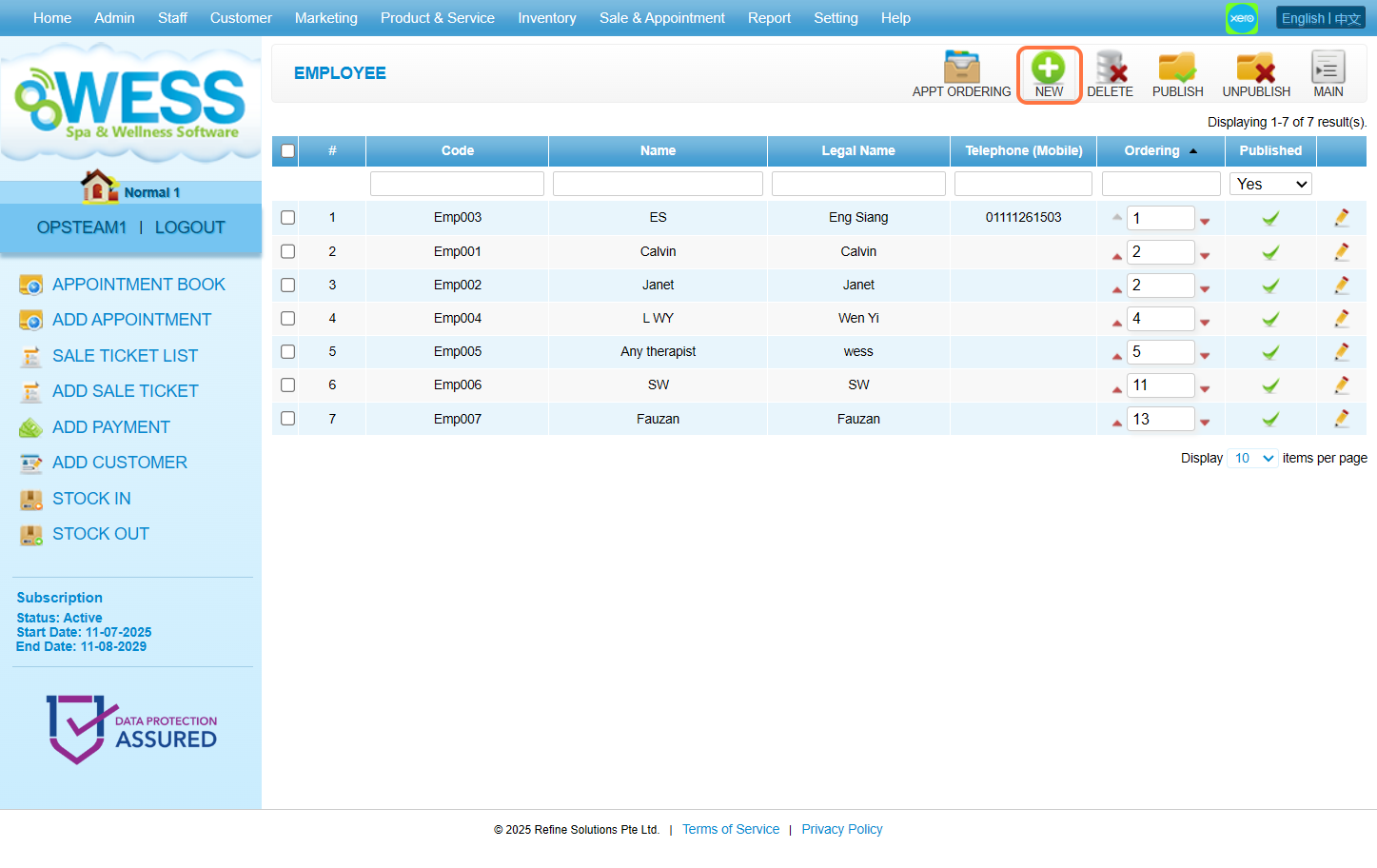
Step 4: Fill in employee details
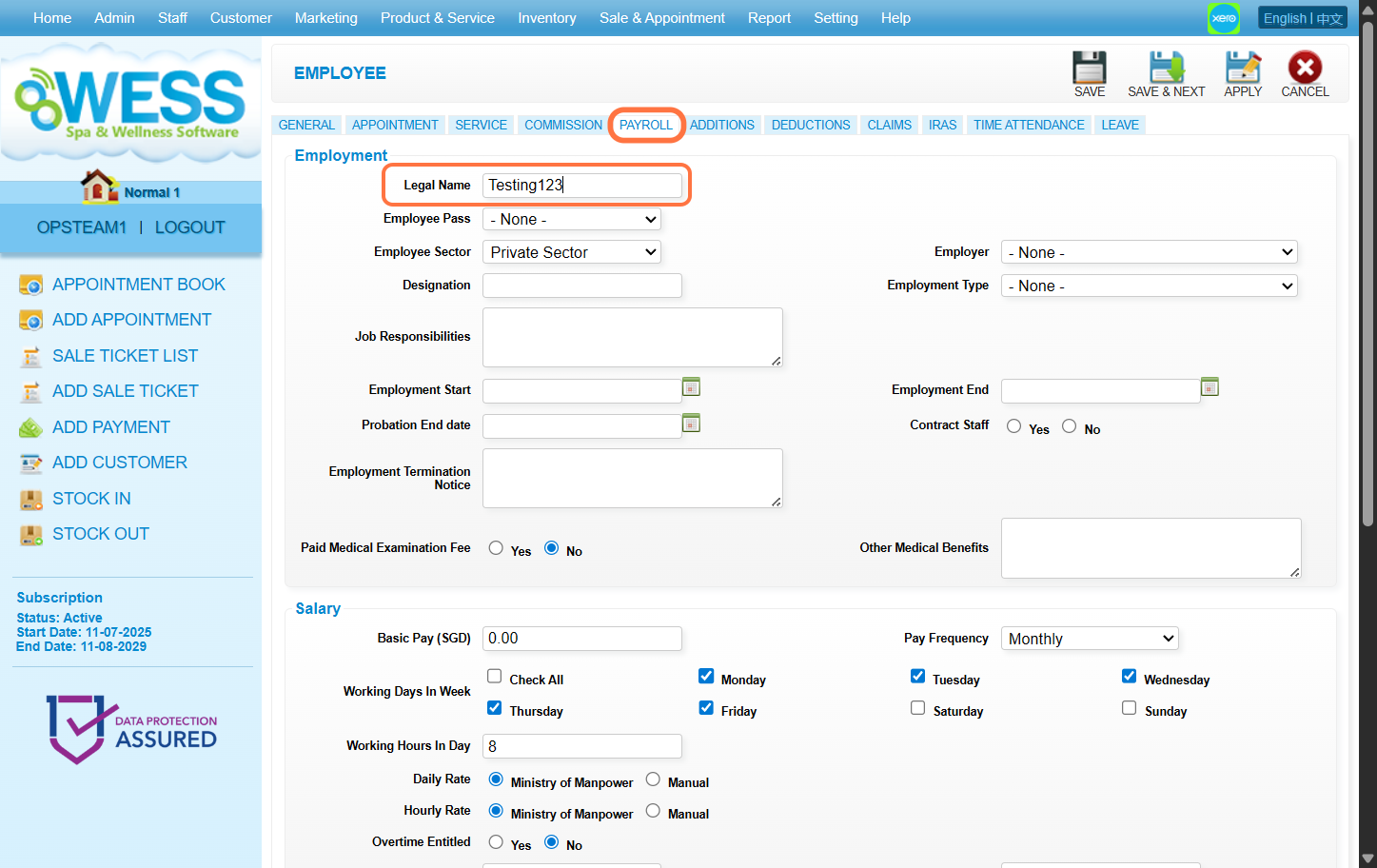
[!] The legal name under the Payroll Tab must be filled as well to be able to save.
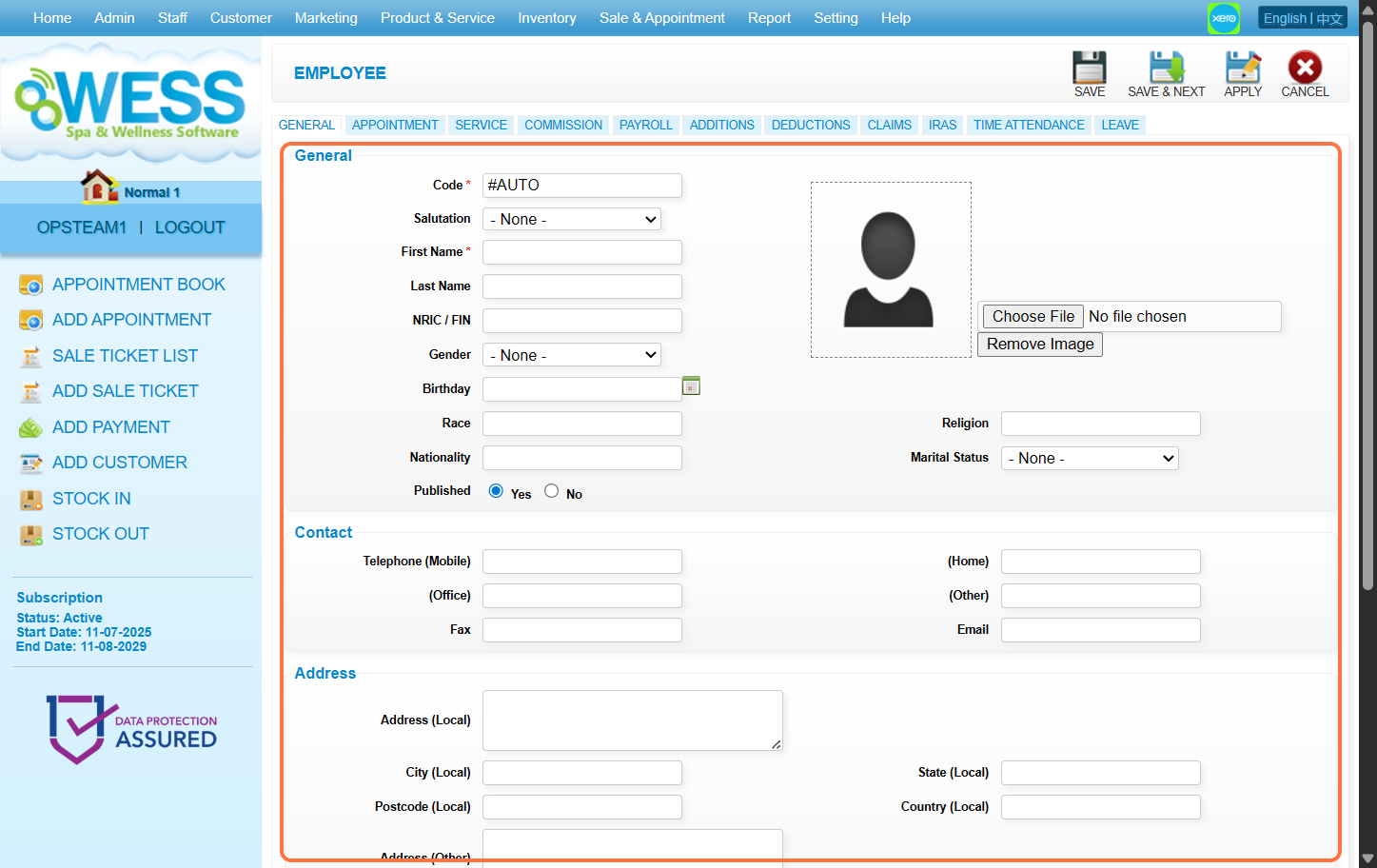
Step 5: Click “SAVE”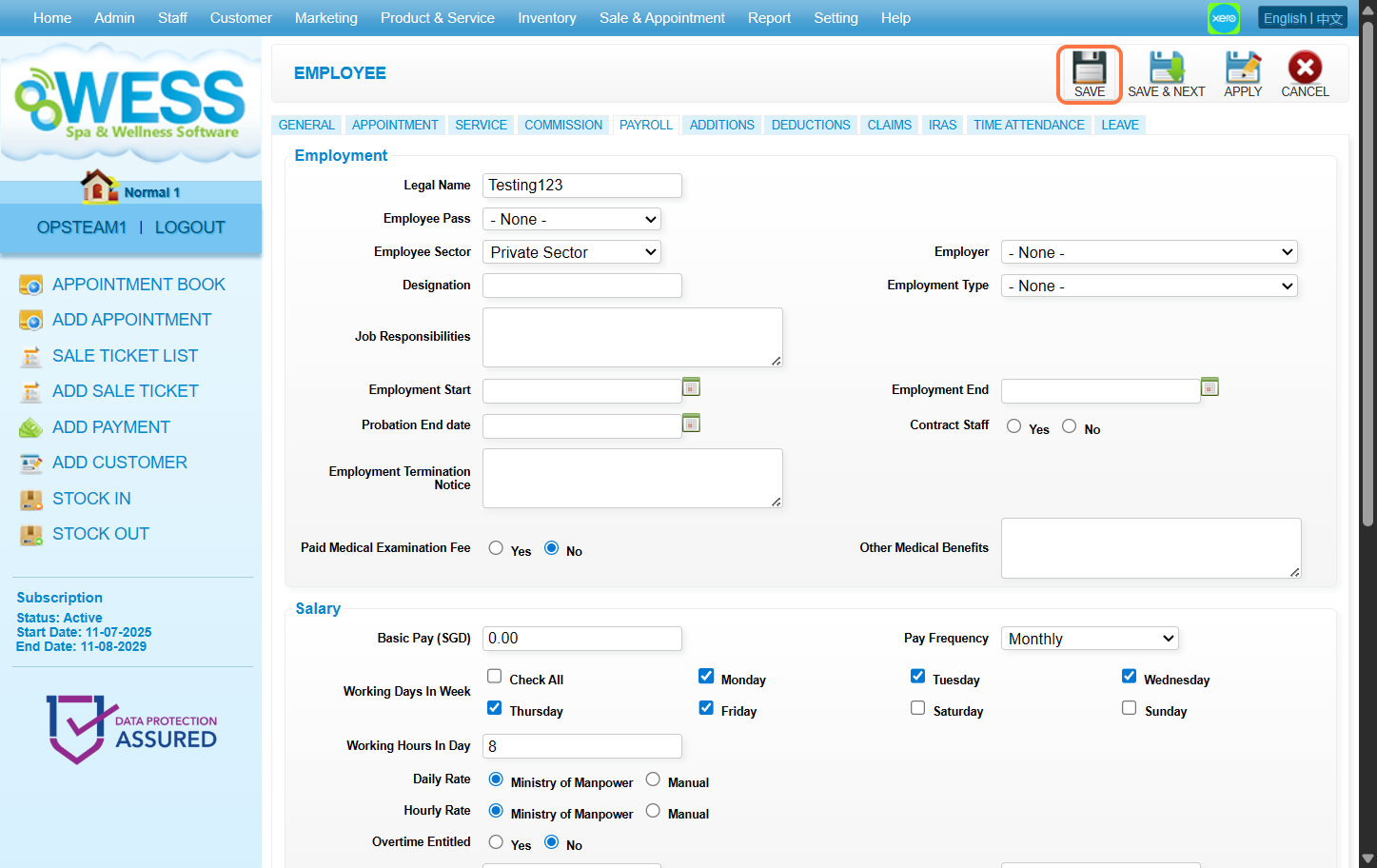
Last update: August 2025
Step 1: Click “STAFF”
Step 2: Click “EMPLOYEE”
Step 3: Click “NEW”
Step 4: Fill in employee details
[!] The legal name under the Payroll Tab must be filled as well to be able to save.
Step 5: Click “SAVE”
Last update: August 2025